

SewArt

About SewArt
Turning a picture into something an embroidery machine can sew is called digitising, and it is a skilled trade for good reasons. SewArt automates the mechanical part of it, taking an image and producing a stitch file in the format your machine reads.
SewArt outputs the formats the common machine brands use, so the file that comes out goes onto a card or a stick and into the machine without an intermediate step.
What decides whether the result is worth sewing has very little to do with the conversion itself, which is the thing nobody explains before somebody spends an evening being disappointed.
The image preparation is the actual work
Here is the practical fact that changes how you use SewArt.
Stitches are areas of solid colour with defined edges. An image made of flat regions and clean boundaries converts into stitches straightforwardly, because each region becomes a filled area and each boundary becomes an outline.
A photograph does not. Gradients, shadows, thousands of subtly different colours and soft edges have no equivalent in thread, so automatic conversion produces either a chaotic mess of tiny colour blocks or a flat blob, depending on the settings.
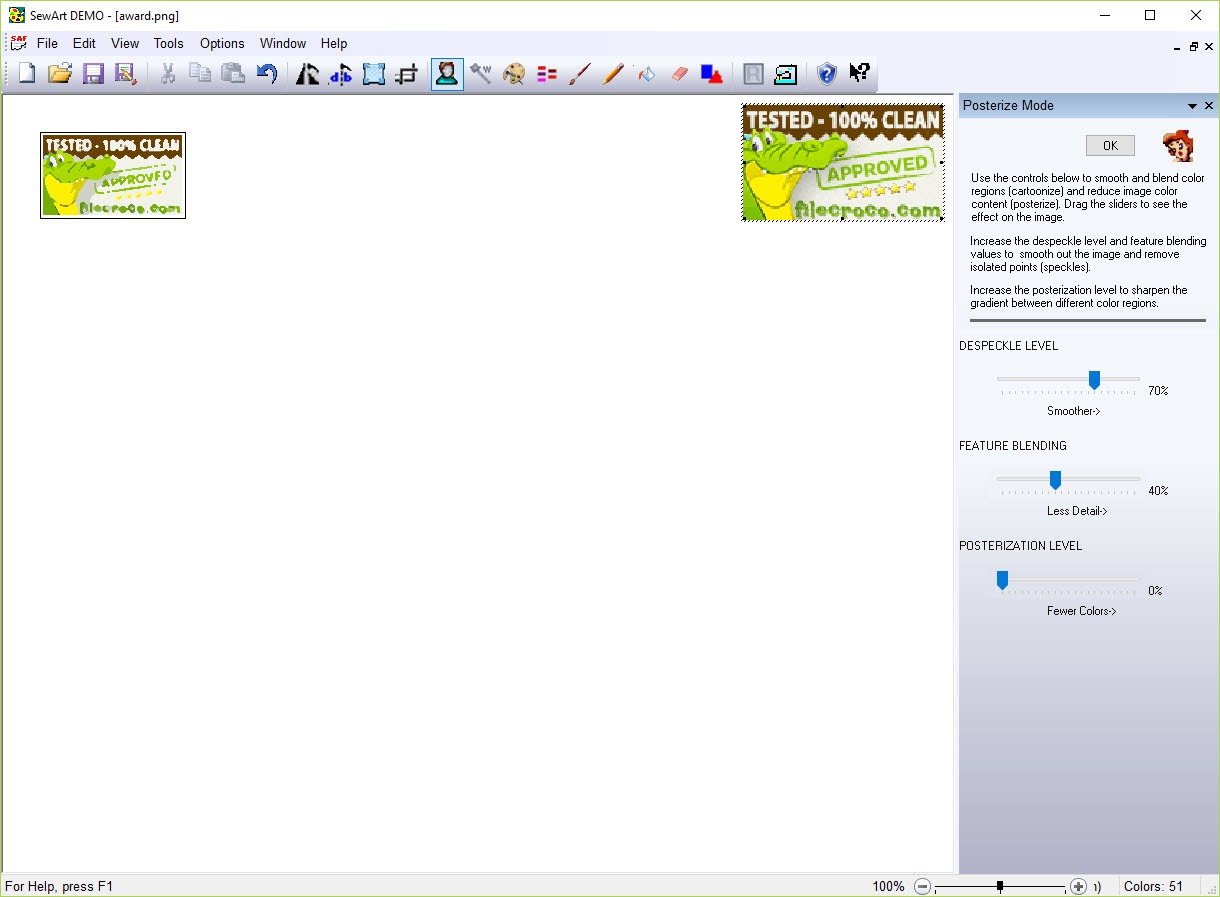
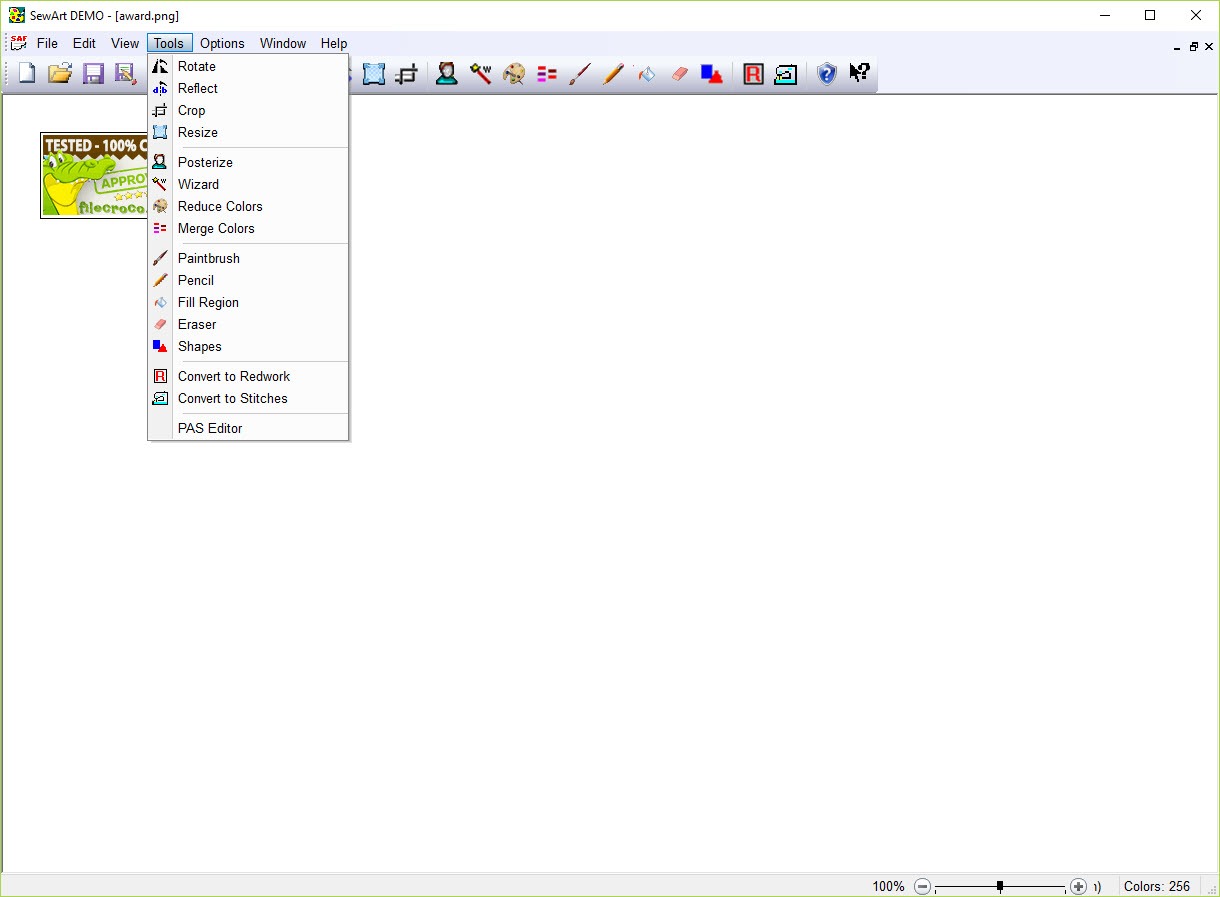
This is why SewArt includes tools for reducing the number of colours, merging similar ones, cleaning edges and removing backgrounds. Those are not extras around the conversion, they are the main task, and time spent there is what determines the quality of everything afterwards.
The practical target is a handful of flat colours with crisp boundaries. Getting an image into that state is image editing, and a raster editor with proper colour and selection tools does that job with considerably more control before you import anything.
Vector art skips most of the problem
Anybody with a choice about the source should feed SewArt vector artwork rather than a photograph.
Vector drawings are already made of defined shapes with exact boundaries and flat colours, which is precisely what stitches need. The conversion has nothing to guess at, and the result reflects the drawing rather than an interpretation of it.
A logo drawn properly, rather than a photograph of a logo, is the difference between a clean result and an evening of fighting the colour reduction tools. Inkscape draws that kind of artwork and exports it in a form this accepts.
Stitch types, and why they matter
Once regions exist, SewArt assigns each one a stitch type, and the choice affects both appearance and durability.
Satin stitches lay parallel threads across a narrow area, which is how lettering and outlines get their sheen. Fill stitches cover a broad area with rows, which is what a large shape needs since satin over a wide span leaves long loose threads that snag.
The automatic assignment is reasonable and it is not always right. A narrow shape assigned a fill looks flat and a wide one assigned satin catches on everything, so reviewing what it chose is part of the job rather than an optional refinement.
What automation does not reason about
Being clear about the SewArt ceiling, because it explains the gap against professional digitising.
A skilled digitiser thinks about the direction stitches run, how dense they are, what underlay goes down first to stabilise the fabric, plus how much the fabric pulls the design inwards as it stitches. Those decisions are why professional work sits flat and holds its shape.
Automatic conversion does not reason about any of that. It fills regions sensibly and leaves the rest, which is fine on a stable fabric with a simple design and shows on anything demanding.
The result is a real capability with a visible ceiling. For a home project, a gift, a bag or a shirt, it produces something people are pleased with. Next to commercially digitised work the difference is apparent to anybody who sews.
The fabric will change the outcome
One more thing sits outside the software’s control, and it gets blamed on the software constantly.
The same file stitches differently on a stable woven fabric than on something stretchy, and a design that looks correct on screen can pucker on the wrong material. Stabiliser underneath is what prevents that, and choosing it is a sewing decision rather than a software one.
Hoop size sets the other limit. A design larger than the hoop cannot be stitched in one pass regardless of what the file contains, so the physical constraint belongs at the start of the design rather than at the end.
Conclusion
SewArt brings digitising within reach of somebody with an embroidery machine and no intention of learning a trade. A logo, a simple drawing or clean lettering becomes a stitch file in an evening, in the format the machine wants, which is a properly useful capability at this end of the market.
Approach it as image preparation rather than conversion. The tools for reducing colours and cleaning edges are where the quality is decided, vector artwork skips most of that work entirely, and the things automation cannot judge, meaning stitch direction, density and how fabric behaves, are what separates the result from professional work. Within those limits it does what it promises.
Pros & Cons
- Produces files in the formats the common machine brands read
- Colour reduction, edge cleaning and background removal built in
- Accepts vector artwork, which converts far more cleanly than photographs
- Stitch types assigned per region and adjustable afterwards
- Turns a simple logo or drawing into something sewable in an evening
- Photographs convert badly regardless of settings
- Most of the effort goes into preparing the image rather than converting it
- Stitch direction, density, underlay, pull compensation are none of them reasoned about
- Results are visibly below professionally digitised work on demanding designs
- Hoop size and fabric behaviour limit outcomes independently of the software
Frequently asked questions
Not usefully. Photographs contain gradients and thousands of colours, which have no equivalent in thread, so the conversion produces either a chaotic result or a flat one. Images with a few solid colours and clean edges are what works.
Reduce it to a handful of flat colours with crisp boundaries, remove the background and clean up the edges. That preparation determines the quality of the result far more than any conversion setting.
Usually stabiliser rather than the file. Stretchy material moves as it is stitched, and the same design that sits flat on a stable woven fabric distorts without proper backing underneath.
No, and the gap is in what automation cannot reason about, meaning stitch direction, density, underlay and how much the fabric pulls in. For home projects the difference rarely matters, and on demanding designs it shows.
Whichever your machine reads, and the common brand formats are covered. Checking that before starting saves producing a design your machine will not accept.


