

Inkscape
About Inkscape
Vector drawing means describing shapes mathematically rather than as pixels, so a logo scales from a business card to a billboard without softening. Inkscape does that work in the format the web itself uses, which turns out to matter more than any individual feature.
The Inkscape format is text underneath. A file can be opened in an editor, read, altered by a script, or handed to a browser that draws it directly, and nothing is locked inside a proprietary container that only one application understands.
The practical consequence is longevity. A drawing made here remains editable by anything that understands the standard, which is a great deal of software and will continue to be, and that is not true of every alternative.
For a simple diagram rather than artwork, the drawing component bundled with an office suite is quicker to reach for and produces something adequate in five minutes.
Node editing is the actual skill
Everything in Inkscape reduces to points and the handles controlling the curve between them, and the node tool is where most of the time goes.
Nodes come in types that determine how the curve behaves through them. A smooth node keeps the handles aligned so the curve flows, a corner node lets them move independently for a sharp change of direction, and switching between them reshapes a path without redrawing it.
Learning that properly is the difference between fighting the software and using it. Somebody who understands node types draws a clean shape in a dozen points, and somebody who does not produces forty points and a lumpy outline.
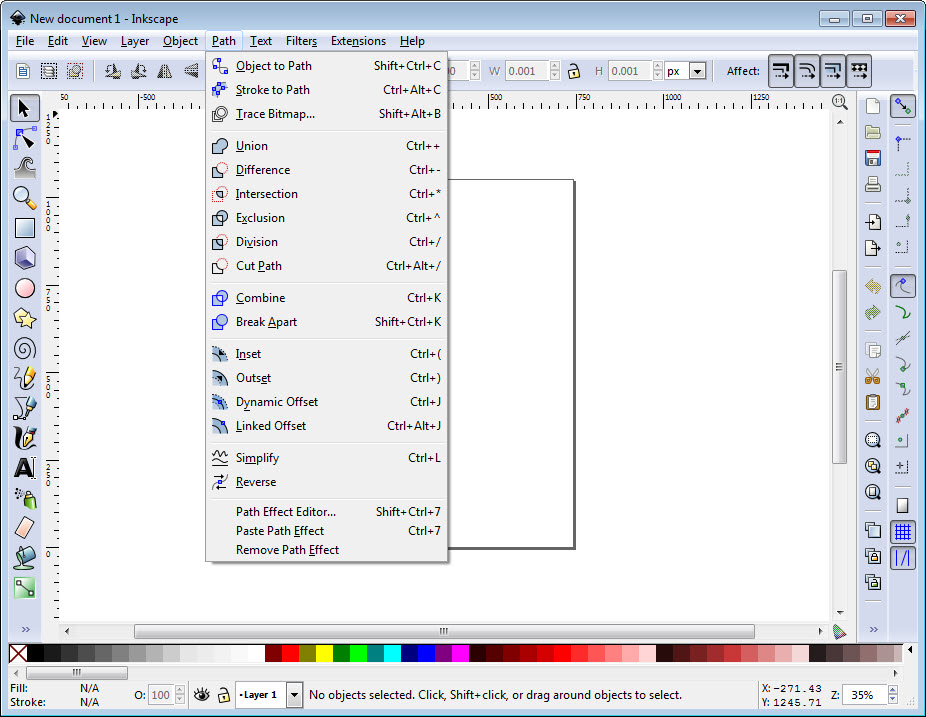
Path simplification exists for the second case, reducing node count while approximating the shape, which is also how a traced or imported path becomes workable.
Drawing lines as pixels instead is a different discipline with different tools, and a raster program built around line art and comic panels suits somebody whose work is inked rather than constructed.
Path operations do the real work
Most shapes in a finished Inkscape drawing are not drawn directly. They are the result of combining simpler ones, and the boolean operations are how.
Union merges shapes into one. Difference removes one from another. Intersection keeps only the overlap. Exclusion keeps everything except the overlap, and division cuts one path with another.
That vocabulary covers a startling proportion of real work. A crescent is a circle minus an offset circle. A ring is a circle minus a smaller concentric one. A shape with a bite taken out of it is a difference operation, and building drawings this way is both faster and considerably more precise than attempting the outline by hand.
Offset paths extend the same thinking, producing a path parallel to an existing one at a set distance, which is how outlines and borders that follow a complex shape get made.
Effects that stay adjustable
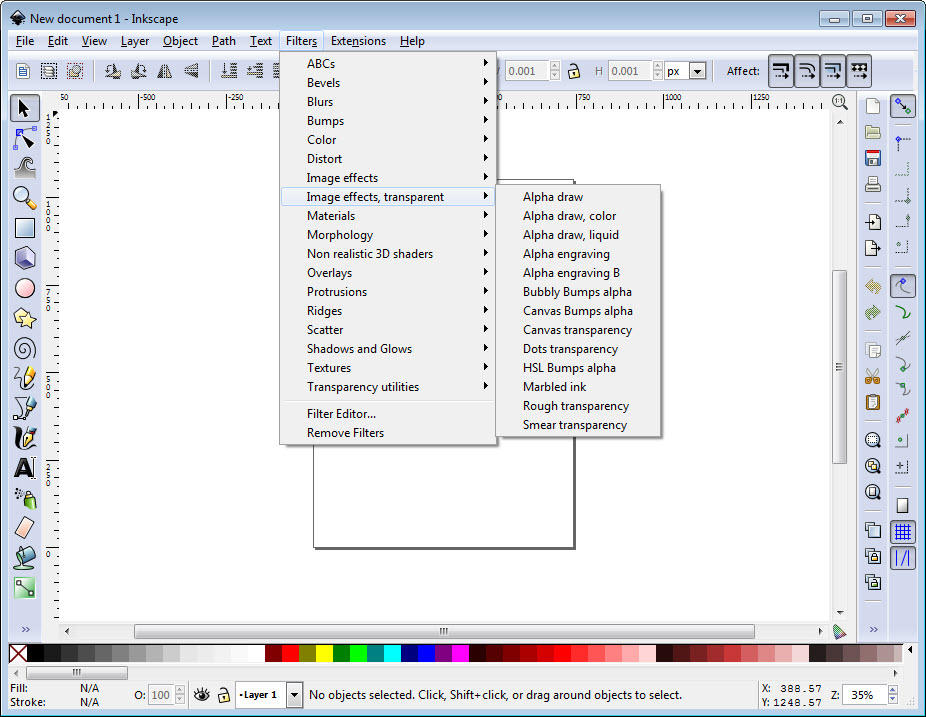
Inkscape applies live path effects as modifiers, leaving the original path intact underneath, so the result remains editable and the effect remains adjustable.
The distinction matters in practice. A destructive operation gives you the result and takes away the ability to change your mind, while a non-destructive one keeps both, meaning a pattern applied along a path can have its spacing changed a week later without rebuilding anything.
That is the closest Inkscape comes to the parametric approach engineering software uses, and for repetitive decorative work it saves an enormous amount of redrawing.
Clones, tiling, text along a curve
Inkscape clones are copies that follow their original. Change the source and every clone changes with it, which is how a drawing with fifty identical elements stays maintainable rather than becoming fifty separate objects to edit.
Tiled clones extend that into patterns, generating rows, columns, rotations, progressive transformations from a single object. Producing a complex repeating arrangement becomes a matter of setting parameters rather than duplicating and positioning by hand.
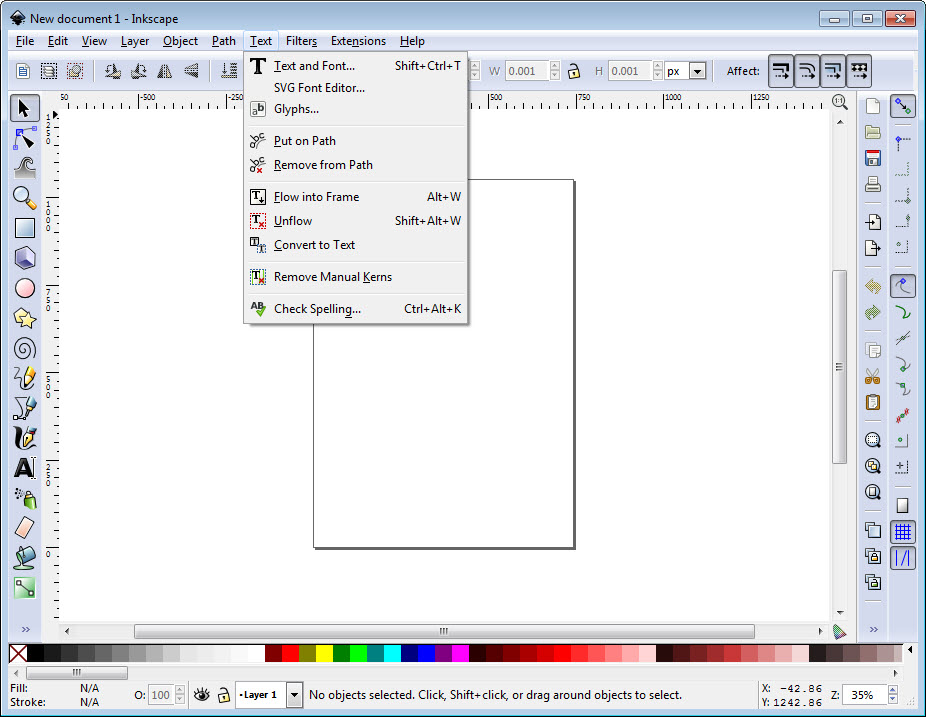
Text follows paths, so lettering can run along a curve, and text flows into shapes, so a paragraph fills an irregular container. Both are the sort of thing people assume requires a page layout application.
Tracing a bitmap, honestly
Inkscape converts a raster image into paths, and the results depend entirely on the input, which is worth saying plainly because expectations are usually wrong.
Clean high-contrast artwork traces well. A scanned logo, a black and white drawing, or a silhouette produce usable paths that need modest cleanup, and that is a genuine time saver.
A photograph does not. Tracing produces hundreds of overlapping paths approximating tonal regions, which is technically a vector file and is not something anybody can edit meaningfully. The honest answer for photographs is redrawing rather than tracing.
For the raster side of the same workflow, meaning photograph editing, retouching, anything pixel-based, GIMP is the counterpart most people install alongside.
Extensions, and the plotter connection
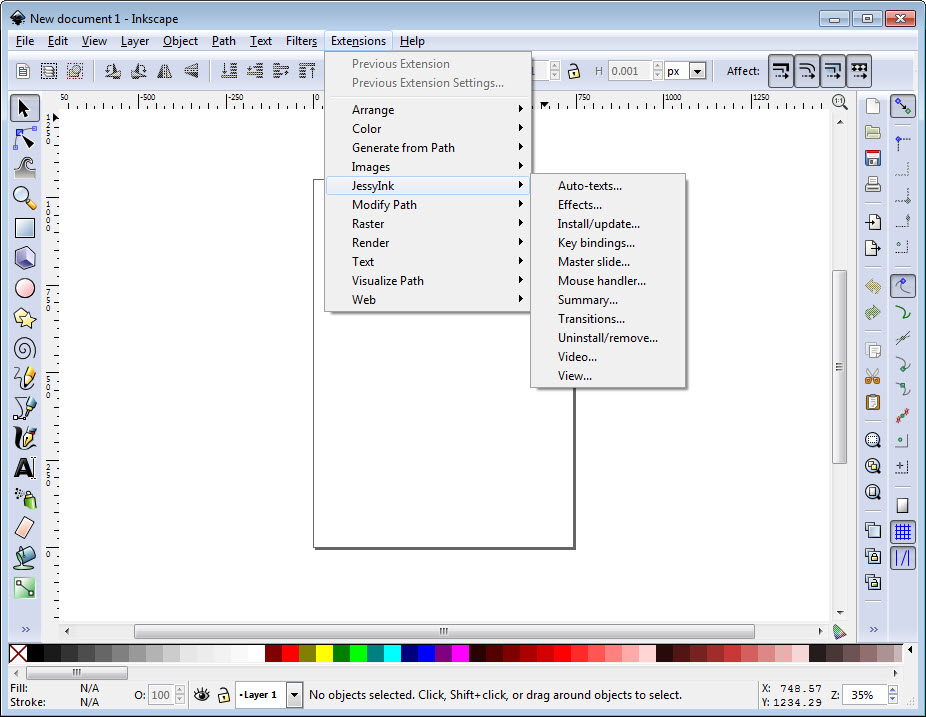
The Inkscape extension mechanism allows additional functions written in a mainstream scripting language, and the collection covers generation, transformation, export capabilities the base application does not include.
One consequence deserves a mention because it is a whole community. Precise path control and export to the exchange format machines accept have made this the standard drawing tool for laser cutters, vinyl plotters and small machining work.
That use is not obvious from the feature list and it is substantial. Anybody producing physical objects from drawn outlines will find the precision and the export options here better suited than a design application aimed at screens.
Layers, clipping and masking
Layers behave as they do in any graphics application, with visibility, locking, opacity per layer, which is how a drawing with foreground, background and guides stays manageable.
Clipping and masking are the more interesting pair. A clip uses one shape to cut what is visible of another, and a mask uses the brightness of one object to determine the transparency of another, which produces gradual fades rather than hard edges.
Both are non-destructive, so the hidden parts remain present and recoverable, and the shape doing the clipping can be edited afterwards to change what shows through.
Krita goes considerably further with masks and blending for painted work, and the two are commonly installed together by illustrators who construct in one and render in the other.
The print colour problem
This is the limitation that matters professionally and it deserves stating without softening.
Inkscape builds its colour handling around the additive model screens use. Support for the subtractive model used in commercial printing is limited, so a file intended for a professional press needs converting and checking elsewhere rather than being handed over directly.
For work that is actually destined for print, meaning multi-page layout with proper colour separation, Scribus is built for that stage and accepts drawings from here as components.
Nothing prevents printing from this application, and a poster produced on an office printer will look correct. The distinction concerns commercial printing, where colour is separated into plates and an unmanaged file produces surprises.
Conclusion
Inkscape is the strongest argument in free software that an open format is worth more than any feature list. Node editing done properly, boolean operations that build shapes precisely, clones that keep repeated work maintainable and effects that stay adjustable add up to a drawing application that professionals use by choice rather than by compromise.
Know where it stops. Commercial print colour needs a separate stage, complex documents test its performance, and tracing a photograph will always disappoint. Within those boundaries it draws anything, exports to almost everything including the formats cutting machines want, and leaves you with files that will still open in a decade.
Pros & Cons
- Works natively in the open web standard, so files stay editable by other software
- Node editing with proper node types, which is the foundation of vector drawing
- Boolean path operations build complex shapes from simple ones precisely
- Live path effects keep results adjustable rather than destroying the original
- Clones update with their source, so repeated elements stay maintainable
- Tiled clones generate complex patterns from parameters
- Text along paths and flowed into shapes, without a layout application
- Extensions add generation and export capabilities, including machine formats
- Colour handling is weak for commercial printing, which needs another stage
- Complex documents can slow the application noticeably
- The interface is dense and rewards patience rather than exploration
- Tracing photographs produces unusable results, whatever the settings
- No parametric constraints, so it is drawing software rather than design software
Frequently asked questions
Because Inkscape works natively in the open web standard rather than converting to it on export. Files are text underneath, readable by browsers and scripts and editable by other applications, which means nothing becomes trapped in one program's format.
Node editing. Every shape is points and the handles between them, and understanding node types is what separates a clean twelve-point curve from a lumpy forty-point approximation of the same shape.
Mostly by combining simple ones with boolean operations. Union, difference, intersection between basic shapes produce most of what appears in finished work, more precisely and more quickly than drawing the outline directly.
It will try and the result is not useful. Tracing works well on clean high-contrast artwork like a scanned logo, and a photograph produces hundreds of overlapping paths that nobody can edit meaningfully.
With care and an extra step. Colour handling is oriented towards screens rather than the separated colour that commercial presses need, so files destined for a press should be prepared in an application built for that.
Precise path control and export to the formats machines accept. That combination suits producing physical objects from outlines better than applications designed for screen work.


