

hide.me VPN


 (15 votes, average: 3.60 out of 5)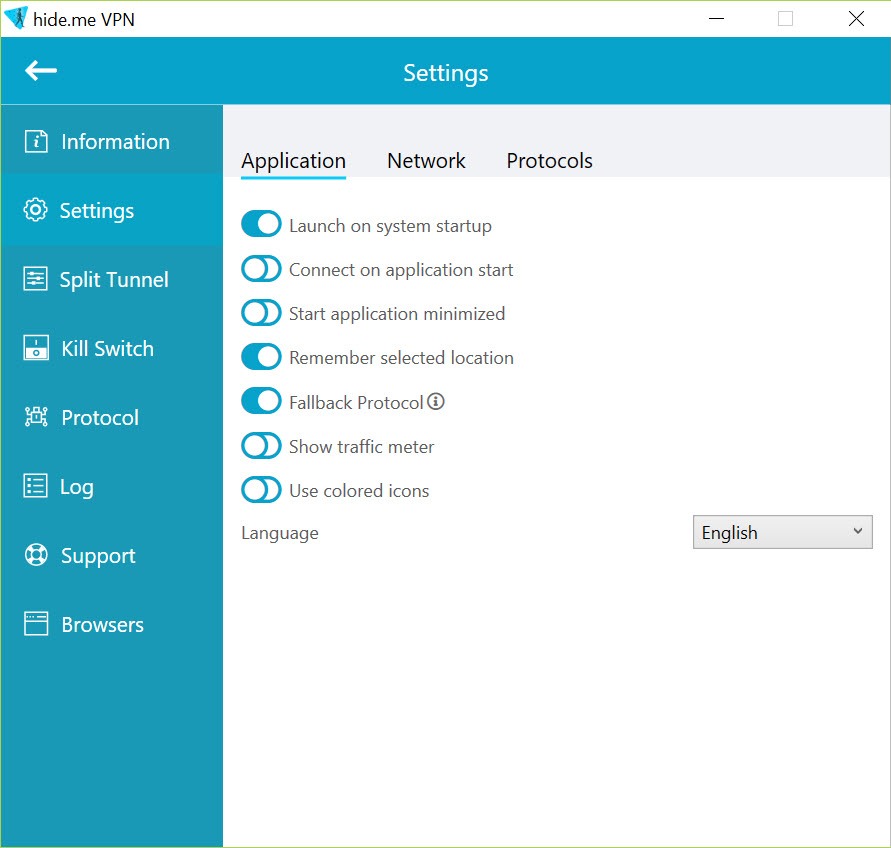
About hide.me VPN
hide.me VPN routes your internet traffic through an encrypted tunnel to a server you choose, replacing your visible IP address and shielding what you do from the network you are on.
That much is the job description of any VPN. What gives this one its character is the unusual depth of control it hands you, from a choice of modern tunneling protocols to rules that decide exactly which apps may touch the internet and under what conditions. It is a VPN built with the settings screen in mind, not just the big connect button.
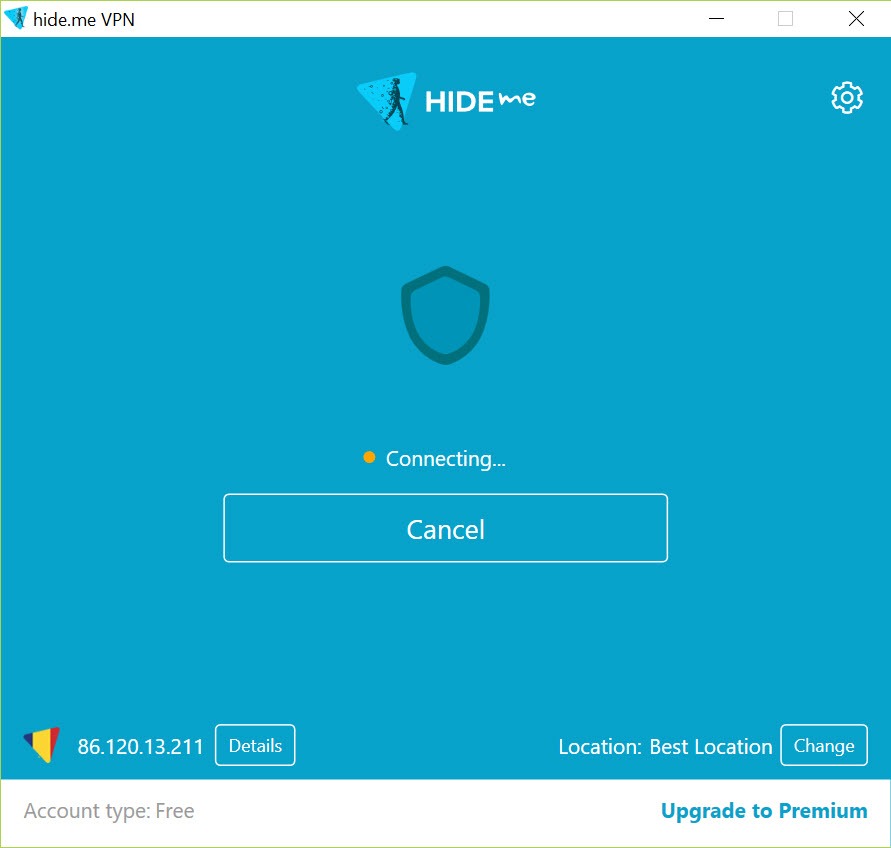
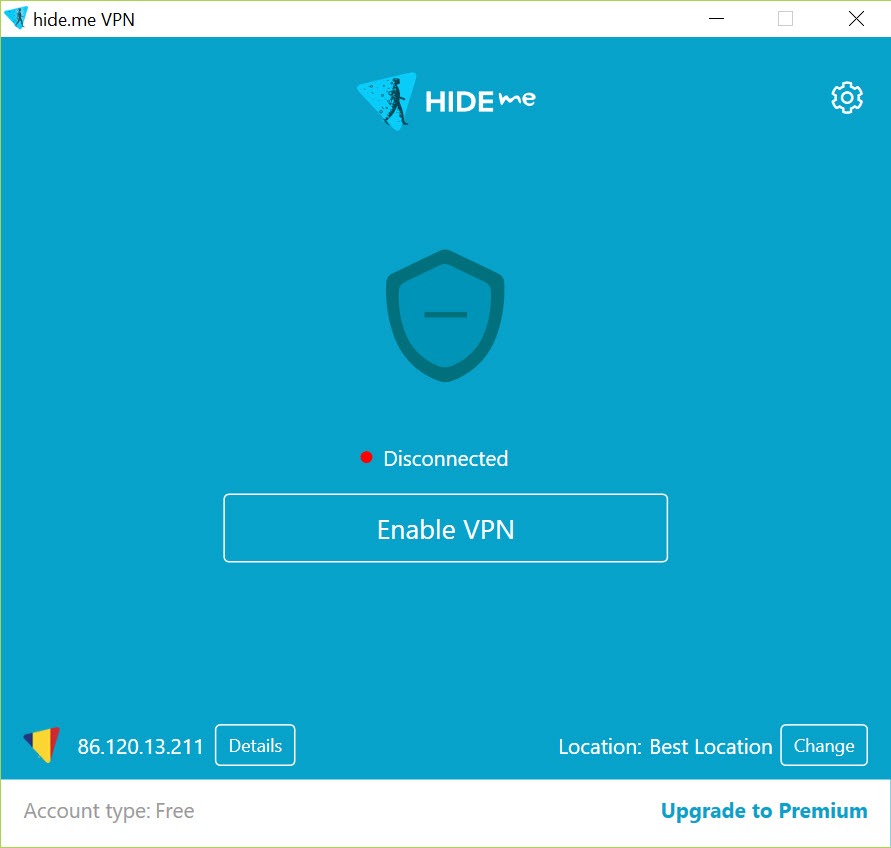
Not that the big button is missing. hide.me VPN opens to a simple one-click connect that picks a sensible server for you, so the everyday use case stays effortless. The depth waits underneath for when you want it, and that layering, simple on the surface and detailed below, is what separates it from clients that are all simplicity and no substance, or all knobs and no usability.
The result is a tool that suits both the person who just wants their coffee-shop browsing shielded and the tinkerer who wants traffic rules tailored per application.
Protocols and the connection itself
The protocol is the engine of a VPN connection, and hide.me VPN lets you pick yours. WireGuard is there for its speed and lean design, OpenVPN for its long-proven flexibility, IKEv2 for stable reconnections when your network changes, and further options beyond those for tricky network situations. The client can choose automatically, but the manual choice matters when a particular network throttles or blocks one protocol and another slips through cleanly.
Connection quality follows from this. WireGuard in particular keeps speeds close to your unprotected baseline, which matters for streaming and large downloads where older protocols visibly drag. The client also guards the small leaks that undermine a tunnel, handling DNS requests inside the encrypted connection so your lookups do not quietly escape to the local network.
If you prefer assembling connections by hand with configuration files, the standalone OpenVPN client serves that DIY route, but here the protocols come integrated and switchable from a menu.
The kill switch and Stealth Guard
Every serious VPN includes a kill switch, the safeguard that cuts your internet if the tunnel drops so your traffic never travels exposed. hide.me VPN has that, and then goes a step further with a feature it calls Stealth Guard, which lets you bind specific applications to the VPN permanently. Mark an app, and it simply will not connect to the internet at all unless the tunnel is up.
Think about what that enables. A download client that must never touch the network bare, a messaging app you want exclusively behind the tunnel, anything where “usually protected” is not good enough.
The whole-connection kill switch protects everything bluntly, while the per-app binding protects surgically, and you can use both at once. This is the kind of feature that shows the client was designed by people who thought past the basics.
Split tunneling and per-app routing
The flip side of forcing apps through the tunnel is letting some skip it, and that is split tunneling. With hide.me VPN you decide which applications route through the encrypted connection and which use your regular internet directly. Your browser goes through the tunnel while a game that hates extra latency connects normally, or the reverse, only the sensitive app tunnels and everything else stays direct.
Why bother? Because a VPN is a tradeoff, a bit of speed and some service compatibility in exchange for privacy, and split tunneling lets you pay that price only where it buys you something. Banking sites that dislike VPN addresses, local network devices that vanish behind a tunnel, speed-hungry downloads, all of these are split-tunneling problems with a checkbox solution.
Among the bigger names, Windscribe VPN plays in similar per-app territory, so comparing the two on this feature is worthwhile if routing control is your priority.
Filtering, multihop, and the wider toolkit
Beyond the core tunnel, hide.me VPN bundles a filtering layer that blocks ads, trackers, and malicious domains at the connection level, trimming junk before it ever reaches your apps. It is not a replacement for a full browser-level blocker, but as a network-wide first line it cuts a surprising amount of noise, and it works for every application, not just the browser.
For higher-stakes privacy there is multihop, which chains your connection through two servers instead of one, so no single server sees both who you are and where you are going.
That costs speed and most people will not need it, but the option existing matters for the threat models where it counts. Privacy-first rivals like Mullvad and ProtonVPN compete hard in this same territory, and this client holds its own in that company, which is about the strongest compliment the category allows.
Conclusion
hide.me VPN earns its place in a crowded field by pairing an easy front door with advanced machinery behind it. The casual user gets a clean one-click connection over fast modern protocols, while the demanding user gets Stealth Guard, split tunneling, multihop, and protocol control that most rivals either lack or bury. Few clients serve both audiences this comfortably.
It is not the absolute simplest VPN you can run, and the deeper features cost speed when you lean on them, as such features always do. But if you want a VPN that grows with your needs instead of capping them, this one rewards the climb, and the per-app traffic rules alone justify a serious look from anyone who cares how their connection behaves.
Pros & Cons
- Multiple modern protocols including WireGuard, selectable per connection
- Stealth Guard binds chosen apps to the tunnel so they never connect exposed
- Split tunneling routes each application through or around the VPN as you decide
- Built-in blocking of ads, trackers, and malicious domains at the network level
- Multihop chaining through two servers for higher-stakes privacy needs
- One-click simple on the surface with real depth underneath
- The settings depth can intimidate users who only ever want the connect button
- Multihop and heavy filtering trade noticeable speed for their benefits
- Some websites and services treat VPN addresses with suspicion regardless of provider
- Network-level ad blocking is coarser than a dedicated browser blocker
Frequently asked questions
It offers a selection including WireGuard for speed, OpenVPN for flexibility, and IKEv2 for stable reconnections, with the client able to pick automatically or let you choose manually for difficult networks.
It is a per-app binding feature. Applications you mark can only access the internet while the VPN tunnel is active, so they never transmit unprotected even if the connection drops or you forget to connect.
Yes. You choose which applications route through the encrypted tunnel and which use your normal connection, so latency-sensitive or VPN-unfriendly apps can bypass the tunnel while sensitive ones stay inside it.
It includes a connection-level filter that blocks ads, trackers, and malicious domains across all applications. It is broader but coarser than a browser extension, and the two can be used together.
Multihop routes your traffic through two VPN servers in sequence, so no single server observes both your identity and your destination. It strengthens privacy at the cost of some speed.


