

Windscribe
About Windscribe
The VPN market mostly sorts users into two buckets. Free users get throttled bandwidth, three or four server locations, and aggressive nag prompts to upgrade. Paid users get everything. Windscribe is one of the few services that takes the free tier seriously, offering 10 GB of monthly bandwidth across more than ten country locations to anyone who verifies an email address. That single design decision shapes who actually uses the service and why.
The application is a full VPN client the service is operated from Toronto by a company called Windscribe Limited, founded in 2016, which puts it under Canadian jurisdiction, a fact that matters for the privacy discussion below.
The free tier and what 10 GB actually buys you
Most free VPN tiers are designed to be unusable in practice so users upgrade quickly. Windscribe’s free plan is designed to be usable for moderate browsing, occasional video, and the kind of light VPN tasks that do not warrant a subscription. 10 GB per month with email verification, or 2 GB without one. That covers a few hours of streaming at 720p, a lot of text-based browsing, or moderate file downloads.
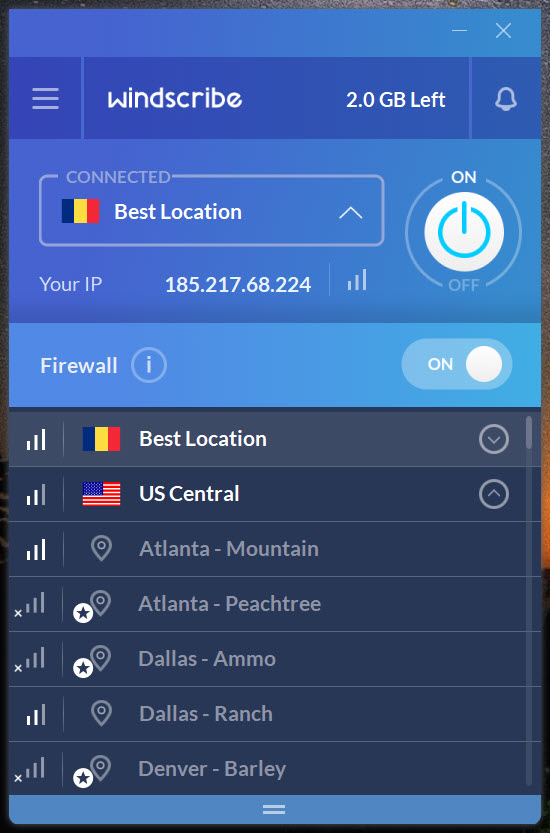
Access on free includes about 11 countries (the exact list rotates occasionally) with specific cities including locations in the US, Canada, UK, Germany, France, Switzerland, Netherlands, Norway, Romania, Hong Kong, and Turkey. Free users get the same WireGuard and OpenVPN protocols as paid users, the same R.O.B.E.R.T. blocking system at the basic level, and the same client. The differences are bandwidth cap, country selection, and a few advanced features held back for Pro.
This is more generous than ProtonVPN’s free tier on bandwidth (Proton is unlimited but limited to three countries) and more generous than TunnelBear (which caps at 2 GB monthly). What you trade for the bandwidth advantage is location diversity. For users who want a free VPN as a primary tool rather than an emergency option, the tradeoffs land in different places depending on what matters more.
R.O.B.E.R.T. and the DNS blocking layer
This is the feature that distinguishes the service from typical VPN providers. R.O.B.E.R.T. is a server-side DNS filter you configure through the web dashboard, with multiple blocklists you can enable independently. Ads, malware, trackers, social networks, gambling, pornography, fake news, cryptominers, fingerprinting, and a few others. Each list is toggleable, and Pro users can add custom domains to allow or block.
The blocking happens at the DNS resolution stage on the VPN servers, which means it applies to every device connected to the VPN regardless of whether the device has its own ad blocker. For mobile devices where browser-level blocking is harder to install, this is the cleanest way to get system-wide ad and tracker blocking. A laptop with a content blocking extension plus R.O.B.E.R.T. on the VPN gives you layered blocking, with the VPN catching what the extension misses on non-browser traffic.
The implementation is solid. Filter list updates happen on the server side without client intervention, the blocklists are visible (you can see which domains are on which lists), and you can selectively disable blocking for specific sessions when something legitimate gets caught.
The one limitation is that all the blocking happens on the VPN’s servers, so if you disconnect from the VPN you lose the protection. A pi-hole or local DNS-level blocker keeps working when the VPN is off, this one does not.
The protocol selection and WSTunnel
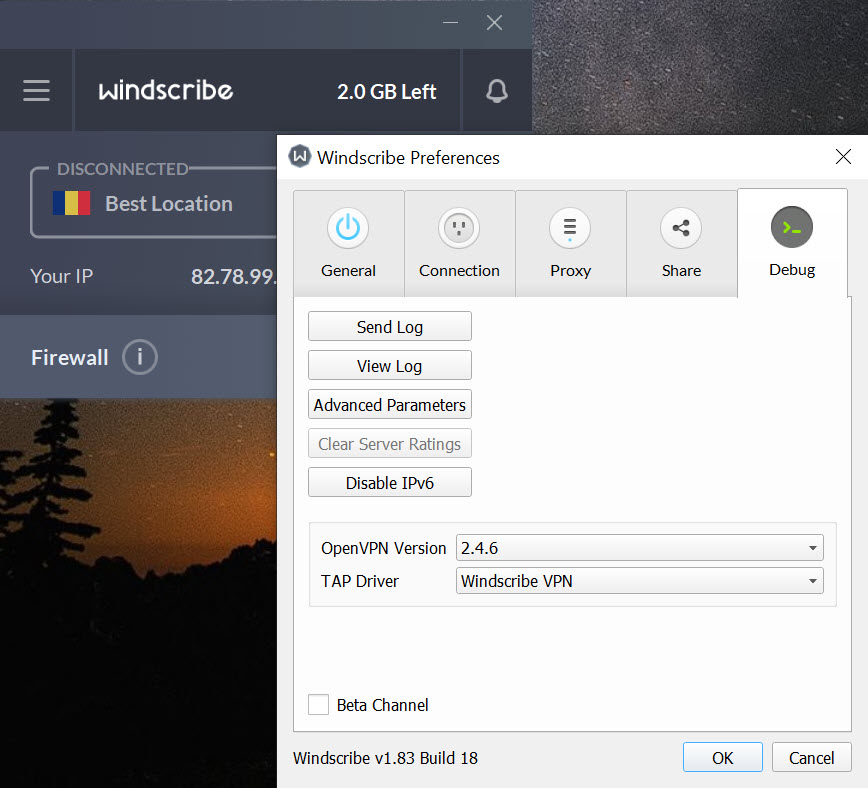
Standard protocol support includes WireGuard (the modern default), OpenVPN over UDP or TCP, IKEv2, and Stealth, which is OpenVPN wrapped in an additional obfuscation layer to look like ordinary HTTPS. WSTunnel goes further by tunneling OpenVPN inside WebSocket traffic, which makes the connection survive deep packet inspection that blocks normal VPN traffic.
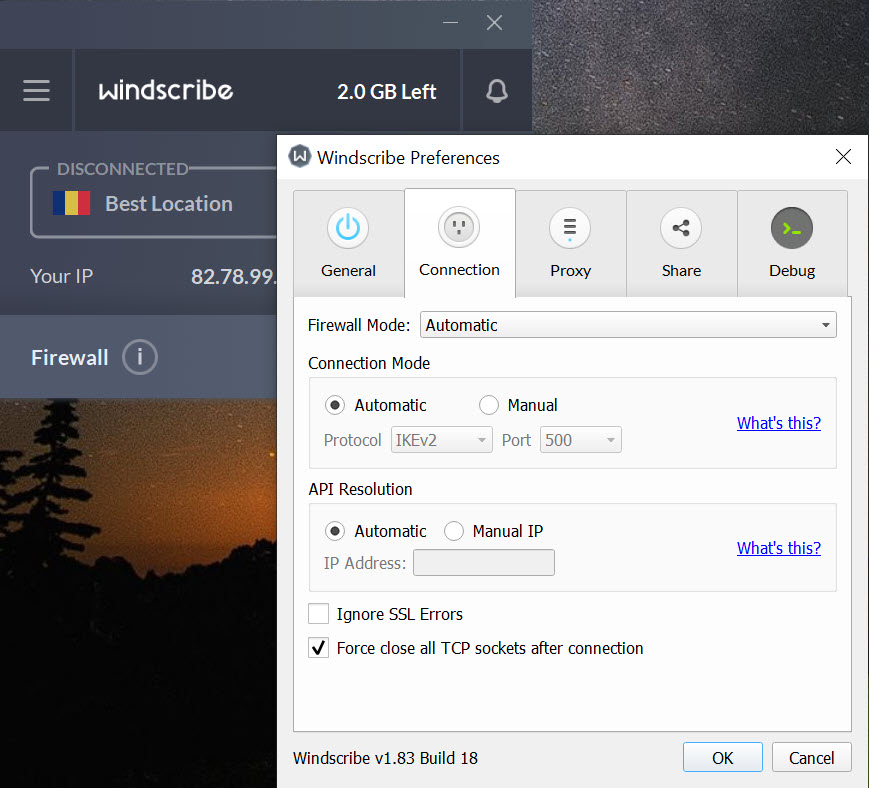
For users in restrictive network environments (corporate networks, restricted countries, hotel Wi-Fi that blocks VPN traffic), Stealth and WSTunnel are the relevant options. They have higher overhead and lower throughput than WireGuard, but they get through where the faster protocols fail. The selection is exposed in the client preferences without requiring config file editing, which is more accessible than configuring obfsproxy manually on top of bare OpenVPN.
WireGuard implementation is standard and performant. On a fast connection with low latency to the chosen server, you can expect 90+ percent of your raw connection speed. OpenVPN runs roughly 60-80 percent of raw, depending on cipher choice and server load. The newer protocols are clearly the better choice unless network conditions require obfuscation.
Build-A-Plan and the custom pricing model
Pro plans come in two structures. The standard monthly or annual plan ($9 monthly, $69 yearly) gives unlimited bandwidth and access to all server locations. Build-A-Plan lets you pick specific server locations at $1 per location per month, with a $1 base. If you only need one country, you can pay $2 per month total. If you need three, $4. This caps out below the standard plan only if you need fewer than nine locations, but for users with narrow geographic needs, it represents real savings.
The unusual pricing reflects the company’s general willingness to deviate from VPN industry norms. ScribeForce is a team plan that lets organizations manage multiple users centrally with consolidated billing. Static IPs are available as add-ons, including residential IPs that come from real ISP allocations rather than datacenter ranges (useful for accessing services that block known VPN ranges).
Port forwarding on Pro plans, available on a handful of locations, supports use cases that depend on incoming connections.
Canadian jurisdiction and the 2021 incident
This is the part most reviews skip and it matters for users making informed choices. Windscribe operates from Canada, which is part of the Five Eyes intelligence-sharing arrangement. In jurisdictions where data retention or surveillance assistance is legally compelled, the service’s no-logs claim depends on what Canadian law actually requires versus what it could require.
In June 2021, two Ukrainian servers were seized by authorities. The company published a transparency report explaining that they had not been following their own server hardening procedures, the keys on those servers could have been used to decrypt session traffic captured on the network, and they were tightening their operations. The disclosure was unusually forthright by VPN industry standards, where similar incidents at other providers have typically been buried or denied. The follow-up has involved running all servers from RAM (no persistent storage), short-lived keys, and refusal to operate servers in any country that does not allow them to maintain that posture.
The transparency itself is a credit to the company. The original mistake (not properly securing production servers) was real and serious. Both facts can be true at once. Compared to providers like Mullvad that have built their reputation on technical privacy maximalism, Windscribe’s history is more complicated, and the right reading depends on whether you value transparency about past failures or strict avoidance of those failures in the first place. Some users will prefer Mullvad’s stricter posture, others will trust the company that publicly addressed its mistake.
The browser extension is not a proxy
A frustrating common pattern is VPN providers shipping browser extensions that are HTTPS proxies, not VPN clients. The Windscribe extension is the full client, integrated with the desktop application and able to operate independently. You can run the desktop app and the extension simultaneously, or use just the extension when you only want browser traffic protected, or use just the desktop app when you want system-wide protection.
The extension also exposes features the desktop client does not. Cookie management for the current site, WebRTC leak prevention, location spoofing through navigator.geolocation API overrides, rotating user agent, and basic ad and tracker blocking that operates client-side in the browser. For users who primarily care about browser-based privacy, the extension alone covers more ground than a typical VPN-plus-extension combination.
Open source clients and the audit posture
The client applications are open source on GitHub. The server-side infrastructure is not. This is a common pattern for VPN providers (clients are easy to publish, servers are operational secrets), and the meaningful audits are of the server-side claims rather than the clients. Windscribe has commissioned external security audits of specific products (the extension was audited by Cure53), but a full no-logs audit covering operational practices has not been published to the same standard that some competitors have done.
For users who weight independent verification heavily, this is a gap. For users who accept some level of trust in any VPN provider (since the architecture of a VPN inherently requires it), the open client code and history of public transparency reports may be enough.
Conclusion
Windscribe VPN is the right choice for users who want a usable free tier with meaningful bandwidth and country selection, or for paid users who appreciate the customization options that other providers do not offer. Build-A-Plan, R.O.B.E.R.T. blocking, and the full-featured browser extension are the differentiators that justify it over more conventional services. For light to moderate VPN use, the free tier alone is enough for most non-power users.
The honest hesitation is around jurisdiction and history. Canadian operating base and the 2021 server incident are real considerations for users with strict privacy requirements, even with the company’s response to the incident being above industry norm in transparency.
For users who weight these factors heavily, more privacy-maximalist services exist. For users who value generous free access, transparent communication, and feature breadth over the strictest possible privacy posture, this application earns its place in the conversation.
Pros & Cons
- 10 GB monthly free tier across more than ten countries is genuinely usable, not crippled by design
- R.O.B.E.R.T. server-side DNS blocking with multiple toggleable filter categories applies to all devices on the connection
- Browser extensions are full clients with features beyond what the desktop app exposes, including WebRTC and geolocation protection
- Protocol selection includes WireGuard for speed and WSTunnel/Stealth for restrictive network environments
- Build-A-Plan custom pricing offers real savings for users with narrow geographic needs
- Open source client code with regular external security audits of specific products
- Transparency report following the 2021 incident set a precedent the industry has not consistently followed
- Canadian jurisdiction places the company under Five Eyes intelligence-sharing arrangements, which limits the strength of any no-logs claim
- The 2021 Ukrainian server seizure revealed operational gaps that have since been addressed, but the incident exists in the company's history
- No published comprehensive no-logs audit covering server-side operations to the standard some competitors have established
- WireGuard speeds depend on server load, which on free locations can drop noticeably during peak hours
- R.O.B.E.R.T. blocking only works while connected to the VPN, providing no protection when the connection drops
- Static IP and port forwarding features cost extra on top of the Pro plan
Frequently asked questions
The application offers 10 GB monthly bandwidth (or 2 GB without email verification) across more than ten country locations, which is more generous on bandwidth than most reputable free tiers. The tradeoff is location diversity, where Proton's free unlimited bandwidth covers only three countries.
R.O.B.E.R.T. is a server-side DNS filtering system with multiple toggleable blocklists covering ads, trackers, malware, social media, gambling, pornography, fake news, cryptominers, and fingerprinting. The filtering applies to all devices connected through the VPN and is configured through the web dashboard.
The Stealth and WSTunnel protocols are designed to bypass deep packet inspection by wrapping VPN traffic to look like regular HTTPS or WebSocket connections. These protocols have higher overhead than WireGuard but get through firewalls that block standard VPN traffic.
The desktop client protects all system traffic. The browser extension is a complete VPN client (not a proxy) that protects only browser traffic but adds features like WebRTC leak prevention, location spoofing, and per-site cookie management that the desktop app does not include.
The application advertises a no-logs policy and operates servers from RAM with no persistent storage following the 2021 incident. The company is based in Canada, which is part of Five Eyes, so the policy operates within the constraints of Canadian law on what providers can be compelled to retain or disclose.
The custom pricing structure lets users select specific server locations at $1 per location per month with a $1 base. It saves money compared to the standard Pro plan if you only need a few specific countries, breaking even around nine locations.
The application can access region-locked content on most streaming platforms most of the time, though specific server availability for specific services varies and changes as platforms update their VPN detection. The static residential IP add-on provides more reliable access for users who depend on streaming through the VPN.


