

OpenShot
About OpenShot
Video editors divide into the ones that assume you know what a timeline is and the ones that teach you. OpenShot belongs firmly to the second group, and its whole design is built around somebody opening a video editor for the first time and getting something finished the same afternoon.
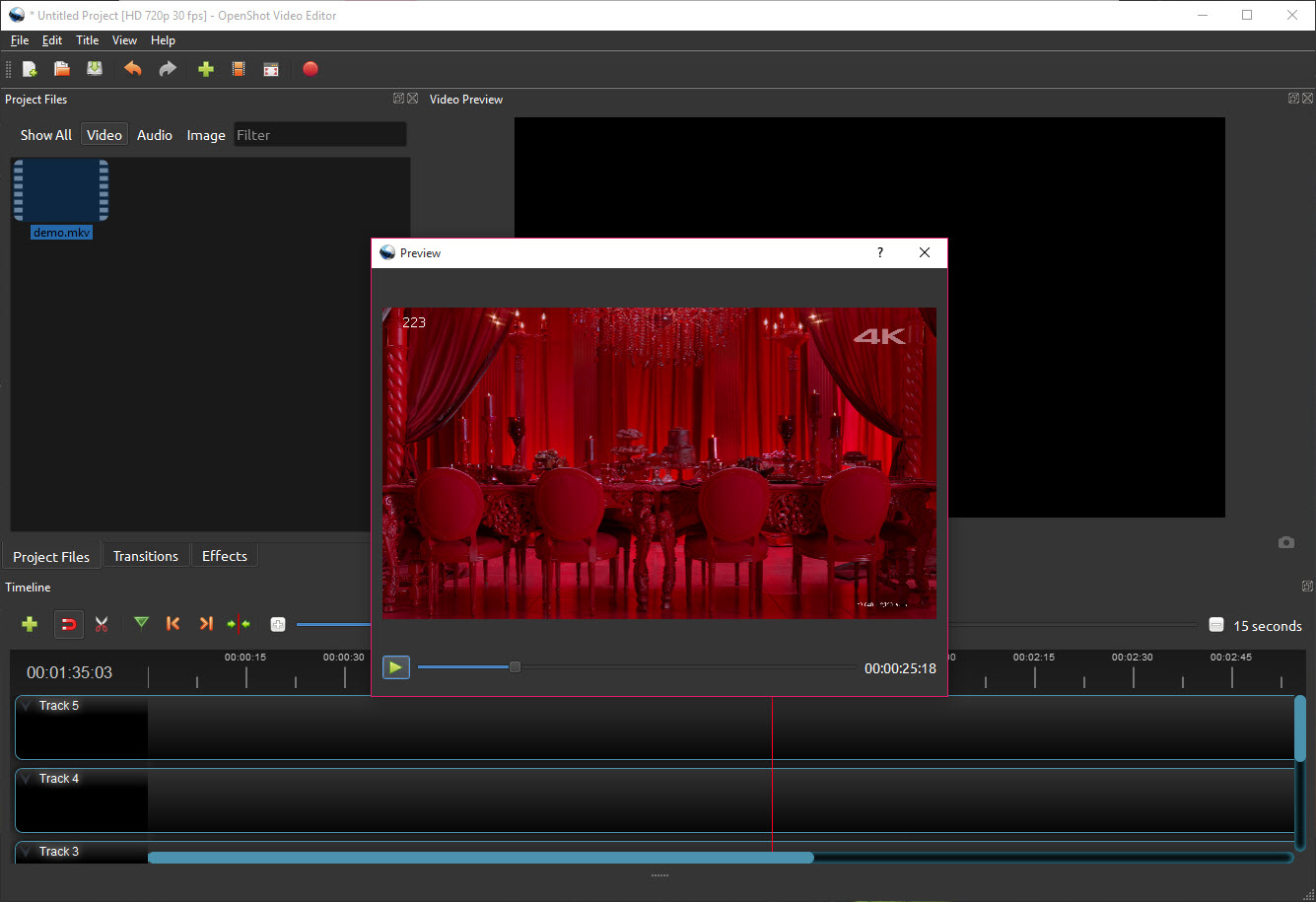
The layout is the conventional one. Files on the left, a preview above, a timeline underneath with as many layers as you want to stack. Clips arrive by dragging, trim by pulling their edges, and snap to each other so gaps do not appear by accident.
That familiarity is the point. Nothing here requires learning a new vocabulary before the first edit, which is the barrier that stops most people who try a more serious application first.
For a comparably free editor that trades friendliness for stability, Shotcut covers similar ground with a denser interface and a rather different temperament.
Keyframes on everything
The feature lifting OpenShot above the simplest editors is animation, and it applies more broadly than people expect.
Almost any property can be keyframed. Position, scale, rotation, opacity, plus the parameters of most effects can each be given values at different points in time, with the editor working out everything in between.
Interpolation is selectable, which matters more than it sounds. A linear transition moves at constant speed, a smoothed one eases in and out, and a constant one holds a value until it jumps. Choosing between them is the difference between movement that looks mechanical and movement that looks intentional.
That single capability covers a large share of what people actually want from an editor, meaning a picture that drifts slowly across the screen, a logo that fades and scales, or a blur that arrives gradually rather than switching on.
Titles, and the ones that move
The OpenShot title editor with templates handles the ordinary cases, producing captions and lower thirds without leaving the application.
The distinctive feature is three-dimensional animated titles, which are generated by handing the job to a full 3D application running in the background. The result is text with real depth, lighting, motion rather than a flat graphic sliding across.
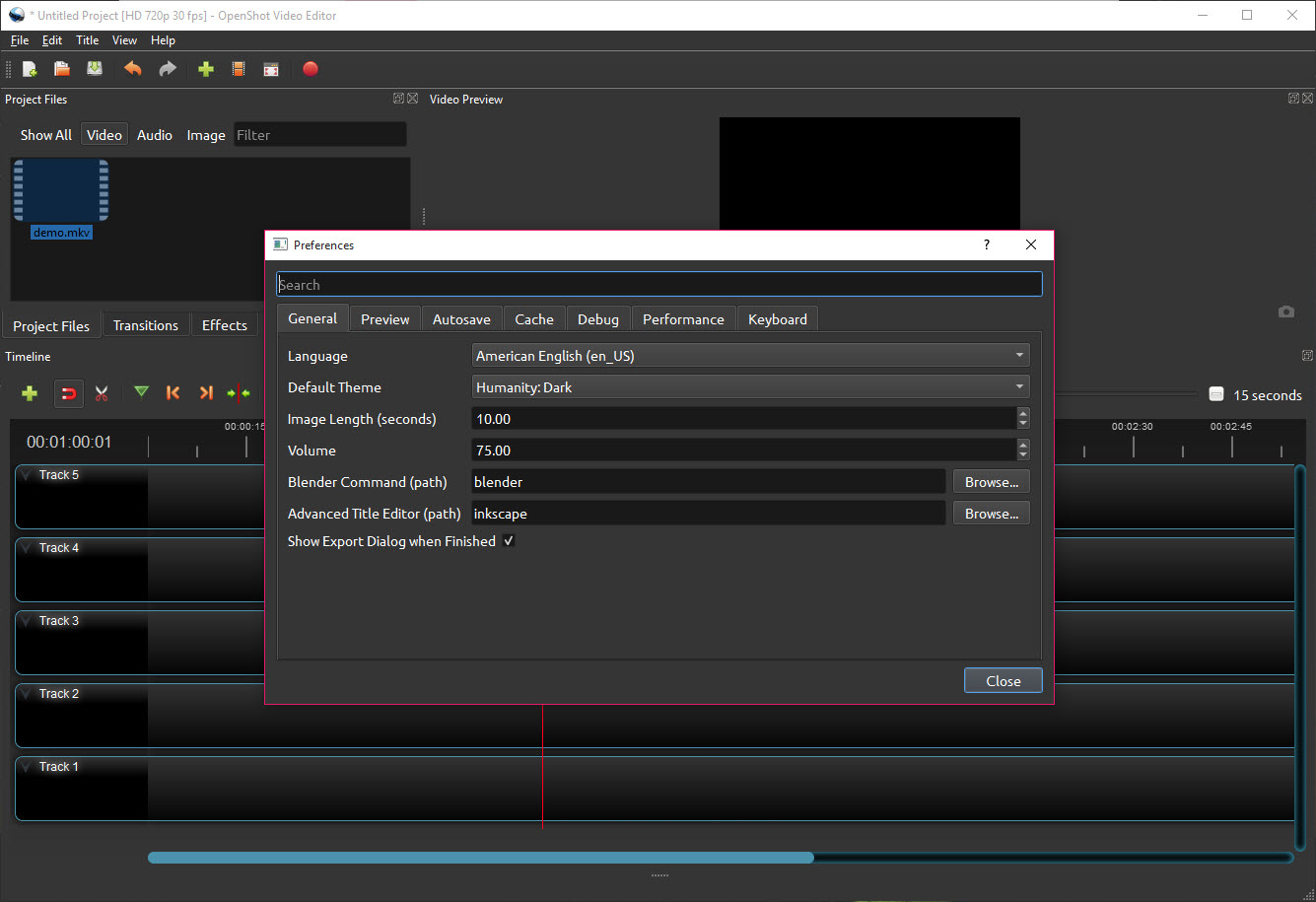
The requirement attached is easy to miss and stops the feature working entirely. That 3D application has to be installed separately and OpenShot has to be told where it is, because the animation is rendered by Blender rather than by the editor itself.
Effects, speed, audio
The OpenShot effect set covers the everyday adjustments. Brightness, saturation, contrast, blur, plus a chroma key for replacing a coloured background, all applied per clip and all keyframeable.
Time remapping handles speed changes, including slow motion, acceleration, playing a clip backwards, which covers a surprising proportion of what short-form video actually needs.
Audio appears as waveforms on the timeline so cuts can be placed against what is audible rather than by guessing, with per-clip volume that keyframes like everything else. For work that is really about the audio rather than the picture, Audacity is the better place to do it before importing.
Format support, and getting the result out
OpenShot reads and writes through the same underlying library most video software uses, so the range of formats accepted is wide and unusual files rarely cause trouble on import.
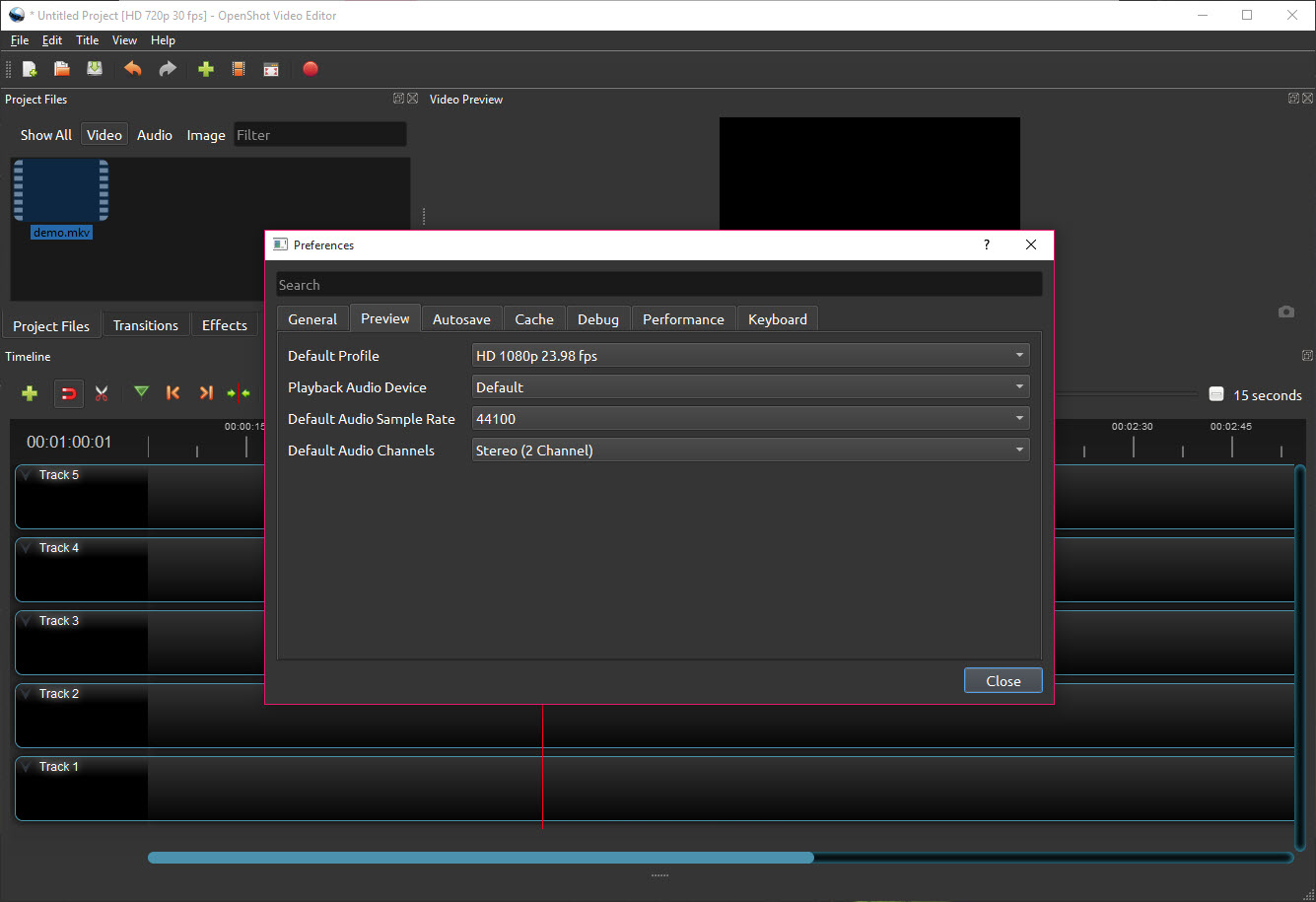
Export offers presets for common destinations, which spares anybody who does not want to think about codecs and bitrates from having to. Custom settings are available underneath for anybody who does.
Where a finished file needs converting afterwards, or compressing for a particular target, HandBrake does that job more thoroughly than any editor’s export dialog.
The stability question
This has to be addressed directly, because it is the most common complaint and pretending otherwise would be dishonest.
OpenShot has a long-standing reputation for instability. Crashes during editing, particularly on longer timelines with many clips and effects, are reported often enough that they are a characteristic rather than an accident. It has improved and it has not become dependable in the way a professional application is.
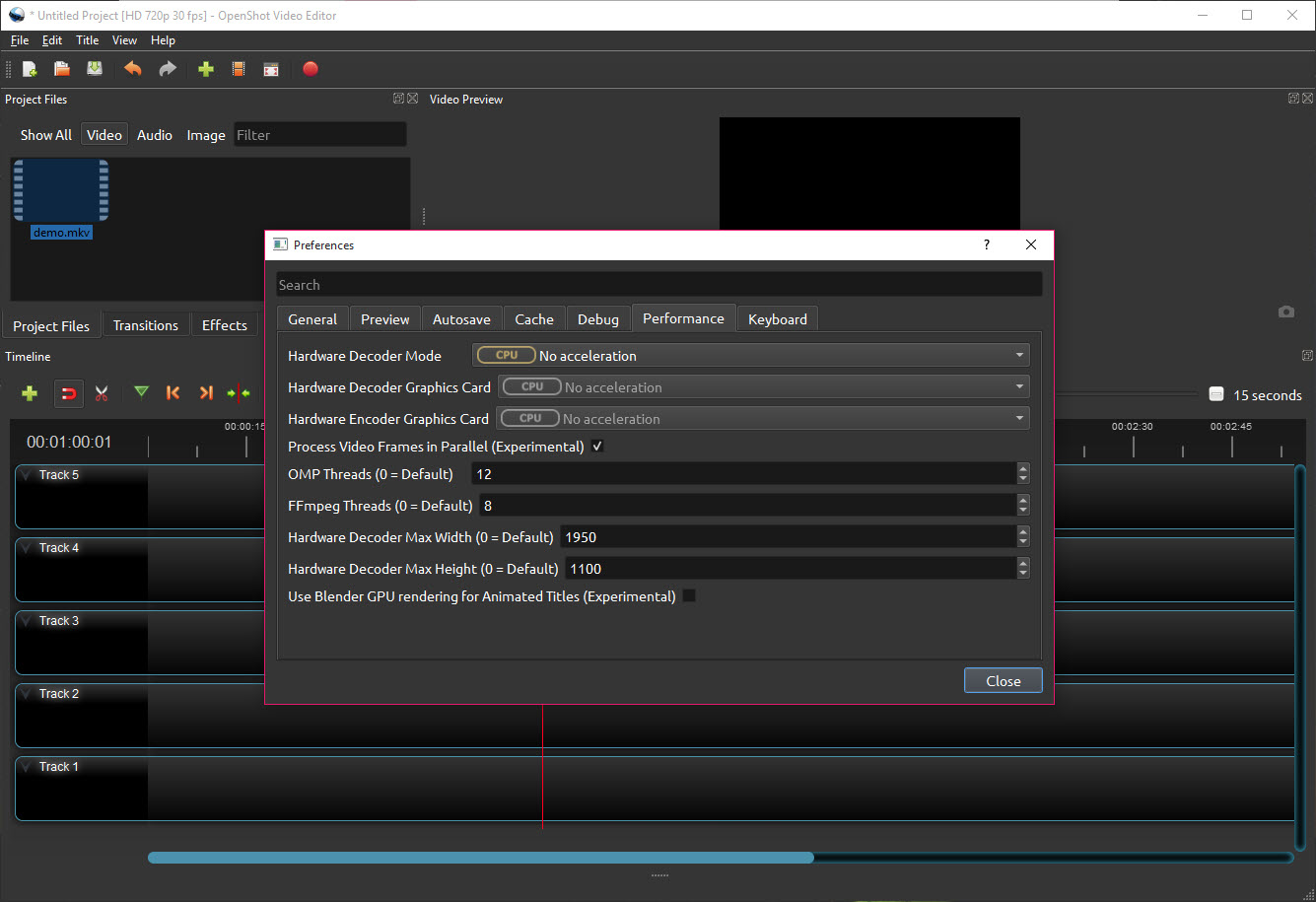
The practical response is straightforward. Save constantly, keep the autosave interval short, and treat a project of more than a few minutes as something to approach in sections rather than as one enormous timeline.
That also shapes what to use it for. Short pieces, family video, a presentation, a straightforward cut with titles and music, all sit comfortably within what it handles well. A forty-minute documentary with hundreds of clips does not, and DaVinci Resolve is where that work belongs, in exchange for a considerably steeper start.
Conclusion
OpenShot is the right recommendation for somebody who needs a video edited and has never edited one. The timeline behaves as expected, keyframes give real control over movement without demanding any theory, and the export presets mean nobody has to learn what a bitrate is before finishing.
Set the expectations honestly though. It is built for short projects and behaves accordingly, the stability reputation is earned rather than unfair, and the animated titles depend on software you have to install yourself. Save often, keep projects modest, and it does exactly what somebody starting out needs. Ask it to carry a long and complex edit and it will remind you why heavier applications exist.
Pros & Cons
- Conventional timeline layout that requires no new vocabulary to begin
- Unlimited layers, with drag, trim, snapping all behaving as expected
- Keyframes on almost any property, with selectable interpolation
- Three-dimensional animated titles rendered through a full 3D application
- Chroma key, colour adjustments and blur, all applied per clip
- Speed changes including slow motion and reverse
- Wide format support, so unusual files import without trouble
- Export presets that avoid any decision about codecs
- Long-standing stability problems, particularly on longer and busier timelines
- The animated titles need a separate 3D application installed and configured
- Performance degrades as a project grows, so long edits are uncomfortable
- Effect set is basic beside heavier editors
- No colour grading beyond simple adjustments
Frequently asked questions
No, and that is its main argument. The layout is the conventional timeline arrangement, clips are dragged and trimmed directly, and nothing requires understanding a new set of concepts before the first edit.
Because they are rendered by a separate 3D application that must be installed and its location configured in the settings. Without that step the feature is present and produces nothing.
It has a long-standing reputation for it, particularly on longer timelines carrying many clips and effects. Saving frequently and keeping the autosave interval short is sensible practice rather than paranoia.
Almost anything, including position, scale, rotation, opacity, most effect parameters, with linear, eased or constant interpolation between the values you set.
Long or complex projects. The performance and stability both suffer as a timeline grows, so anything approaching documentary length belongs in an application built for that scale.


