

DaVinci Resolve
About DaVinci Resolve
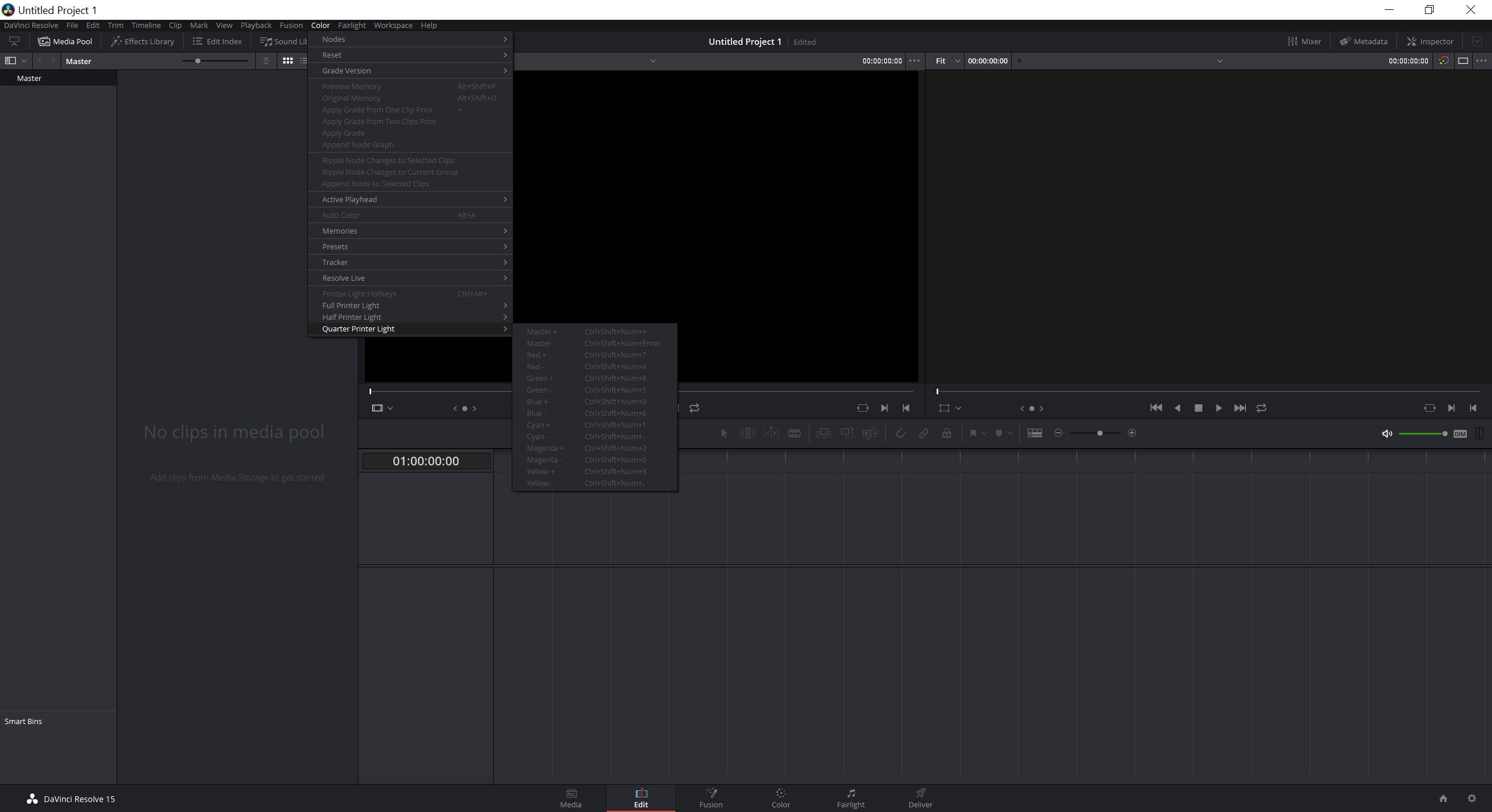
Most video applications are one program with panels. DaVinci Resolve is closer to seven programs sharing one timeline and one media pool, and you move between them by clicking a name along the bottom of the window. Media for organising and ingesting, cut for fast turnaround, edit for conventional assembly, Fusion for compositing, colour for grading, Fairlight for audio, and deliver for output.
That is not a marketing arrangement of tabs. Each page has its own interface, its own tool set and in several cases its own conceptual model, because each was built for a different professional job. Switching to the colour page really does mean opening a colour grading application that happens to already have your edit loaded.
Understanding that structure is most of understanding the product, including why it is intimidating and why nothing else offers the same thing.
The colour page is why it exists
The grading tools are the reason the software has the reputation it does, and the mechanism behind them is nodes rather than layers.
An adjustment layer stack applies corrections in sequence, one on top of the next. A node graph is a signal flow. Corrections branch, recombine, feed keys into one another and run in parallel, so a secondary correction can pull a mask from one node while taking its image from somewhere else entirely. Reordering the graph reorders the maths.
Around that sit primaries and secondaries, curves, qualifiers for isolating a colour range, shapes with tracking that follows a subject through a shot, and scopes for judging by measurement rather than by eye. Colour management handles the transforms between camera formats and delivery standards, including the academy standard used across film production.
Image processing runs at 32-bit float throughout, which is the technical reason grades hold up under heavy correction rather than banding apart.
Fusion and Fairlight, two applications people forget they own
The compositing page is a node-based visual effects environment with both 2D and 3D workspaces, particles, a keyframe editor and scripting. It is not a cut-down effects panel, it is a compositor of the kind that was sold separately for years.
Fairlight is the same story for audio. A large track count, proper buses, automation, equalisation, dynamics, and project interchange with other audio applications, which makes it a full audio post environment rather than a mixer strip.
The honest observation is that both carry their own learning curves, and having them included does not make them easy. Somebody comfortable in DaVinci Resolve as an editor can still open the compositing page and understand nothing. For 3D work beyond what Fusion covers, Blender remains the tool, and the two are commonly used together rather than as alternatives.
Two editing pages, and why that is not redundant
The two editors in DaVinci Resolve confuse newcomers, and the reasoning behind them is sound. The cut page is built for turnaround work, with a source tape view that treats all your clips as one continuous strip, sync bins for multi-camera material and trim behaviour designed for speed rather than precision.
The edit page is the conventional non-linear editor, with a dual-monitor layout and the precision tools you expect for finishing.
The distinction matters in practice. Assembling a news package or a straightforward interview is faster on the cut page. Anything needing careful trimming, complex layering or exact timing belongs on the other. Both write to the same timeline, so moving between them mid-project is instant.
What the standard edition actually gives you
This is where clarity about DaVinci Resolve matters most, because the arrangement is unusual. The standard edition is not a demonstration or a time-limited sample. It is the full application, with complete editing, the entire grading toolset, compositing, audio post, exporting without a watermark and without expiry.
Output is capped at ultra high definition at up to sixty frames per second, which covers the overwhelming majority of what people actually deliver.
The paid edition adds a specific set of things rather than unlocking the software. The neural engine tools, meaning automatic subject masking, upscaling, voice isolation, speed retiming and reframing. Temporal noise reduction, which matters enormously on low light footage. Hardware-accelerated encoding above eight bits. Output above ultra high definition. High dynamic range delivery formats, immersive audio and cinema package export. And support for more than one graphics card.
Whether any of that matters depends entirely on your deliverables, and for a great many people the answer is no.
The hardware truth nobody mentions
DaVinci Resolve is graphics-card first, and not evenly so. Colour work is almost entirely handled by the graphics card. Editorial work splits between processor logic for the timeline and the card for decoding. Memory on the card, rather than raw processing speed, is what determines whether a project stays stable.
Integrated graphics will manage basic high definition work and nothing beyond it. That is a hard floor rather than a performance suggestion.
Here is the part that catches people out, and it matters before spending anything. The standard edition restricts hardware use to a single card and excludes accelerated codec handling, so buying a high-end graphics card and running the standard edition returns considerably less than the specification suggests. The hardware and the edition are one decision rather than two.
Confirming what card is actually present and how it is connected takes seconds with GPU-Z.
Watching memory use during a difficult timeline with an overlay reporting card memory and temperature usually explains a stutter faster than changing settings does.
Playback, proxies, and how media is stored
Performance complaints about DaVinci Resolve usually trace to source material rather than to the application. Long-recording camera codecs are compressed in a way that makes scrubbing slow, and no amount of hardware makes them pleasant to edit directly.
The answer is built in. Optimised media transcodes the source into an edit-friendly format, proxies do the same at lower resolution, and render cache pre-renders effects so playback stays smooth while you work. Learning those three before complaining about performance saves a great deal of frustration.
Media organisation lives on its own page along with cloning and metadata, and projects are held in a database rather than as loose project files. That arrangement supports several people working on one timeline simultaneously, and it also means a newcomer looking for a project file on disk will not find one.
Where it is the wrong tool
Nothing about this is proportionate to trimming a clip and uploading it. The interface assumes a professional workflow, the hardware assumptions are real, and the time to competence is measured in weeks rather than an afternoon.
For straightforward cutting without the apparatus, Shotcut does that job with a fraction of the demands, and there is no shame in choosing it for work that does not need grading.
Equally, if the actual task is converting a finished file rather than producing one, a dedicated converter does it faster and without opening a project at all.
Conclusion
DaVinci Resolve is the most capable post-production application anybody can install, and the standard edition being a complete tool rather than a sample is remarkable. Colour grading of a standard used across the film industry, a real compositor, a real audio post environment and two editors, all sharing one timeline, is not an arrangement anything else offers.
Go in with three expectations set correctly. Each page is effectively its own application with its own learning curve, so competence takes weeks. The graphics card and its memory decide whether the experience is pleasant, and the standard edition deliberately limits how much of that hardware gets used.
And playback problems are usually the source format rather than the machine, which the built-in proxy tools solve. Accept those and there is no ceiling here you are likely to reach.
Pros & Cons
- Seven dedicated workspaces sharing one timeline, each built for a different stage
- Node-based grading allows corrections to branch and recombine rather than stack
- Colour management covers camera formats and delivery standards including the film standard
- Full node-based compositing included rather than sold as a separate application
- Complete audio post environment with a large track count and proper bussing
- The standard edition exports without watermark or expiry at ultra high definition
- Optimised media, proxies, render cache all built in for difficult source formats
- Database-backed projects support several people working on one timeline
- Learning time is measured in weeks, with each page effectively its own application
- Graphics card memory determines stability, and integrated graphics are unusable beyond basics
- The standard edition limits hardware to one card, so high-end hardware underdelivers
- Noise reduction and the neural engine tools require the paid edition
- Output above ultra high definition and higher bit depth encoding are also gated
- Projects live in a database rather than as files, which confuses newcomers
Frequently asked questions
Each is a workspace for one stage of production, covering media organisation, fast cutting, conventional editing, compositing, colour grading, audio post and output. They share a timeline, so switching stage is one click rather than an export.
Neither. It is the complete application rather than a sample, exporting at ultra high definition up to sixty frames per second with nothing overlaid and no time limit.
Neural engine features such as automatic masking and upscaling, temporal noise reduction, hardware-accelerated encoding above eight bits, output above ultra high definition, high dynamic range delivery, immersive audio and support for more than one graphics card.
Yes, and card memory matters more than raw speed. Colour work runs almost entirely on the card, and integrated graphics manage basic high definition work and nothing more. The standard edition also uses only one card regardless of how many are installed.
Usually the source format rather than the machine. Camera codecs that compress across long sequences of frames are slow to scrub through, and generating optimised media or proxies solves it where hardware upgrades often do not.
For trimming and uploading, yes. The interface, the hardware expectations and the learning time all assume finishing work rather than quick jobs, and a lighter editor will get a simple cut done sooner.


