

NextPVR
About NextPVR
NextPVR turns a PC with a TV tuner into a digital video recorder for the whole house. It tunes channels from antenna, cable, satellite or network tuners, fills a programme guide, records what you schedule and streams live or recorded television to other computers and browsers on the network. It is a server first, with a web interface for everyday control and client add-ons for media centres that want to show its channels.
That client-server design is the point. One machine with the tuners sits in a cupboard, and every screen in the home watches through it, whether that is a browser on a laptop or a living-room media centre.
Series recordings, conflict resolution and commercial detection all run centrally, so a programme recorded once is available everywhere.
Tuners and sources it understands
NextPVR speaks to most digital tuner cards and USB sticks for DVB-T and DVB-T2, DVB-C, DVB-S and DVB-S2, ATSC and ClearQAM, as well as network tuners such as HDHomeRun and SAT>IP devices. Several tuners can be combined, and it can record on one while you watch another.
IPTV is the other major source. Playlists in M3U format and provider logins in the common XC style import as channels, each with its own guide data, which lets internet television sit in the same guide as broadcast channels.
For satellite users, a bouquet option keeps the scan to the channels your package actually carries. Encrypted broadcasts are not supported without external decryption, so pay channels are out of scope.
A programme guide that fills itself
Guide data arrives from several places. Broadcast tuners supply their own over-the-air listings, XMLTV files from any grabber can be imported, and a subscription listing service covers regions where broadcast data is thin, which is usually the case in North America. NextPVR updates the guide automatically overnight and maps listings to channels by their broadcast identifiers, with a strict mode for areas where channel numbers collide.
Artwork and episode details are fetched to dress the guide and the recordings list, and a search in the web app finds a show by name across every channel and day. The guide is where most of the daily interaction happens, so the fact that it loads quickly even with hundreds of IPTV channels matters.
Recording the way a real recorder should
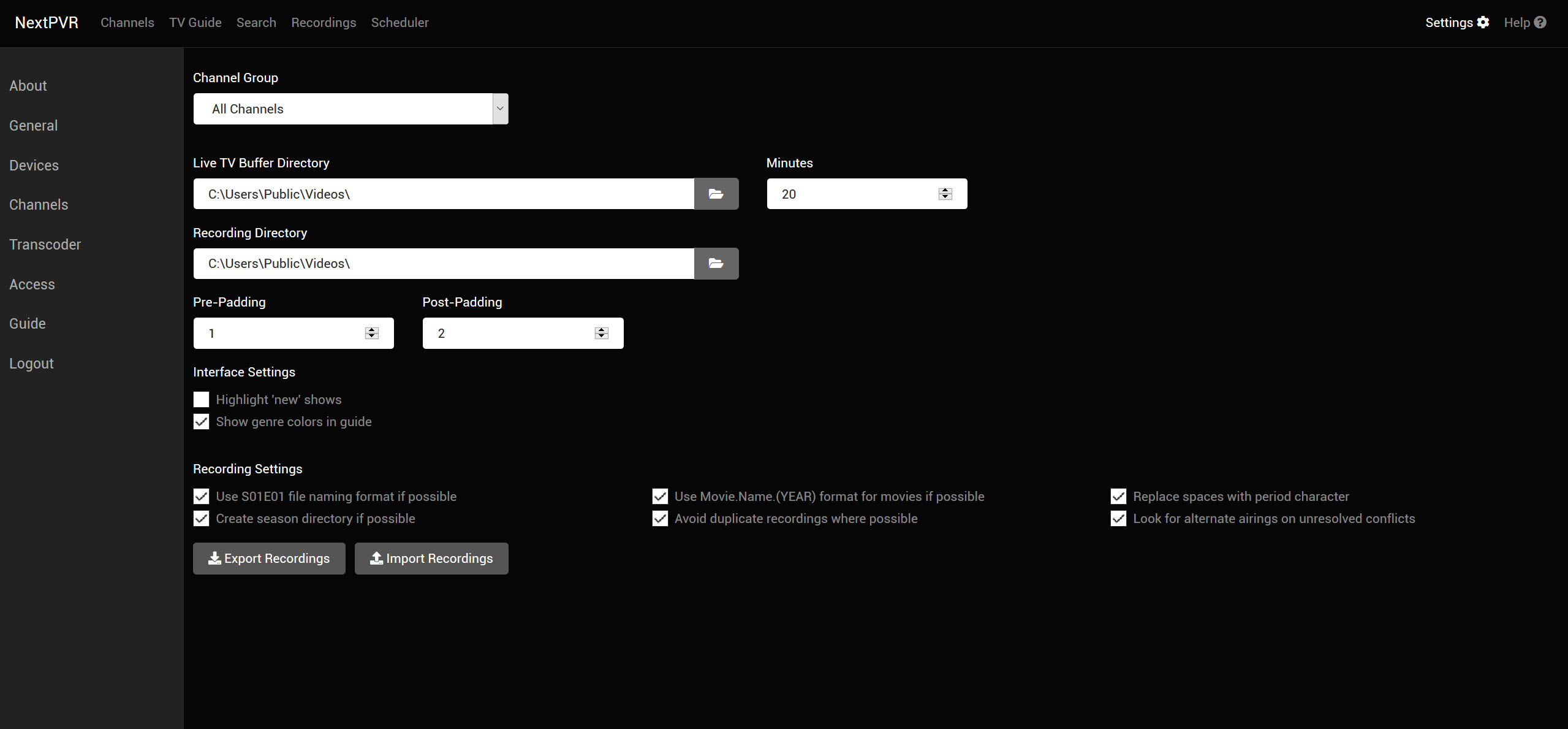
Press record on a programme in NextPVR and it is scheduled. Press it on a series and every episode is captured. Options let you keep only the latest few, skip repeats you already have, add padding before and after, and set priorities so overlapping series resolve in the order you prefer. When conflicts remain, the scheduler looks for another airing of the loser and records that instead.
Recordings land in a folder of your choosing with sensible file names, ready for any player. Commercial detection runs through the Comskip tool after each recording, marking advert breaks so that playback skips them on request.
That integration is one of the reasons long-time recorder users land here, since it works with almost no configuration beyond ticking a box.
Watching from anywhere in the house
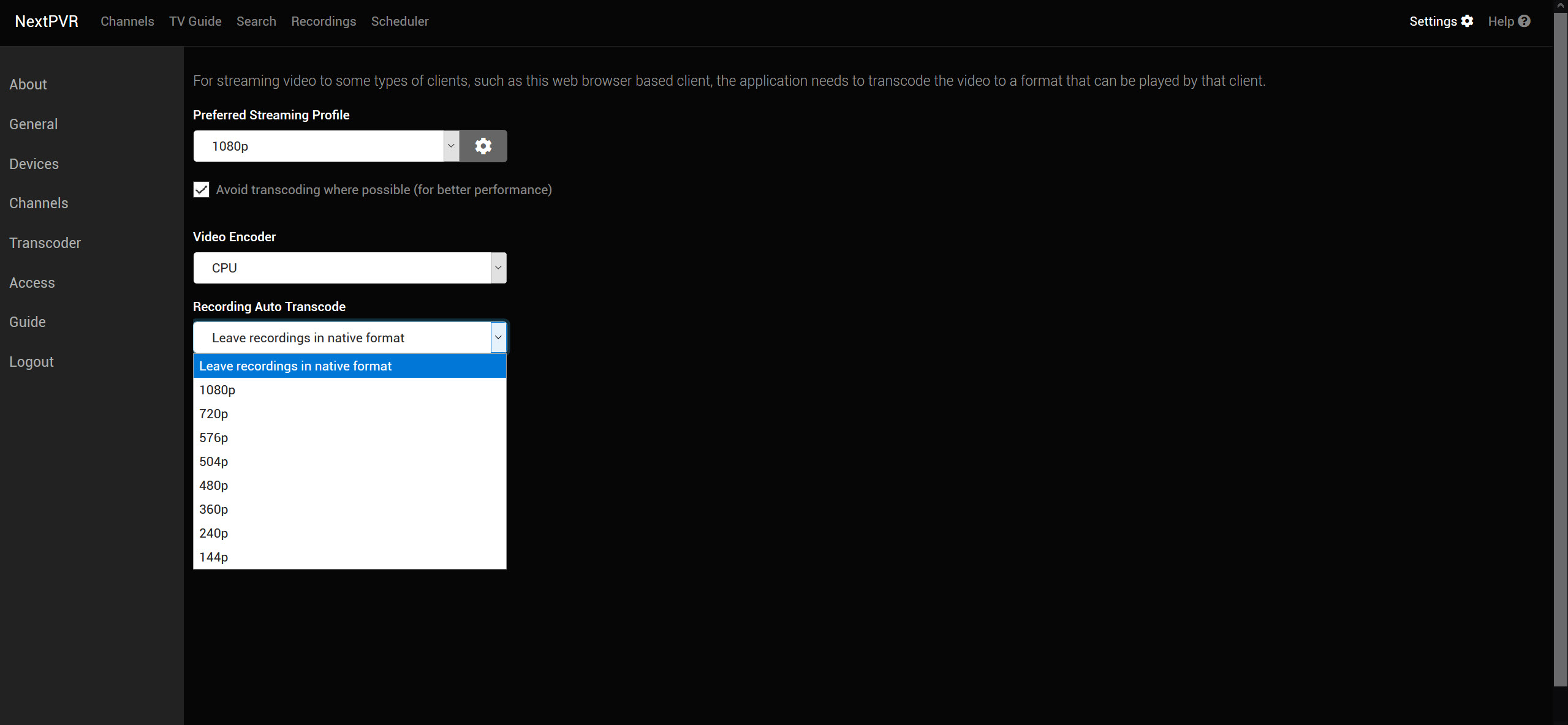
The web app is both control room and viewer. Live TV, recordings and the guide all play in a browser, with the server transcoding on the fly when a client cannot handle the raw stream. On the server’s own screen, a full ten-foot interface with a remote-friendly layout handles live TV and recordings, plus a media library.
Media centres connect through dedicated client add-ons. The one for Kodi plays streams directly without transcoding, which gives the smoothest picture. Hardware-accelerated transcoding is available for browser playback, and it is the setting to reach for when the web player stutters on high-definition channels.
Timeshift and the media library
Live TV can be paused and rewound, because the server buffers the stream to disk as you watch, and a programme already in progress can be turned into a recording with one press. Recordings can also be transcoded after they finish, which trims huge broadcast files to a size that plays comfortably on a browser or travels onto a laptop.
Beyond television, the library screens play films, music and photos from folders you add, so the ten-foot interface covers a whole evening without switching programs. Recordings and their metadata can be exported and imported too, which makes moving the server to new hardware a matter of copying a folder rather than rebuilding schedules.
For a server that shares that media library to many devices with its own apps, Jellyfin integrates this recorder as its live TV source.
Setup realities
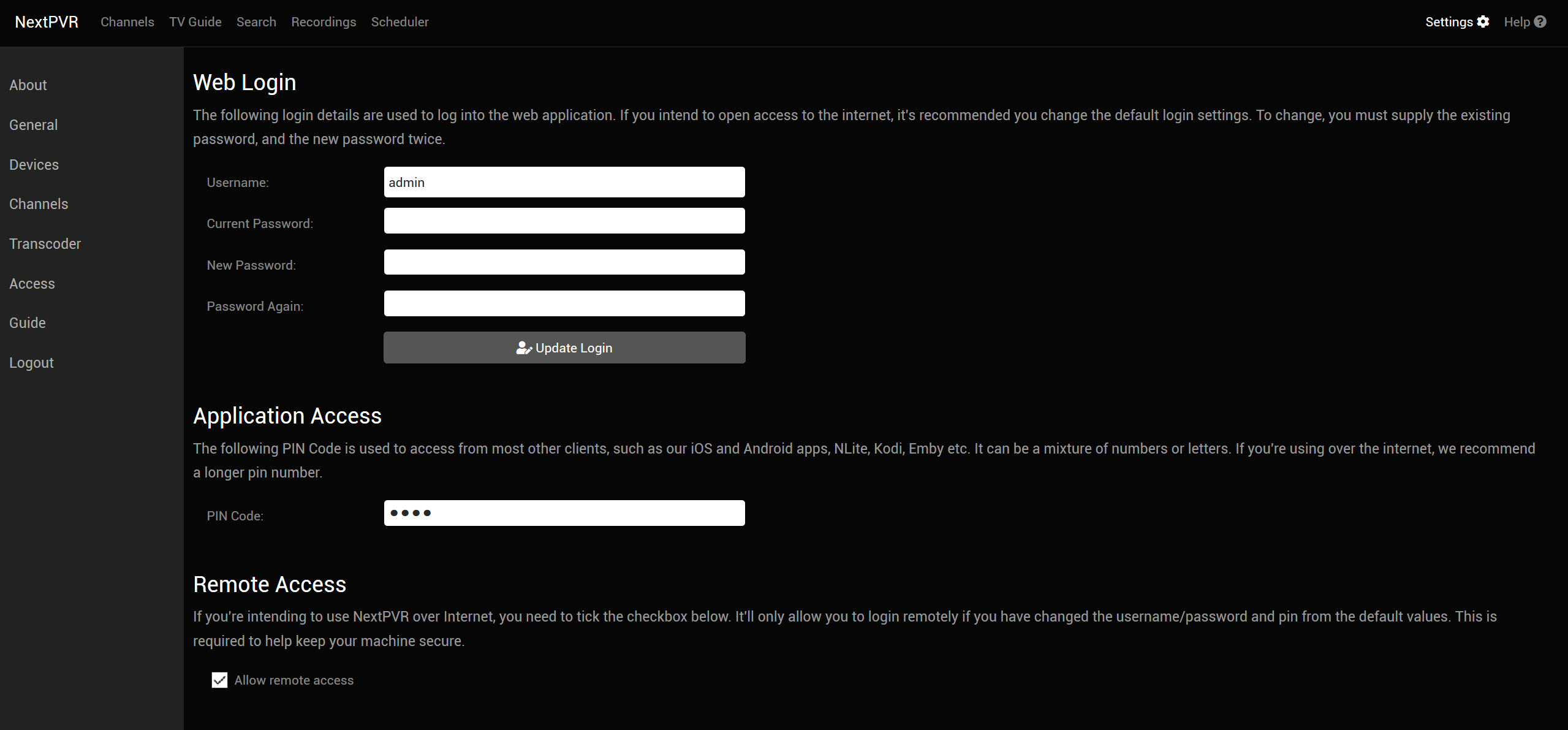
Initial configuration happens in the web interface, and the first hour is spent scanning channels, mapping guide data and testing a recording. Tuner drivers must be installed and working before the server sees the hardware, and network tuners need to be on the same subnet to be discovered.
The forums are active and the maintainer answers questions personally, which softens the learning curve, but this is a tool for people comfortable with a little network administration. Users wanting a single-PC media centre with recording built into one interface may prefer a media centre that includes its own TV engine, though with less flexibility across devices.
Conclusion
NextPVR suits households that want a proper recorder behind every screen rather than a tuner stuck in one PC. Broad tuner support, IPTV import, series recording with conflict handling and commercial skipping make it a mature backend for a home television setup.
It asks for a tuner that works, some patience in the web interface and a server that stays on. Once configured, it is a quiet, dependable heart for live and recorded TV across the home.
Pros & Cons
- Supports DVB, ATSC, network tuners and IPTV in one server
- Series recording with padding, priorities, repeat skipping and conflict handling
- Commercial detection marks advert breaks automatically
- Web interface and client add-ons bring TV to every screen in the house
- Guide data from broadcast, XMLTV or a listing service, updated overnight
- Setup requires working tuner drivers and some network knowledge
- Encrypted pay channels are not supported
- Browser playback leans on transcoding and can tax a weak server
Frequently asked questions
Yes, as long as the tuners allow it. Two channels on the same multiplex can share one tuner, and multiple tuners handle the rest.
Yes. M3U playlists and XC-style provider logins import as channels with their own guide data, alongside any broadcast tuners.
Through its Comskip integration, which analyses each recording after it finishes and marks commercial breaks so playback can jump over them.
Yes. Client add-ons for Kodi and Jellyfin connect to the server, show its guide and play live TV and recordings directly.


