

Light Alloy
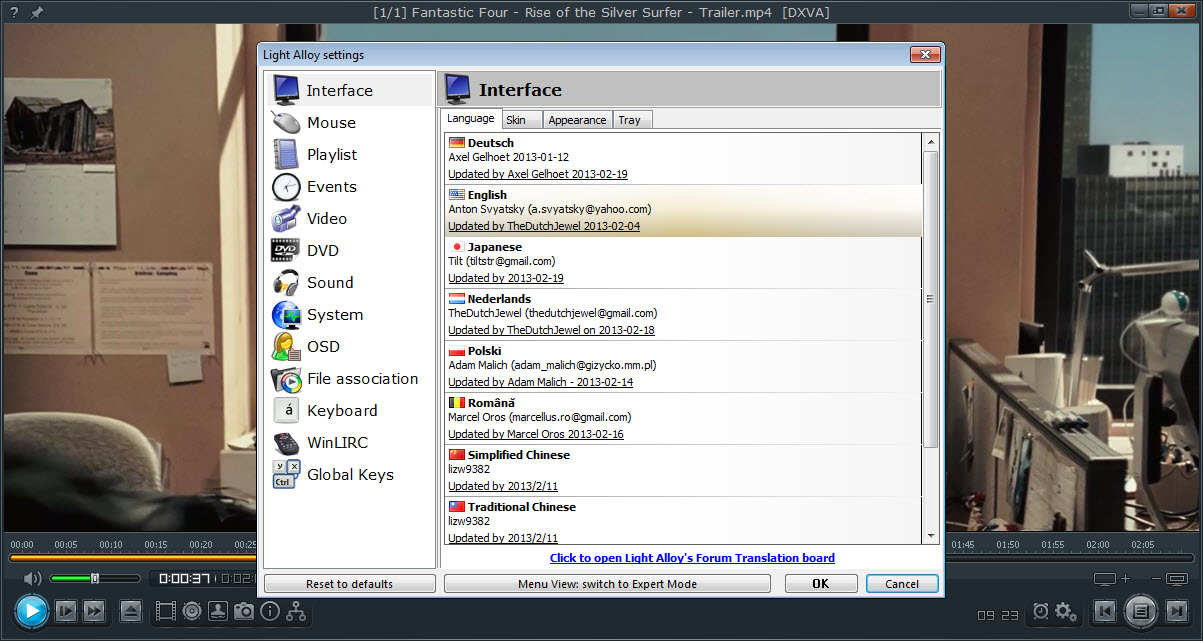
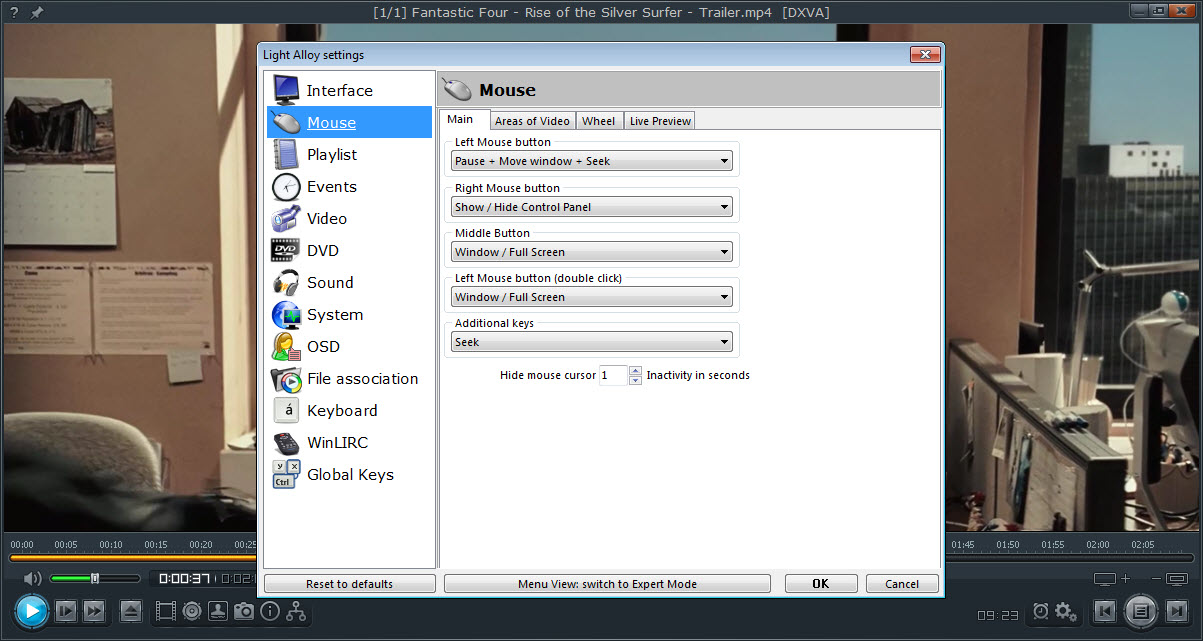
About Light Alloy
Light Alloy is a video player that remembers how you like each file. Watch a dark film with the brightness raised, the volume boosted and the second subtitle track on, then close it halfway through.
The next time it opens, it resumes at the same second with the same brightness, the same volume and the same subtitles. That per-file memory is the quiet feature people keep the player for. Around it sit built-in codecs that play nearly every common format straight after installation and a timeline you can mark with bookmarks. A preview window shows the frame under the cursor as you drag along the timeline.
The player loads quickly and stays light while it plays, which was always its pitch. Light Alloy also plays internet radio and records it, opens online streams and IPTV lists, plays ripped DVD and Blu-ray folders and the old tracker music formats, and takes commands from an infrared remote. Development has been quiet for some time, with the last release fixing subtitle and rotation bugs and nothing since, so the player is described here as it stands.
The sections below cover the timeline and bookmarks, the per-file settings, subtitles, the extras, and where a maintained player is the better pick.
The timeline and its bookmarks
The timeline is the centre of the Light Alloy window. Drag along it and a small preview window shows the frame at that point, like the scrubbing on a video site, with its size adjustable. Bookmarks can be placed on the timeline or in the playlist, so a long lecture or a match gets markers at the moments you want to return to, and the timeline menu jumps between them. The display shows how much has played and how much remains.
Seeking is fast, and the keyboard covers most of it. Screenshots save the current frame, DVD menus included. For a player built around the same kind of fine control with a far busier settings tree, PotPlayer is the obvious comparison, and owners of one often keep the other.
Settings that stick to each file
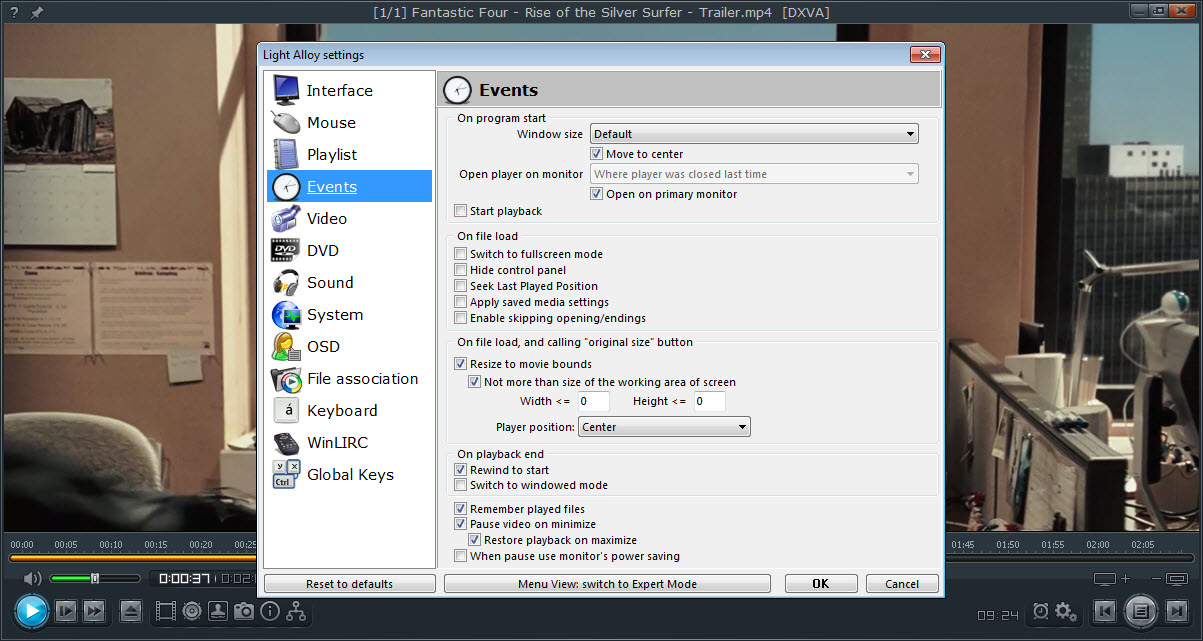
In Light Alloy, brightness, contrast and saturation, the volume level, the loaded subtitle and the chosen audio track are all saved per file and reapplied when that file opens again. So is the playing position, which means a series watched across a week resumes episode by episode without anyone noting the time. The audio side adds amplification for quiet recordings, normalisation that evens out the jumps between dialogue and explosions, and an audio shift for sound that drifts out of sync.
Video and audio filters can be configured for anyone who wants them, and the display size is unrestricted, with or without keeping the aspect ratio. Built-in codecs are the default, but the player can be told to use the system’s codecs instead, or to ignore them entirely, which is the fix when a codec pack installed elsewhere starts interfering.
A codec pack is unnecessary for this player, and is best kept away from it.
Subtitles
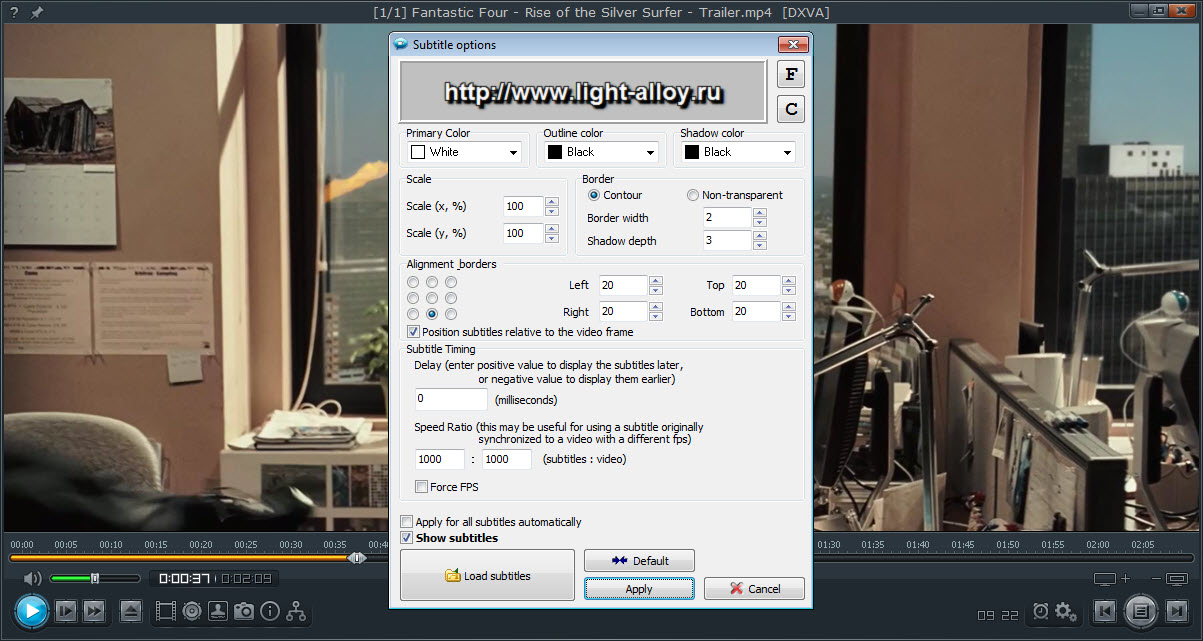
Light Alloy subtitle support is broad. Text files load from beside the video or by drag and drop, and a time shift corrects subtitles that run early or late. A second subtitle track can be shown at the same time, which suits language learners who want the original and a translation together.
The picture-based formats from discs and broadcasts are supported as well, and so are the DivX and Teletext forms. Changed subtitle files reload the moment they are saved, so a subtitle being edited can be checked against the video without restarting.
Position and size are configurable, style too, with the option to place subtitles relative to the video frame rather than the window. For a subtitle file that needs more than a time shift, Subtitle Edit fixes it, and the player shows the change as soon as it is saved.
Radio and the extras
An internet radio list sits inside Light Alloy, with stations that can be played, recorded to a file and added to favourites. A URL dialog opens an online video or a stream by address, and IPTV playlists load as channel lists. Ripped DVD and Blu-ray folders play with their menus and chapters intact. Tracker music in the old MOD, S3M, XM and IT formats plays as well, which few video players still bother with.
A WinLIRC connection lets an infrared remote control the player from the sofa. The playlist can export a table of its contents, a small thing that collectors of films use to catalogue a drive. There is a portable edition that runs from a folder without installing.
Where a maintained player is the better pick
The quiet is the Light Alloy limit. The last release fixed its own bugs and nothing has followed, so newer codecs and hardware decoding paths arrive late or not at all, and any problem found now stays found.
Disc image files in ISO form do not play, by one reviewer’s test, even though ripped folders do. The installer is large for a player, mostly because of the help files in many languages. And the interface is busy with icons, which suits people who like to see every control and puts off those who do not.
For a player that is maintained and plays almost anything with no setup, VLC Media Player is the sensible default. This one’s case is the per-file memory, the bookmarked timeline and the quick start, for people who watch their own library and like it set up just so.
Conclusion
Light Alloy suits people who watch their own library of films and series and want each file to open exactly as they left it, at the right second with the right settings. The per-file memory, the bookmarked timeline and the double subtitles are what set it apart from the general players.
It has gone quiet and will not gain new codecs or fixes, and its window is crowded. Use it for a local library you know well, keep a maintained player beside it for anything new or unusual, and enjoy the quick start.
Features & benefits
Pros & Cons
- Remembers picture and sound settings, subtitle, audio track and position per file
- Timeline with bookmarks and a resizable live preview window
- Built-in codecs, with the option to use or ignore system codecs
- Broad subtitle support with time shift and a second subtitle track
- Internet radio with recording, online streams and IPTV playlists
- WinLIRC remote control and a portable edition
- Development has been quiet since the last release
- ISO disc images do not play
- Large installer for a player
- Busy interface crowded with icons
Frequently asked questions
Yes. It saves the position for each file, along with the picture settings and volume, the subtitle and the audio track, and reapplies them next time.
Yes. A second subtitle track can be displayed alongside the first, which suits learning a language.
No. It has built-in codecs and plays common formats immediately. It can be set to ignore system codecs if another pack interferes.
Yes. The built-in radio list plays stations, records them to a file and keeps a list of favourites.


