

Celtx
About Celtx
Screenwriting has a strange gatekeeper, and it isn’t talent. Producers expect exact margins, capitalized sluglines, and centered character names, conventions that traditionally lived inside specialist software built for working professionals.
Celtx tears that gate down. It’s a complete pre-production suite that formats screenplays to industry standard as you type, and then follows the project past the writing stage into breakdowns, catalogs, index cards, and storyboards.
That second half is what separates the application from ordinary script editors. Writing tools like Trelby stop when the script is done. Here, the finished script becomes the raw material for planning the actual shoot, inside the same project file.
Type, hit Enter, and the format takes care of itself
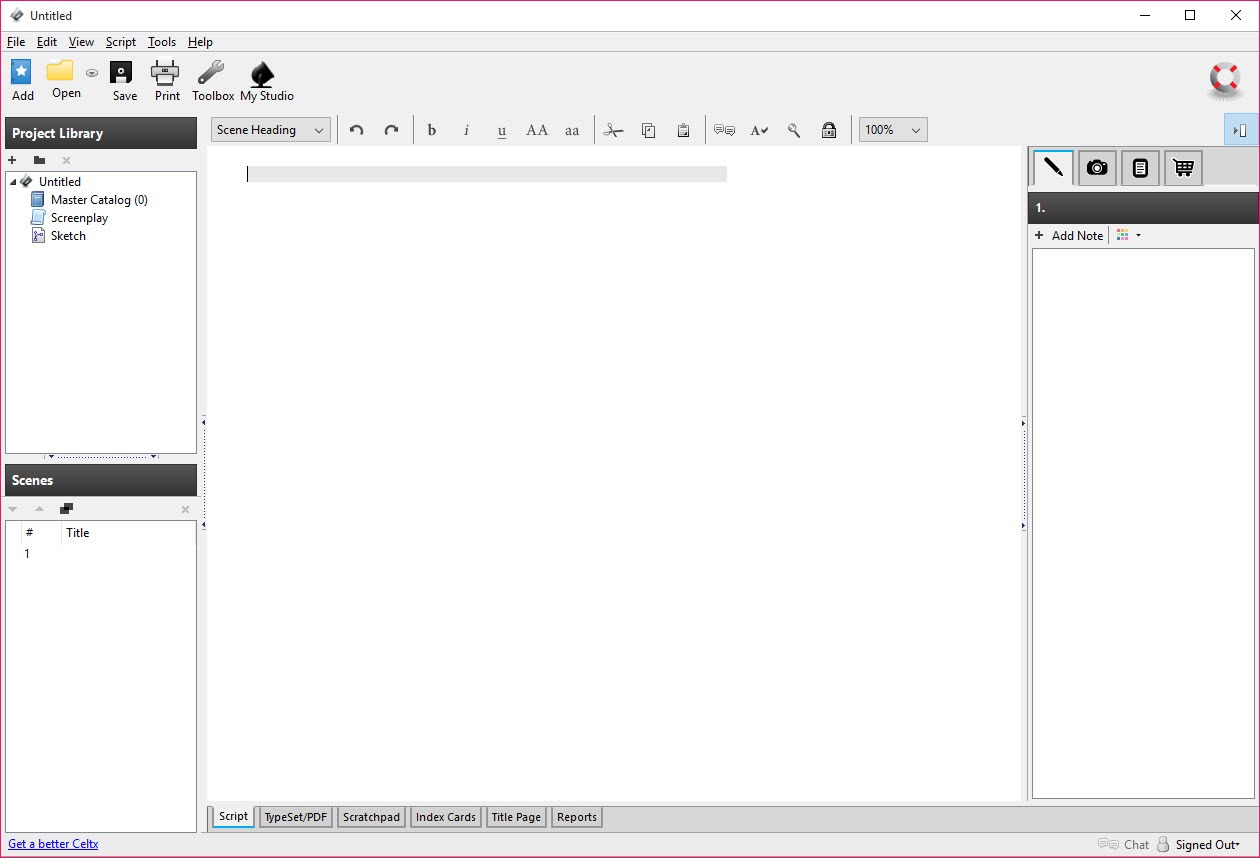
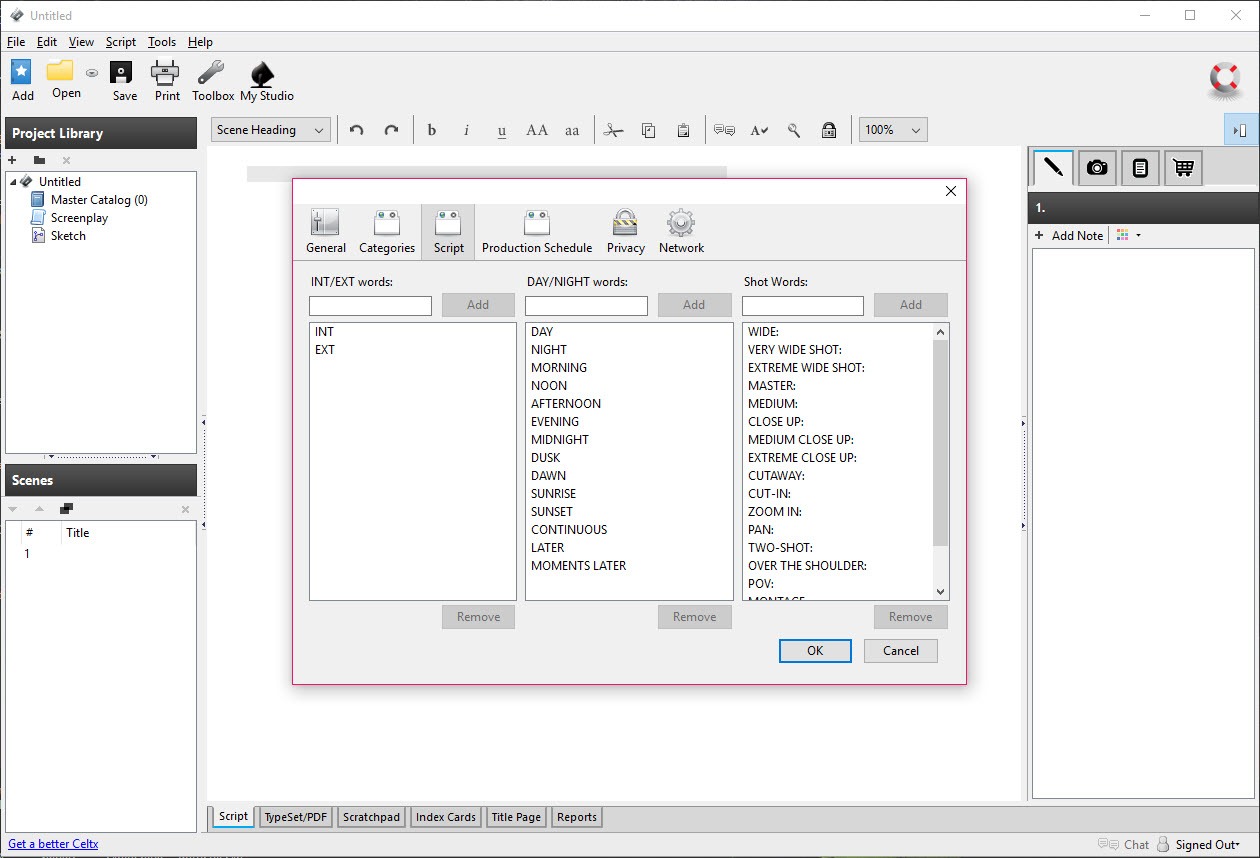
The editor is built around one idea, that a writer should never touch a margin setting. Each part of a screenplay is an element (scene heading, action, character, dialogue, parenthetical, transition), and the Tab and Enter keys cycle between them logically. Finish a character name, hit Enter, and you’re in dialogue. Hit Tab from action and you’re naming a character. After twenty minutes the rhythm goes into your fingers and the formatting simply happens.
Auto-complete quietly does the tedious part. Character names and locations you’ve already used pop up after a keystroke or two, which prevents the classic mess of a character spelled three different ways across ninety pages.
And because everything is stored as tagged elements rather than styled text, the software always knows what’s a location and what’s dialogue, which pays off later in the breakdown stage.
One project, six kinds of script
Film screenplays are only the default. Celtx ships with dedicated editors for stage plays, two-column AV scripts (the format ad agencies and documentary crews live in), audio plays that suit podcast fiction nicely, comic book scripts with page and panel structure, and plain prose for novels or treatments. Each type carries its own correct formatting conventions, so a radio drama doesn’t come out dressed as a feature film.
A single project can hold several documents at once. A pilot script, its outline, character notes, and a storyboard all live in one sidebar, which sounds minor until you’ve juggled the same material across four separate applications.
For distraction-free prose drafting some writers will still prefer a dedicated tool like FocusWriter, but for structured, format-heavy writing this editor holds its own.
From script to shopping list
Breakdown is where the tool earns the “pre-production” label. Select any word in the script (a shotgun, a wedding dress, a rooftop) and tag it as a prop, wardrobe item, location, cast member, sound cue, or any other production category. Every tag flows into a master catalog that assembles itself as you work, and each item gets its own detail page for notes, descriptions, and attached images.
The result is that by the time the script is locked, the production paperwork is half done. You can pull up every prop in scene twelve, every scene set at the rooftop, or every costume a character wears, without re-reading anything.
Anyone who has done a breakdown manually with highlighters knows exactly how many evenings this feature buys back. Independent filmmakers and student crews, who rarely have a dedicated line producer, benefit the most.
Index cards for structure, storyboards for shots
Every scene in Celtx automatically gets an index card carrying its heading and a short summary. Laid out on the corkboard view, the whole story becomes visible at a glance, and dragging cards around restructures the script without any copy-paste surgery. It’s the digital version of the wall full of note cards, minus the falling tape.
Storyboarding is built in as well. Attach images to shots, describe framing and movement, and sequence the whole thing scene by scene. The drawing has to happen elsewhere (a dedicated tool like Storyboarder covers the sketching side), but as a place to assemble and order visual plans next to the script that spawned them, it does the job.
The rough edges you should know about
Honesty time. The interface shows its age, with small icons, dense menus, and a look that predates modern flat design by a wide margin. Nothing is hard to find, but nothing is pretty either.
The bigger practical quirk is PDF output. The built-in typeset feature depends on an online service, and when that service is slow or unreachable, export stalls. The dependable workaround is printing through a PDF printer driver such as Doro PDF Writer, which produces a clean, correctly formatted script every time. Plan for that from the start and the problem never bites you.
There’s also no real-time collaboration and no cloud sync in this application. Files save locally, full stop. For a solo writer that’s a feature (your drafts are yours, on your disk, no account required), but writing rooms passing a script back and forth will feel the friction.
Conclusion
Celtx fits writers who think past the page. Film students, indie directors writing what they’ll shoot, podcast fiction producers, and anyone whose script will eventually need a prop list will find the fit natural. For them, having formatting, breakdowns, cards, and boards in one package is a rare deal, dated paint and all.
Writers who only ever deliver a polished PDF and hand off production to someone else lose less by picking a leaner editor. But as a complete on-ramp from blank page to prepped shoot, this one still has remarkably few rivals.
Pros & Cons
- Industry-standard screenplay formatting handled automatically while typing
- Six script types, from features and stage plays to AV, audio, and comics
- Breakdown tagging builds prop, cast, wardrobe, and location catalogs as you write
- Index card corkboard makes restructuring a drag-and-drop job
- Storyboards, notes, and scripts live together in one project file
- Works fully offline with locally stored files
- Dated interface that hasn't kept up with modern design
- Built-in PDF typesetting depends on an online service and can stall
- No collaboration or sync, so shared projects mean passing files manually
- Storyboard module needs artwork created in another tool
Frequently asked questions
Yes. Tab and Enter cycle between screenplay elements, and margins, capitalization, and layout follow industry conventions on their own. You never adjust formatting manually.
It includes dedicated editors for audio plays, comic book scripts, stage plays, two-column AV scripts, and prose, each with its own proper formatting rules.
You select words in the script and tag them as props, wardrobe, locations, cast, or other categories. The software compiles every tag into catalogs you can browse, edit, and print for production planning.
Yes. Every scene appears as an index card on a corkboard view, and dragging the cards into a new order restructures the script itself.
Writing, breakdowns, and storyboarding all work offline with files saved locally. Only the built-in PDF typesetting relies on an online service, and a PDF printer driver covers that gap offline.


