

Audacity
About Audacity
Audio software divides between editors and production environments, and confusing the two produces most of the disappointment people report. Audacity is an editor. It records sound, it changes sound, and it writes the result to a file, and almost everything about how it behaves follows from that.
The architectural fact underneath Audacity is that editing is destructive. Applying an effect writes the change into the waveform rather than storing an instruction to apply it later. The undo history within a session is generous and the change itself is not held separately once the session ends.
That has consequences in both directions. Working is direct, since what you see is what exists, and revisiting a decision three hours later means having kept the original or accepting the result. A production environment holds effects as adjustable layers, and this one does not.
Where the material is a compressed file and the requirement is only to cut it, editing it here decodes and re-encodes it, and MP3DirectCut cuts such files without touching the audio at all.
Recording, and getting the input right
Audacity records from any input the system exposes, in mono or stereo, with the sample rate and bit depth chosen before you start.
The setting that matters most is the one people skip. Recording at a modest level and amplifying afterwards produces a cleaner result than recording loud and clipping, because clipped audio has lost information no amount of processing recovers. Watching the meter and leaving headroom is the whole discipline.
Overdubbing works, letting a new track be recorded while existing ones play, and the honest note is that this is not where the software is strongest. Latency compensation exists and needs setting up, and anybody building layered music will find a production environment less awkward.
For recording speech where the machine has no decent microphone, WO Mic turns a phone into the input device, which usually beats what is built into a laptop.
Noise reduction, done the right way round
This is the Audacity feature that brings most people here, and the reason it works is a step people frequently skip.
The process has two parts. First you select a passage containing only the noise, meaning a second or two of room tone with nobody speaking, and let the tool analyse it. That builds a profile of what the unwanted sound actually is across the frequency range.
Then you apply the reduction to the whole recording, and it removes that specific profile rather than guessing at what noise might be. Applying it without the profile step, or with a profile taken from a passage containing speech, produces the hollow underwater artefact everybody recognises from badly cleaned recordings.
Restraint matters as much as the profile. Reducing by a moderate amount removes the hiss and leaves the voice intact, and pushing the settings hard removes the hiss and takes the character of the voice with it.
Labels, and the export nobody finds
Audacity carries an underused feature that turns a two-hour job into a two-minute one.
A label track holds markers with names, placed anywhere along the timeline. Marking the points where one item ends and the next begins takes a few minutes on a long recording.
Then a single export operation writes out separate files, split at those labels, named from the label text. A recording of an entire rehearsal becomes individually named tracks, a digitised tape becomes separate songs, and a long interview becomes numbered segments.
Anybody who has exported sections one at a time by selecting and saving repeatedly will recognise the hours involved.
The effect set, and what it is for
The Audacity effects cover the corrections a recording actually needs rather than attempting a creative palette.
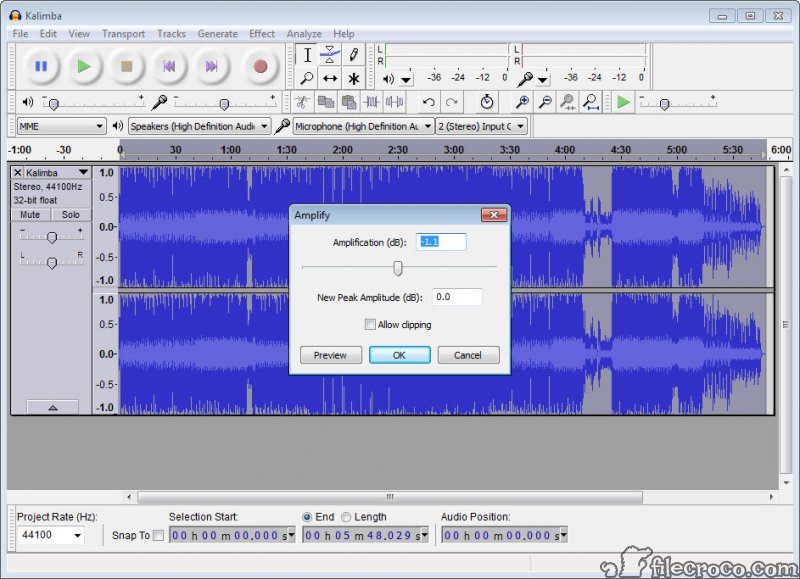
Amplification and normalisation set levels. Compression evens out the difference between loud and quiet passages, which is what makes speech comfortable to listen to at a fixed volume. Equalisation shapes the frequency balance, and there are curves aimed at making voice recordings clearer specifically.
Speed, pitch, tempo can each be changed independently of the others, which is more useful than it sounds. Slowing a passage without dropping its pitch is how anybody transcribes something spoken too quickly, and changing pitch without changing duration is how a recording is brought into tune with something else.
Click and clip repair handle the damage in transferred analogue material, which along with noise reduction covers most of what a digitised tape or record needs.
Shaping playback across the whole system rather than a file is a different job, and an equaliser operating at the system level handles that for everything the machine outputs.
Envelopes, for volume that changes as it goes
One tool sits apart from the effects and deserves finding. The envelope tool draws volume as a line along a track, with points you drag, so a level rises and falls across the recording rather than being set once.
That is how a music bed sits under narration and drops when somebody speaks, and how a passage recorded too quietly is lifted without amplifying the whole file. It applies per track, so several sources can each be shaped separately.
Unlike most of what Audacity does, the envelope remains adjustable rather than being written into the waveform, which makes it the closest thing here to a non-destructive control.
The spectrogram, for problems you cannot hear your way out of
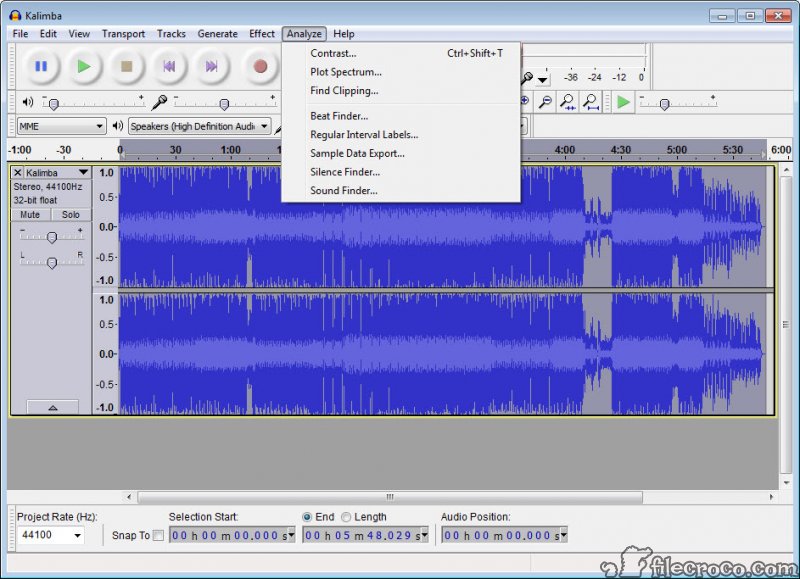
The Audacity waveform view shows loudness over time, which locates a click and reveals nothing about a hum.
Switching to the spectrogram shows frequency over time instead, with intensity as brightness. A constant hum appears as a horizontal line, a click as a vertical streak across all frequencies, and a resonance as a band that comes and goes.
Seeing the problem makes it addressable. A hum at a specific frequency can be notched out precisely rather than approached with a general filter, and spectral editing allows a selected region of the spectrogram to be attenuated directly, which removes a bird call or a phone notification from a recording without touching anything around it.
That capability is unusually advanced for software costing nothing, and it is buried behind a view nobody switches to.
Where it stops being the right tool
Being clear about the Audacity boundary prevents people fighting the software.
There is no MIDI sequencing and there are no virtual instruments. Audacity does not compose, does not play notes and does not host anything that does. It records what a microphone hears and edits what is already sound.
Mixing many tracks with automation, revisiting decisions across a long project, and routing signals between them is production work, and the destructive editing model makes that awkward rather than impossible.
For routing and mixing live audio between applications and devices, Voicemeeter is the instrument for that entirely separate job.
Conclusion
Audacity is the tool to reach for when the job is recording something and making it sound right. Noise reduction that profiles the actual noise, level and frequency correction, independent pitch and tempo adjustment, and repair for transferred analogue material cover the overwhelming majority of what people actually need from audio software.
Two features deserve finding before you need them. Label tracks with split export save hours on any long recording, and the spectrogram view turns an inaudible problem into a visible one. And understand the boundary, which is that editing here is destructive and there are no instruments, so composing music and mixing a long project belong somewhere built for that. Within its territory, very little else comes close.
Features & benefits
Pros & Cons
- Records from any input, with sample rate and bit depth chosen deliberately
- Noise reduction that profiles the actual noise rather than guessing at it
- Label tracks and split export turn one long recording into named separate files
- Speed, pitch and tempo adjustable independently of one another
- Spectrogram view with spectral editing for problems the waveform cannot show
- Click and clip repair for material transferred from analogue sources
- Plugin support extends the effect set well beyond the defaults
- Generous undo history within a session
- Editing is destructive, so effects are written in rather than held as adjustable layers
- No MIDI, no virtual instruments and no sequencing of any kind
- Overdubbing works and needs latency compensation configured to work well
- Long multi-track projects with revisited decisions suit a production environment better
- Editing a compressed file decodes and re-encodes it, degrading the audio
Frequently asked questions
Applying an effect changes the waveform itself rather than storing an instruction to apply it during playback. Undo works within a session, and once saved the change is part of the audio rather than something you can adjust afterwards.
Select a passage containing only the unwanted noise first and let it analyse that, which builds a profile. Then apply the reduction to the whole recording. Skipping the profile step is what produces the hollow artefact people associate with cleaned audio.
Yes, through label tracks. Place named markers where each item begins, then export using those labels, and it writes out individually named files split at each marker in a single operation.
No. It records and edits actual sound, with nothing for composing, sequencing or playing notes. Music production with instruments belongs in software built for that.
Not here, since opening one decodes it and saving re-encodes it. A tool that operates on the compressed data directly avoids that, at the cost of only being able to cut rather than process.
Seeing frequency rather than loudness over time, which reveals hum, resonance, interference the waveform cannot show. Spectral editing then allows a selected region to be attenuated directly, removing a specific sound without affecting what surrounds it.


