

Kdenlive
About Kdenlive
Video editing software has split into two distinct camps over the years. On one side sit the professional commercial suites like Premiere Pro and DaVinci Resolve, with feature lists that justify their substantial price tags through deep capability and constant development. On the other side sit the free options, which historically meant accepting significant limitations or rough interfaces in exchange for not paying. Kdenlive has been quietly pushing back against that division for years, offering a genuinely capable video editor without the commercial software price tag.
Originally a KDE community project that’s grown into one of the most polished open-source video editors available, this software has built a steady following among creators who want serious editing tools without subscription fees.
The 2025 releases have continued the long pattern of meaningful improvements, with new performance optimizations, AI-driven features, and workflow enhancements that close the gap with commercial alternatives in surprising ways.
Multi-track timeline editing as the foundation
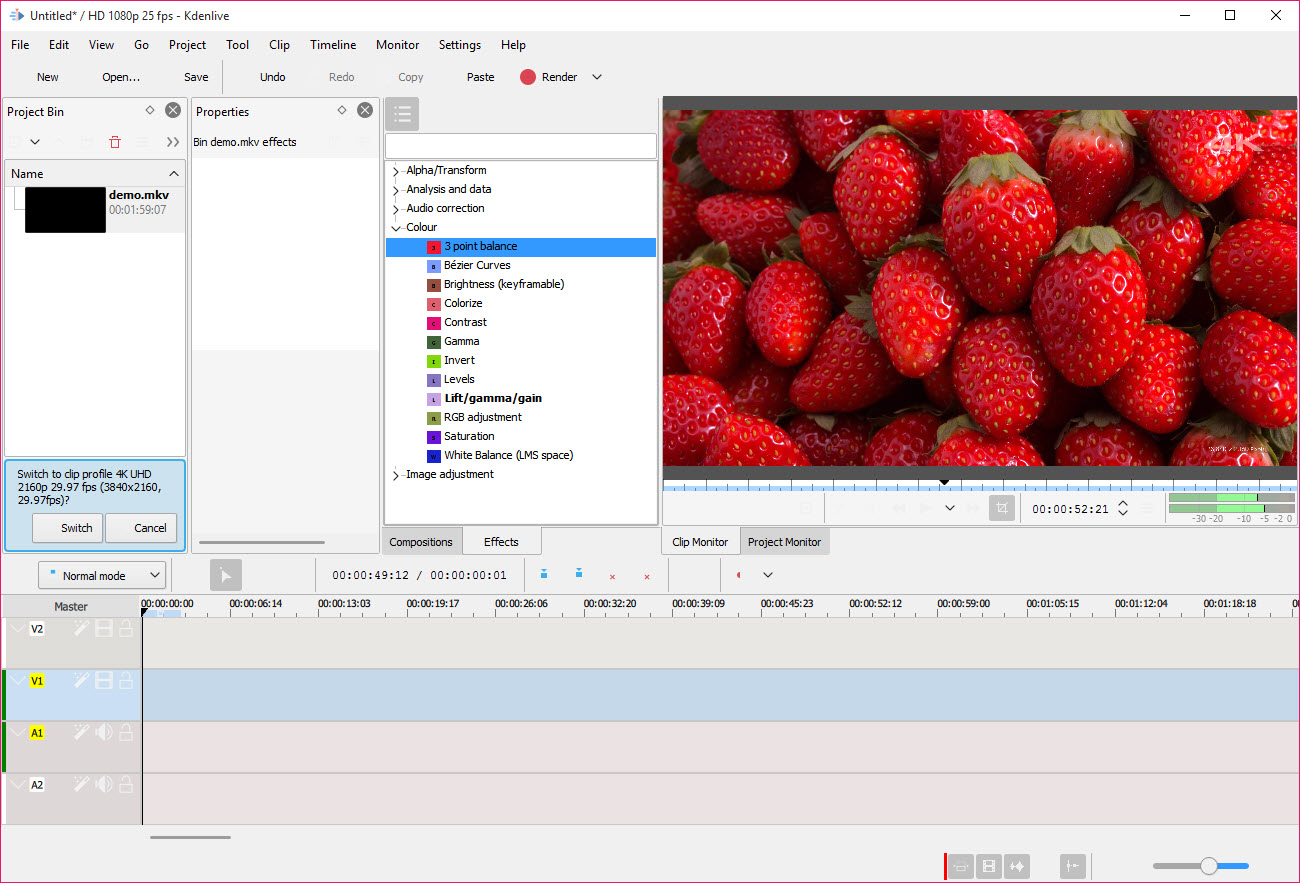
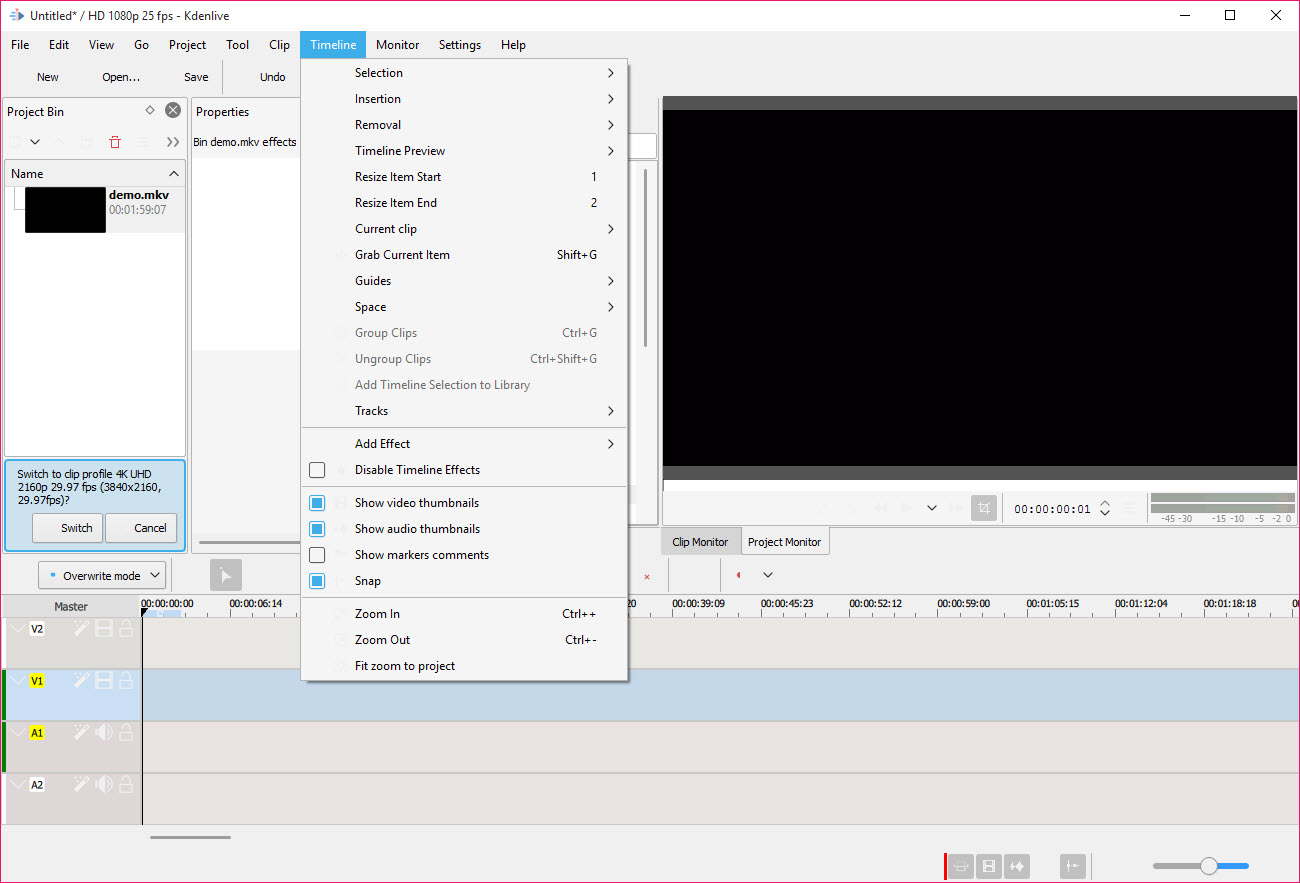
The defining feature of Kdenlive is its multi-track timeline editor that handles any reasonable combination of video and audio tracks, with the kind of editing operations users expect from professional NLE (non-linear editor) software.
You can stack multiple video tracks for compositing effects, manage separate audio tracks for music, dialogue, and effects independently, and arrange clips with precision through standard editing operations like ripple, roll, slip, and slide.
For users who’ve experienced this kind of multi-track workflow in Premiere or Final Cut, the patterns transfer directly with minimal adjustment.
The keyboard shortcuts, the timeline interactions, and the general flow of how you build a project all match the conventions of professional editing software rather than the simplified approaches that some free editors use.
Format support that actually covers what you need
A persistent annoyance with some video editors is dealing with format compatibility, where certain camera files refuse to import or export to specific formats requires elaborate workarounds. The application handles essentially any audio and video format you’re likely to encounter, leveraging the FFmpeg library that powers a substantial portion of the open-source media ecosystem.
In practical terms, this means files from your phone, drone footage in various codecs, screen recordings from different applications, and audio from any source you can imagine all import without compatibility friction. The same broad support applies on the export side, where you can render to whatever format your delivery scenario requires.
The 2025 versions specifically improved AV1 encoding through SVT-AV1 (replacing the slower default encoder) and added Nvidia 10-bit x265 encoding for users with appropriate GPU hardware.
For creators rendering long projects regularly, these encoding improvements translate to noticeably faster render times and better quality output.
Proxy editing for smooth performance on heavy footage
Working with high-resolution video on modest hardware is one of the persistent challenges in video editing, where 4K footage can bring even capable computers to a crawl during preview and editing.
The proxy editing feature addresses this by automatically generating low-resolution proxy versions of your source clips, letting you edit smoothly while keeping the full-resolution originals for the final render.
Performance improvements in recent versions specifically targeted proxy clip handling, making the proxy workflow noticeably smoother than in earlier releases. For users editing 4K or higher resolutions on systems that aren’t dedicated editing workstations, this proxy capability is the difference between a workable editing experience and constant frustration.
Multi-cam editing for multiple-angle shoots
A significant capability that puts the software firmly in serious-tool territory is the multi-cam editing feature, which lets you sync and edit footage from multiple cameras simultaneously. For interview-style shoots with multiple cameras, event coverage with switching angles, or any production using more than one camera, this functionality is essential.
The implementation handles the synchronization step (which can be done manually or through audio waveform matching) and provides the angle-switching workflow that turns multi-camera footage into a single coherent edit.
For productions where multi-cam was previously a barrier to using free software, the inclusion of this capability removes one of the last reasons to default to commercial alternatives.
Automatic subtitle generation
A particularly useful 2025 addition is the automatic subtitle generation feature, which uses speech-to-text technology to create subtitle tracks from spoken dialogue in your videos. For creators who routinely caption their content for accessibility or platform requirements, this automation eliminates one of the most tedious post-production tasks.
The generated subtitles can be edited and refined within the editor itself, which is significantly more convenient than the alternative workflow of generating subtitles in a separate application and importing them.
Accuracy varies based on audio quality and speaker characteristics, but the generated text is typically a useful starting point that requires only minor corrections rather than full transcription.
Animated transitions and effects
The transitions library covers the standard fades, dissolves, wipes, and various animated transitions you’d expect from professional editing software. The 2025 updates added animated transition previews that show how each transition will look before you commit to applying it, along with automatic duration adjustment that matches transitions to the clips they’re transitioning between.
Beyond transitions, the effects library includes color correction, audio processing, image manipulation, and various creative effects, all of which can be keyframed for animated parameter changes over time.
The keyframe system supports the standard animation curves you’d expect, including ease-in/ease-out and custom bezier curves for precise motion control.
For users coming from After Effects who want similar keyframe-driven animation control, the implementation here is genuinely capable, although obviously not as feature-rich as a tool dedicated specifically to motion graphics.
Customizable interface for different workflows
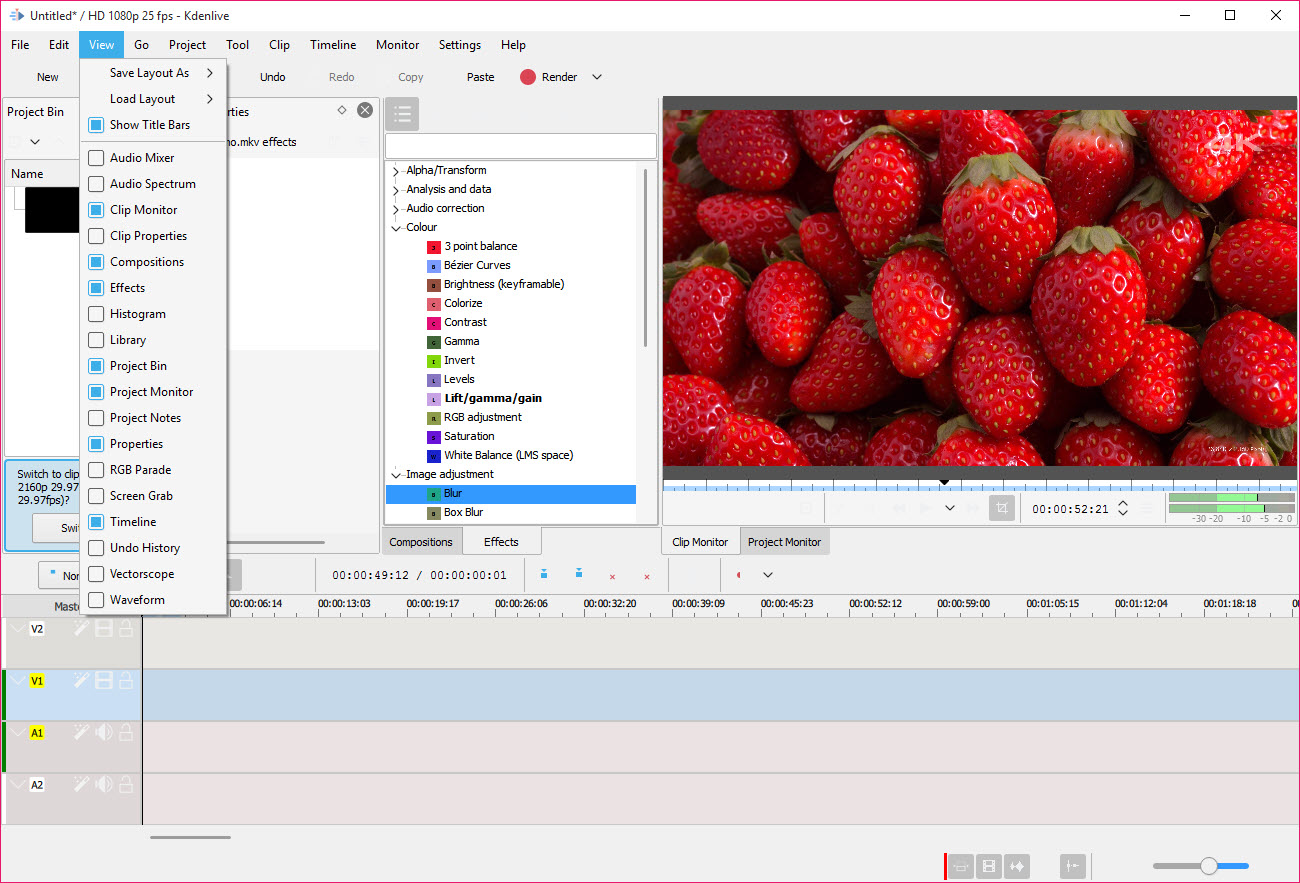
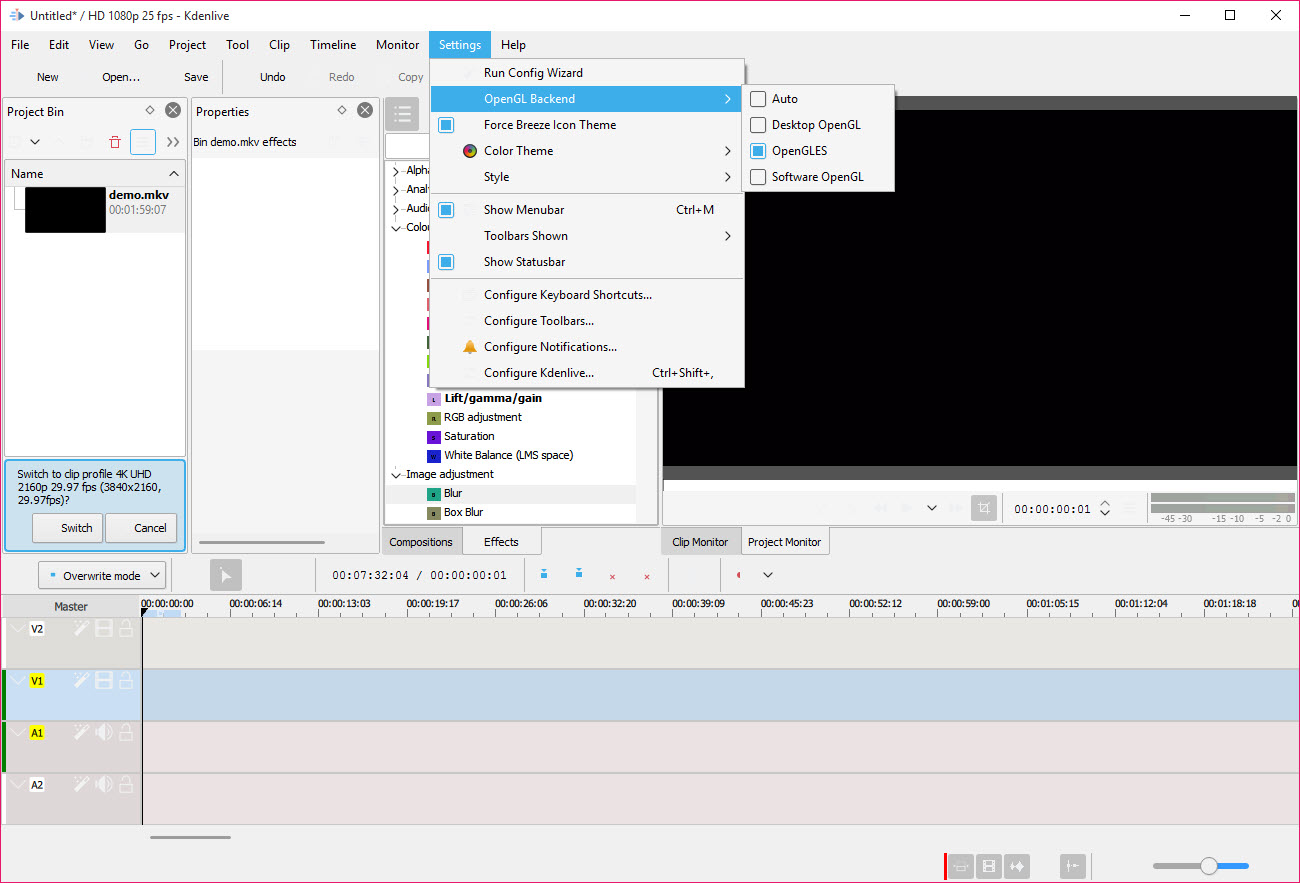
The interface follows the standard NLE pattern with project bin, timeline, monitor windows, and effects panels, but it’s customizable to match different working preferences. You can rearrange panels, save custom layouts for different types of projects, and switch between layouts as your workflow demands.
For users who do different kinds of work (long-form documentary editing, short social media content, audio-focused podcast editing), having dedicated layouts for each scenario means you don’t waste time rearranging the interface every time you switch projects.
The customization extends to keyboard shortcuts as well, letting you map operations to whatever keys feel natural rather than learning the defaults.
Title editor and integrated motion graphics
A built-in title editor handles text overlays, lower thirds, and basic motion graphics work without requiring a separate application. For most projects where titles are simple text on a background or basic animated text effects, this integrated capability handles the work efficiently.
Integration with third-party vector animation tools extends the capability further for projects that need more elaborate motion graphics. Glaxnimate is supported as a companion tool for users who need vector animation capabilities that go beyond what the integrated title editor provides.
Ongoing AI integration
The 2025 releases have continued the gradual integration of AI-driven tools for both audio and video tasks. Beyond the subtitle generation mentioned earlier, ongoing development is expanding AI assistance into areas like audio cleanup, scene detection, and content analysis. The AI integration is being added thoughtfully rather than being grafted on as a marketing feature, with the implementation choices favoring genuine workflow improvements over flashy demos.
For users who appreciate the trend toward AI-assisted editing in commercial software, having similar capabilities in a free open-source tool reflects how the gap between free and paid editing software has narrowed in recent years.
Power management and stability improvements
A small but appreciated detail is the power management option that can disable sleep mode during rendering, preventing the situation where your computer goes to sleep mid-render and corrupts your output file. Combined with general rendering stability improvements in the 2025 versions, the experience of actually finishing render jobs has become more reliable than in earlier releases.
For long renders or batch processing scenarios where you walk away while the computer works, these reliability improvements translate to more completed renders and fewer wasted hours.
Conclusion
Kdenlive has earned its position as one of the most capable free video editors available through years of consistent development that has gradually closed the feature gap with commercial alternatives. The 2025 releases continue that trajectory, adding multi-cam editing, automatic subtitles, AI-assisted features, and significant performance improvements that put the software firmly in serious-tool territory.
It’s not the only option in the free video editor space, and DaVinci Resolve offers more depth for specific use cases like advanced color grading. But for users wanting a capable, actively developed video editor without subscription costs or platform lock-in, Kdenlive delivers exactly what’s needed for most editing workflows.
The combination of professional-quality features, broad format support, and ongoing community development makes it a genuinely practical choice rather than just a free alternative.
Pros & Cons
- Multi-track timeline editing with professional NLE conventions
- Broad format support handles essentially any media file through FFmpeg
- Proxy editing enables smooth work with high-resolution footage on modest hardware
- Multi-cam editing for productions with multiple camera angles
- Automatic subtitle generation through speech-to-text
- Animated transition previews with duration matching
- Custom interface layouts for different project types
- Active 2025 development including SVT-AV1 and Nvidia 10-bit encoding
- AI integration expanding into audio and video tasks
- Free and open-source with no subscription requirements
- Learning curve steeper than simplified consumer editors
- Occasional stability issues with complex projects, although improved in recent versions
- Some advanced effects work better in dedicated motion graphics tools
- Resource usage can be heavy on long projects with many tracks
- Documentation varies in quality across different features
Frequently asked questions
This software is a non-linear video editor that handles multi-track editing of video and audio, supports essentially any media format through FFmpeg, and includes professional capabilities like multi-cam editing, automatic subtitling, proxy editing for high-resolution footage, and customizable export to various formats. It's a serious editing tool rather than a simple consumer video maker.
DaVinci Resolve is the closest free alternative in capability, with significantly more advanced color grading and audio post-production features. This software is generally lighter, simpler to learn, and runs better on modest hardware, while Resolve offers more depth for users who specifically need its color or Fairlight audio capabilities. For most general editing work, both are capable choices.
The proxy editing system and the relatively efficient implementation make this software more practical on older hardware than many commercial alternatives. Modern CPUs and at least 8GB of RAM provide a workable experience for HD content, while 4K work benefits substantially from more capable hardware regardless of which editor you use.
Yes, the editor supports 4K and higher resolutions, with proxy editing helping maintain smooth performance during the editing process. Final renders use the full source quality, while editing happens against lower-resolution proxies that respond more smoothly to interactive operations on modest hardware.
Yes, the multi-cam editing feature handles synchronization and angle-switching for productions using multiple cameras. This puts the software in the same capability tier as commercial editors, addressing a workflow that previously required either paid software or substantial manual work in free tools.
Accuracy depends on audio quality, speaker accents, and the specific language being processed. For clean dialogue in standard English, the generated subtitles typically need minor corrections rather than full re-transcription. For challenging audio or less-common languages, more correction work is required, but the automated starting point still saves significant time.
The export options cover essentially every video format through FFmpeg, including H.264, HEVC (H.265), AV1, VP9, and various professional codecs. The 2025 updates specifically improved AV1 encoding through SVT-AV1 and added Nvidia 10-bit x265 for hardware-accelerated rendering on appropriate GPUs. 8 Is it suitable for YouTube content creation? Yes, the feature set covers everything needed for typical YouTube workflows including timeline editing, color correction, audio mixing, transitions, titles, and export to YouTube-friendly formats. Many YouTubers use this as their primary editing tool, particularly those who don't want subscription costs or who prefer open-source software.
Generally yes, with newer versions opening older project files cleanly. Backwards compatibility (opening newer files in older versions) is more limited, as new features added to recent versions may not have equivalents in older releases. Keeping the application reasonably current avoids most compatibility issues.
Users with experience in any other NLE editor will find familiar conventions and transfer their skills quickly. Users completely new to video editing face the same general learning curve as any professional editing tool, with the basics achievable in a few hours of practice and deeper capabilities developing over weeks or months of regular use.
Yes, the color correction tools cover the standard adjustments including curves, color wheels, and various filters. For dedicated color grading workflows that require advanced node-based correction, DaVinci Resolve remains the more capable choice. For general color correction within a typical editing workflow, the included tools are genuinely sufficient.


