

1gram Player
About 1gram Player
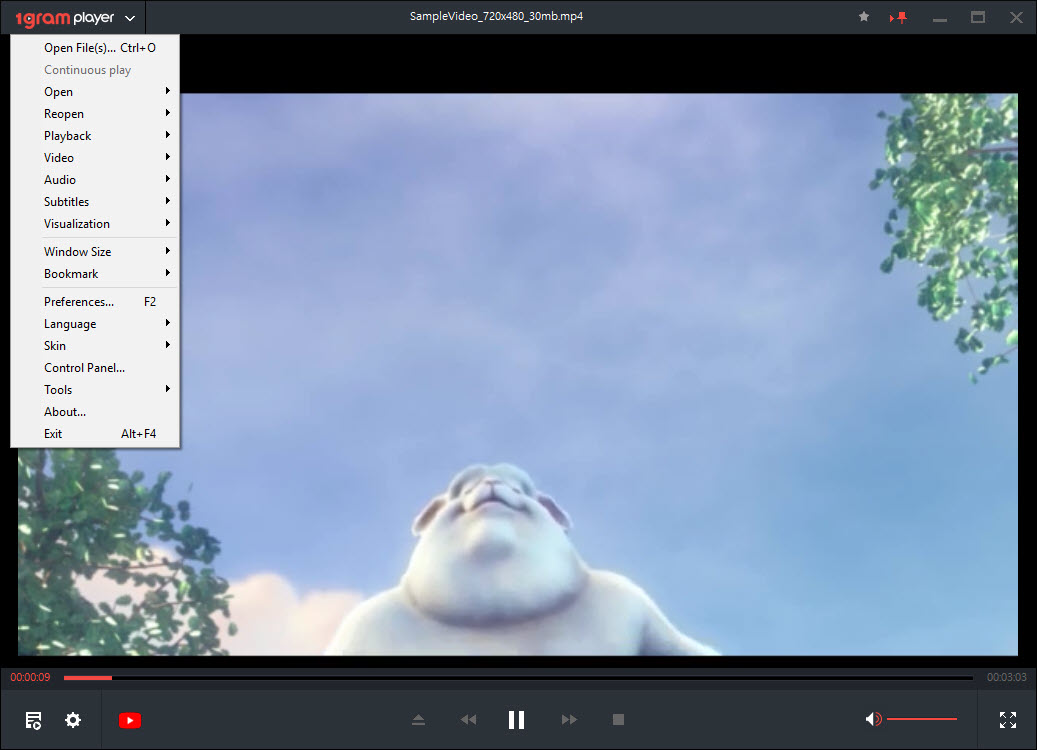
1gram Player is a compact media player that plays local video and music through a built-in set of LAV codecs and adds a browser for online content on the side. Open a single file or a whole folder, and it builds a playlist and starts playback in a dark, minimal window where the picture takes almost all the space.
It was designed for modest hardware. The codecs ship inside the program, so they do not clash with codec packs already on the system, and the video renderer keeps high-definition files smooth on older laptops.
That is still its main appeal, since development stopped some time ago and the online features have aged far worse than the local ones.
Local playback with integrated codecs
Formats are covered by the bundled LAV codecs, which handle the usual suspects such as MKV, MP4, AVI and DivX on the video side and FLAC, MP3, OGG and WMA on the audio side. Because those codecs are private to 1gram Player, installing or removing a system codec pack does not break playback, and the player does not break anything else either.
Opening media is quick. Drop files onto the window, open a folder to load everything inside it, and manage the queue from the playlist panel. Predefined window sizes snap the player to common dimensions, handy when you want a video in a corner while working.
For a heavier player with far more settings, PotPlayer uses a similar approach to codecs.
Subtitles you can drag into place
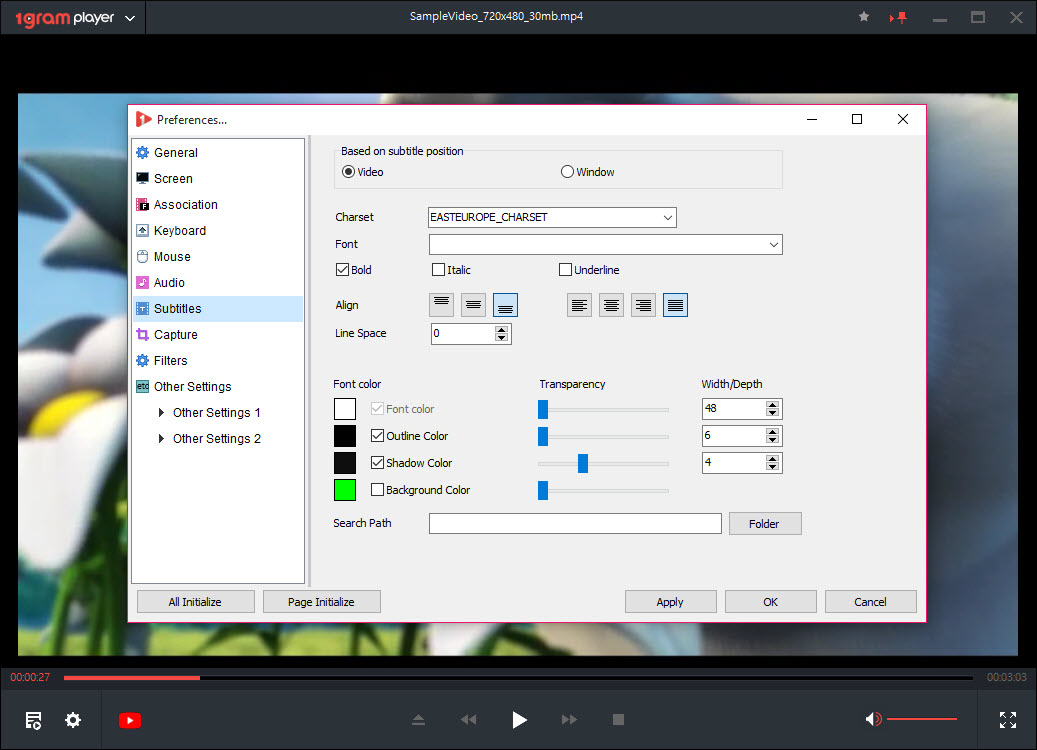
Subtitle support goes beyond the basics. The player reads SMI, ASS, SRT, SUB, PSB, S2K, LRC and plain text subtitle files, and renders them with a modern text engine, so lettering stays sharp at any window size. Styled ASS subtitles keep their fonts and positioning.
The nicest touch is placement. Drag the subtitle text with the mouse and it moves to wherever you drop it, which helps when captions cover on-screen text or a letterboxed film leaves empty black bars.
Timing can be shifted too, so subtitles that run early or late can be brought back in sync without editing the file. When a subtitle needs real repairs, Subtitle Edit handles the job properly.
Control box and themes
A small control box gathers the settings you change mid-film. Playback speed sits there alongside subtitle options and picture controls for brightness and contrast, so a dark scene can be lifted without digging through menus. Changes apply instantly while the video keeps playing, which makes it easy to judge the result on the actual scene.
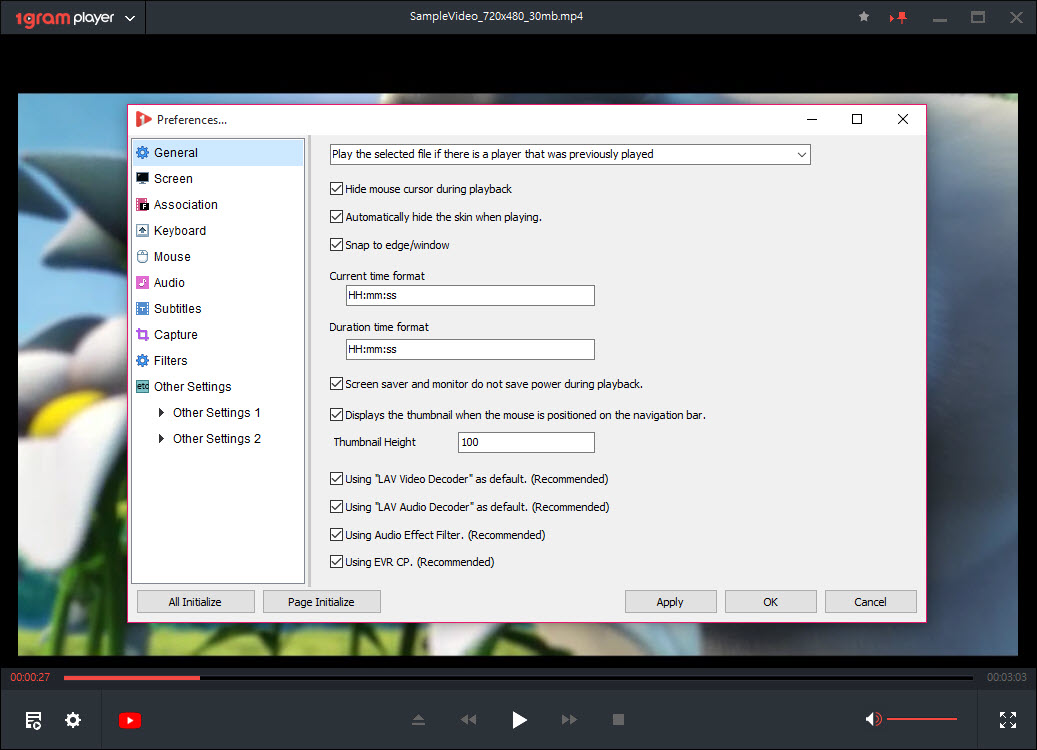
The look is adjustable as well. A dark theme is the default, and you can build your own theme to change the colours of the interface. Beyond that, the options stay deliberately thin, which keeps the player approachable but leaves out audio equalisers, advanced filters and per-file settings memory.
The online features have aged
The selling point at launch was the online side. A file browser lists YouTube and Dailymotion videos next to internet radio stations, and the player could search YouTube, play whole playlists and save videos or their audio for offline use.
That part is now the weak spot. 1gram Player has not been updated in years, while video sites change the way they deliver streams regularly, and unmaintained players are usually the first to stop working when that happens. Treat the online browser as a bonus that may fail, and judge the program on local playback, where it still does what it promised.
If network streams matter to you, a player that is still actively maintained keeps up with those changes far better.
Conclusion
1gram Player suits people with older or low-powered PCs who want a light player that handles most local formats and subtitles without installing codec packs. Its drag-to-position subtitles and clean dark interface make everyday viewing pleasant.
Its online features belong to a period when the program was still maintained, so do not install it for YouTube. As a small, self-contained player for files on your own drives, it still holds up.
Pros & Cons
- Bundled LAV codecs play most formats without touching system codecs
- Runs smoothly on older, low-powered PCs
- Wide subtitle format support with drag-to-position captions
- Subtitle timing and picture adjustments from one control box
- Dark interface with custom themes
- No longer updated, so online streaming and downloading may fail
- Few advanced settings, with no equaliser or per-file memory
- Online browser mixes services that change their delivery often
Frequently asked questions
It was built to, but the program has not been updated in years and video sites change frequently. Expect the online browser and downloads to fail at times, and rely on it mainly for local files.
No. It ships with its own LAV codecs, which play most common video and audio formats and do not conflict with codecs installed on the system.
Drag the subtitle text with the mouse to the position you want. Timing can be adjusted from the control box if the subtitles run out of sync.


