

Zen Browser
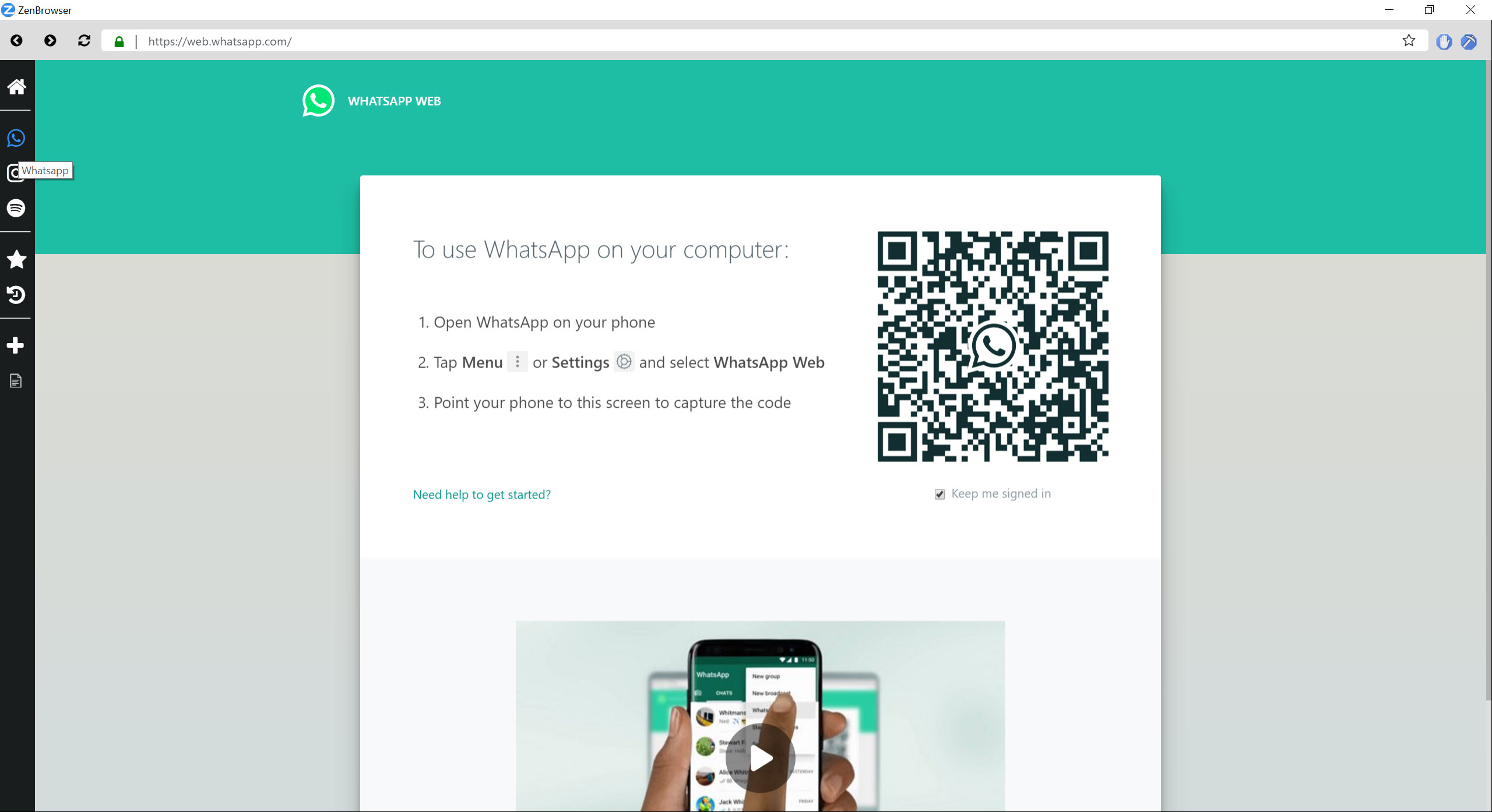

About Zen Browser
Browsers stopped surprising anyone years ago, which is exactly why Zen Browser spread the way it did. It’s an open-source fork of Firefox that throws out the familiar top tab strip and rebuilds the whole experience around a vertical sidebar, workspaces, tiled split views, and floating link previews.
If that recipe sounds like Arc, it should. When that celebrated browser stopped evolving, this project became the landing spot for its refugees, offering the same calm, organized workflow on the Gecko engine instead of yet another Chromium shell.
The pitch in one sentence is Firefox’s engine and extensions wearing a radically better-organized interface. Everything underneath (site compatibility, security patches, the extension catalog, sync) tracks Firefox directly, so the gamble is smaller than a new browser usually implies.
What changes is how browsing feels when you keep thirty tabs alive across three projects, which is precisely the person this software was built for.
The sidebar is the browser
Tabs live in a collapsible left rail, top to bottom. Titles stay readable at any tab count instead of shrinking into anonymous slivers, pinned tabs and Essentials (your always-available handful) sit at the top, and the current workspace’s tabs flow below. The adjustment takes a day or two of reaching for the top of the window out of habit, and then the old layout starts looking cramped in hindsight.
Compact mode is the payoff for laptop screens. One shortcut collapses the sidebar to a favicon strip and tucks the URL bar into the window’s edge, leaving essentially nothing but the page.
Unlike the half-measures in other browsers, the collapse covers both the tabs and the address bar, so a small display becomes a near-fullscreen reading surface that still shows your tabs as icons when you glance left.
Workspaces, with containers doing the identity work
Workspaces group tabs by project, each with its own name, icon, and color, switchable by shortcut. Work lives in one, personal chaos in another, the side project in a third, and none of them clutter the others. That alone reduces the mental noise of a loaded browser more than any tab-grouping bolt-on manages.
The clever part is the marriage with Firefox’s container system. A container can be bound to each workspace, giving that workspace its own separate cookie session, which means being logged into one account in the Work workspace and a different account on the same site in Personal, simultaneously, with no private windows involved. For anyone juggling client accounts or separating a business identity from a personal one, this is the feature that makes Zen Browser stick after the visual novelty fades.
Split View and Glance, the tab hoarder’s toolkit
Split View tiles up to four tabs in one window, side by side, stacked, or in a grid, set up by selecting tabs and one shortcut or by dragging one tab onto another. Documentation next to the code editor, a source beside the draft that cites it, a call in one pane and notes in the next. Other browsers make you wrestle two windows into position for this. Here it’s a native layout that you dismiss as easily as you built.
Glance attacks tab clutter from the other end. Hold the modifier key and click any link, and it opens as a floating preview above the current page, read it, take what you need, and dismiss it, without ever creating a tab.
The dozens of ghost tabs that research sessions usually leave behind simply never come into existence. Between the two features, Zen Browser doesn’t lecture you about tab hygiene, it removes the reasons the mess forms.
Mods on top, Firefox underneath
Customization goes past themes into a proper catalog. The Mods registry installs interface tweaks with one click and no restart, from visual reskins to behavior changes, each toggleable and removable from settings. Tinkerers can go further with CSS. It’s the customization culture that long-running forks like Pale Moon built entire identities around, delivered here with an app-store level of friction.
Because the foundation is Firefox, the practical ecosystem carries over whole. Extensions install from the same catalog, an existing sync account brings bookmarks, history, and passwords along, and picture-in-picture, translations, and the container machinery all behave as expected.
The privacy posture deserves honest framing, though. You get Firefox’s tracking protection with telemetry switched off by default, a sensible tightening rather than a hardened rebuild, and users whose threat model demands more should evaluate the dedicated privacy forks instead.
The rough edges, counted honestly
Three limitations belong in any truthful review. First, raw speed. On JavaScript-heavy benchmarks, Chromium-based rivals measurably outrun the Gecko engine, and something like Brave Browser will feel snappier on complex web apps. In ordinary browsing the gap rarely announces itself, but it exists and benchmark-minded users should know it.
Second, streaming. The browser doesn’t ship the DRM component that major streaming platforms require out of the box, so a service that plays instantly elsewhere may greet you with an error here until the workaround is applied. If the browser’s main job in your life is a nightly series, this quirk alone may disqualify it.
Third, maturity. Development is fast and enthusiastic, updates land constantly, and the community is loud in the best way, but occasional interface bugs come with that pace, and the project’s future rests on a small team rather than a corporation’s payroll.
Daily drivers report satisfaction, and also the occasional glitch that a decades-old browser wouldn’t show.
Conclusion
Zen Browser is for the tab hoarder with a system. Researchers, developers, and multi-project jugglers who want workspaces, tiling, and previews to do the organizing their willpower never did, and who’d rather not join the Chromium monoculture to get it, are the natural audience. Arc’s former faithful will feel at home within an hour, and Firefox loyalists get the modern interface their browser never grew.
The trade is a young project’s occasional wobble, a streaming quirk, and a benchmark gap that mostly lives on paper. Accept those and you get the rare browser that actually changes how working in one feels, rather than just repainting the same old window.
Pros & Cons
- Vertical sidebar with workspaces keeps large tab counts organized and readable
- Per-workspace containers allow different logins on the same site simultaneously
- Split View tiles up to four tabs in a grid inside one window
- Glance previews links in a floating overlay without creating tabs
- Compact mode collapses both sidebar and URL bar for a near-fullscreen page
- Full Firefox extension catalog, sync, and security patch cadence underneath
- Measurably slower than Chromium rivals on heavy web applications
- Streaming services requiring DRM need a manual workaround first
- Occasional bugs that come with a fast-moving young project
- Vertical tabs and workspaces demand a real adjustment period
Frequently asked questions
Firefox. It uses the Gecko engine, tracks Firefox's security updates, and runs the standard Firefox extension catalog, with the differences living entirely in the interface layer.
Named groups of tabs with their own icon and color, switchable by shortcut. Each can be bound to a container, giving it an isolated cookie session, so different accounts on the same site can stay logged in side by side.
Split View tiles up to four tabs in a single window, arranged horizontally, vertically, or as a grid, which covers reference-and-write workflows without juggling separate windows.
Modifier-clicking a link opens it as a floating preview over your current page. You read it and dismiss it without a new tab, which keeps research sessions from breeding dozens of leftover tabs.
Yes, the same extension catalog installs directly, and a sync account carries bookmarks, passwords, and history over. Only extensions that redesign the horizontal tab bar lose their purpose, since the sidebar replaces it.
The DRM component those platforms require isn't shipped by default. A workaround exists, but out of the box some major streaming sites will refuse playback, which is the browser's most commonly cited annoyance.


