

Avant Browser
About Avant Browser
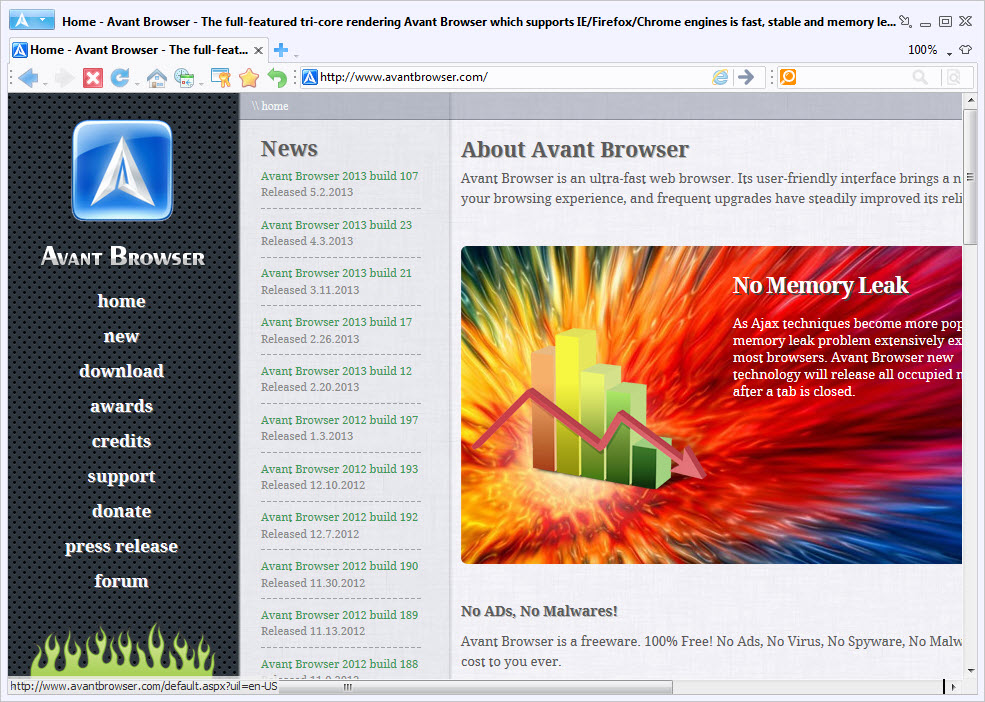
Avant Browser carries three rendering engines in one window and lets you decide which one draws each page. Trident, Gecko and WebKit all sit behind the same toolbar, so a page that falls apart in one can be reloaded in another without leaving the application or opening a second browser. That is the reason it exists, and there is very little else on the market that does it.
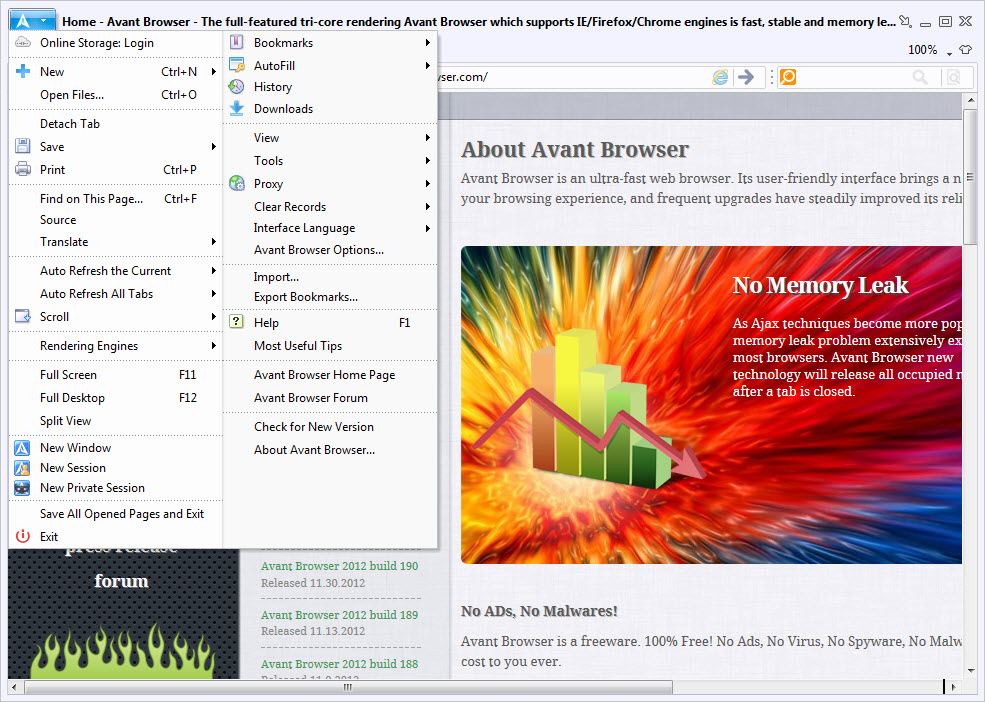
Around that sits a set of tools most browsers left to add-ons. A multi-threaded download manager, a sniffer that pulls embedded video off a page, split view for two sites side by side, mouse gestures, an encrypted bookmark store that syncs.
Three engines, and how you switch between them
One engine is the default and you change it from the toolbar when a page misbehaves. That covers the common case, a site that renders wrongly under one engine and correctly under another, and the switch reloads the current tab rather than the whole session.
The better feature is the per-site rule list. In the options you assign an engine to a specific domain, and from then on Avant Browser switches automatically whenever you open it. Set the internal payroll application that only ever worked under Trident to use Trident, leave everything else on WebKit, and you stop thinking about it. Maxthon does the dual-engine trick too, but with two engines and less granular control over which sites get which.
Be clear about what you are getting, though. These are embedded engines and they lag behind the standalone browsers they came from. Switching engines fixes layout differences, not missing support for something recent.
A download manager that is part of the browser
Downloads in Avant Browser go through a built-in accelerator that splits each file across several connections, with a proper queue plus pause and resume. On a connection where a single stream underperforms, that difference is measurable rather than theoretical.
The video sniffer is the piece people actually remember. It watches the media a page loads and offers what it finds for download, which handles the ordinary embedded player without a browser add-on or a command-line tool. It is not clairvoyant.
Anything behind adaptive streaming or token-protected segments defeats it, and for those a dedicated download accelerator with its own browser hooks will get further.
Split view, and pinning a tab on top of everything
Split view puts two pages side by side inside one window with a divider you drag. Useful for comparing two listings, or keeping documentation open beside a form you are filling in.
Detached on Top is the more unusual one. Pull a tab out into its own always-on-top window and it floats above whatever else you are working in, which is how you keep a video or a chat visible while using another application entirely. Neat, and the thing I would miss most on a single monitor.
Tab handling elsewhere is conventional and starts to feel cramped once you pass twenty or so. If your working style involves fifty tabs and vertical stacking, Vivaldi is built for that and this is not.
Bookmarks that sync and can be locked
Bookmarks live in an online store tied to an account, so the same set follows you between machines. Nothing remarkable there. What is less common is that the store can be encrypted behind a password, so someone with access to your unlocked desktop still cannot read your bookmark list.
That matters more than it sounds on a shared machine, and it is the sort of thing mainstream browsers dropped in favour of a single account login that unlocks everything at once.
Gestures and the smaller conveniences
Mouse gestures cover going back and forward, closing a tab and reopening the last one, all drawn with the right button held. They take an afternoon to become automatic and then feel missing everywhere else.
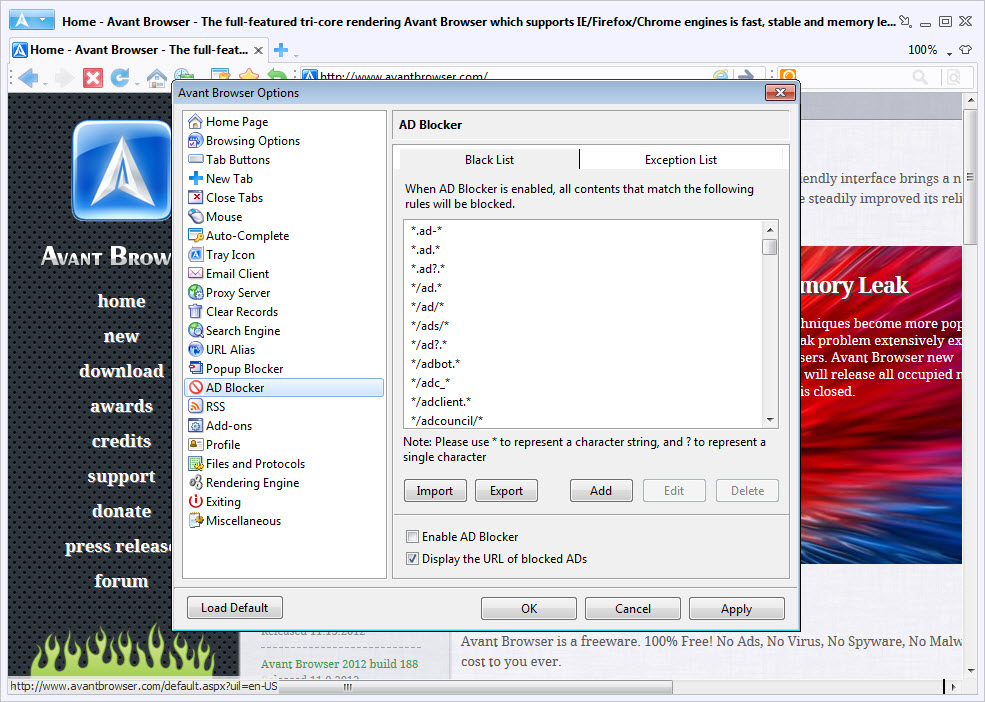
Automatic login fills a saved form and submits it in one action, which is a step beyond a password manager that fills the fields and waits for you. There is a private mode. Ad and animation filtering is built in rather than added, and a set of options aimed at slow connections suppresses images and scripted animation to cut what a page has to fetch. Multi-process design in Avant Browser keeps one failing tab from taking the window with it.
Where the engine age shows
Here is the part that decides whether any of the above matters to you. Trident is a dead engine, and a growing share of the modern web assumes capabilities it never had, so the default configuration will hand you broken layouts on ordinary sites. The bundled Gecko and WebKit builds are better but still behind the current releases they were taken from.
There is also no extension ecosystem. Nothing from a modern add-on store installs here, and the built-in features are the features. If you use a content blocker with custom filter lists or a password manager with browser integration, none of that comes along.
So the honest recommendation is narrow. If you keep Avant Browser for the specific sites that need an old engine, and use something on a current Gecko build for daily browsing, the arrangement works well.
Conclusion
The audience here is small and specific, people who still have to open sites that only ever worked under an old engine, and who would rather do it in one window than keep a second browser installed for the purpose. For that job the per-site engine rules are excellent and nothing mainstream replaces them.
As an everyday browser it does not hold up, and pretending otherwise would waste your time. Avant Browser will render a good part of the current web imperfectly, cannot take the extensions you rely on, and its download manager and video sniffer, good as they are, do not offset that.
Features & benefits
Pros & Cons
- Three switchable rendering engines with automatic per-site engine rules.
- Multi-threaded download manager and video sniffer built in, no add-ons required.
- Split view plus detachable always-on-top tabs.
- Bookmark store can be encrypted behind its own password.
- Installer under 5 MB with multi-process tab isolation.
- Embedded engines lag well behind the standalone browsers they came from.
- Trident as the default produces broken layouts on many current sites.
- No extension support of any kind.
- Tab management gets unwieldy past a couple of dozen tabs.
- Video sniffing fails on adaptive or token-protected streams.
Frequently asked questions
Trident, the engine supplied with the system, unless you change it. The toolbar switches the active tab to Gecko or WebKit on demand, and the options let you nominate a different default outright.
Because the embedded engines are older than the code current sites are written against, and Trident in particular predates a large part of what pages now assume. Switching that site to the WebKit engine fixes most of these cases.
Add the domain to the per-site engine list in the options and pick its engine. Navigating there switches for you from then on, which is the cleanest way to handle a handful of legacy sites.
No. There is no extension framework, so the built-in ad filtering, gestures and download tools are what you have. Anything relying on a browser plugin will not transfer.
The built-in sniffer detects media a page loads and offers it for download. Standard embedded players usually work, while adaptive streaming and segment-protected video generally do not.


