

StarStaX
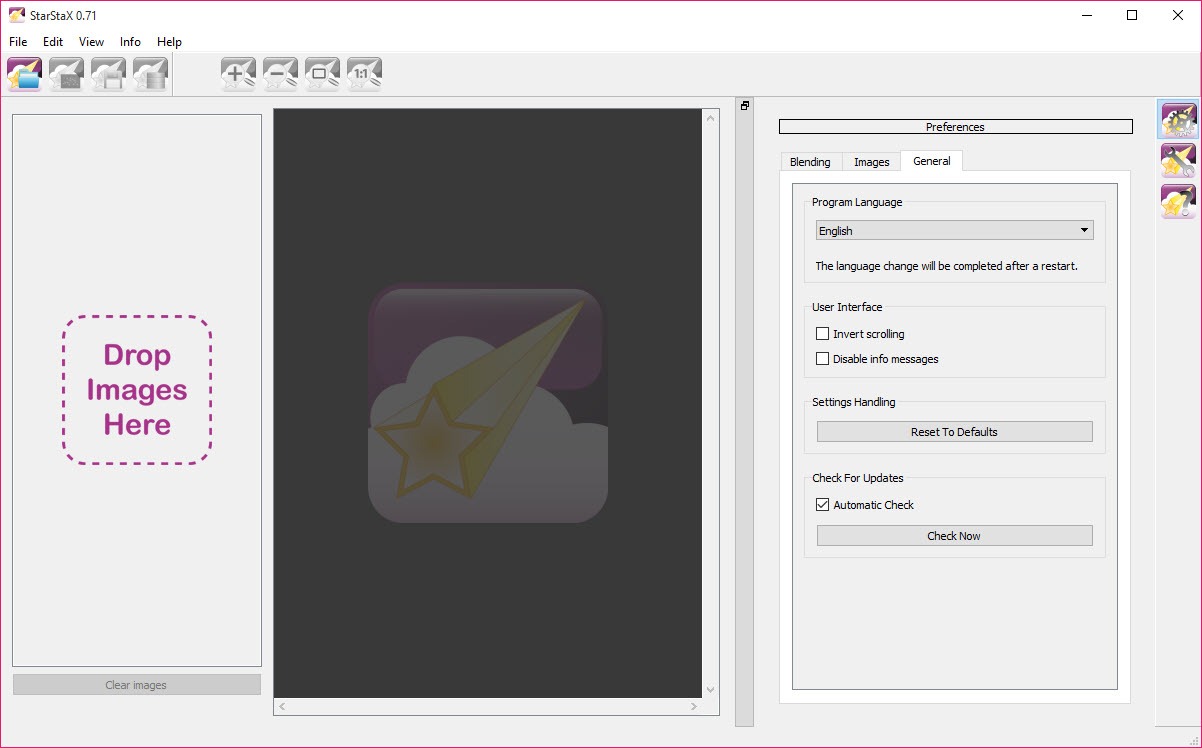
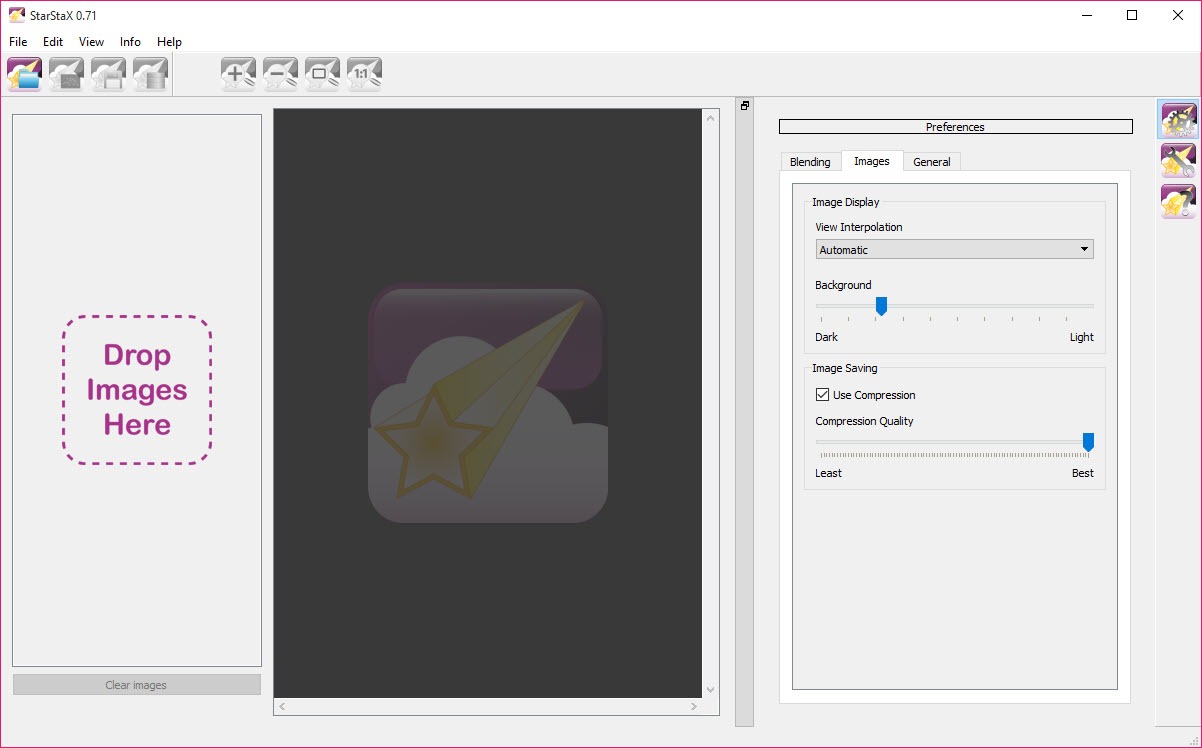
About StarStaX
Photographing star trails by leaving the shutter open for an hour does not work. The sensor accumulates heat and noise, any passing light source blows out the frame, and a single mistake wastes the entire hour. The technique that does work is shooting a few hundred short exposures and combining them afterwards, which is what StarStaX exists to do.
The combining is simpler than it sounds. For each position in the frame, the brightest value across all images is kept. Stars move between exposures, so each contributes a different point of light and the accumulated result draws the arc. The sky stays dark because darkness never wins that comparison.
Planning where those arcs will fall is a separate exercise, and a planetarium showing how the sky rotates from your location tells you where to point the camera before you spend a night finding out.
Gap filling is the feature that matters
Here is the problem every star trail photographer meets, and the reason to choose StarStaX specifically.
Cameras need a fraction of a second between exposures to write the file and reset. The stars keep moving during that gap and nothing records it, so trails come out as dashed lines rather than continuous arcs. On a short sequence it is barely visible. Over three hundred frames it looks like somebody drew the sky with a broken pen.
The gap filling mode interpolates across those intervals, extending each contribution slightly so the segments join. The trails read as smooth continuous lines, and this single mode is why StarStaX is the name people recommend for this job.
Dark frames, comet mode and sequences
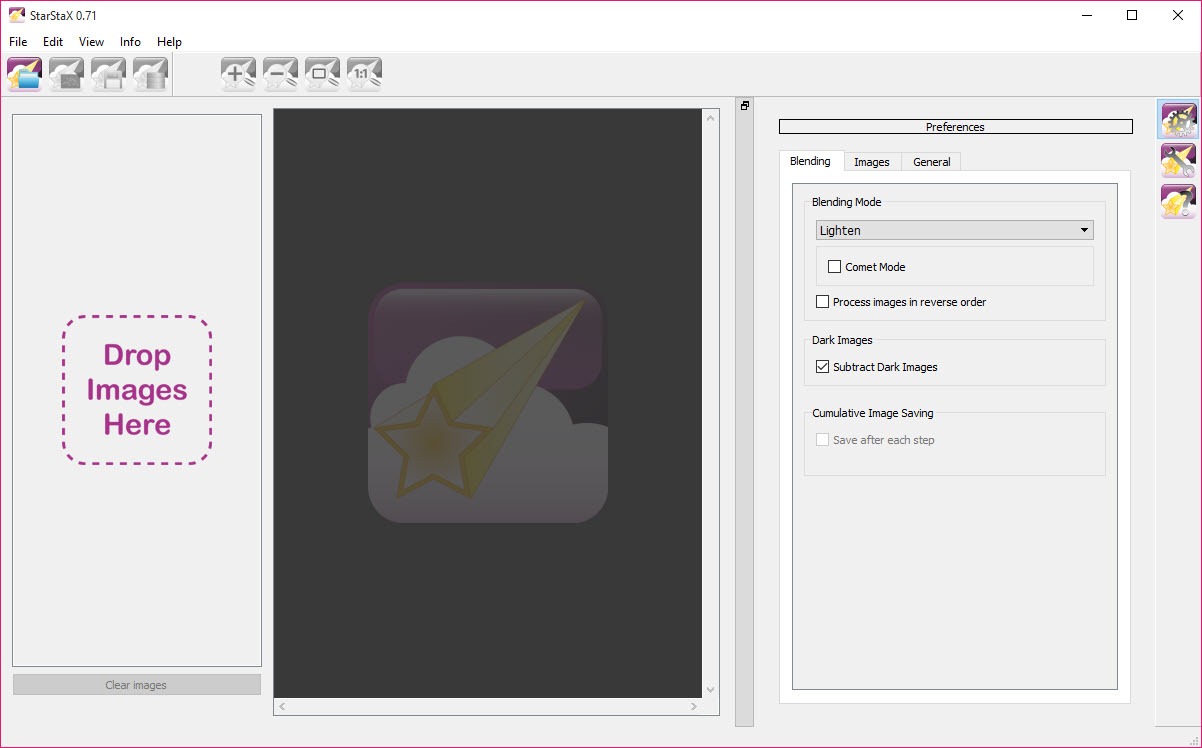
StarStaX handles sensor noise through dark frame subtraction. Shoot a frame with the lens cap on, at the same exposure and temperature as the rest, and the program subtracts the hot pixels and thermal pattern it contains from every image in the stack. Skipping this leaves a field of coloured dots that look like stars and are not.
Comet mode fades trails along their length rather than keeping them uniformly bright, giving each star a bright head and a tapering tail. It is a stylistic choice rather than a correction, and on the right image it beats a plain trail.
The sequence output writes an image at each step of the stack rather than only the final result, which becomes a time-lapse of the trails growing across the sky, using frames you already shot.
It stacks, and does nothing else
Being clear about the StarStaX scope saves disappointment. There is no raw development here, no white balance, no exposure adjustment, no colour correction and no noise reduction beyond dark frames.
Preparation happens beforehand. Frames need developing with identical settings across the sequence, because the program blends exactly what you give it and a white balance shift halfway through the night shows in the finished image. RawTherapee applies one set of adjustments across a whole batch, which is precisely the operation this needs beforehand.
Culling the frames spoiled by a passing car or an aircraft is the other preparation step, and FastStone Image Viewer moves through a folder quickly enough to make that tolerable.
Finishing afterwards
A StarStaX result is a starting point rather than a finished photograph. Contrast usually needs lifting, the foreground often wants separate treatment from the sky, and light pollution leaves a colour cast that needs correcting.
GIMP handles all of that, and working on the stacked result rather than on individual frames means one set of adjustments rather than three hundred.
Conclusion
StarStaX does one job and does it better than the general-purpose alternatives, chiefly because of the gap filling that turns dashed trails into continuous ones. Anybody who has stacked a sequence manually and looked at the broken lines will understand immediately why that mode justifies the download.
Treat it as the middle step of three. Develop the frames consistently first, stack them here, then finish the result in an image editor. It contributes nothing to the first and last of those and it handles the middle one better than anything else in reach, which is a fair description of a tool that knows exactly what it is for.
Pros & Cons
- Combines hundreds of exposures into one trail image in a few minutes
- Gap filling removes the dashes caused by the interval between frames
- Dark frame subtraction eliminates hot pixels and thermal noise
- Comet mode produces tapering trails rather than uniform lines
- Sequence output builds a time-lapse of the trails forming
- Several blending modes cover different subjects and intentions
- Handles large sequences without complaint
- No raw development, colour correction or exposure adjustment of any kind
- Frames must be prepared consistently beforehand or the result shows the difference
- Dark frames need shooting at the time, which is easy to forget on the night
- The stacked result almost always needs finishing in an image editor
- Development has been quiet for a considerable while
Frequently asked questions
Because the sensor heats and accumulates noise, and any passing light ruins the whole frame. Shooting many short exposures means a spoiled frame is discarded rather than costing the entire session, and the stack produces a cleaner result.
Because of the fraction of a second each frame takes to write and reset, during which the stars keep moving and nothing records it. The gap filling mode interpolates across those intervals so the segments join into continuous lines.
No, and it does not attempt any development. Convert and adjust the sequence beforehand with consistent settings across every frame, then hand the results to this for stacking.
Yes, by saving an image at each step of the stack rather than only the final one. Those frames assemble into a time-lapse showing the arcs growing, using footage you already shot.


