

HashTools
About HashTools
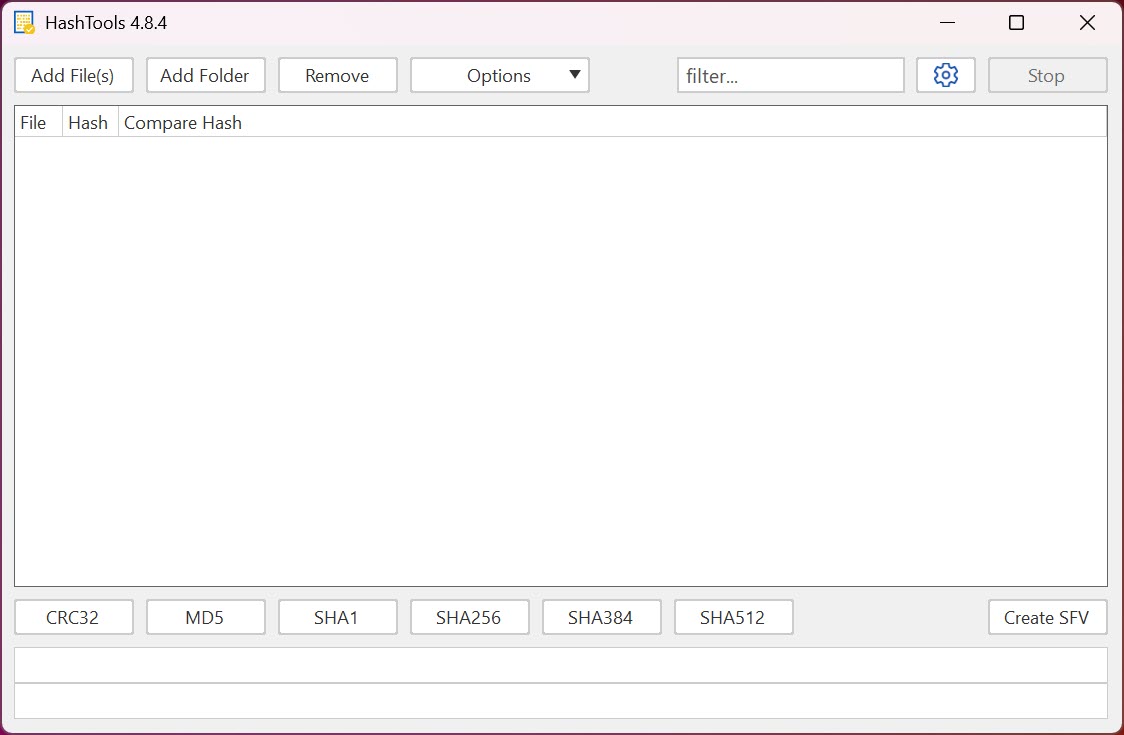
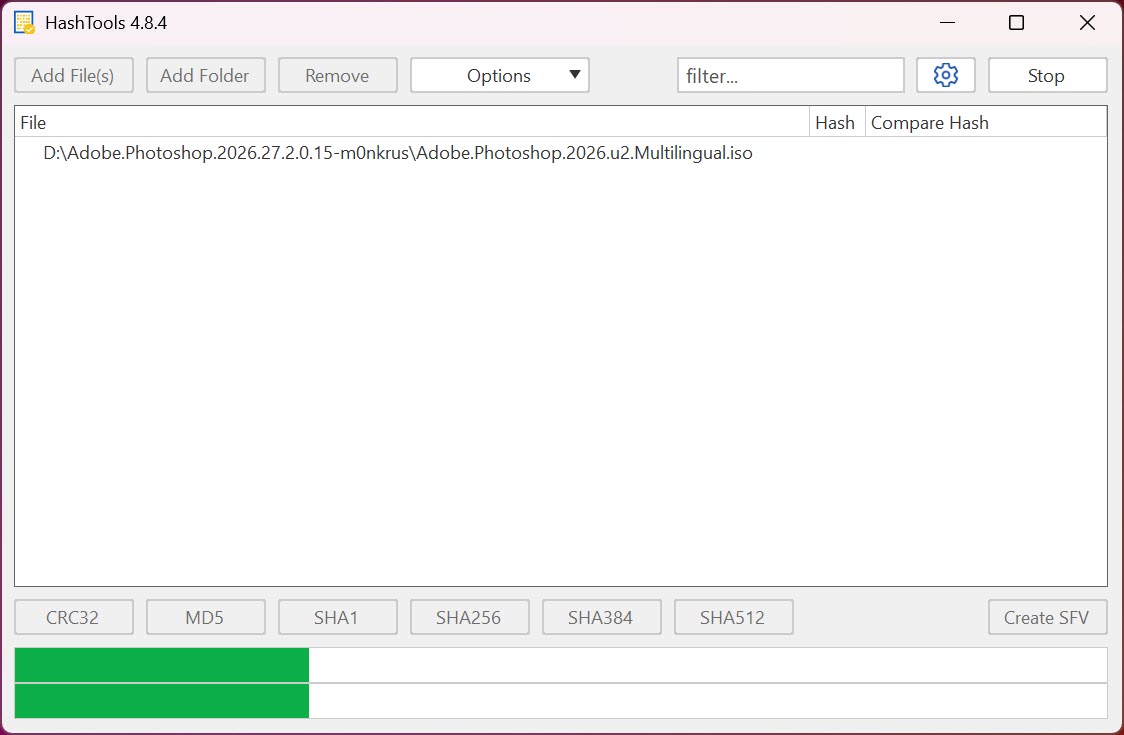
HashTools calculates and verifies file checksums, the digital fingerprints that prove a file is exactly what it claims to be. Drag files or whole folders into its window and it computes CRC32, MD5, SHA1, SHA256, SHA384, and SHA512 values for each one, side by side, with a progress bar for the big jobs.
Paste the checksum a website published next to its download, and the tool compares and colors the verdict, matching green or mismatched red, no hexadecimal squinting involved.
The problem it solves is quiet but real. A large download can arrive corrupted, a file copied across a flaky USB stick can differ from its source, and an installer altered in transit is precisely the thing checksums were invented to catch.
Publishers of disc images and installers list hash values for exactly this reason, and HashTools is the missing half of that handshake on the receiving end.
Checking a download in thirty seconds
The everyday routine barely qualifies as a procedure. Drop the downloaded file into the window, tick the algorithm the publisher used, usually SHA256 these days, copy their published value, and use the compare function. A match means the file that arrived is bit-for-bit the file they published, and a mismatch means the download is damaged or worse and belongs in the recycle bin, not on your system.
The context-menu integration folds this into the file manager itself, so right-clicking any file offers the hash calculation without opening anything first. For disc images headed to a bootable stick, the check pairs naturally with the writing step in Rufus, verify first, write second, and the boot problems that trace back to a corrupt image simply stop happening.
Batches, hash files, and keeping archives honest
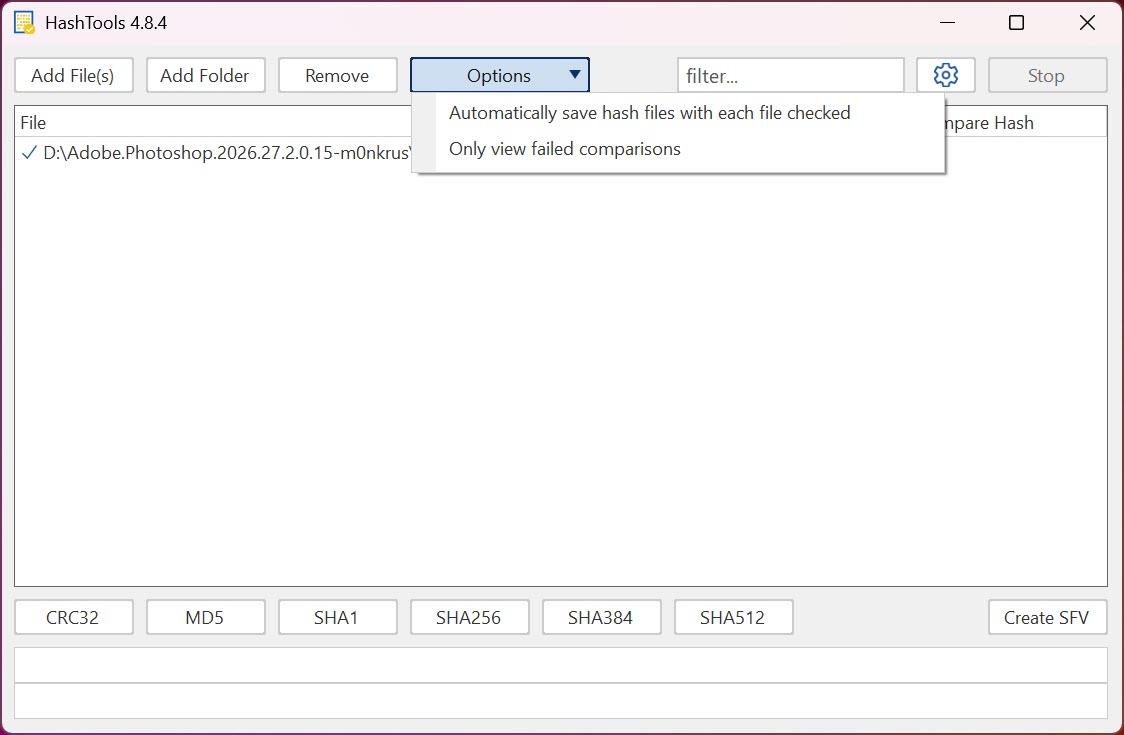
Where the tool grows past the single-file check is batch work. A whole folder tree drops in at once, every file gets its row, and the results export to standard checksum files, including the SFV format the archiving world has used forever. That exported file becomes the folder’s birth certificate, and months later the verify function reads it back and confirms every file still matches, which is the cheapest integrity audit a photo archive or backup drive can get.
The algorithm spread covers both eras of the practice. CRC32 and MD5 remain fine for detecting accidental corruption, quick and universally published, while the SHA family answers the stricter question of whether a file was deliberately tampered with, since faking a SHA256 match is not a realistic attack. Knowing which question you’re asking is half the craft, and having all six algorithms in one window means never needing a second tool for the other half.
A note on neighbors keeps expectations straight. An archiver like 7-Zip computes hashes from its own context menu, fine for one-off checks.
A copy tool like TeraCopy verifies files as it moves them, which prevents the corruption this tool would later detect. HashTools earns its slot with the comparison workflow, the batch exports, and the verification of existing checksum files, the parts the neighbors only gesture at.
The limits, stated plainly
Hashing speed is bounded by disk speed, so a terabyte of files takes as long as reading a terabyte takes, and no software changes that arithmetic. Identical hashes across two files also make it a workable duplicate detector in a pinch, though a purpose-built tool like dupeGuru handles the finding-and-deciding workflow properly where this one only supplies the evidence.
And a checksum only certifies that a file matches the published value, not that the publisher was honest. Verification confirms integrity, not virtue, and that distinction, once understood, is exactly what makes the tool trustworthy within its lane.
Conclusion
HashTools belongs on the machine of anyone who downloads disc images, keeps long-term archives, or moves important files across unreliable media, which quietly describes most careful computer users. The compare workflow makes download verification a thirty-second habit, and the batch exports give archives a conscience.
People who only ever need one casual hash can lean on their archiver’s context menu instead. For everyone who checks files as a practice rather than an accident, this small utility does the whole job and nothing else.
Pros & Cons
- Six algorithms from CRC32 through SHA512 computed side by side
- One-click comparison against a pasted checksum with a clear verdict
- Batch hashing of whole folders with export to standard checksum files
- Verifies existing SFV and hash files to audit archives over time
- Context-menu integration puts hashing one right-click away
- Large batches run at disk speed, and nothing accelerates that
- No built-in duplicate management beyond exposing matching hashes
- Utilitarian interface with no frills whatsoever
Frequently asked questions
Use whichever the publisher listed, most commonly SHA256 now. For your own corruption checks, any algorithm works, since accidental damage changes every hash type.
Yes, drop the folder in and every file gets hashed in a batch. The results export to a checksum file you can re-verify later to confirm nothing changed.
The file on your disk differs from the one the checksum describes. For downloads that means damage in transit or an altered file, and redownloading is the only fix.
For detecting accidental corruption, yes, completely. For proving a file wasn't deliberately tampered with, prefer the SHA256 or higher options, which remain resistant to forgery.


