

Aseprite
About Aseprite
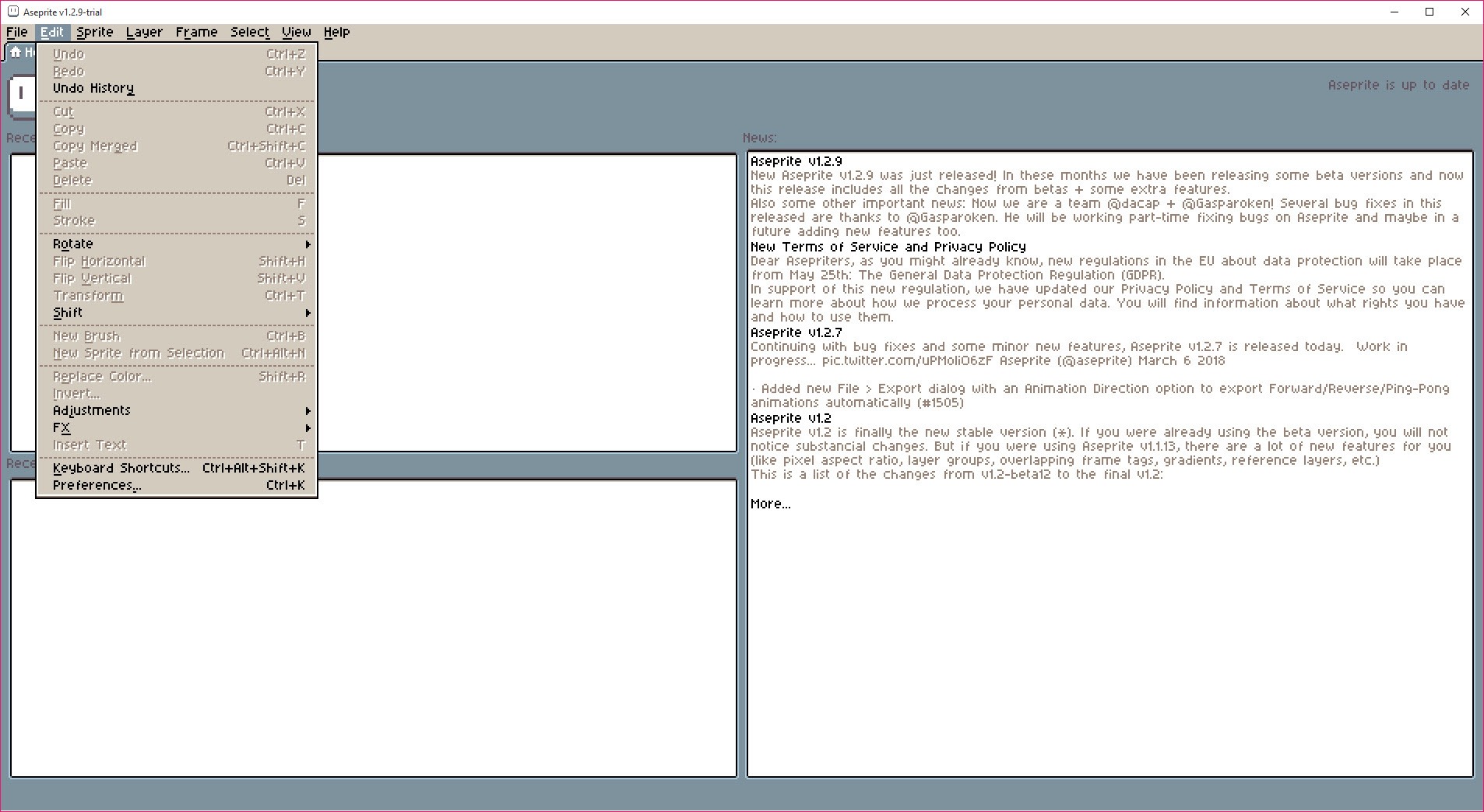
Aseprite is a pixel art editor and animation tool, and it wears its specialty proudly, right down to an interface that is itself drawn in pixel art. Everything inside is arranged around the realities of sprite work, tiny canvases, hard edges, limited palettes, and frame-by-frame motion, which is why it became the default answer whenever an indie game maker asks what to draw their game’s characters in.
The distinction matters because pixel art in a general-purpose editor is a constant fight. Anti-aliasing sneaks onto edges, brushes blur, and the tools assume thousands of colors when the artwork wants sixteen. Aseprite assumes the opposite from the first click, and the difference shows up in every stroke.
It’s a focused tool with a real learning curve of its own, timeline, palettes, and export options all carry depth, but the focus is the product. Nobody installs it to retouch photos.
Drawing tools that think in pixels
The pencil is the star, and its pixel-perfect mode quietly fixes the oldest problem in the craft, the doubled corner pixels that make freehand curves look lumpy. Draw a curve and the algorithm removes the offending pixels as you go, producing the clean single-width lines that normally demand manual cleanup.
Shading ink swaps colors along your palette ramps as you paint, so adding highlights and shadows becomes brushing over existing pixels rather than picking colors again and again.
Symmetry mode mirrors strokes live for faces and armor, custom brushes stamp repeated details, and dithering brushes lay down the checkerboard gradients the style is famous for. Tiled mode has earned special affection from game artists, since it repeats the canvas in all directions while you draw, and repeating textures, grass, brick, water, get painted with the seams visible and fixable in real time instead of discovered later in the level.
Indexed color and the palette as an instrument
Pixel art lives and dies by its palette, and Aseprite treats color as a first-class object. Indexed mode ties the image to a numbered palette, so replacing one entry recolors every pixel using it instantly, and a full palette swap turns the hero’s red outfit into the enemy’s green one in seconds, the trick behind countless game variants.
Ramps organize related shades for the shading ink, and the palette editor generates, sorts, and imports color sets, including the classic hardware palettes the community trades.
The discipline this enforces reads as restriction until it reads as power. Sixteen deliberate colors produce cleaner, more coherent sprites than a thousand accidental ones, and the tool’s whole color system nudges you toward that coherence without demanding it.
Animation on a timeline built for sprites
The timeline crosses frames with layers, and each intersection holds a cel, the drawing for that layer at that moment. Onion skinning ghosts the neighboring frames under your current one, so motion gets drawn against its own past and future, and per-frame durations let a punch hold two frames while the wind-up takes six.
Tags are the feature that shows the tool knows its audience. Sections of the timeline get named, idle, walk, run, attack, and loop independently, so one file carries a character’s entire move set, previewed as loops and exported with the names intact.
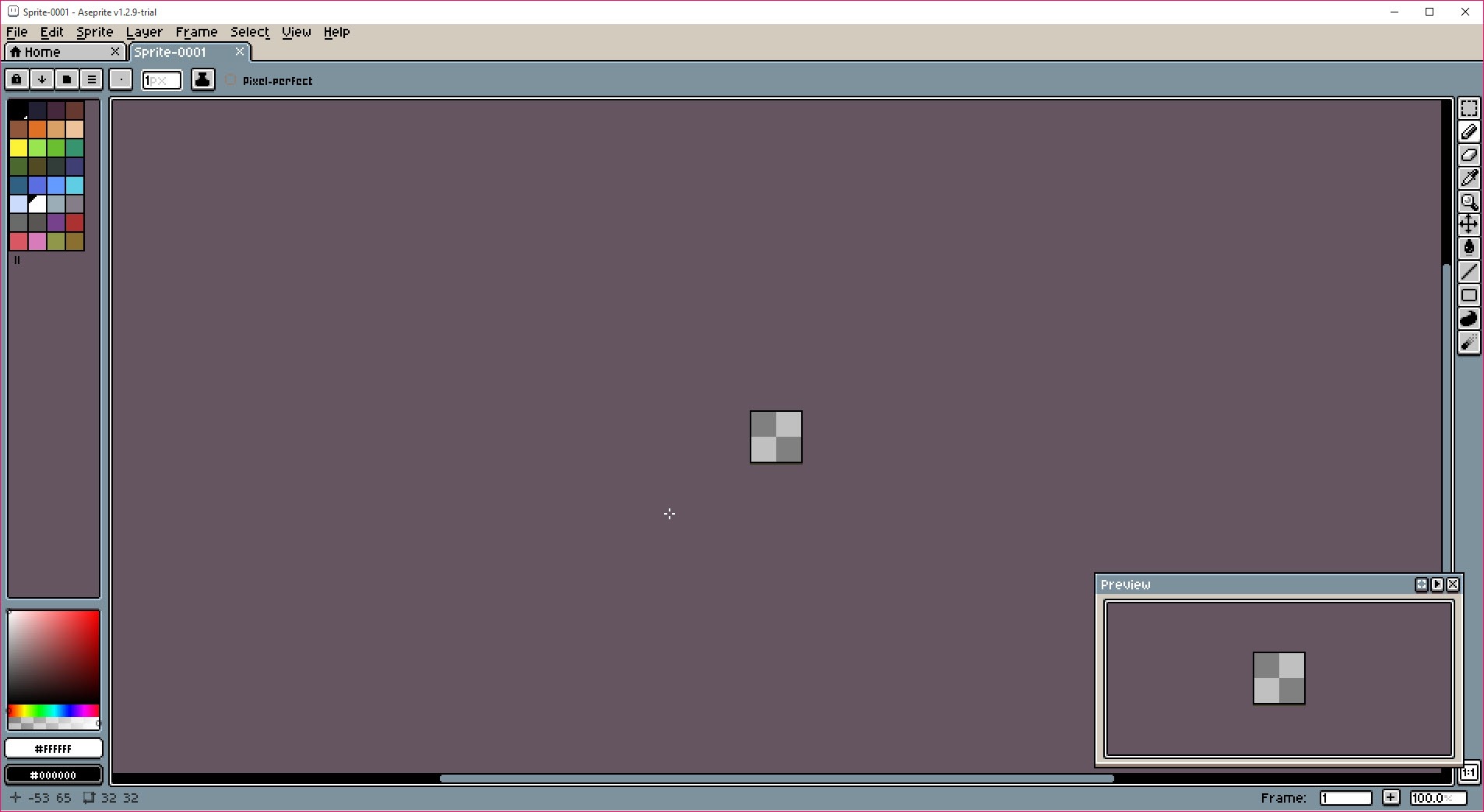
The preview window plays animation at actual game scale in the corner while you edit zoomed in at 800 percent, which is exactly the two views sprite animation needs simultaneously and most editors provide sequentially.
Sprite sheets, tilemaps, and the engine pipeline
Export understands where the artwork goes next. Sprite sheets pack frames in rows, columns, or packed layouts, with matching JSON metadata describing frames and tags, which engines consume directly, and PNG sequences and GIFs cover the remaining destinations. The command-line interface runs everything unattended, so build scripts re-export sheets whenever the source files change, and a team’s art pipeline stops depending on someone remembering the export dialog.
Tilemap layers extend the same practicality to environments. Draw with tiles, edit a tile once and every placement updates, and the tileset grows as you work rather than being planned in advance. For level-heavy projects, that loop, paint the map, adjust the tiles in place, replaces bouncing between an image editor and a map editor for the tileset-drawing half of the job.
Lua scripting rounds out the automation, with community scripts and extensions covering exporters, palette tools, and generators, small in ecosystem terms but consistently useful in practice.
Rivals, limits, and who should look elsewhere
The category has its neighbors. GraphicsGale is the veteran that ruled the niche earlier and still works, with a more dated feel and thinner export tooling.
Piskel covers the casual end with browser-simple immediacy for someone’s first sprite.
The general-purpose giants sit apart on purpose. Detailed illustration, painting, and photo work belong to Krita and its general-purpose peers, and pixel artists routinely keep one installed for the occasional high-resolution task. This editor’s brush engine is minimal by design, its canvases are meant to be small, and asking it to be a painting application misreads the whole point.
The honest friction points are few. The pixel-styled interface, charming to fans, reads as toy-like to some professionals until the depth underneath appears. And the keyboard-heavy workflow that makes veterans fast makes the first week slower than the simple canvases suggest.
Conclusion
Aseprite is the working tool of pixel artists and indie game developers, from the solo creator animating a hero’s run cycle to teams wiring sprite exports into automated builds. The palette system, the tag-based timeline, and the engine-ready export place it firmly at the center of the modern pixel art workflow.
Illustrators and photo editors need the general-purpose giants instead, and dabblers can start simpler. For anyone serious about pixels as a medium, this is the instrument the whole scene standardized on, and it earned that position stroke by stroke.
Pros & Cons
- Pixel-perfect strokes, shading ink, and dithering built for the craft
- Indexed palettes make recolors and palette swaps instant
- Timeline with cels, onion skinning, and named looping tags
- Sprite sheet export with JSON metadata and full command-line automation
- Tilemap layers let tiles be edited in place across a whole map
- Deliberately unsuitable for high-resolution painting or photo work
- The pixel-styled interface hides real depth behind a toy-like first impression
- Keyboard-centric workflow takes time before it pays off
- Extension ecosystem is useful but small
Frequently asked questions
Every tool respects hard pixel edges, the pencil removes doubled pixels automatically, and indexed palettes keep colors deliberate. General editors fight you with anti-aliasing and blur at sprite sizes.
The timeline crosses frames with layers, each cell holding a drawing. Onion skinning shows neighboring frames while you draw, per-frame timing controls pacing, and tags name and loop sections like idle and walk.
Yes, frames pack into sheets with JSON metadata describing frames and tags, which engines read directly. The command-line mode automates exports inside build pipelines.
It repeats your canvas in every direction while you draw, so repeating textures show their seams live. Grass, brick, and water tiles get fixed during drawing instead of after placement.
Yes, with patience for the first week. The tools teach good habits, limited palettes and clean lines, and the depth grows with you, which is why beginners who start here rarely switch away.


