

PDFKeeper
About PDFKeeper
If you’ve ever needed to find that one PDF, the contract with a specific clause, the manual that explained a quirk you forgot, the receipt from three years ago, you know that Windows Search isn’t really equipped for the job. It can find a filename you remember.
It can sometimes match text inside a PDF if the indexer has been kind. What it can’t do is treat a PDF collection as a structured archive with categories, tags, OCR-indexed full-text search, and notes attached to each document. PDFKeeper is the open-source application built specifically for that role.
The application stores your PDF library inside a database backend, runs OCR over each document at import time, and exposes the resulting full-text index along with structured metadata you can query against.
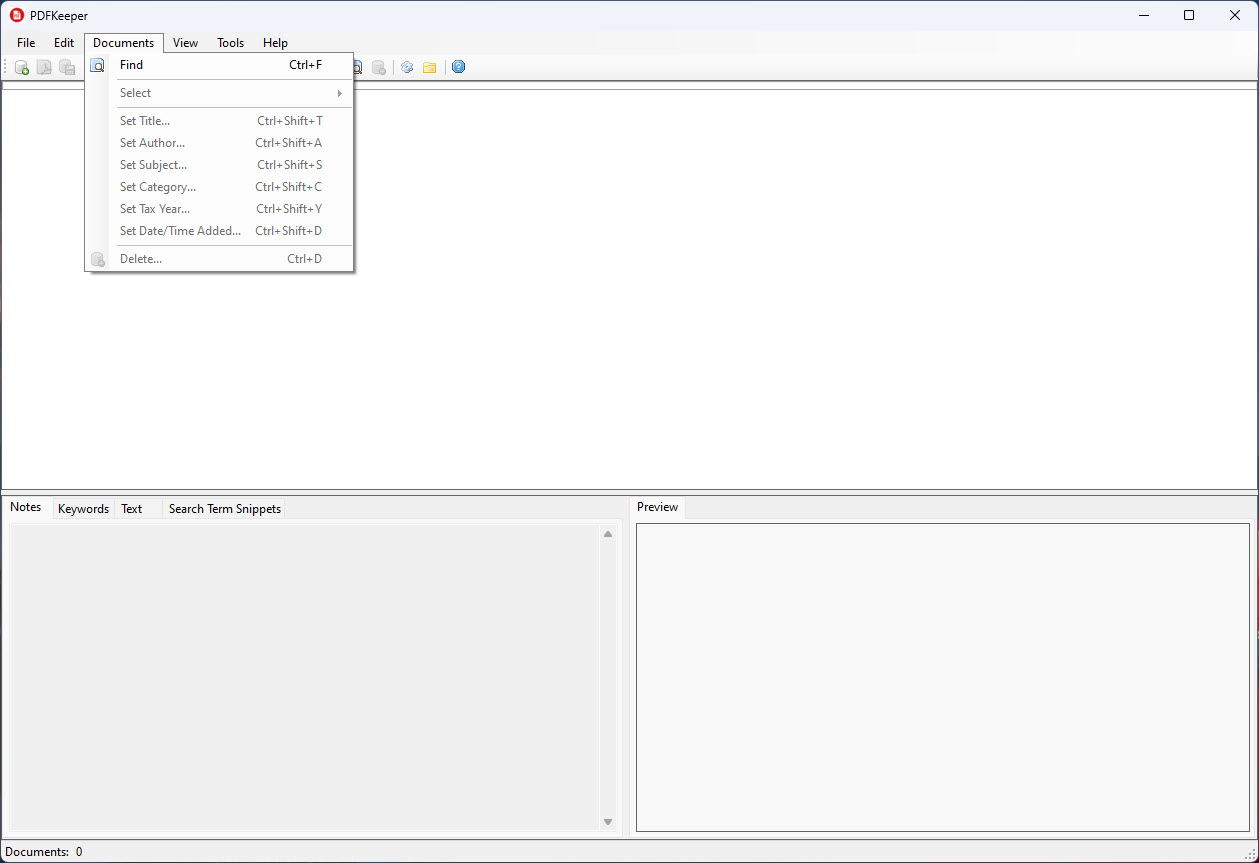
The interface is a search-and-browse window for that archive, with the kind of features you’d expect from a document management system rather than a file manager.
The database-backed library model
Where most PDF tools treat files as files, this one treats them as records. Each PDF imported into the library becomes a database entry with a unique ID, the original document content stored as a BLOB, extracted text for indexing, and a set of metadata fields (title, author, subject, category, keywords, notes, flag, created date). The actual PDF files don’t sit in folders on disk where you’d browse them in Explorer. They live inside the database file.
The backend options are SQLite for single-user setups (which covers most installations) or Oracle Database XE for multi-user environments where multiple people need shared access to the same archive. The Oracle option is more cumbersome to set up but enables genuine multi-user document management, with each user accessing the same library through their own application installation.
The database approach has practical consequences. Backup is one file copy (or one database export) rather than syncing a folder tree. Moving the library between machines means copying the database, not migrating thousands of individual PDFs. Search is fast because the index is purpose-built rather than relying on the OS to keep up with your filing.
OCR and full-text search
At import time, each PDF runs through Tesseract OCR. Pages that already contain selectable text are indexed from that text. Pages that are scanned images get their text extracted by the OCR engine and added to the index. The result is that every word in every document, regardless of whether the PDF was born digital or scanned from paper, becomes searchable.
This is the practical reason to use the application instead of a generic PDF viewer with a folder of files. A scanned receipt from a tax return five years ago is reachable by typing a vendor name into the search box.
A research paper buried in your reference collection surfaces when you search for the specific term you remember from it. The OCR quality is reasonable for clean scans and degrades on poorly digitized documents, but for normal-quality source material it works well.
Search supports phrase matching, Boolean operators, and field-scoped queries (search only in the title, only in the notes, only in the subject). For users coming from a folder-of-PDFs workflow, the speed difference is substantial once your archive grows past a few hundred documents.
Importing documents into the library
The import workflow accepts existing PDFs from your file system. Drag a file into the application, point it at a folder for bulk import, or use the application’s monitored folder feature where any PDF dropped into a specified directory gets imported automatically. The last option is the practical setup for users who scan paper documents into a folder and want them indexed without manual intervention.
For documents that aren’t already PDFs, the workflow involves converting them first. A virtual printer like PDFCreator handles the print-to-PDF step for anything printable, and the resulting file lands in your import folder. For paper documents going in fresh, a scanning tool like NAPS2 covers the scanner-to-searchable-PDF pipeline that feeds into the application.
The application doesn’t modify the original PDFs during import. It stores them in the database alongside the OCR-extracted text, leaving the source files untouched if you want to keep them. Many users delete the originals after import since the database copy is the authoritative version going forward, but that’s a choice.
Metadata and structured organization
Every document in the library carries the standard PDF metadata fields (title, author, subject, keywords) and three custom fields the application adds (category, flag, notes). The structured fields are editable in a detail panel for each document, and they’re searchable independently from the full-text content.
The category field is the primary organizational axis. You define categories (e.g., Tax Returns, Manuals, Contracts, Research, Receipts) and assign each document to one. The library view groups by category in a tree on the left, with the document list filtered to whatever you select.
This is the equivalent of a folder hierarchy but with the documents living in one database rather than scattered across folders.
The flag field is binary, intended for marking documents that need attention or follow-up. The notes field is freeform text where you can record context about the document that doesn’t fit in the standard metadata. Notes are searchable along with everything else, so adding a note like “moved this from the apartment in 2019” becomes a searchable annotation you can find later. The flexibility is part of why power users gravitate toward this approach over folder hierarchies.
Viewing and exporting documents
When you open a document from the library, the application launches it in your system’s default PDF viewer rather than embedding its own viewer. This is a deliberate choice that keeps the application focused on management while leaving viewing to dedicated tools. For users wanting a fast, lightweight viewer for that role, Sumatra PDF handles the job with minimal overhead. For users wanting a more capable reader with annotation features, Foxit PDF Reader covers that side.
Documents can be exported back out to standalone PDF files at any time, which matters because the database storage isn’t a lock-in. Whatever you’ve imported is still recoverable as standard PDF files for sharing, printing, or moving to other systems. Bulk export covers categories or the entire library.
For editing documents in the library, the workflow requires exporting the document, editing it in a PDF editor like PDF-XChange Editor, and re-importing the edited version. The application doesn’t have built-in PDF editing capabilities, which keeps the scope tight but means edits require the extra step.
Where the application falls short
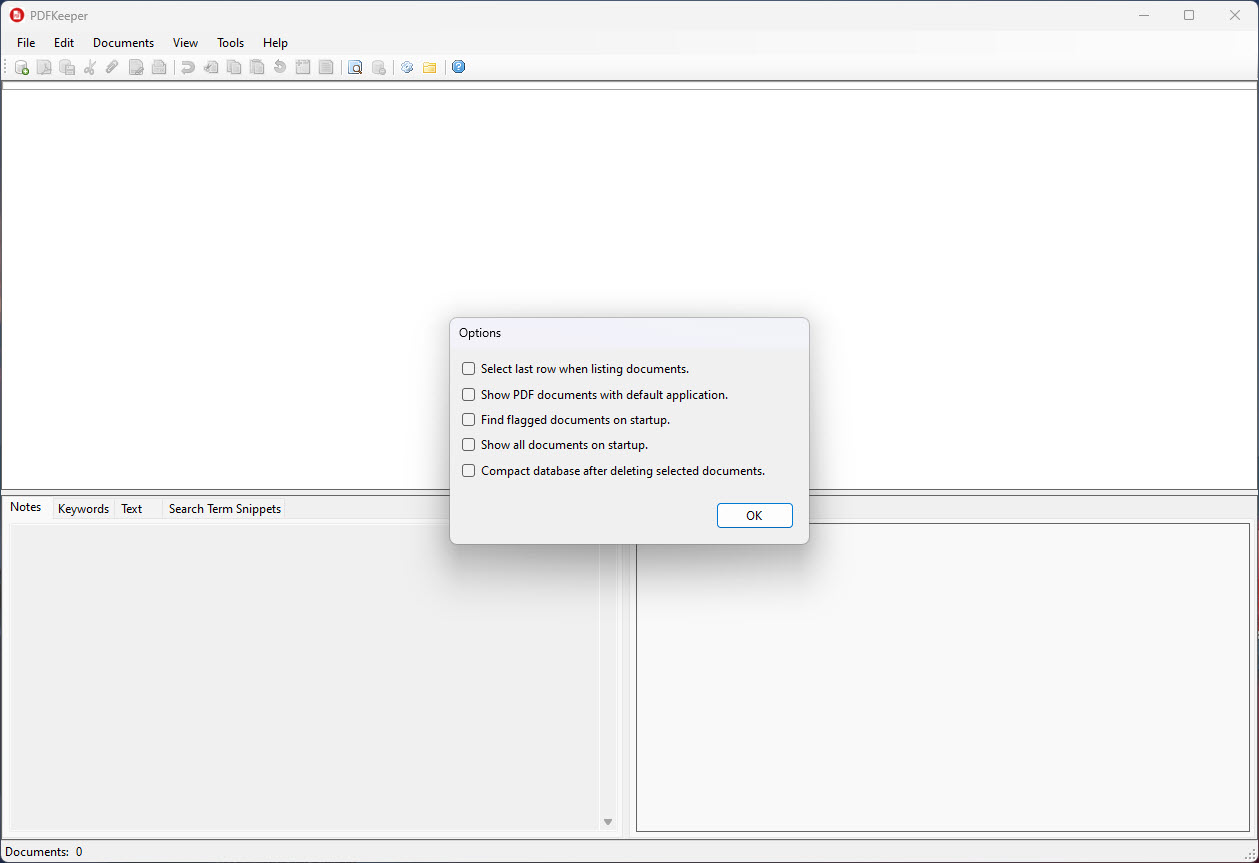
The interface is unmistakably built by a developer for developers and patient end users. Function over polish. Menus are functional but not pretty. The detail panel is dense with fields. There’s no modern web-style design language anywhere. For users who want their document management tool to look like a contemporary application, this isn’t going to score well on first impression. It works, but it doesn’t charm.
The Oracle Database XE backend, while powerful, is genuinely overkill for single-user setups and adds installation complexity that scares off users who would have been happy with the SQLite option. The application’s documentation acknowledges this, but the historical reason both backends exist still results in confused users trying to install Oracle when they don’t need it.
OCR quality depends entirely on the source document. Clean scans from a flatbed produce accurate text. Phone-camera captures of crumpled receipts produce garbled text that’s not useful for search. The application doesn’t include image preprocessing to improve poor-quality sources, so getting good search results requires reasonable input quality.
The application also doesn’t handle other document types. Word documents, Excel files, images, and other formats need to be converted to PDF before import. For users wanting a more general document management system that covers multiple formats, the application is too narrow.
Conclusion
PDFKeeper is the application for users who’ve outgrown a folder of PDFs and need actual document management rather than file management. The full-text OCR indexing, the structured metadata, the unified database storage, and the search-first interface all line up around the use case of building and maintaining a real archive over time.
The audience is users with growing document collections that need to remain findable: independent professionals managing contracts and receipts, researchers organizing references, household archivists keeping family records, anyone whose PDF folder has reached the point where searching it the manual way takes longer than reading the document would.
Users with smaller collections or simpler needs are better served by a good viewer and decent folder organization. For the audience that actually needs a document management system, the application delivers most of what commercial alternatives offer without the licensing model that comes with them.
Pros & Cons
- Database-backed storage centralizes the entire PDF archive in one queryable location
- Tesseract OCR makes scanned documents fully searchable alongside digital ones
- Structured metadata fields with category, flag, and notes support real organization
- Monitored folder feature automates import for scanner-driven workflows
- Both SQLite and Oracle backends supported, covering single-user and shared-archive scenarios
- Open source, free, and the database format isn't proprietary lock-in
- Interface is utilitarian rather than polished
- Oracle backend adds complexity many users don't need
- OCR quality is dependent on source document quality with no preprocessing
- PDFs only, no support for Word, Excel, or other document formats
- Editing documents requires export, external editing, and re-import
- Default search isn't fuzzy, so misspelled terms can miss results
Frequently asked questions
It's a document management system specifically for PDFs. Documents get imported into a database with full-text OCR indexing and structured metadata, then become searchable through a unified interface. The application replaces the folder-of-PDFs approach with a queryable archive.
Yes. Tesseract OCR runs at import time on any PDF that doesn't already contain selectable text, extracting the text and adding it to the search index. The OCR quality depends on the source document quality.
Inside a database file, either SQLite (default, single user) or Oracle Database XE (multi-user). The PDFs are stored as BLOBs in the database along with extracted text and metadata, rather than as files in a folder.
With the Oracle Database XE backend yes. Multiple application installations can connect to the same Oracle database and share the document archive. The SQLite backend is single-user.
Yes. The application can export any document or all documents back to standalone PDF files. The database format isn't a lock-in, and your archive remains portable.
No. The application handles PDFs only. Documents in other formats need to be converted to PDF before import, which any virtual PDF printer can do.
The most common cause is poor OCR quality on the source document. Faded scans, low-resolution captures, or unusual fonts can produce extracted text that doesn't match the visible content. Improving the source quality before import is the practical fix.
Back up the database file. For SQLite that's a single file copy. For Oracle that's a standard database export. Either way, the entire library lives in one location rather than spread across the file system.


