

deskspace
About deskspace
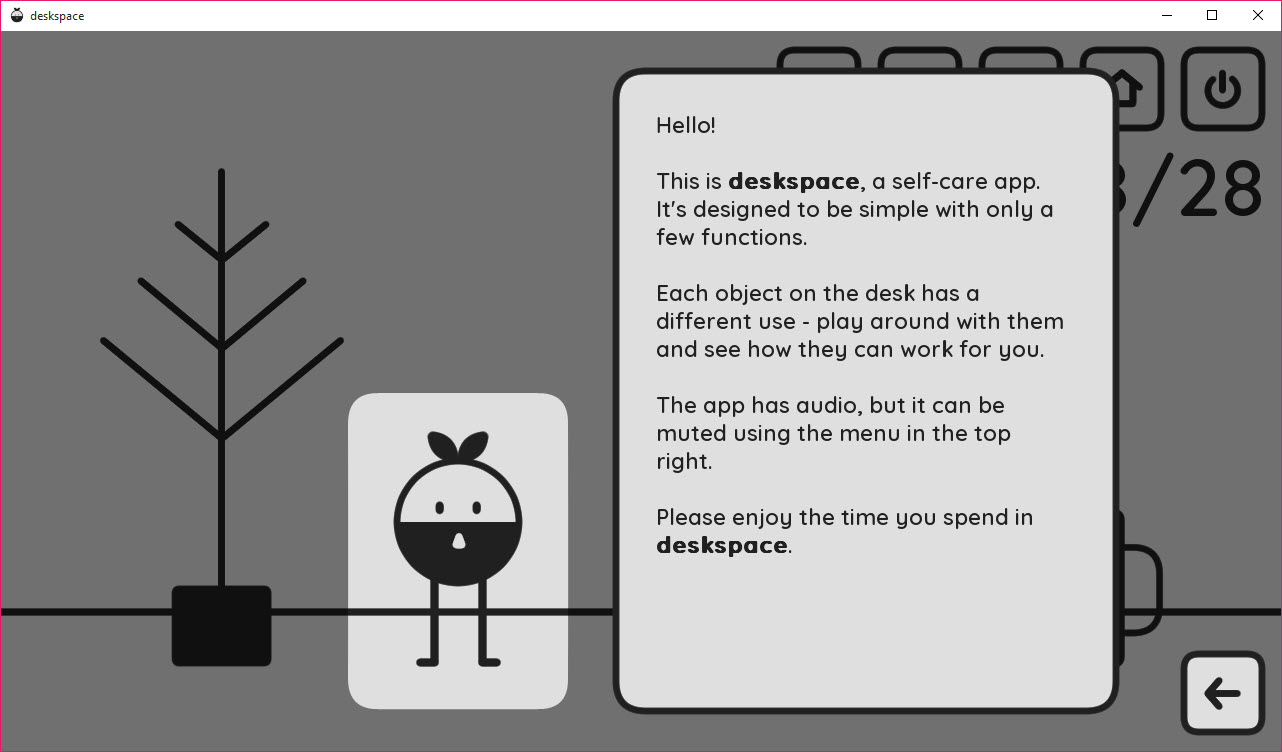
deskspace is a task organizer that refuses to nag, and that refusal is the entire design. Instead of lists, deadlines, and red badges, it draws a small illustrated desk scene, a tree, a notepad, a coffee mug, and a little character, and each object quietly carries one piece of your day. The notepad holds the tasks you actually plan to finish, the tree collects your mood, and the mug reminds you that breaks are part of working, not the opposite of it.
If that sounds soft compared with the usual productivity machinery, it is, deliberately. The crowded to-do category runs on pressure, and this application bets that a calmer surface keeps people coming back where sterner tools get abandoned by February. It’s a small bet by a small app, and it lands more often than you’d expect.
A desk scene instead of a dashboard
Launching deskspace brings up the drawn scene rather than a grid of panels, and everything happens by clicking the objects. The notepad opens the day’s task list, short and unceremonious, write what today holds, tick things off as they fall. There are no projects nested in projects, no priority matrices, no assignment features waiting for a team that doesn’t exist. One day, one page.
The character and the scenery give the whole thing the feel of a desk toy that happens to be useful, and that framing does real psychological work. Opening a cheerful drawing to jot three tasks carries none of the dread of opening a productivity suite with seventeen overdue items in red.
For people whose relationship with to-do apps is a history of guilt and abandonment, the difference is not cosmetic.
The tree, or a mood journal in disguise
The tree is the feature nothing else in the category has. Each day you decorate it with a bobble in the color matching how the day felt, and over weeks the tree fills into a visual record of your emotional weather. No forms, no journaling prompts, no analysis, just colored dots accumulating on branches.
It sounds like nothing and turns out to be the stickiest part of the app. A glance shows whether the last two weeks ran blue or warm, and patterns surface without any effort at introspection, the rough Mondays, the good stretch after a project shipped.
Anyone who wants proper long-form reflection can keep notes in a heavyweight tool like Evernote alongside, but as a zero-friction habit, coloring one bobble a day survives where journaling resolutions collapse.
The coffee mug and the shape of a workday
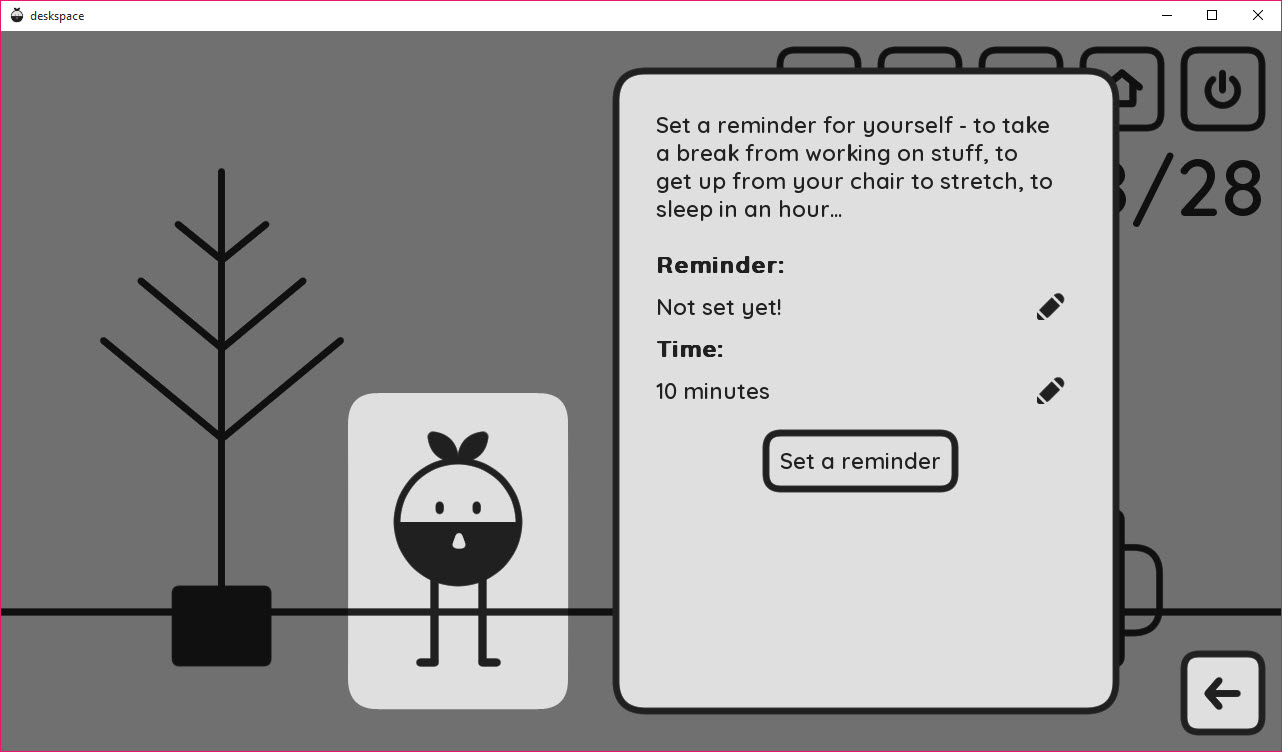
The mug handles breaks, prompting the pause that desk workers skip when absorbed, and the little ritual of acknowledging it beats another ignorable notification. The design keeps the reminder inside the scene’s gentle vocabulary, a mug on a desk rather than a system alert, which is exactly why it doesn’t get dismissed on reflex.
Around these central objects the app stays intentionally small. It doesn’t sync to phones, doesn’t integrate with calendars, and anyone needing scheduled events on the desktop pairs it naturally with a calendar layer like Rainlendar.
Quick scattered reminders, meanwhile, remain the territory of 7 Sticky Notes. This app manages a day’s intentions and a mood, and it treats that boundary as a feature.
The honest limits
The same smallness that makes deskspace charming makes it insufficient for anyone managing real workloads. No recurring tasks, no deadlines with times, no search through history, no export of anything. Power users will exhaust its depth in an afternoon and should not pretend otherwise. The illustrated scene also occupies screen space in a way minimalists may find precious, and the aesthetic is a taste, warm to most eyes, twee to some.
Taken for what it is, a gentle daily companion rather than a project system, the complaints mostly dissolve. The right comparison isn’t the heavyweight organizers but the paper notepad next to the keyboard, and against that rival it adds the mood tree and loses nothing.
Conclusion
deskspace fits students, home workers, and anyone whose productivity history is a graveyard of stern apps deleted in frustration. The daily notepad, the mood tree, and the coffee-break nudges ask almost nothing and quietly deliver the habit that heavier tools promise and break.
Managers of complex workloads should treat it as a companion, not a system, and reach for proper machinery when the work demands it. As a calm corner of the screen that keeps a day on track, this little desk scene does its modest job with unusual grace.
Pros & Cons
- Tasks, mood, and breaks handled through a calm illustrated desk scene
- The decorated mood tree builds an effortless emotional record over weeks
- No badges, streaks, or guilt mechanics anywhere in the design
- Simple enough to adopt in five minutes and keep using
- No recurring tasks, deadlines, sync, or export of any kind
- Too shallow for real project or team workloads
- The illustrated aesthetic and screen footprint won't suit everyone
Frequently asked questions
Each day you add a colored bobble matching your mood, and the tree gradually becomes a visual mood journal. Patterns across weeks show up at a glance without any writing.
No, the notepad holds simple daily tasks without schedules or repetition. It's built for today's short list, not for project management.
No, it lives entirely on the desktop with no accounts or integrations. Pair it with a separate calendar tool if scheduled events matter to your day.
People who abandon strict to-do apps and want something gentler, a daily list, a mood record, and break reminders wrapped in a friendly scene rather than a dashboard.


