

AbiWord
About AbiWord
Office suites have grown enormous, and most of what they contain goes unused by somebody who wants to write a letter. AbiWord is the opposite proposition, a word processor that opens almost immediately and asks very little of the machine it runs on.
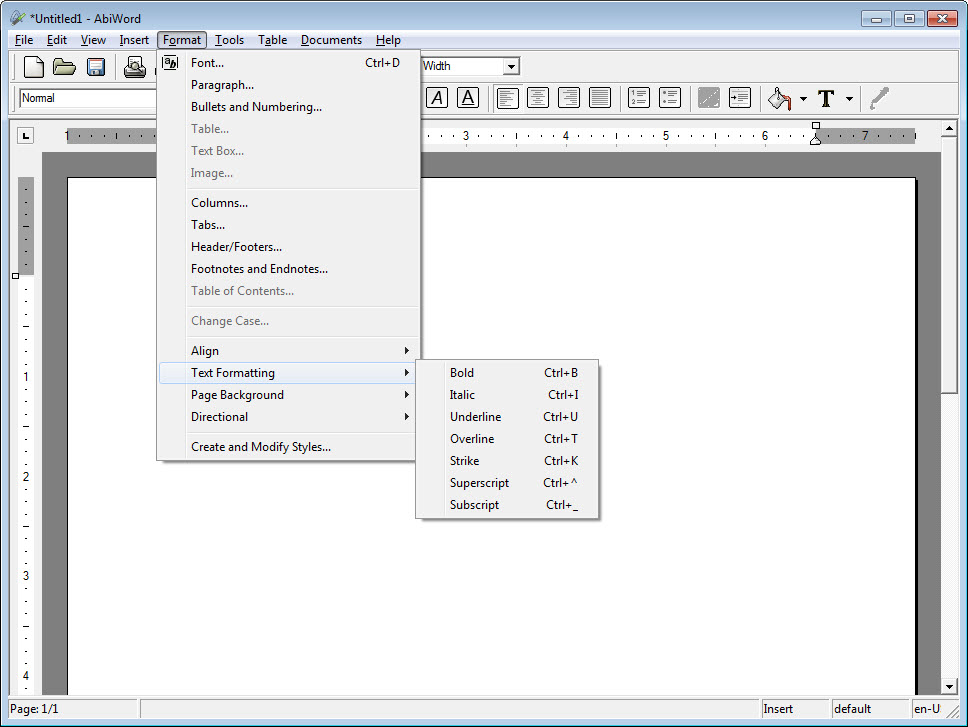
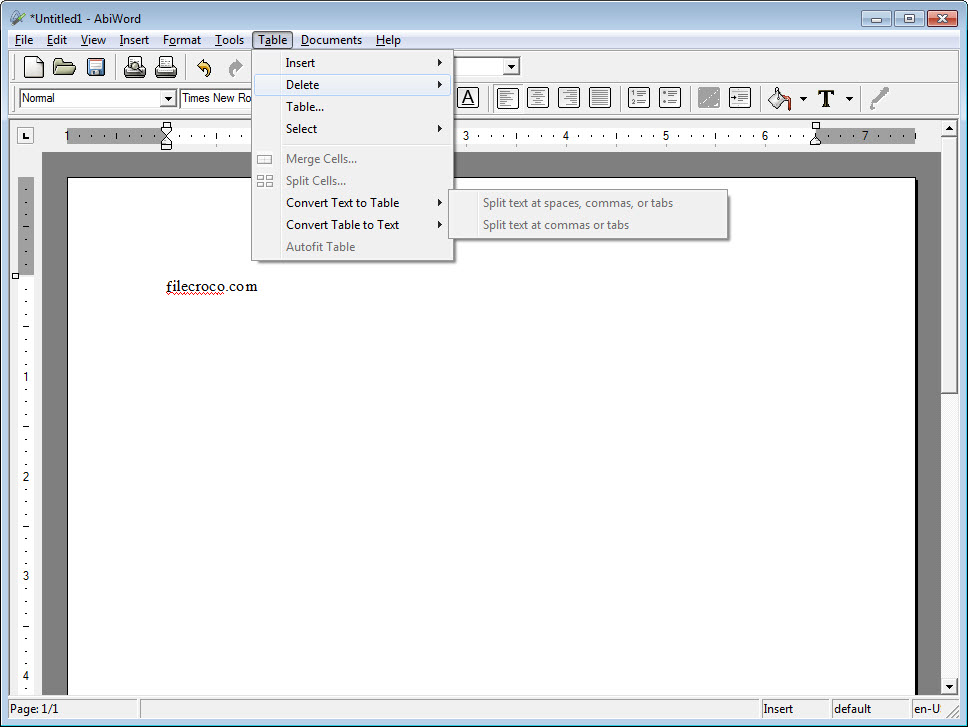
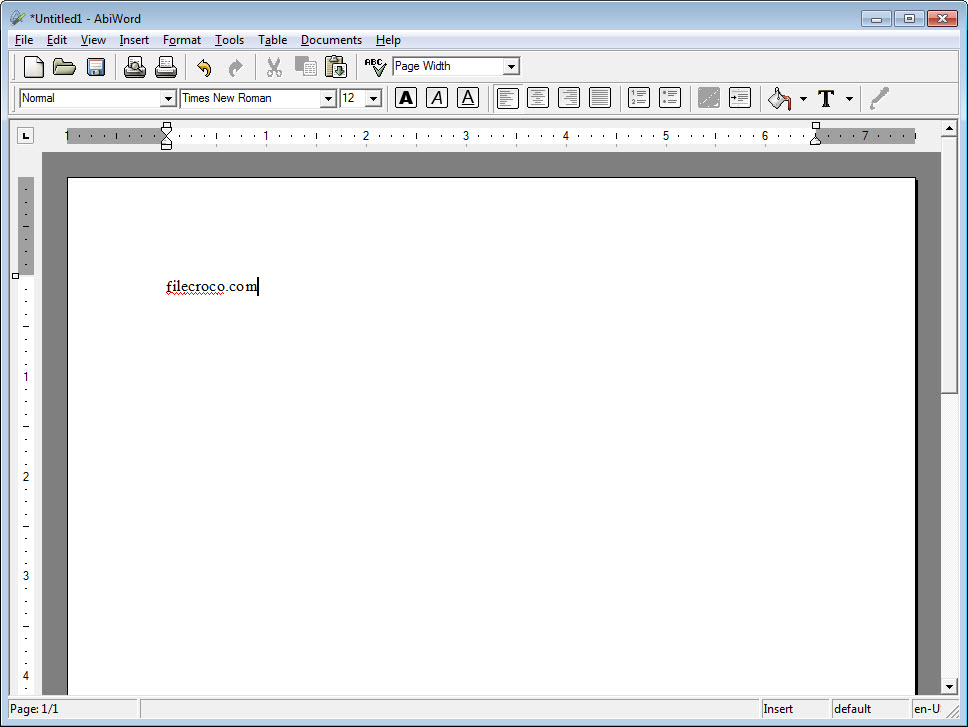
AbiWord offers the features people actually use. Styles, tables, footnotes, columns, spell checking and mail merge, arranged in an interface that will look familiar to anybody who has used a word processor at any point.
It reads and writes the common document formats too, including its own, the open document standard, rich text and the older word processor format.
The format question decides everything
Here is what determines whether AbiWord suits you, and it is not about features.
Reading a simple document from another application works. A letter, a report with headings, something with a table in it, all open and look approximately correct.
Reading a complex one does not go so well. A document carrying tracked changes, embedded objects, elaborate styles, text boxes positioned precisely or content from a modern office suite’s newer capabilities will lose parts of its formatting, and the loss is not always obvious at a glance.
That matters because losing formatting silently is worse than refusing to open something. A document that looks fine on screen and arrives at its destination rearranged is the failure worth avoiding.
So the honest rule is to use it for documents that start and end with you. Writing your own text, printing it, or exporting to a fixed format is safe. Passing files back and forth with an office environment is where trouble begins, and LibreOffice handles that exchange considerably better in exchange for a much larger installation.
Where the small size actually pays
The AbiWord niche is real and worth being specific about, because the machines it suits still exist in quantity.
An old laptop that takes a minute to open a full office suite opens this in a couple of seconds. A machine with limited memory runs it without swapping. A netbook, a repurposed office computer or anything kept alive past its expected life is exactly the situation where the difference is felt every time you open a file.
For anybody in that position, the trade is easy. A word processor that starts instantly and handles your own documents beats a heavier one that makes you wait for capabilities you were not going to use.
Where the writing needs no formatting at all, a text editor that opens instantly and leaves the file plain is lighter still and removes the format question entirely.
The plugin arrangement
AbiWord brings extra formats and capabilities as plugins rather than building them in, which is how the base installation stays small.
That includes import filters for formats the core does not handle, along with tools that would otherwise inflate the program for everybody.
The arrangement is sensible and it does mean checking whether the plugin you need exists before assuming a format is supported.
Development has been quiet on this platform
The honest note, and it interacts with the format question above.
The AbiWord build for this platform has not been updated in a long time, while document formats have continued to evolve. That widens the gap described earlier rather than holding it steady, so complex modern documents open less well now than they would have when the release was current.
The core function is unaffected. Writing, formatting and printing your own documents works exactly as it always did, since none of that depends on keeping pace with anybody else’s format changes.
For a maintained suite that is still considerably lighter than the largest options, WPS Office sits between the two extremes and reads current documents properly.
Conclusion
AbiWord solves a problem that has not gone away, which is that a word processor should not take a minute to open on a machine that works perfectly well for everything else. On modest hardware, for your own writing, it is a better daily tool than a suite ten times its size.
Judge it by where your documents go. Anything that stays with you is fine, and anything travelling into an office environment needs a program that keeps pace with those formats, which this one has stopped doing on this platform. Know which of those describes your work and the decision makes itself.
Pros & Cons
- Opens in a couple of seconds and runs comfortably on old hardware
- Covers the features people actually use rather than everything possible
- Reads and writes the common document formats
- Plugin architecture keeps the base installation small
- Familiar interface with nothing to learn first
- Free and open, with no tier withholding anything
- Complex documents from modern office suites lose formatting on import
- Formatting loss is silent rather than announced
- The build for this platform has been quiet for a long time
- Some format support depends on plugins rather than the core
- Not suitable where documents are exchanged with an office environment
Frequently asked questions
Simple ones, yes. Complex documents carrying tracked changes, embedded objects or elaborate layout lose parts of their formatting, and the loss is not always visible on screen.
Documents that begin and end with you. Writing text, formatting it, printing it or exporting to a fixed format all work well, and the trouble starts when files travel back and forth with an office environment.
Speed on limited hardware. An old machine that takes a minute to open a large suite opens this almost immediately, and the features most people use are all present.
The build for this platform has not been updated in a long time. Writing and printing your own documents is unaffected, and compatibility with other people's newer documents drifts further with each passing format change.


