
WPS Office
About WPS Office
Office suites are judged on one question before any other, which is whether a document created elsewhere opens correctly. WPS Office built its whole proposition around answering that well, and everything else it offers sits on top of that foundation.
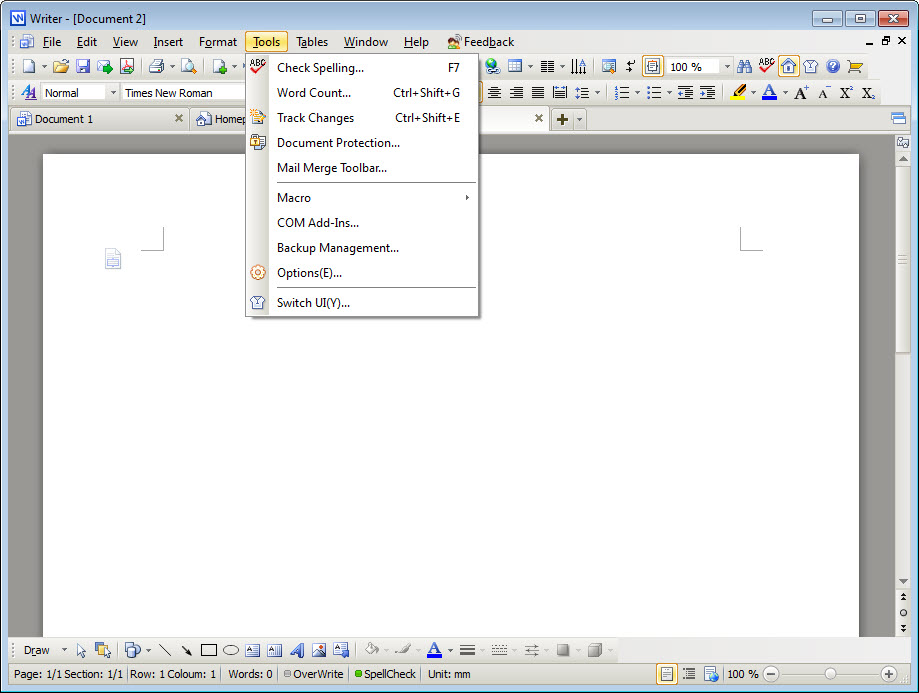
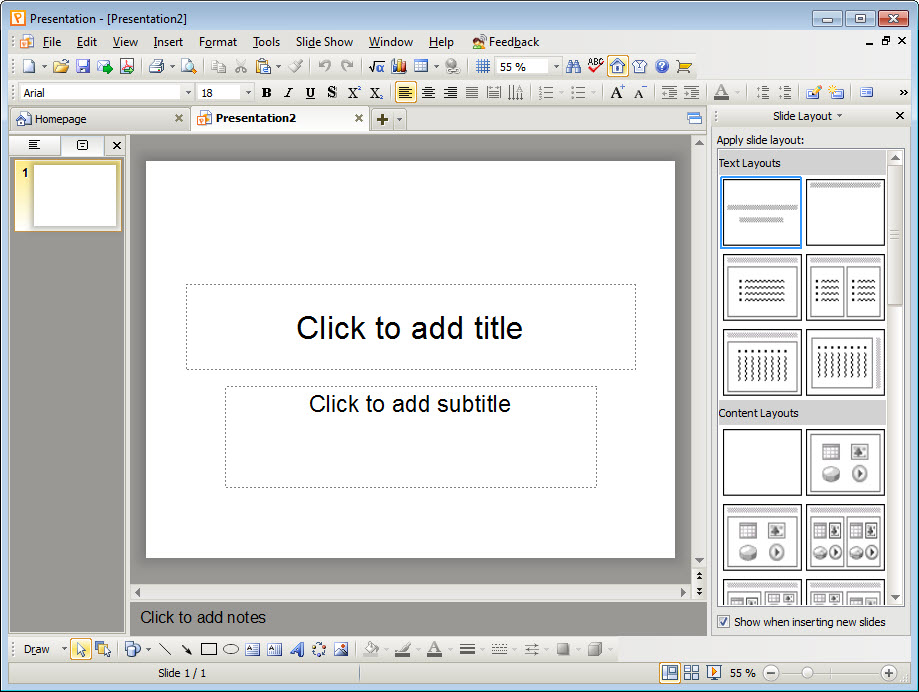
WPS Office holds four applications. A word processor, a spreadsheet application, a presentation tool and a set of PDF functions, all sharing one window through a tabbed interface.
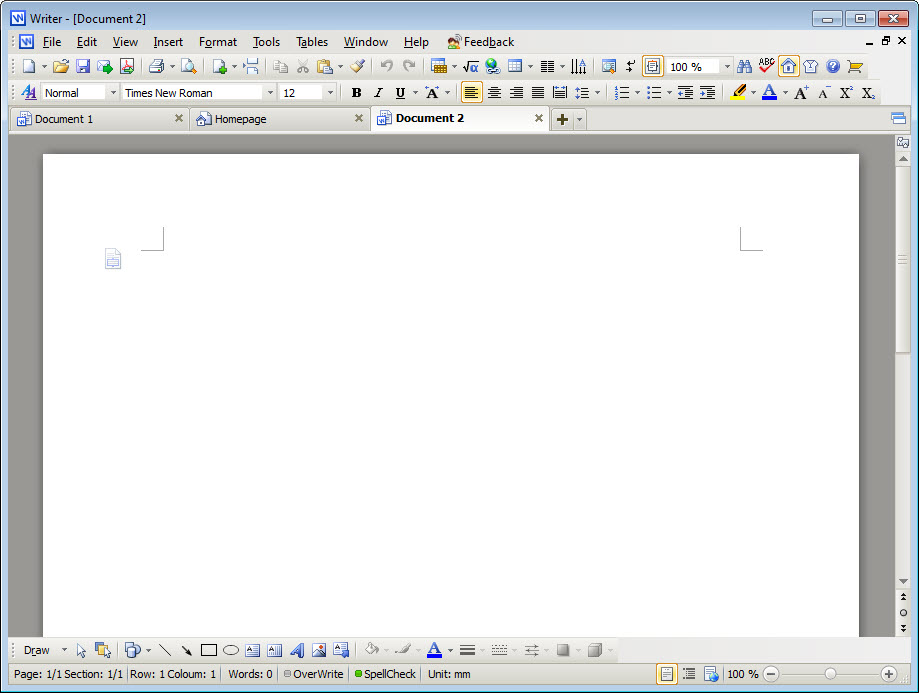
That tabbed arrangement is unusual for this category and quietly one of the better ideas in it. A document, a spreadsheet and a presentation open as tabs in the same window rather than as three separate windows fighting for space on a taskbar.
Opening what other people send you
WPS Office opens and saves the dominant document formats correctly in ordinary use, which covers the overwhelming majority of documents anybody actually exchanges.
Being honest about the boundary matters though, because compatibility claims are always made absolutely and never are. Documents with heavy formatting, complex tables spanning pages, unusual fonts, tracked changes across many revisions, or embedded objects from other applications can shift when they pass through. Macros are the sharpest case, since a spreadsheet driven by automation written for the dominant suite may not run at all.
The practical rule follows from that. For reading, writing, exchanging normal documents, WPS Office handles it. For a document that must round-trip through a specific workflow without a pixel moving, test that workflow before committing to it rather than discovering the problem at the deadline.
LibreOffice faces the same challenge from the same direction and is the usual comparison, with a different balance of strengths and no advertising anywhere in it.
The word processor
Writing is the part most people spend most time in, and the arrangement here is deliberately familiar rather than inventive.
Styles, sections, headers, footers, footnotes, tables of contents generated from headings, mail merge and tracked changes all behave as anybody arriving from the dominant suite would expect, which is the point. Nothing needs relearning.
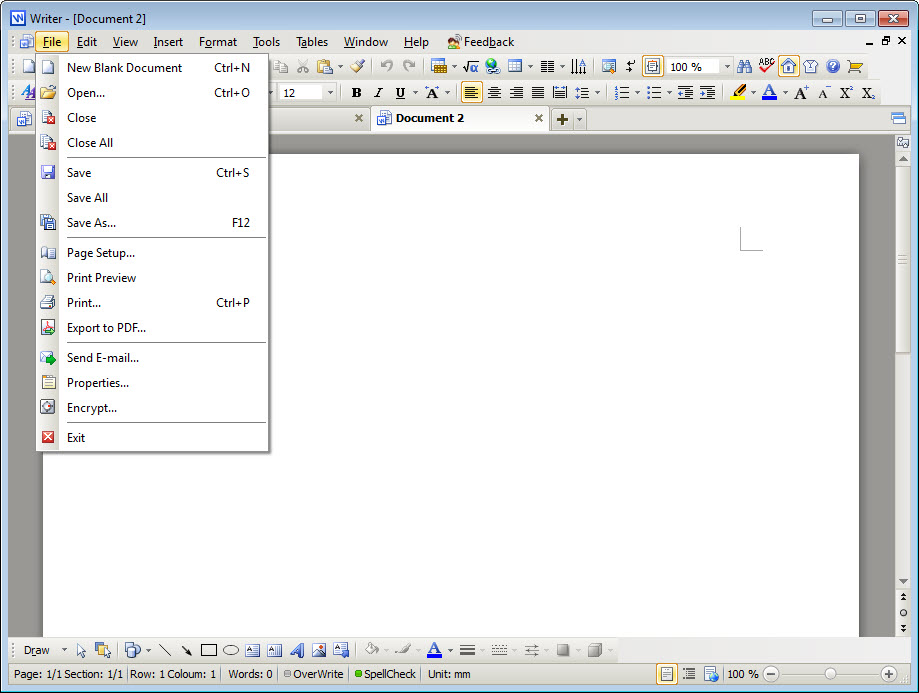
Two details stand out. The tabbed window means several documents sit in one place, which suits anybody working across a set of related files. And export to PDF is direct rather than requiring a print dialogue, which matters when that is the format everything ends up in anyway.
The spreadsheet side
Spreadsheets are where WPS Office compatibility problems would hurt most, because a formula that does not evaluate is not a cosmetic issue.
The function coverage is broad and the common formulas behave as expected, including the lookup functions, the statistical set, conditional aggregation and the date handling that trips up conversions between applications.
Pivot tables work, charts render and conditional formatting carries across, which together account for most of what a working spreadsheet contains. The gap appears at the advanced end, meaning specialised analysis features and anything depending on macros.
For work that lives in spreadsheets professionally, testing your actual files is the only meaningful evaluation. For budgets, lists, calculations, the ordinary business of numbers in cells, it is entirely adequate.
The PDF tools, which are more than an afterthought
Including PDF handling in an office suite is unusual, and this turns out to be one of the more useful parts of the package.
Viewing is straightforward, and beyond that sit conversion in both directions, merging several files into one, splitting one into several, page reordering, plus annotation. Converting a PDF back into an editable document works better than it has any right to on well-structured files and produces the expected mess on scanned ones.
Some WPS Office functions here belong to the paid tier, and which ones has varied, so anybody depending on a specific PDF operation should confirm it is available before planning around it.
For PDF work as the main task rather than an occasional one, PDF24 Creator covers the same operations without an office suite attached.
Templates, and starting from something
The WPS Office template library covers documents, spreadsheets and presentations, which is more useful to more people than the feature lists of office software usually admit.
Most people are not designing a document, they are producing an invoice, a report, a schedule or a set of slides that needs to look competent. Starting from a structure somebody built is faster than starting from a blank page and better than the result most of us would improvise.
The library is partly free and partly not, which is the arrangement throughout the product and the point at which the advertising question arrives.
The advertising, and what the tiers hold back
WPS Office in its unpaid form shows advertising, and that deserves more weight than it usually receives in reviews.
An advertisement in a program you open for a minute is a minor irritation. An advertisement in an application you work inside for hours is a different proposition, and a productivity tool interrupting productivity is a contradiction people react to strongly.
The paid tier removes it and unlocks the gated functions. That is a reasonable arrangement and it means the honest way to evaluate this is to consider the paid version, since the unpaid one is a working suite with an interruption built into it.
Apache OpenOffice and its relatives carry no advertising at any tier, which is the comparison to hold in mind.
The account and the cloud
WPS Office integrates cloud storage with the operator’s own service, synchronising documents across devices and providing the collaboration features people now expect.
That is convenient and it means the documents in question live on their infrastructure. The operator is subject to whatever legal obligations apply where it is based, which determines what can be required of it regarding stored material, and that varies considerably between jurisdictions.
None of this is unusual, since every suite with cloud features raises the same question. It is worth establishing the answer for yourself rather than assuming it matches somewhere else, particularly for documents that would matter if they were read by somebody else.
The suite works entirely locally if you decline the account, which is the arrangement to choose if that question concerns you. Documents then live only where you put them, and the collaboration features simply stay unused rather than nagging.
Conclusion
WPS Office is a capable suite that gets the important thing right, which is opening documents other people send you and producing documents they can open. The tabbed window beats juggling separate applications, the PDF tools are more useful than their inclusion suggests, and the installation is considerably lighter than the suite it replaces.
Two things belong in the decision. The unpaid version puts advertising inside an application you may work in for hours, which is a different order of irritation from a brief interruption, so evaluate the paid arrangement rather than the free one. And compatibility is strong rather than absolute, so anything with macros or formatting that must survive exactly deserves testing against your own files before the deadline rather than after it.
Pros & Cons
- Format compatibility with the dominant office formats is strong in ordinary use
- Four applications sharing one tabbed window rather than three separate windows
- PDF conversion, merging, splitting and annotation included rather than separate
- Spreadsheet function coverage handles the common formulas and pivot tables
- Template library covers the documents most people actually produce
- Considerably lighter to install than the suite it competes with
- Works entirely locally if the account and cloud features are declined
- The unpaid tier shows advertising inside an application you work in for hours
- Complex formatting, tracked changes and embedded objects can shift on conversion
- Macros written for the dominant suite frequently do not run
- Some PDF functions belong to the paid tier, and which ones has changed
- Cloud features place documents on the operator's infrastructure
Frequently asked questions
In ordinary use, yes. Standard documents, spreadsheets and presentations open and save without trouble. Heavy formatting, tracked changes across many revisions, embedded objects and macros are where differences appear.
Frequently not. Automation written for the dominant suite depends on that suite's own environment, and a spreadsheet driven by macros needs testing rather than assuming. Ordinary formulas, including lookups and pivot tables, behave as expected.
Viewing, conversion both to and from editable documents, merging, splitting, page reordering and annotation. Some functions sit behind the paid tier, and the division has changed, so confirm a specific operation before relying on it.
Yes, inside the applications themselves. That matters more than it would in software you open briefly, since this is a tool people work in for extended periods, and the paid tier exists to remove it.
Locally unless you enable the cloud features, which place them on the operator's infrastructure. Anybody concerned about that should weigh where the operator is based and what obligations apply there, or simply decline the account and work locally.