

Clibor
About Clibor
The clipboard is the busiest tool on any computer and the most forgetful, one slot, instantly overwritten, no memory of the address you copied a minute before the phone number replaced it.
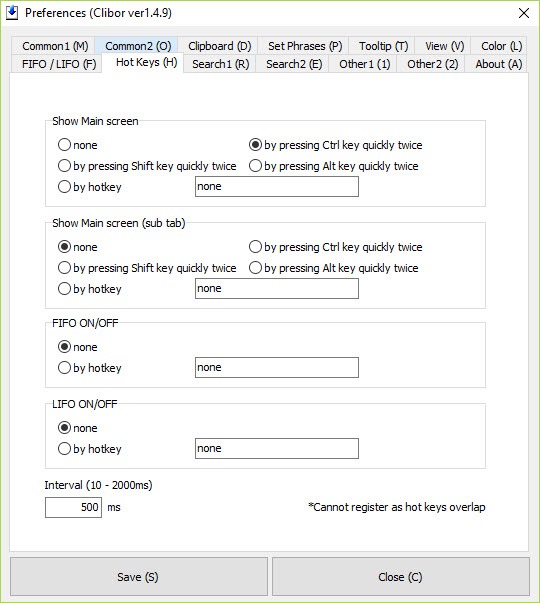
Clibor repairs that amnesia with almost supernatural lightness. It’s a tiny, portable clipboard manager that remembers your copy history by the hundreds, summons it with the strangest and best hotkey in the business, tapping Ctrl twice, and adds a library of set phrases for the boilerplate you type every day. Copy freely, recall anything, paste canned text on command.
The double-Ctrl summon deserves its early mention because it defines the feel. No claw-shaped shortcut, no mousing to a tray icon, just tap-tap on a key your fingers already rest near, and the history pops up beside your cursor, ready for a digit-key or click to paste any entry.
Ten minutes in, the gesture is muscle memory, and the single-slot clipboard starts feeling like a historical curiosity.
A history that remembers everything you copied
Every copy lands in the history automatically, hundreds of entries deep by default and configurable far beyond, each recallable through the popup with incremental search for the needle in last week’s haystack. The workflow it replaces is the one everybody performs without noticing, re-finding, re-selecting, and re-copying things that were already on the clipboard once, and the time it returns is measured in the small, constant denominations that add up to real hours.
The scope is text, deliberately. Passages, addresses, code, numbers, URLs, the material of actual daily pasting, handled with zero weight. Screenshots and copied images pass through untouched and unremembered, and users whose clipboard life includes pictures should know that boundary before choosing, with Ditto as the classic history manager that catches images too.
Set phrases, the other half of the product
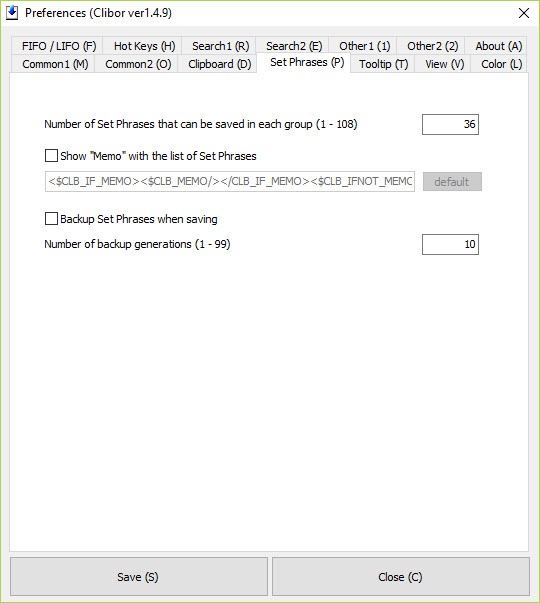
The second pillar is the set-phrase library, registered snippets organized into groups, greetings, signatures, addresses, code fragments, support answers, the canned replies of any working life, pasted from the same popup in two keystrokes.
For support agents, sellers answering the same five questions, medical staff with standard notes, and translators with recurring formulas, this half alone carries the download.
Groups keep libraries civilized as they grow, and the divider between history and phrases is one key, so both live under the same tap-tap gesture. Nothing about it is novel as a concept. Everything about it is unusually frictionless in execution.
FIFO mode, the data-entry party trick
The feature that earns cult devotion is sequential pasting. Switch to FIFO mode, copy a series of items in order, name, address, phone, ID, then paste them into a form or another application in the same order, each paste automatically advancing to the next item. Copy five fields from a document in one visit, paste five fields into the destination in one visit, no alt-tabbing between every single value.
Anyone who transfers data between windows for a living recognizes the trick instantly, and it converts the most tedious task in office computing into a rhythm.
The reverse (last-in-first-out) mode exists for the workflows that want it, and both express the tool’s philosophy, small features aimed with unusual precision at real repetition.
Small, portable, and politely invisible
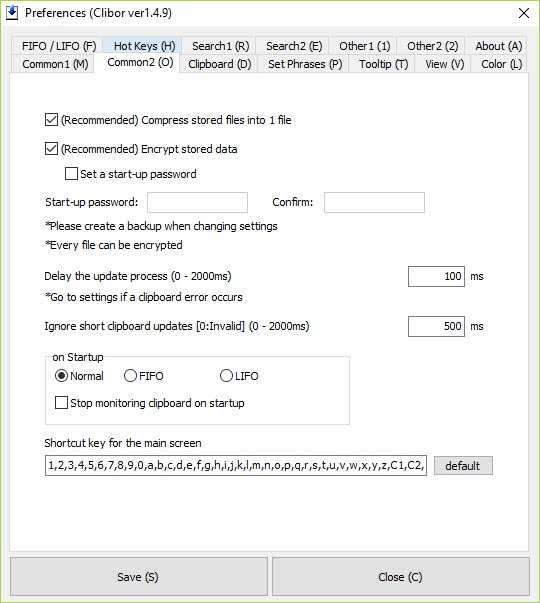
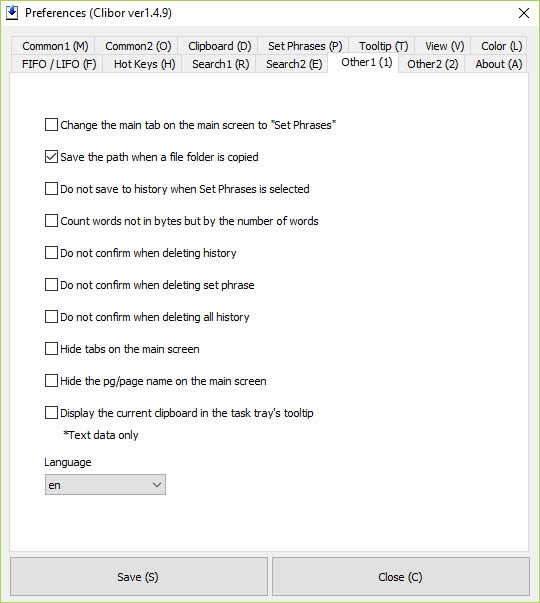
The program is tiny, runs from a folder without installation, and lives in the tray consuming close to nothing, which suits the USB-stick toolkit and the locked-down office machine alike. Saved data can be encrypted, history can be excluded where discretion demands, and the customization runs deeper than the plain surface suggests, hotkeys, appearance, paste behavior, and formatting touches on pasted text.
Honest notes to finish. The interface is plain to the point of austerity, a text popup with no visual ambition, and its documentation culture reflects its Japanese origin, functional English, thin tutorials, a community that answers most questions anyway.
Power users who want scripting hooks and image history graduate to the open-source heavyweight CopyQ and its editor-automation depths. This tool’s answer is the one it always gives, lighter, faster, tap-tap.
Conclusion
Clibor perfects the small tool. The support agent with forty canned answers, the data-entry worker feeding forms, the translator with recurring formulas, and anyone who has ever re-copied something for the third time all get their minutes back through one tap-tap gesture. History, phrases, and FIFO pasting cover the real repetition of working life with almost no footprint.
Image collectors and automation tinkerers should size up the heavier managers first. Everyone else can install this in less time than it takes to describe, and wonder shortly after how a one-slot clipboard was ever acceptable.
Features & benefits
Pros & Cons
- Double-tap Ctrl summons clipboard history instantly beside the cursor
- Remembers hundreds of copied texts with incremental search
- Set-phrase groups paste daily boilerplate in two keystrokes
- FIFO mode pastes copied items sequentially for form filling
- Portable, tiny, and encryptable, at home on a USB stick
- Deep customization beneath a simple surface
- Text only, with no image or file history
- Austere interface with no visual polish
- Sparse official documentation in English
- Automation-minded users will outgrow it
Frequently asked questions
Tap the Ctrl key twice. The history popup appears at the cursor with recent entries numbered for instant pasting, and incremental search digs up older items.
Registered snippets, greetings, signatures, addresses, standard replies, organized in groups and pasted from the same popup, the tool's answer to everyday boilerplate.
Sequential pasting. Copy several items in order, then paste them one after another with each paste advancing automatically, which transforms repetitive form filling and data transfer.
No, it's deliberately text-only. Copied images pass through normally but aren't kept in history, and image-inclusive history belongs to heavier clipboard managers.
It offers data encryption and the usual cautions apply, exclude what shouldn't be remembered, and treat any clipboard history as a record worth protecting.


