

TextWorx
About TextWorx
TextWorx is a compact and efficient text manipulation tool built for users who work with text across different applications. Whether you’re coding, writing, or managing documents, it offers a fast way to apply common (and uncommon) transformations directly to selected text, regardless of which program you’re using.
This utility operates via a context menu and floating toolbar that can be triggered with customizable global hotkeys, giving you on-demand access to over 150 text functions.
It’s ideal for anyone who wants to eliminate repetitive editing tasks and streamline their daily workflow.
Universal text commands at your fingertips
At the core of TextWorx is its universal approach to editing. The tool works with any app that allows text selection, letting you manipulate text right from your browser, email client, text editor, or anywhere else you write.
You don’t need to copy and paste content between apps-just highlight the text, activate the menu, and choose a command.
The menu includes everything from standard formatting (like upper/lower case, title case, or trimming spaces) to more advanced operations such as sorting, counting characters, formatting code snippets, inserting tags, and converting text into table-ready format. You can also wrap lines, duplicate lines, or auto-generate structured templates on the fly.
Fast access via hotkeys and toolbar
TextWorx is designed for speed. Its main menu is activated by a simple hotkey (Win+K by default), while a minimalistic floating toolbar can be toggled with another shortcut (Win+Shift+K).
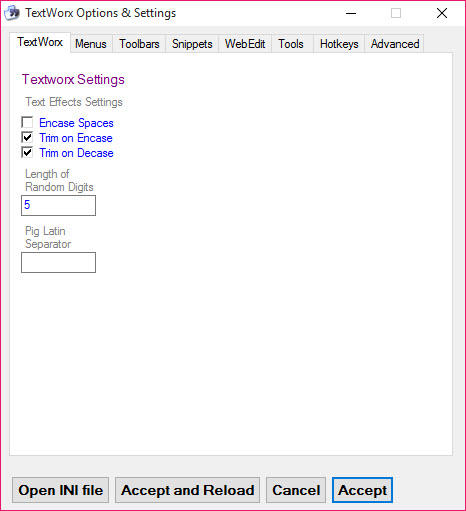
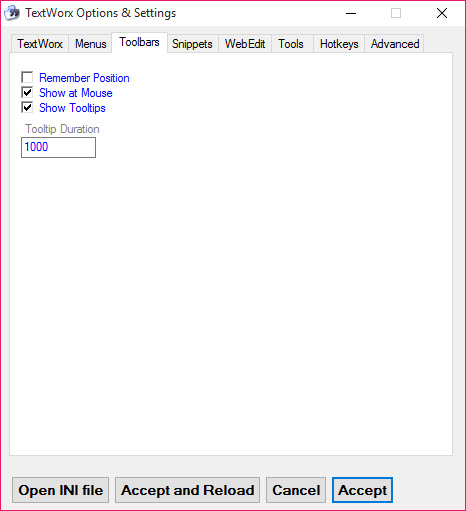
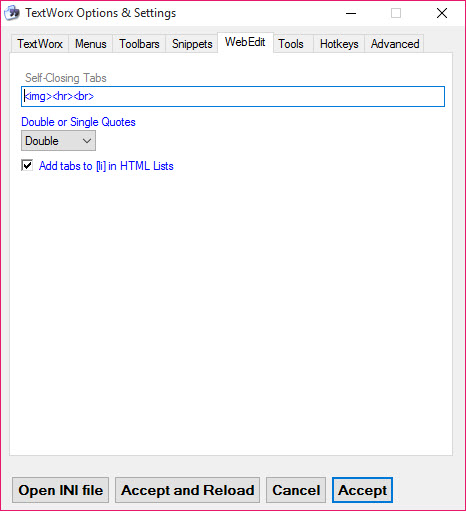
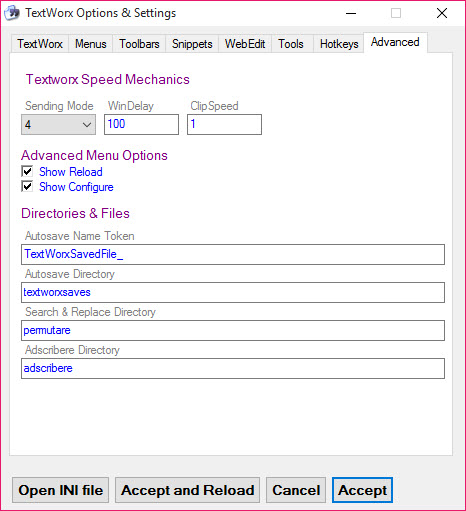
These keys can be customized to your liking, and you can create your own command groups for faster access to your most-used tools.
This makes it perfect for fast-paced editing environments where you need to make quick changes without breaking your flow.
Conclusion
TextWorx is a smart solution for anyone who deals with text regularly and wants to speed up repetitive editing tasks. It doesn’t matter if you’re writing documentation, cleaning up code, managing data, or editing emails-this tool puts powerful commands right at your fingertips, no matter where you’re working.
With speed, flexibility, and portability, TextWorx is a must-have addition to any productivity toolkit for Windows.
Pros & Cons
- Provides over 150 text manipulation functions directly accessible from any app.
- Supports global hotkeys and a floating toolbar for quick, efficient access.
- Compatible with all Windows text-editing environments and browsers.
- Customizable commands and groups make it highly adaptable to different workflows.
- Lightweight and portable, requiring no installation.
- May have a learning curve for users unfamiliar with text scripting or manipulation tools.
- Doesn't integrate directly into specific text editors-functions are accessed through the external menu.
- Requires manual configuration for advanced custom commands.


