

Panda VPN
About Panda VPN
Coffee shop Wi-Fi, hotel networks, that unsecured hotspot at the airport. Anyone sitting between you and the router can watch your traffic go by, and Panda VPN exists to shut that window. It wraps your connection in an encrypted tunnel, swaps your real IP for one belonging to a remote server, and does the whole thing behind a single on/off toggle that a first-time user can figure out in about ten seconds.
The application sits in the same crowd as Hotspot Shield, and not by accident. Both run on the Hydra protocol, a tunneling method built for speed rather than configurability. In practice that means you get quick connections and decent throughput without touching a single setting, which is exactly the trade this tool is making. You give up granular control. You get simplicity in return.
There’s one catch you should know about before installing, and we’ll get to it. It has to do with how the entry version picks your server for you.
Flip the switch, watch the counter
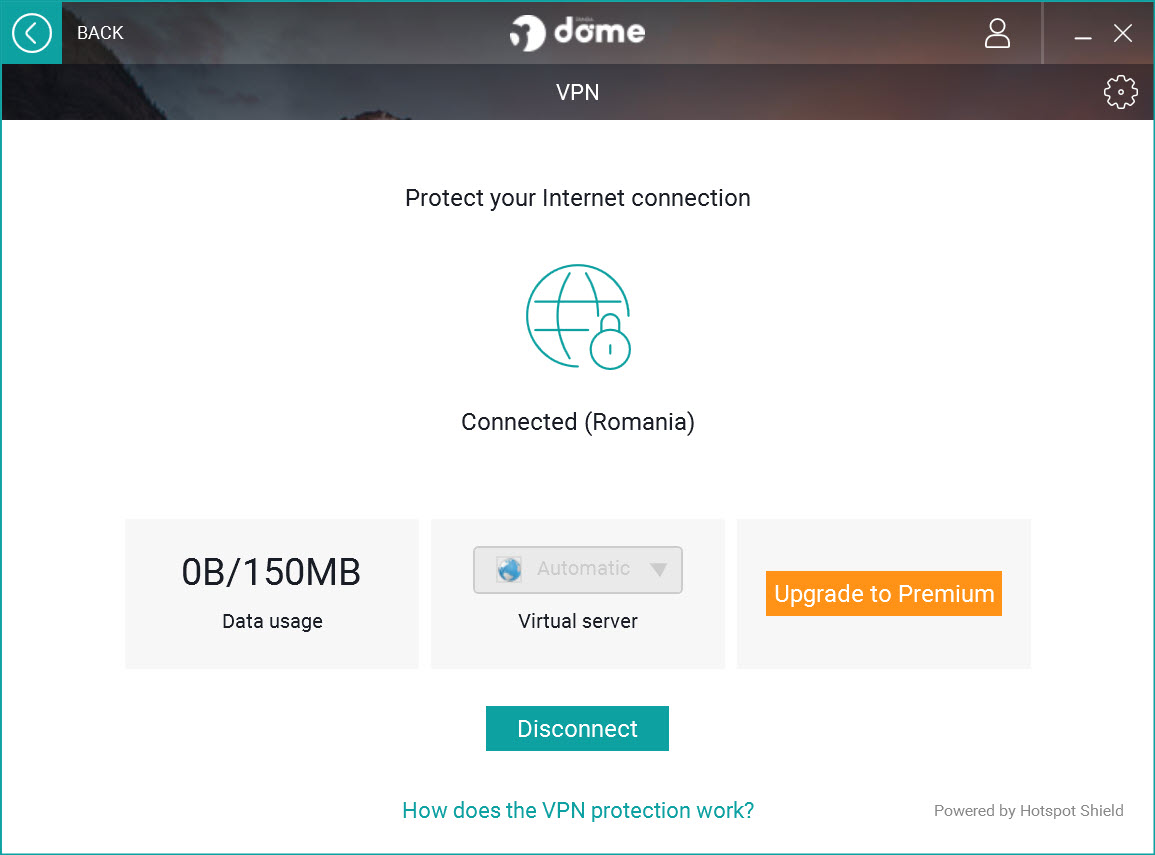
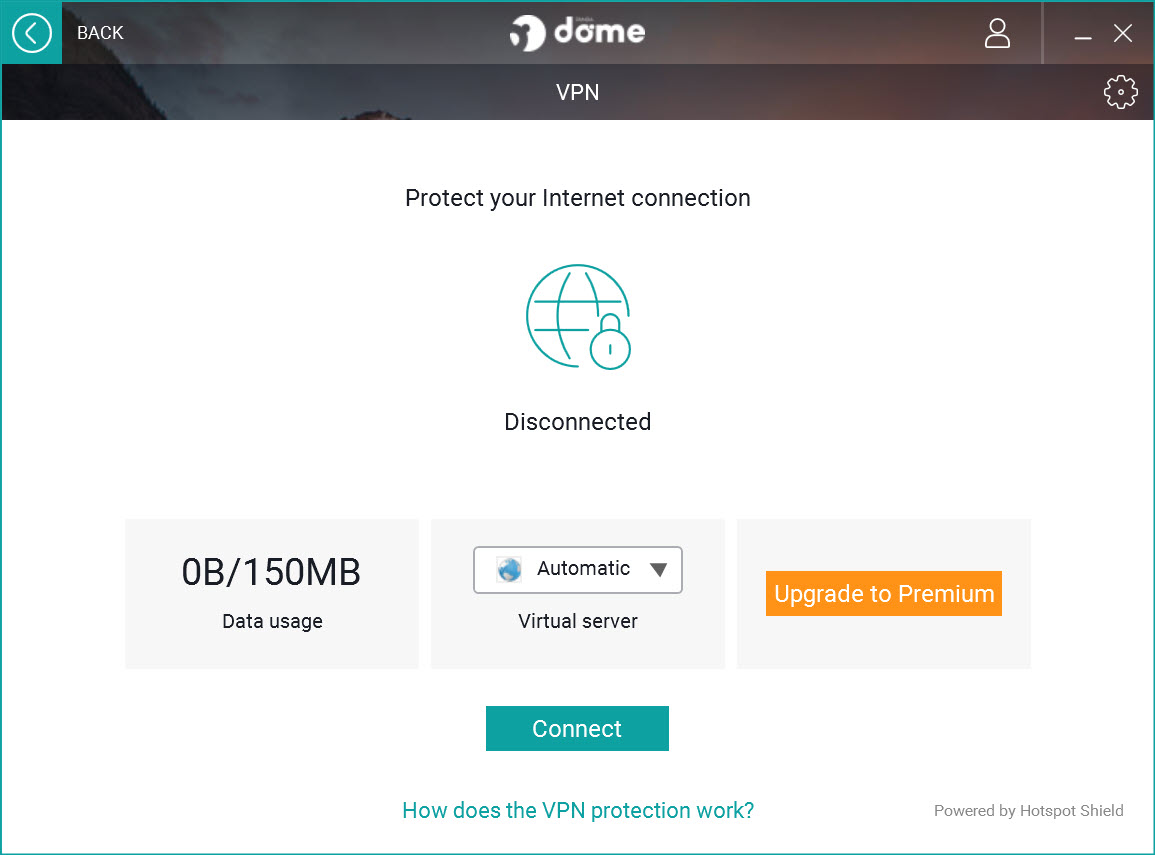
The main window is about as sparse as VPN interfaces get. A big connect button and a running tally of the data you’ve routed through the tunnel. That traffic counter isn’t decoration. Because the entry tier caps your encrypted traffic at 150 MB per day, you’ll actually be checking it, the way you’d watch a prepaid data plan tick down.
150 MB sounds like a lot until you do the math. It covers email, banking sessions, and general browsing on a café connection just fine. Stream one video in decent quality and the allowance is gone before the opening credits finish. So treat the entry version as a protection layer for sensitive tasks on untrusted networks, not as an always-on tunnel.
Once connected, everything on the machine routes through the encrypted link, not just the browser. That matters more than people think. Your email client and any background app quietly phoning home get covered without per-app setup.
Who picks the server? Not you, at first
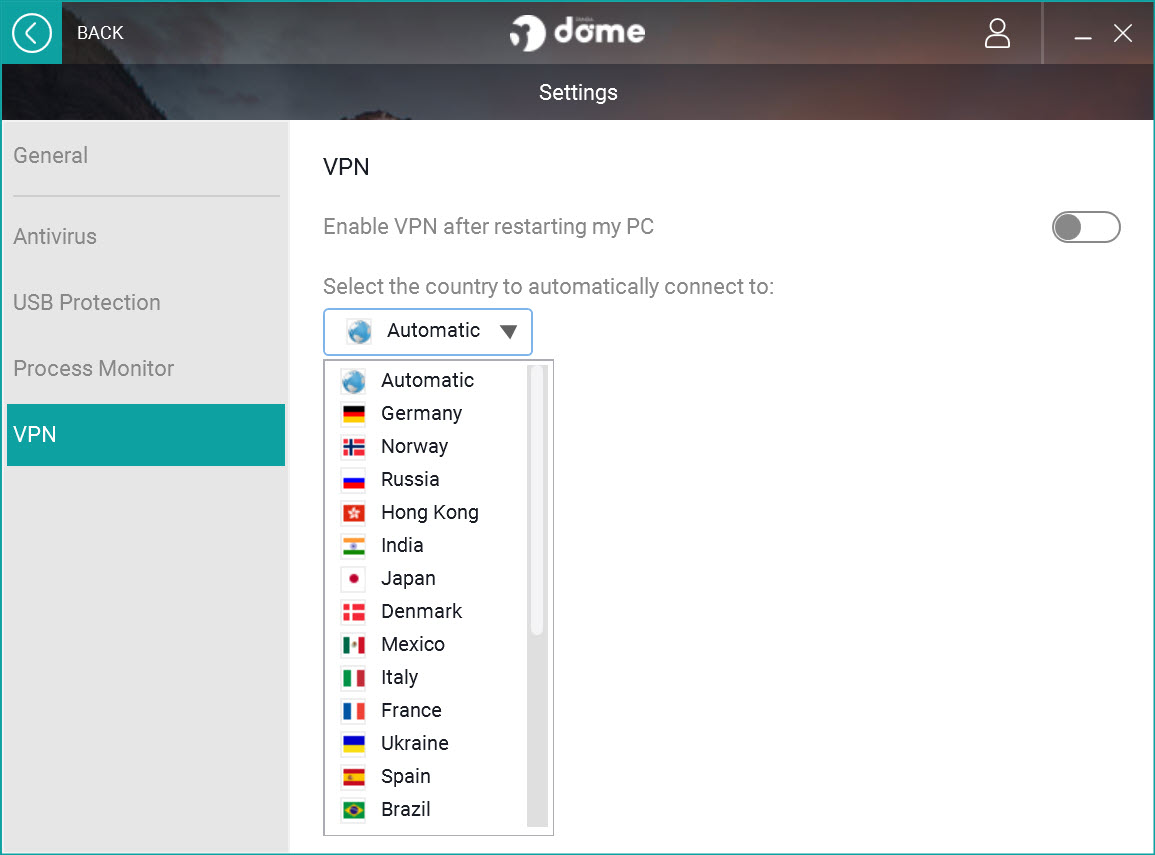
Here’s the catch mentioned earlier. In the entry version, Panda VPN assigns you a server automatically, usually the nearest one with capacity. You cannot open a list and pick a country. If your goal is dodging a geographic block on a specific site, the entry tier simply can’t promise that, because you might get routed through a location that’s just as blocked as your own.
Unlocking the full version changes the picture. You get a selectable list of servers across roughly two dozen countries, unlimited traffic, and coverage for several devices at once. The country list is honest but modest. NordVPN counts its locations in the dozens and its servers in the thousands, and even Windscribe gives you more flags to choose from.
If your use case depends on an exit point in a specific, less common country, check that it’s on the list before committing.
What the Hydra protocol actually buys you
Most VPN clients let you juggle protocols (OpenVPN, WireGuard, IKEv2) and then leave you to figure out which one your network likes. Panda VPN skips the menu entirely and runs Hydra, a protocol designed around fast connection times and stable throughput on long-distance links.
The upside is real. Connections establish in a couple of seconds, and speed loss on nearby servers tends to stay small enough that browsing feels normal. The downside is the flip side of the same coin. Hydra is closed source, so independent researchers can’t audit the implementation the way they can with OpenVPN, and you can’t switch to something else if a particular network blocks it. Whether that bothers you depends on how deep your threat model goes.
For keeping a snoop on public Wi-Fi out of your traffic, it does the job.
Everyday use, from banking to torrents
Where does this tool actually fit? Public networks are the obvious case. Encrypt the session, log into your bank, disconnect, done, and the daily cap barely notices. The full version stretches into heavier territory. P2P traffic goes through, so pairing it with a client like qBittorrent works, though upload-heavy sessions will show the speed tax more than plain browsing does.
Streaming is the shakiest ground. Some catalogs open, others detect the VPN and throw an error, and which is which changes month to month as streaming platforms update their blocklists. If unblocking a specific service is your main reason for wanting a VPN, this one is a gamble. Its server network is too small to play the cat-and-mouse game the way the big providers do.
The tool also reports statistics on routed traffic, which is handy for spotting an app quietly eating your allowance in the background. And if you want malware protection to go with the tunnel, Panda Antivirus handles that side separately.
Conclusion
Panda VPN is built for the person who wants encryption on demand without learning what a protocol is. If your VPN moments are occasional (hotel Wi-Fi, a banking session on a shared network), the one-toggle design and fast Hydra connections serve that pattern well, and even the capped entry tier covers it.
Power users should look elsewhere. No protocol choice, no country selection until you upgrade, and a server map that the bigger names dwarf. But judged as a simple privacy switch rather than a networking toolkit, it holds up.
Pros & Cons
- Single-toggle interface that requires zero networking knowledge
- Hydra protocol connects fast and holds speed well on nearby servers
- Entire system traffic is tunneled, not just the browser
- Traffic statistics help you track the daily allowance
- P2P traffic is allowed on the full version
- Entry tier caps encrypted traffic at 150 MB per day
- Server location cannot be chosen on the entry tier
- Country list is small compared to NordVPN or Windscribe
- No protocol selection, and Hydra is not open to independent audit
- Streaming unblocking is inconsistent
Frequently asked questions
Only on the full version, which opens a server list covering roughly two dozen countries. The entry tier assigns the nearest available server automatically.
Everything. Once the toggle is on, all traffic from the machine routes through the encrypted tunnel, including email clients and background services.
On a nearby server, yes. The Hydra protocol keeps latency and speed loss low at short distances. Connecting to a far-away country will add noticeable lag.
The full version allows P2P traffic. Keep in mind the entry tier's 150 MB daily cap makes torrenting pointless there, since a single episode would blow past it.
Sometimes. Results vary by platform and change often, so don't buy in for that reason alone. Its server network is smaller than what dedicated unblocking providers run.


