

VideoCleaner
About VideoCleaner
VideoCleaner is forensic video software built to answer a narrow question. What does this footage actually show? It brightens a scene shot in near darkness, steadies a phone recording, pulls a licence plate out of a smear of pixels, and amplifies movements or colour changes too faint for the eye.
It also runs tests that suggest whether a file has been edited since it left the camera. Every adjustment is a slider, every slider is a filter with published source, and every filter you apply is written to an audit log so the result can be reproduced by someone else.
That last point is why it sits in courtrooms rather than in editing suites. Enhancement for evidence has to be repeatable and explainable, and a sharpen button in a consumer editor is neither. VideoCleaner takes filters the image processing community has reviewed for years, exposes them as sliders with real-time preview, and never touches the original file.
How the interface actually works
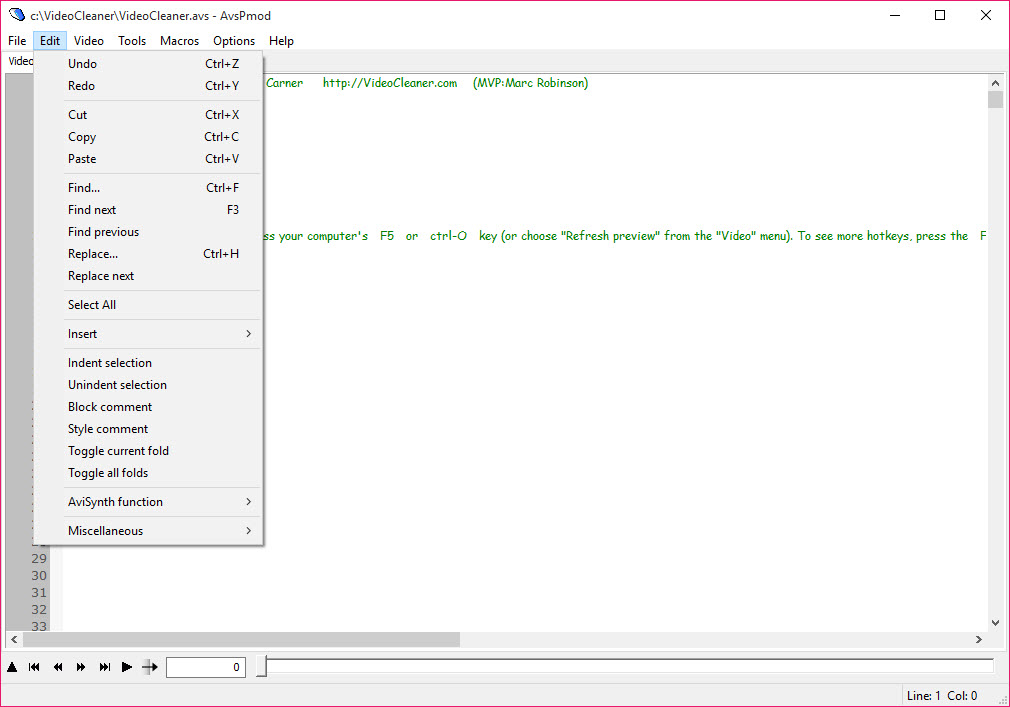
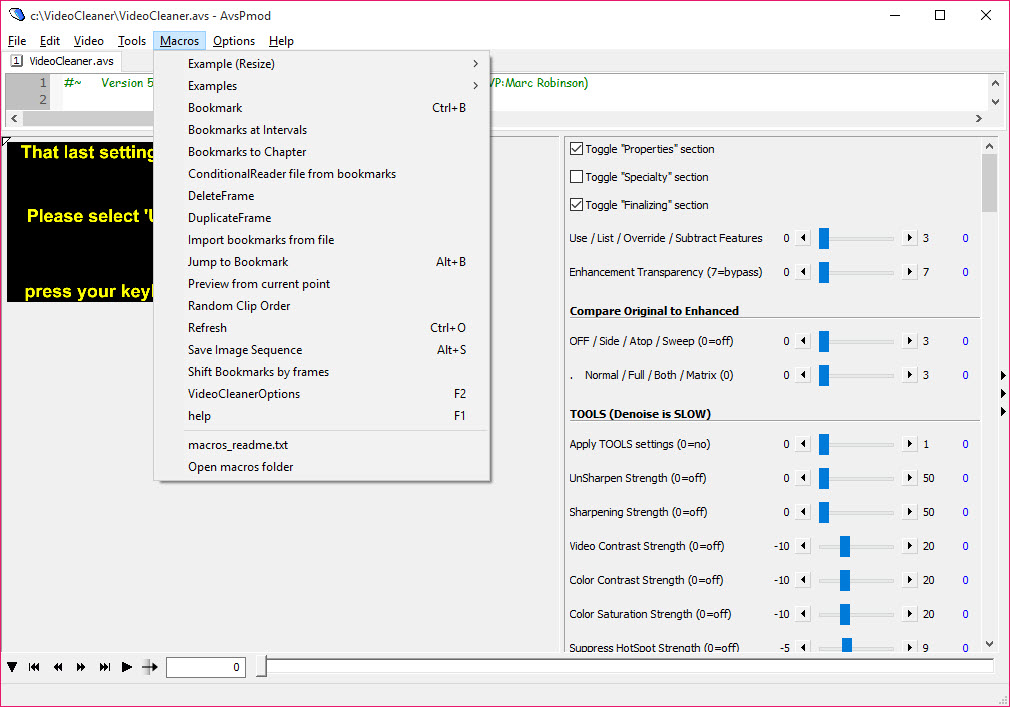
VideoCleaner is built on AviSynth, a scripting engine for frame-by-frame video processing, and its window is a script editor with sliders. Load a file and a script appears with a section for each group of filters. Drag a slider and the value in the script changes and the preview updates.
Anyone who has never seen a line of script can ignore that half of the window, and anyone who has can edit it directly, which is how the more unusual jobs get done. Veterans of the classic frame-by-frame video processor will recognise the model immediately.
The groups run in a fixed order. Core handles playback speed and volume, plus which frame range to keep. Fields splits interlaced footage into its two halves and realigns them, which is the first thing to do with security camera video. Angle, Crop and Resize follow, then Tools for the everyday corrections, Forensic for the specialist ones, and Analysis for authentication.
The user’s guide is a long PDF organised around symptoms, so “licence plate is hard to read” points straight at the relevant sliders.
Tools for footage that is too dark, too shaky or too blurred
The VideoCleaner Tools group covers brightness and contrast, saturation and hue, and gamma, with a histogram to see what the adjustment is doing to the tonal range rather than guessing. Denoise cleans grain and compression dirt, Deblocking softens the mosaic pattern of heavily compressed video, and Focus applies a controlled sharpening for footage slightly out of focus. Stabilize runs in passes, each iteration reducing camera shake further, and it copes with the erratic motion of a handheld phone better than the single-pass stabilisers in most editors.
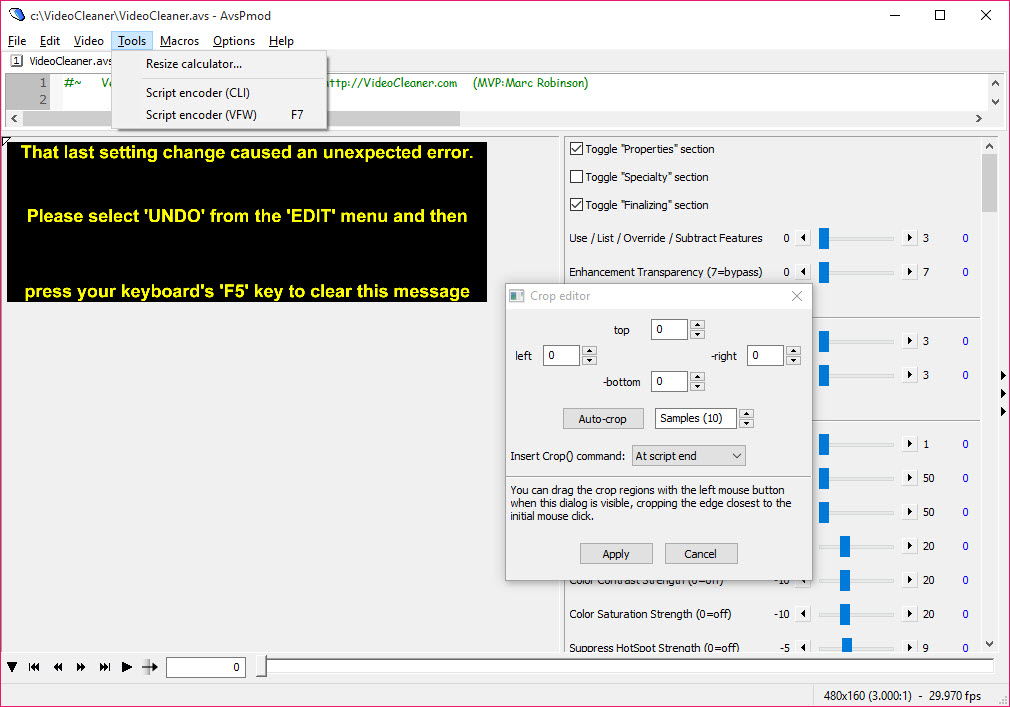
Lens and perspective corrections reverse the fisheye of a wide security camera and can change the viewing angle of a flat surface, so a document photographed at a slant can be read square on. Super resolution in Resize combines detail across frames to enlarge a region with more real information than plain upscaling would give.
The forensic filters
The Forensic group is what separates VideoCleaner from a video editor. Edge detection through Canny and Sobel filters draws the outlines in a scene, which is how text and plates become legible when the pixels themselves are a blur. Frame Averaging stacks many frames of a stationary subject and averages the noise away, and on a fixed camera pointed at a parked car it recovers plates that no single frame shows.
RGBamplifier magnifies tiny changes in colour or movement, so a hand moving in shadow, a traffic light changing at the edge of frame or the first flicker of a fire becomes obvious. Isolate Motion hides everything that stays still and shows only what moves, and iFrame isolation keeps the complete frames a compressor stored rather than the interpolated ones between them.
Each of these has a legitimate use and a way to mislead if pushed too far, and the guide is candid about both.
Authentication and the audit trail
The VideoCleaner Analysis group tests whether footage has been manipulated. Extract, Test and MinMax filters look for inconsistencies in compression and colour, and in frame structure, that appear when a section has been edited or a frame inserted, and a DCT test examines the compression blocks themselves. None of these prove tampering on their own, and the guide says so. They point an examiner at where to look.
Every filter and setting applied to a file is logged automatically, with a metadata report on the source, and MediaInfo is the tool to pair with it for a full container-level description of the original. Between them a second analyst can reproduce every step, which is the standard evidence has to meet.
The bundled extras and the slow parts
The VideoCleaner installer puts everything into a fixed folder at the root of the system drive, requires administrator rights, and installs AviSynth and a codec pack alongside. Shortcuts to optional extras appear afterwards, including a screen capture tool and lossless codecs. Take the codecs if you need lossless output, and consider a modern screen recorder instead of the bundled capture tool, which has a poor reputation for what its own installer carried in the past.
The interface is dated and dense. It is a script editor with sliders bolted on, and it looks like one. Processing high-resolution video is slow because every filter runs on the processor frame by frame, so a minute of 4K footage can take a long time to preview.
For editors used to timelines, VirtualDub shares the frame-by-frame filter model with a friendlier face, but it has none of the forensic filters.
Conclusion
VideoCleaner suits investigators and security staff, lawyers, and anyone who needs to know what a piece of footage shows and to be able to defend how they found out. The forensic filters, the audit log and the untouched original are exactly what that job demands, and the sliders keep the science usable by people who are not video engineers.
It is the wrong choice for making a holiday video look nicer. The interface is unfriendly, the processing is slow, and the installer is heavy-handed. Read the guide’s symptom index, crop to the area that matters, and it will show you things you did not know were in the frame.
Pros & Cons
- Forensic filters for edge detection, frame averaging and motion amplification
- Brightening and denoising, plus multi-pass stabilisation, for poor footage
- Authentication tests that flag signs of editing
- Automatic audit log and metadata report for every enhancement
- Original file is never altered
- All filters ship with published source code
- Script-editor interface is dense and unfamiliar
- Processing runs on the processor and is slow on high-resolution video
- Installs to a fixed root folder with bundled components
- Bundled screen capture tool has a poor reputation
- Amplification filters can mislead if pushed too far
Frequently asked questions
Sometimes. Frame Averaging across many frames of a stationary plate and edge detection with the Canny or Sobel filters are the tools, and results depend on how much real detail the footage holds.
No. Filters are applied through a script and the original file is untouched. Output is written as a new file with a log of every setting used.
It can flag signs. The Analysis filters look for compression and structure inconsistencies, but they point to areas of concern rather than proving manipulation.
Filters run frame by frame on the processor with no graphics card acceleration. Crop to the region you need and work on a short frame range to keep previews responsive.


