

SignalRGB
 (No Ratings Yet)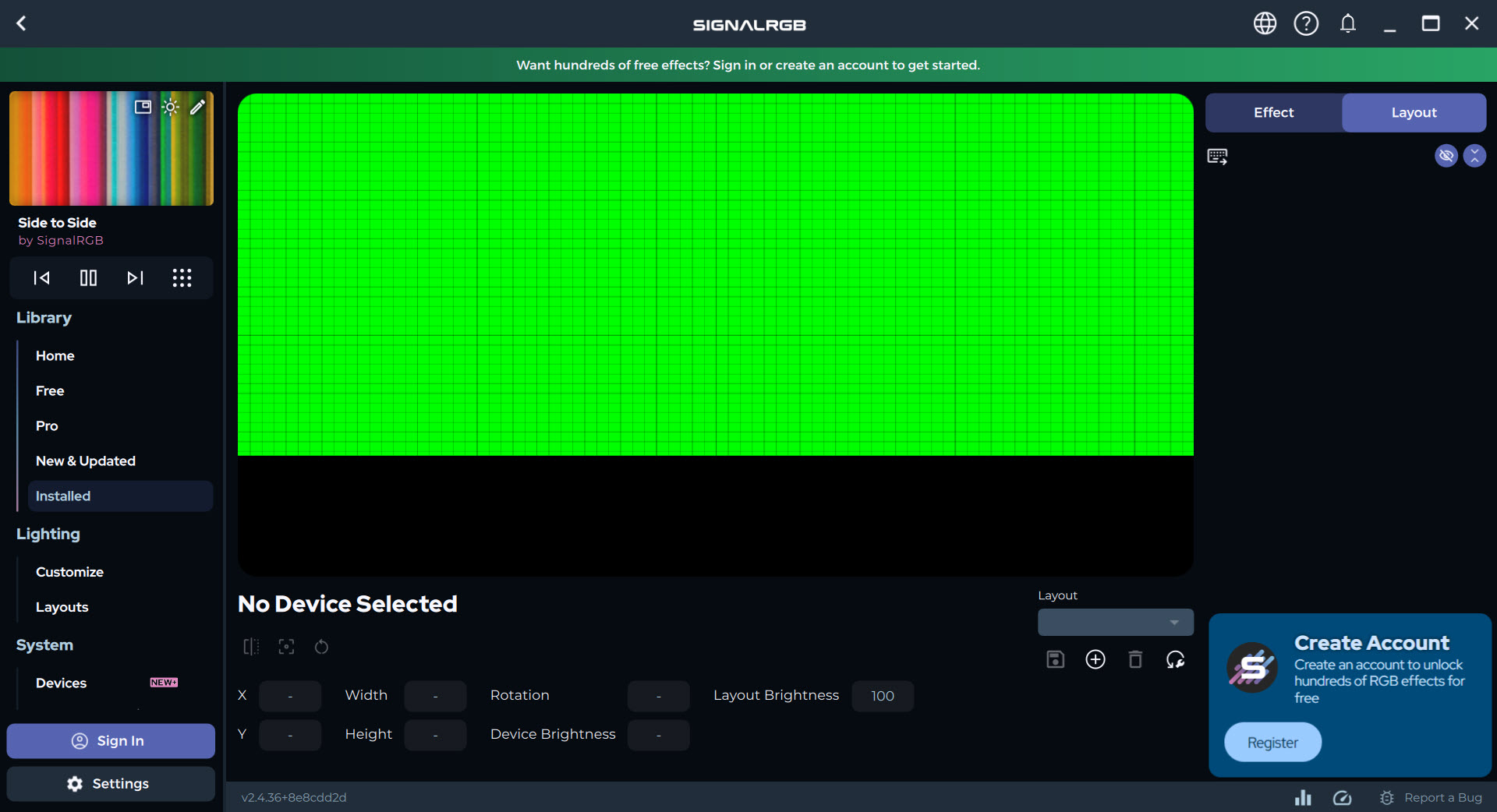
About SignalRGB
SignalRGB pulls every RGB light in your computer under a single control panel. Your keyboard, mouse, fans, RAM, graphics card, motherboard headers, and even wall-mounted light panels, all of it driven by one application instead of the four or five separate utilities that usually fight over the job. Install it, let it scan, and your whole setup finally answers to the same effect at the same time.
That cross-brand reach is the entire point. If you’ve ever built a machine with a keyboard from one maker, a mouse from another, and fans from a third, you know the mess. A tray full of competing apps, each with its own clashing effects, none of them talking to each other. SignalRGB speaks to all of them through one interface, so a single rainbow wave can roll across your desk from corner to corner without a seam.
What makes that possible is a hardware abstraction layer. The application talks directly to device firmware rather than hijacking each brand’s software, which means it can coordinate hardware that was never designed to cooperate.
It supports a long list of devices, well into the hundreds across dozens of brands, and that list keeps growing.
How does the cross-brand syncing actually work?
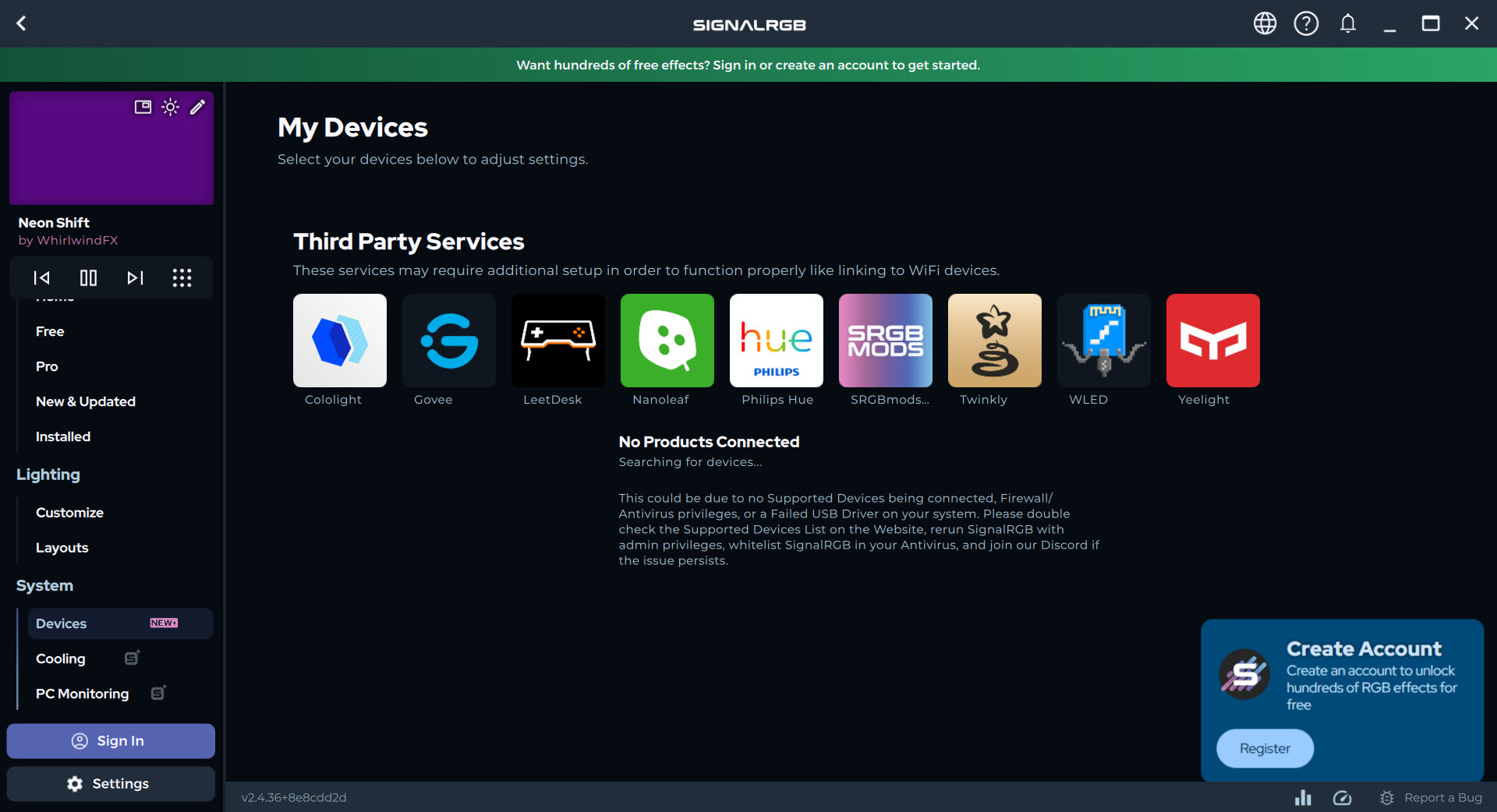
Once installed, the application scans your system and detects every compatible RGB component automatically. It then sorts them into a tidy dashboard by category, keyboard, mouse, motherboard, GPU, fans, RAM, and lighting strips, so you can see your whole setup at a glance. No hunting through five different programs to find where the fan lighting lives.
From there you arrange your devices in a layout that matches their real positions on your desk. This bit matters more than it sounds. When the software knows your keyboard sits left of your mouse and your fans are stacked on the right, an effect can actually travel across them in the right direction, instead of every device just doing its own thing in isolation.
Tools like Aurora tackle multi-device sync too, but the layout mapping here is what sells the illusion of one continuous light field.
The effects and where the real fun is
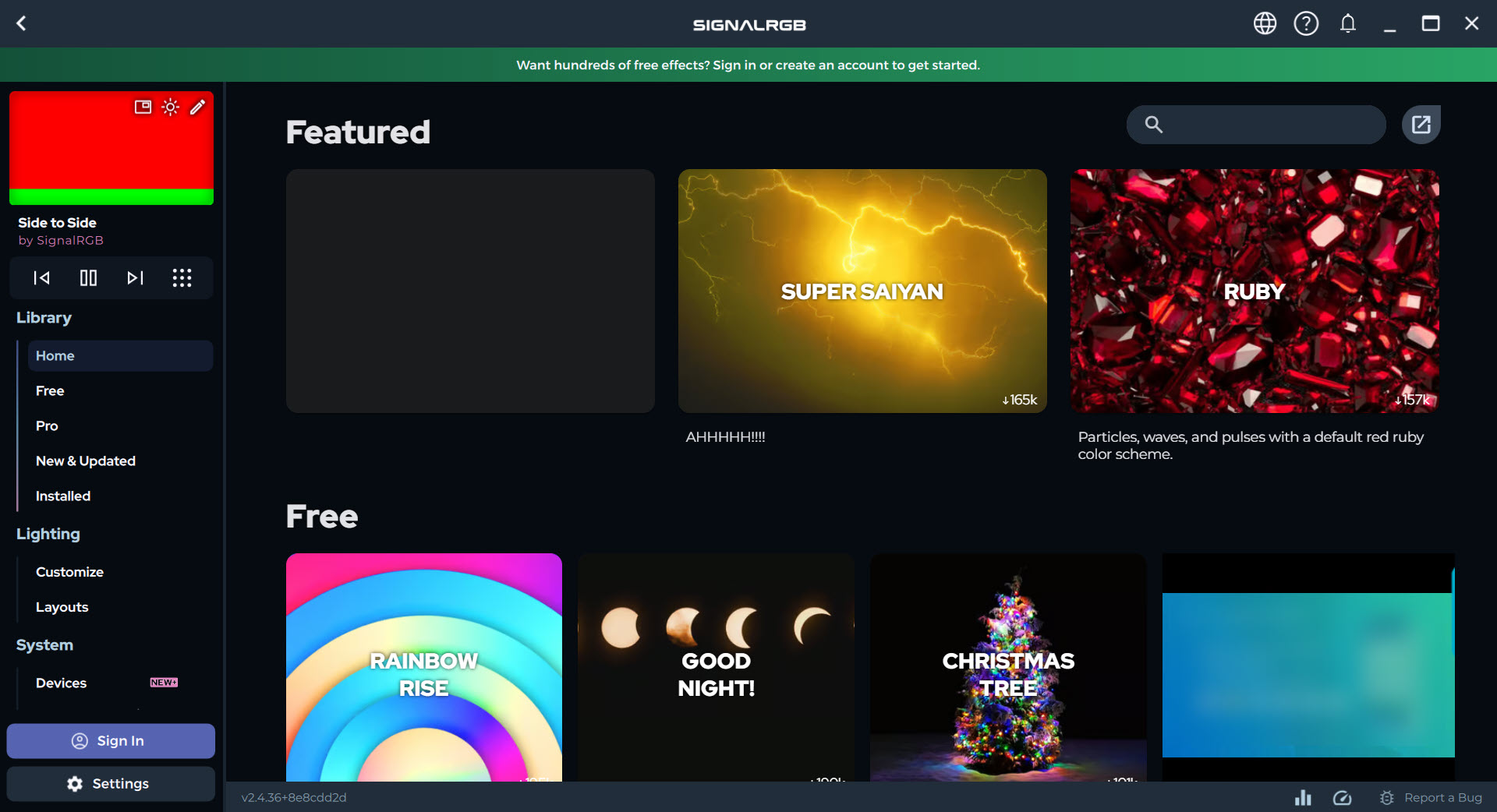
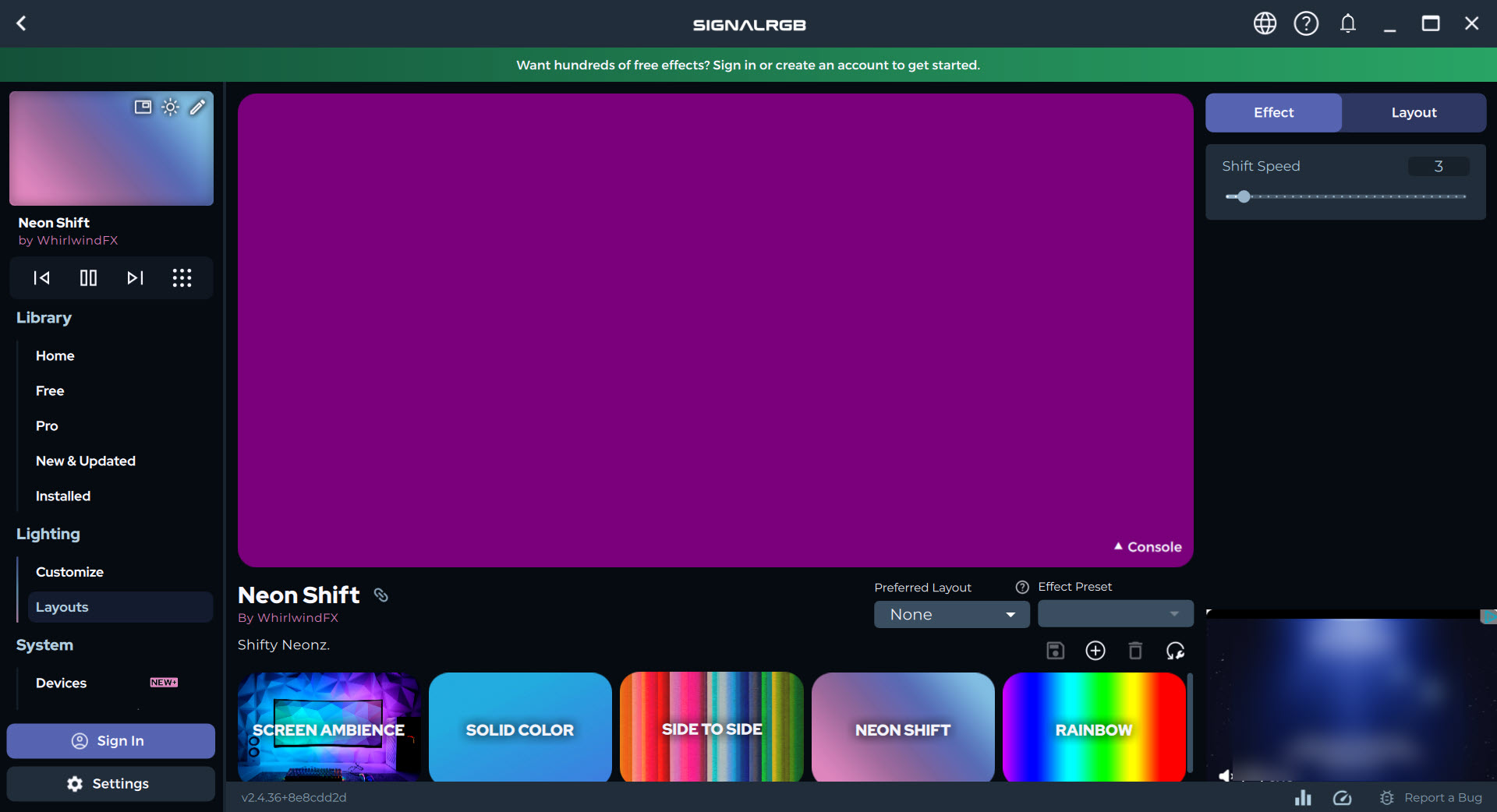
There’s a large library of effects to pull from, the usual color cycling, rainbow waves, and breathing pulses, plus a lot more adventurous animated scenes. You can save these as profiles, so a calm ambient look for work, a loud reactive scheme for gaming, and a showcase mode for when someone’s admiring the build are all one click apart.
The standout, though, is screen capture mode. It samples the colors on your display in real time and mirrors them onto your RGB devices, so an explosion in a game or a sunset in a film bleeds out across your peripherals and the strips behind your monitor. It’s the same idea as bias lighting, except your whole rig joins in. Pair it with light panels like Nanoleaf shapes and the effect spills onto the wall behind your desk.
There are audio visualizers too, lighting that pulses to whatever’s playing, which sounds gimmicky until you’ve watched your keyboard dance to a track and quietly enjoyed it.
Lighting that tells you something useful
Not all of this is pure decoration. The application can tie lighting to your system’s vital signs, turning your fans or strips into a live gauge. Set your fans to glow cool green under a certain temperature, shift to orange as things heat up, and run red when the CPU or GPU is working hard. Now your lighting isn’t just pretty, it’s a glance-able readout of how hard your machine is pushing.
For anyone who overclocks or just likes to keep half an eye on thermals, that’s handy. You don’t need a separate monitoring overlay running if a quick look at the case tells you the temperature story.
If you want deeper numbers alongside it, something like MSI Afterburner covers the graphing side while the lighting handles the at-a-glance version.
Game integration and automation
Lighting that reacts to what’s happening on screen is where this gets immersive. With supported titles, effects can shift based on in-game events, your setup flashing or pulsing in time with the action rather than looping the same pattern regardless of what you’re doing. It’s a small touch that makes a build feel alive during a session.
There’s also a macros and automation side that goes beyond lighting. You can trigger actions on events like waking from sleep, dimming to an ambient effect when you step away, or switching profiles automatically.
For tinkerers, the application accepts custom scripts and community-made plugins, so if a device or effect isn’t covered out of the box, there’s a decent chance someone in the community has already built support for it.
Where it fits and what to weigh
The honest comparison is with iCUE – Corsair Utility Engine and MSI Mystic Light, the brand-locked utilities most people start with. Those control their own hardware beautifully but refuse to play with anyone else’s. SignalRGB trades a little of that per-device depth for the ability to unify everything, which for a mixed-brand build is usually the better deal.
A couple of things to keep in mind. Some of the more advanced effects and the screen capture feature sit behind an upgraded tier rather than the basic install. And while the application controls most hardware on its own, a few high-end RAM kits or custom fans still want their brand driver present in the background, even if it’s not actively running.
For most setups, neither caveat is a dealbreaker, but they’re worth knowing before you uninstall everything else.
Conclusion
SignalRGB solves a problem anyone with a mixed-brand build knows well. You end up with a pile of clashing, resource-hungry lighting apps that never cooperate. By pulling every LED under one roof, with layout-aware effects, screen capture, audio reactivity, and temperature-driven lighting, it turns a scattered setup into a single coordinated light show. For the enthusiast who wants their whole rig breathing in sync, it’s the obvious pick.
It isn’t flawless. A few features sit behind an upgraded tier, the odd component still leans on its brand driver, and running it full-time costs some resources. But weighed against the alternative of five separate utilities that refuse to talk, those are easy trade-offs to accept.
If your build mixes brands and you want one cohesive look instead of a patchwork, this is the application that finally makes every light in the case sing from the same sheet.
Pros & Cons
- Controls RGB across hundreds of devices from dozens of brands in one app
- Hardware abstraction layer coordinates gear that was never meant to work together
- Auto-detects components and sorts them into a clear, category-based dashboard
- Layout mapping makes effects travel across devices in the right physical direction
- Screen capture mode mirrors on-screen colors onto your lights for an immersive glow
- Lighting can react to temperature and CPU or GPU load as a live readout
- Profiles let you switch between work, gaming, and showcase looks instantly
- Custom scripts and community plugins extend support to unlisted devices
- Some advanced effects and screen capture sit behind an upgraded tier
- A few high-end RAM kits and custom fans still need their brand driver installed in the background
- Running constantly to drive lighting uses more system resources than no RGB app at all
- Per-device fine control can be shallower than a brand's own dedicated utility
- Occasional device-detection hiccups may need troubleshooting on unusual hardware
Frequently asked questions
It unifies control of all the RGB lighting in your PC, from keyboards and mice to fans, RAM, GPUs, and light strips, under one application. Instead of juggling separate apps for each brand, you manage and sync everything from a single hub.
Yes, that's its main strength. It talks to hardware from many different makers through one interface, so a Corsair keyboard, an ASUS GPU, and a Razer mouse can all run the same synced effect together.
After installation it automatically scans your system for compatible RGB components and organizes them by category in its dashboard. If a device doesn't appear, there are troubleshooting steps, and community plugins sometimes add support for unlisted hardware.
It samples the colors on your screen in real time and mirrors them onto your RGB devices. A bright scene in a game or movie spills out across your peripherals and any strips behind your monitor for an immersive effect.
Yes. You can tie lighting to system data so your fans or strips change color based on temperature or CPU and GPU load, turning your RGB into a live, glance-able readout of how hard your machine is working.
In most cases no, since it controls devices directly. A few high-end components still want their brand driver present in the background, though it doesn't need to be actively running alongside.


