

Aurora
About Aurora
Buy a keyboard from one maker and a mouse from another and you run two lighting applications that refuse to acknowledge each other. Each controls its own hardware, neither knows what the other is doing, and the desk never matches. Aurora exists to drive all of it from one place.
Support spans the major peripheral brands at once, so a keyboard, a mouse and a headset from three makers share the same effect at the same moment. Set against an application that only speaks to one maker’s hardware, that explains the following it has.
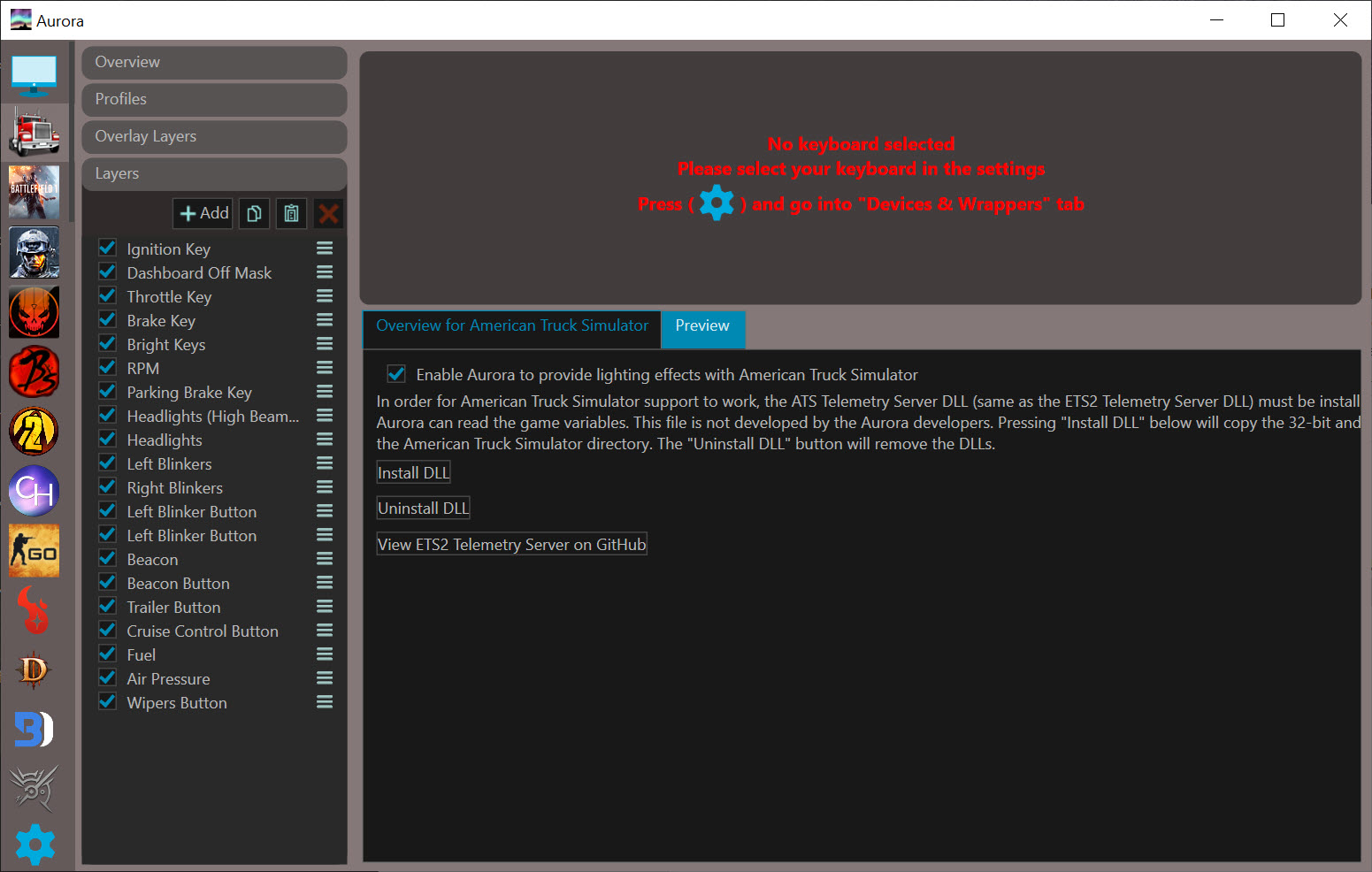
Layers are how effects get built
Nothing in Aurora is a preset you pick from a list. A profile is a stack of layers, each producing one effect, assembled by you.
Layers are added, removed and reordered, each carrying its own parameters. Keys can be selected as a freeform region, so an effect applies to the block you drew rather than a predefined zone, which is how a layout comes to match the keys a game actually uses.
That is more work than choosing a rainbow wave from a menu, and the reason results look deliberate rather than default.
Lighting that reacts to the game
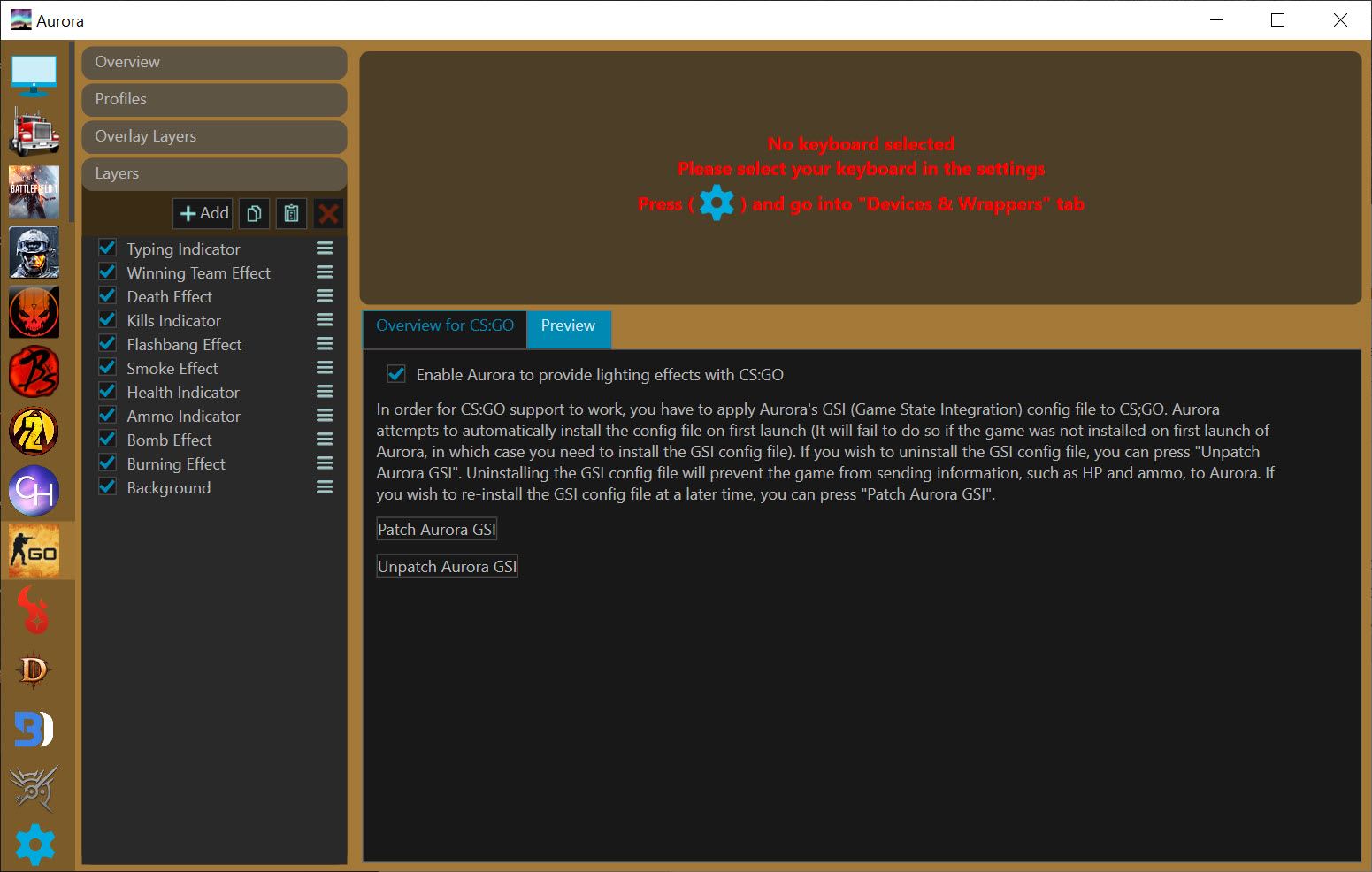
The second purpose is making lighting mean something. Effects respond to what happens on screen, so a keyboard flashes red on damage and the keys bound to abilities light up while the rest stay dark.
Aurora also adds lighting to games that never had any, which is where the community effort has gone, and it passes through the brand-specific integrations some titles already support so those keep working.
Profiles attach to applications rather than only games, so a work program can have its own quiet scheme while something else gets the full display. One honest note from the project itself, integrations are tested to avoid triggering anti-cheat systems, and it cannot guarantee a game maker will not later block the way information is read.
The keyboard as a small display
The Aurora feature people underestimate is using lighting to show information rather than to look pretty.
Volume level, processor load and memory use can all be displayed across the keys, turning a row into a meter you glance at rather than a figure you open something to read. An audio visualiser reacts to whatever is playing.
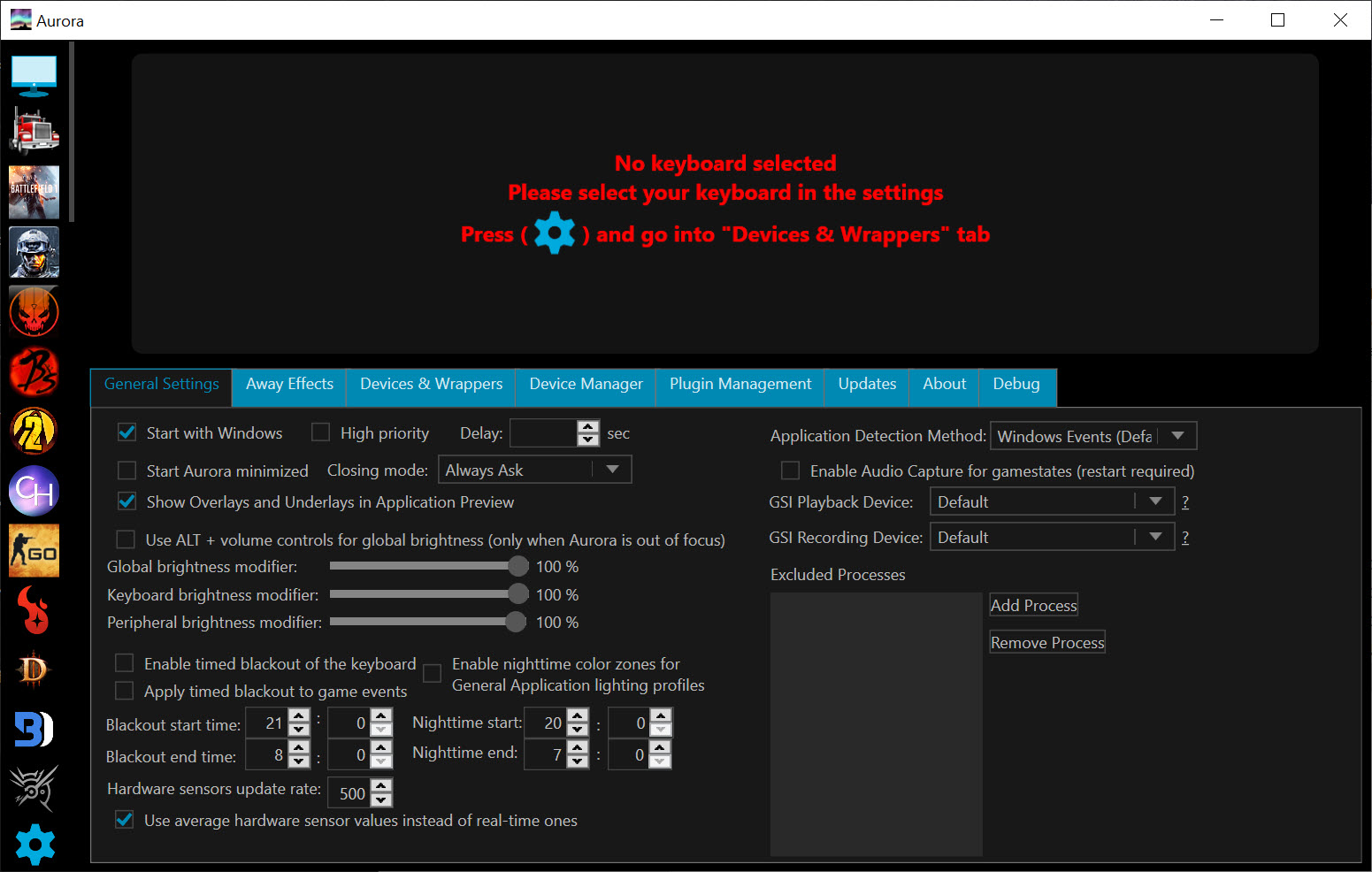
Practical touches surround that. Global brightness adjusts without leaving a game, an away-from-keyboard scheme takes over when you stop typing, lights switch off after a set period, and effects preview inside the application rather than needing a game launched to check them.
What it still needs alongside it
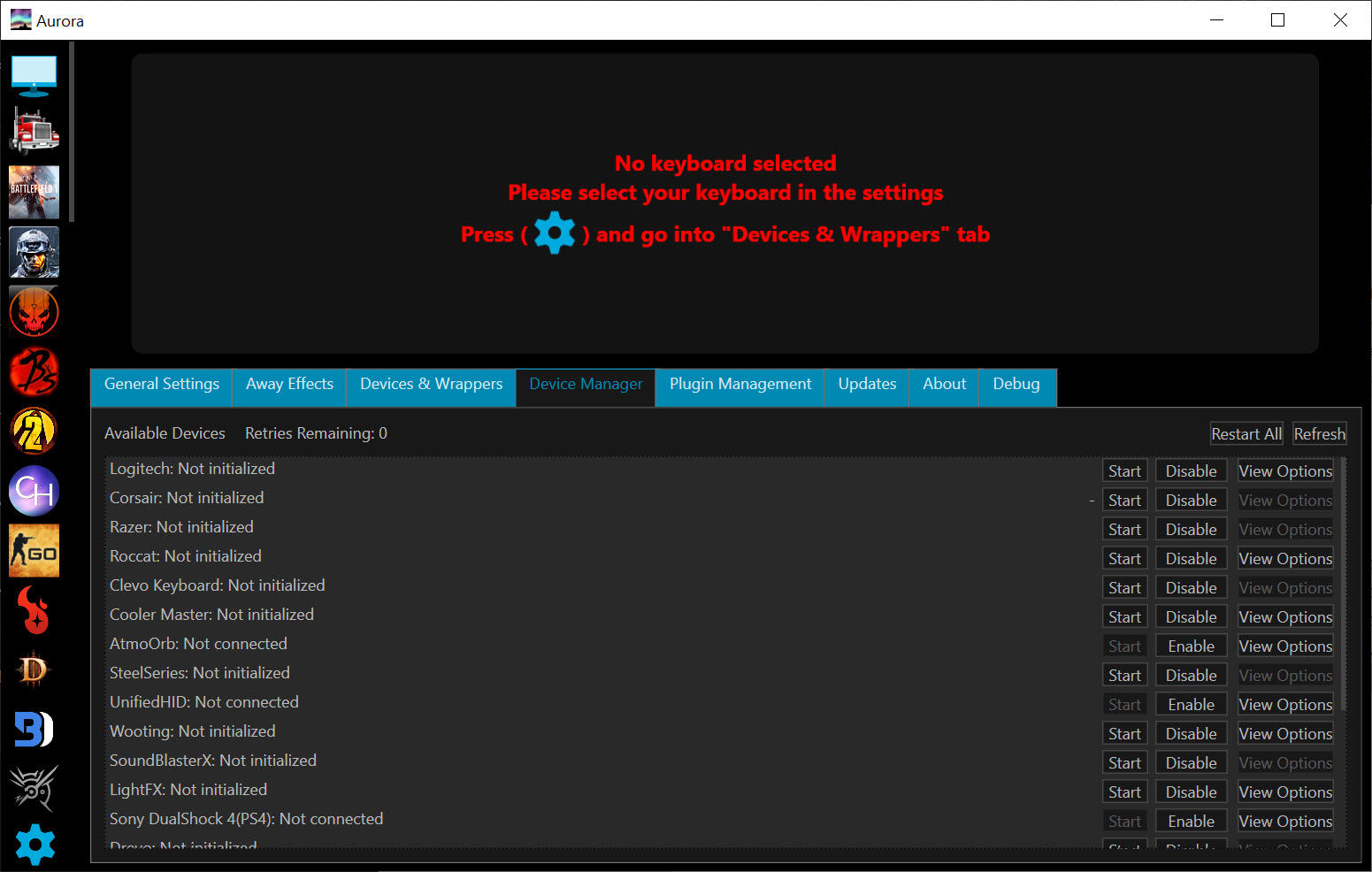
Correct one expectation before installing. Some hardware still needs the maker’s own application present, because Aurora reaches that lighting through their software rather than directly. Razer Synapse is the common example, and it stays installed while this decides what it displays.
The same holds for components inside the machine and for suites from other makers. The promise is unified control rather than uninstalling everything else, so expect one or two of those applications to stay in the background doing nothing you interact with.
Some brand support is achieved by reverse engineering rather than through a published interface, which works and can break when a manufacturer changes something.
Who maintains it now
The original project stopped, and a community fork picked it up and continues to add device and game support. That is the version anybody starting today should be looking at, and the name now covers two things.
For a maintained alternative doing the same unified job, SignalRGB covers a broader hardware list with less assembly required.
Conclusion
Aurora solves a problem manufacturers created and have no interest in solving, which is that lighting bought from three brands behaves like three separate things. Unified control across brands, layers that let an effect be built rather than chosen, and reactions to what is happening in a game add up to something no single manufacturer’s application offers.
Expect to put work in. Profiles are assembled rather than selected, some hardware still needs its own software present, and the reverse-engineered parts occasionally break. Anybody who enjoys the tinkering will find it rewarding, and anybody who wants matching colours with three clicks should look at the maintained commercial option instead.
Pros & Cons
- Drives peripherals from several manufacturers simultaneously with matching effects
- Layer system builds effects deliberately rather than choosing from presets
- Freeform key selection applies an effect to exactly the keys you drew
- Lighting reacts to in-game events, including damage and bound ability keys
- Adds lighting to games that shipped with none
- Displays volume, processor load and memory use across the keys
- Effects preview without launching a game to check them
- Some hardware still needs the manufacturer's application installed alongside
- Certain brand support is reverse engineered and can break when a maker changes something
- Building a profile from layers takes real effort compared with picking a preset
- The original project was abandoned, with a community fork carrying it forward
- Game integrations depend on how each title exposes information, so coverage varies
Frequently asked questions
Yes, and that is its main purpose. Devices from several manufacturers can display the same effect simultaneously, which none of the individual manufacturer applications will do.
For some hardware, yes. The lighting on certain devices is reached through the maker's application rather than directly, so that software stays installed while this one decides what it shows.
It can, flashing on damage, lighting the keys bound to abilities and responding to other events where a game exposes them. It also adds lighting to titles that never had any.
The original project stopped and a community fork continues it, adding device and game support. Anyone installing today should be using the fork rather than the original.


