

MSI Afterburner
About MSI Afterburner
MSI Afterburner lets you unleash the full power of your graphics card by allowing you to monitor your graphics card closely and squeeze the performance out of it by modifying some settings and configurations.
You can run all of the newest games when you have a good GPU. But as the years go by, the graphics card will decrease performance as the games get more demanding.
Some GPUs will do better because they can be overclocked and tweaked for maximum performance. But you’ll need a good tool to help you do that.
That’s where MSI Afterburner comes in. It’s an application meant for you to optimize your GPU’s performance and ensure it’s running as well as it should.
It will help you adjust the memory clock and fan speeds and tweak some settings about the graphics card, giving you a much-improved performance overall.
Automatic Detection of GPUs
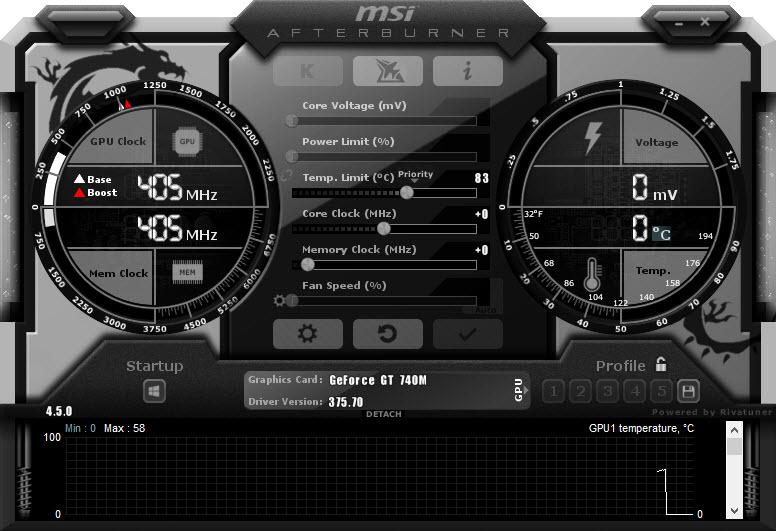
When you first launch MSI Afterburner, it will automatically detect the graphic cards you have installed on your computer. The user interface of this tool is simple yet somewhat futuristic looking.
In the main window, it will display some key information about the card, the version of the driver, and more.
Manage Your Graphics Card
The best thing about this application is the number of options you’ll have when tweaking it. You’ll have many great settings at your disposal.
You’ll be able to change the clock speeds of your card and the fan speeds. It can help you squeeze something more out of the graphics card.
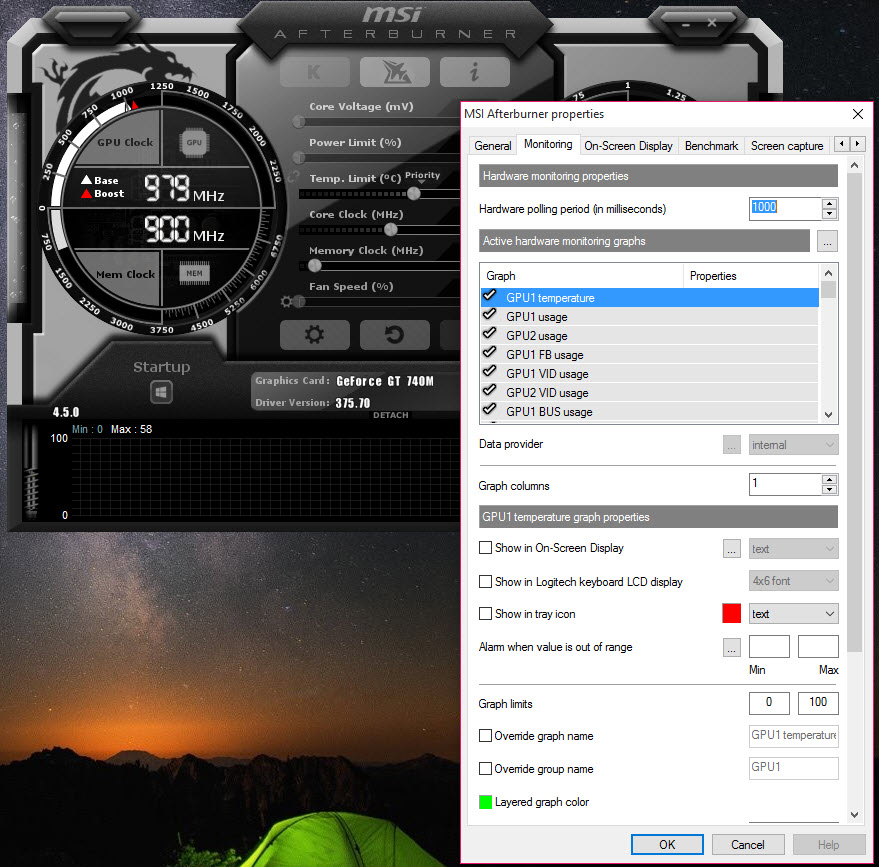
You can also monitor your graphics card throughout the entire process. You can do that via “Hardware Monitor”, a tool that will display all of the key information about the card. You’ll see important information, such as core and memory clocks.
Conclusion
MSI Afterburner helps you optimize your GPU performance and squeeze some performance inches out of it by helping you perform useful tweaks.


