

Picture Viewer
About Picture Viewer
Picture Viewer is an image viewer with a small editor attached. It opens JPG, PNG, BMP and GIF files, steps through a folder with the arrow keys, and lets you resize, crop, rotate or flip what is on screen. Brightness and contrast sliders and three effects (sepia, monochrome, oil painting) cover the rest of the editing. A share menu was built to post the result to photo sites without leaving the window.
It belongs to the category of viewers that exist because the system’s own one does so little, and it is at the plain end of that category. IrfanView and FastStone open far more formats and edit in far more ways. Picture Viewer offers fewer options and asks nothing of you, which is a fair trade for some people and a poor one for others.
Browsing a folder
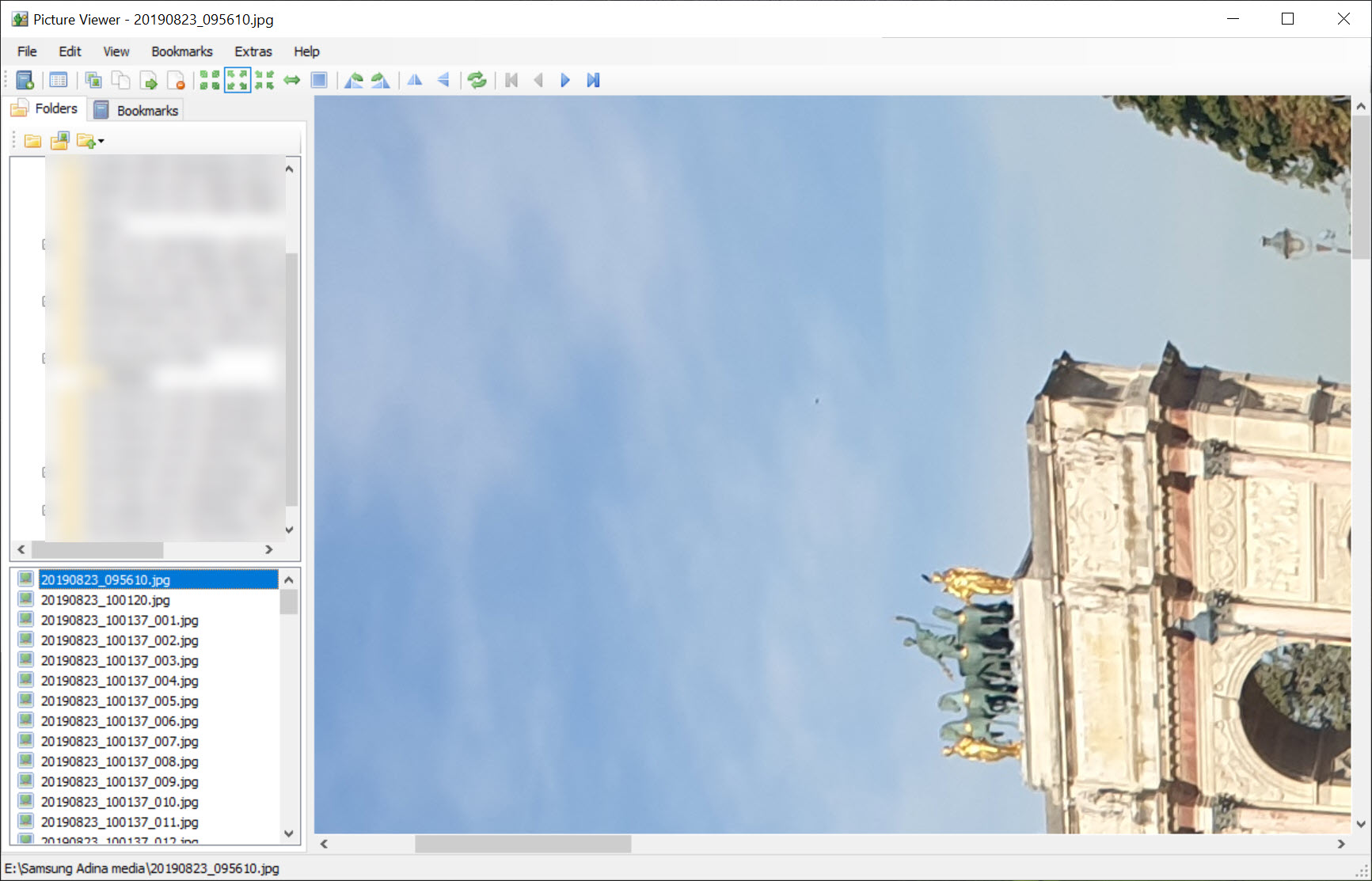
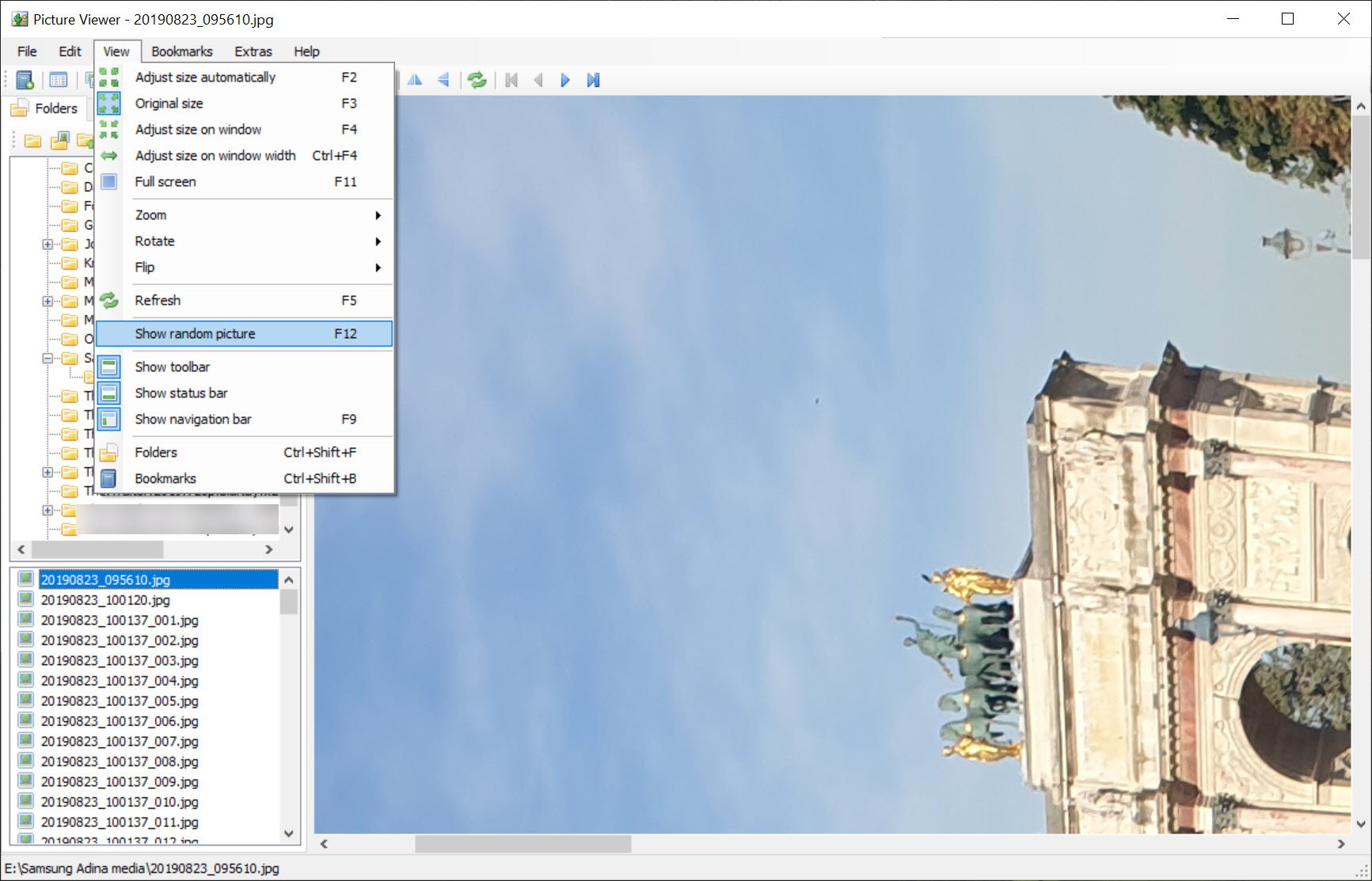
Open one image in Picture Viewer and the program treats the folder around it as the set. Left and right arrows or the on-screen buttons move through it, the mouse wheel zooms, and a fit-to-window toggle keeps large photos inside the frame. A full-screen mode hides the toolbar for looking rather than working, and a basic slideshow steps through the folder on a timer.
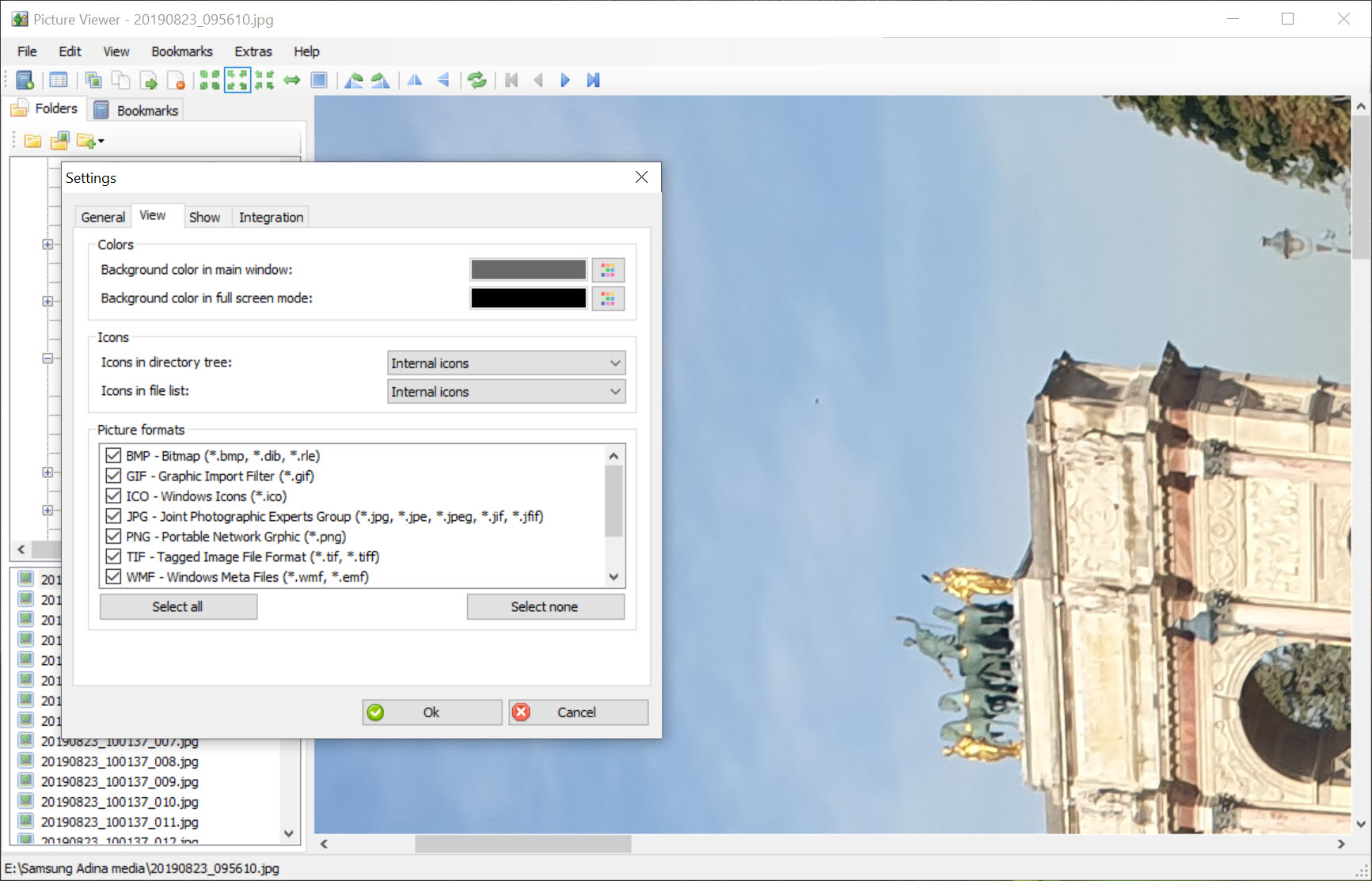
That is the viewing side in its entirety. There are no thumbnails, no folder tree and no tagging or rating, so it suits a folder you already know rather than a library you want to sort. The format list stops at the four common web and camera formats.
RAW files, HEIC photos from a phone and WebP downloads do not open, and for anyone who receives those regularly that alone rules it out.
Resize, crop, rotate
Resize takes a width and height or a percentage, keeping the aspect ratio unless you unlock it. Crop is a drag-to-select box with handles. Rotate turns in 90-degree steps and flip works both ways, so a photo from a badly held camera is fixed in two clicks.
The brightness and contrast controls are sliders with a live preview and no numeric entry, which is fine for a quick lift and useless for matching two images.
Effects, undo and the silent overwrite
The effects menu in Picture Viewer holds sepia, monochrome and oil painting. They apply to the whole image, with no strength setting and no masking. Undo goes back one step, so an effect applied over a crop cannot be reversed without also losing the crop. Save writes over the original unless you choose Save As, and the program does not warn you the first time. Make a copy of anything you care about before opening it here.
On large photos, a 20-megapixel frame from a modern camera, the editor lags. Sliders update a beat behind the mouse and the oil painting effect takes a noticeable pause. For small web images it is instant.
Sharing, and why the menu is half dead
The share menu was the feature that set this program apart when it appeared. Pick a service, sign in and the edited image posts directly. The list is Flickr, Picasa, TwitPic and ImageShack. Two of those services no longer exist, and a third has changed its upload interface more than once. The only entry likely to work is Flickr, and even that depends on an authorisation flow the program may not handle.
Treat the menu as decorative. Save the file and upload it from a browser like everyone else.
Conclusion
Picture Viewer is for someone who wants to flip through a folder of JPGs, straighten one, crop another and knock the brightness up, and who has no interest in learning a fuller program. For that person it is quick and unobtrusive.
Anyone with a camera that shoots RAW, a phone that shoots HEIC or a habit of downloading WebP should skip it, and so should anyone who edits carelessly, because the single undo and the silent overwrite will eventually lose a photo.
Pros & Cons
- Opens and steps through a folder with no setup
- Resize, crop, rotate or flip in a couple of clicks
- Brightness and contrast sliders plus three effects with live preview
- Full-screen mode and a basic slideshow
- Only JPG, PNG, BMP and GIF open
- Single-step undo and no warning before overwriting the original
- Noticeably slow on large photos
- Sharing targets are mostly defunct services
Frequently asked questions
No. It handles JPG, PNG, BMP and GIF only. Convert other formats first or use a viewer with broader format support.
Yes, if you press Save. It overwrites the file in place without asking. Use Save As with a new name, or work on a copy.
Most of the services it was built for have shut down or changed their upload methods. Save the edited image and upload it through the site's own page instead.


