

PhotoDemon
About PhotoDemon
PhotoDemon is one of those rare tools that manages to be both lightweight and incredibly capable. It’s a free, open-source photo editor designed for users who want solid photo editing features without the bulk of traditional software.
Best of all, it’s completely portable. No installation required. You can run it straight from a USB drive and take it with you anywhere.
Whether you’re touching up photos, working with layers, or applying creative filters, PhotoDemon handles the job with speed and simplicity.
Packed with editing tools in a small package
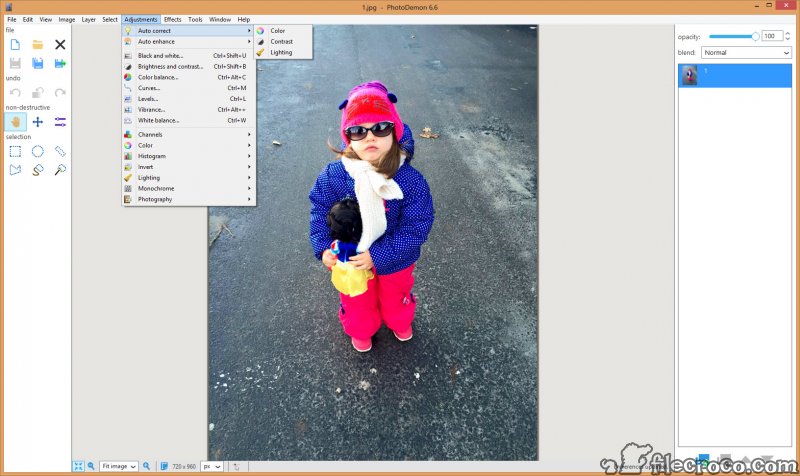
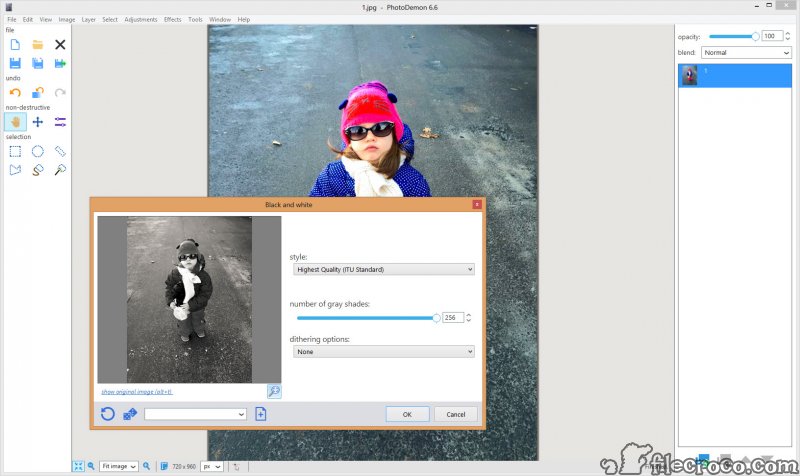
Don’t let its size fool you. PhotoDemon includes a full suite of editing tools. You’ll find all the basics – cropping, resizing, brightness and contrast adjustments-as well as more advanced capabilities like content-aware fill, which intelligently removes unwanted elements from your images.
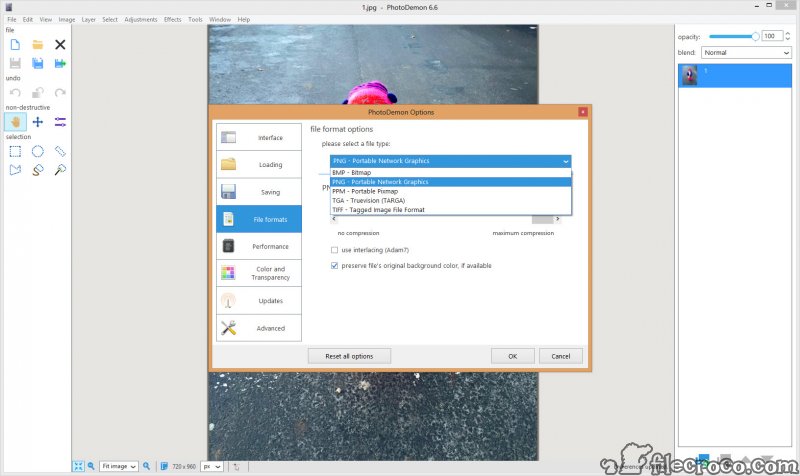
It supports layer-based editing, so you can build complex projects without affecting your original image. And if you’re dealing with a variety of file types, you’re in luck. The program can open and save a wide range of formats, including PSD, SVG, PNG, JPG, WebP, and even newer ones like AVIF.
Selections are also sharper than ever, thanks to the improved selection tools that let you isolate and edit parts of your image with precision.
Clean interface with fast access to everything
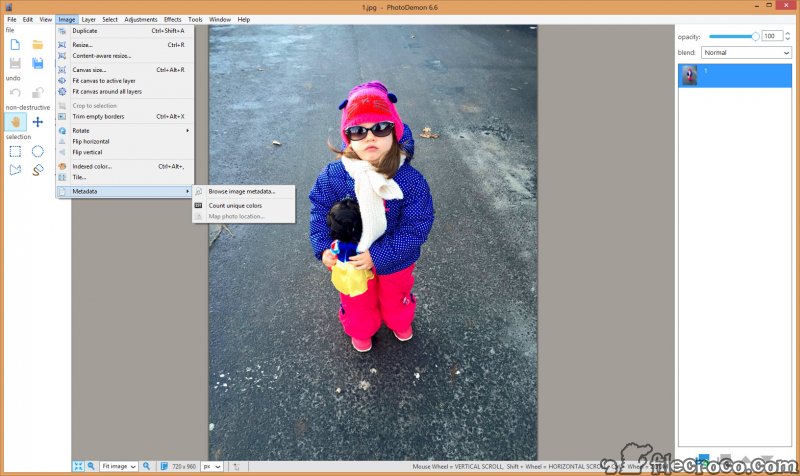
One of the standout features of PhotoDemon is its interface. It’s clean, modern, and built to help you work faster. The customizable toolbar and context menus make it easy to keep your favorite tools just a click away.
Since it’s portable, there’s no installation process and no leftover files cluttering your system. You just unzip it and run – it’s as simple as that. This makes it perfect for students, professionals, or anyone who works across multiple machines.
Conclusion
PhotoDemon is a hidden gem in the world of photo editing. It gives you powerful tools without the complexity, all wrapped in a portable and easy-to-use package. Whether you need to make quick edits or dive into more creative projects, it’s more than capable – and you don’t have to spend a cent to use it.
As benchmarks are showing, this tool is much more rapid in photo editing operations than other editors like GIMP or Paint.NET.
If you’re looking for a flexible photo editor that won’t weigh down your system, PhotoDemon is definitely worth a try.
Features & benefits
Pros & Cons
- Delivers full-featured photo editing in a lightweight, portable format.
- Supports many image formats, including advanced ones like PSD and AVIF.
- Includes tools like content-aware fill and layers for non-destructive editing.
- Has an intuitive interface that works well for both beginners and experienced users.
- No installation required-runs directly from any folder or USB stick.
- Not as feature-rich as professional-grade editors like Photoshop.
- RAW image support is present but limited compared to dedicated photo software.
- Doesn't support third-party plugins, which might limit extensibility for some users.


