

Regards Viewer
About Regards Viewer
Regards Viewer is a photo and video viewer that leans on the graphics card. It opens the common formats plus the awkward ones, HEIC and AVIF from phones, camera RAW from most makers, PSD, SVG, OpenEXR and JPEG 2000, and it plays video files in the same window with the same thumbnails, so a folder of holiday pictures with a few clips mixed in is browsed as one set. On top of that it runs face detection, plots geotagged pictures on a map and applies filters through OpenCL, which is both its distinguishing trait and its main hurdle.
It shares a shelf with XnView and IrfanView, which cover a similar spread of formats, but neither of those plays your MKV files or tries to recognise your relatives. Whether that ambition is welcome depends on the hardware underneath it.
Three modes and a folder tree
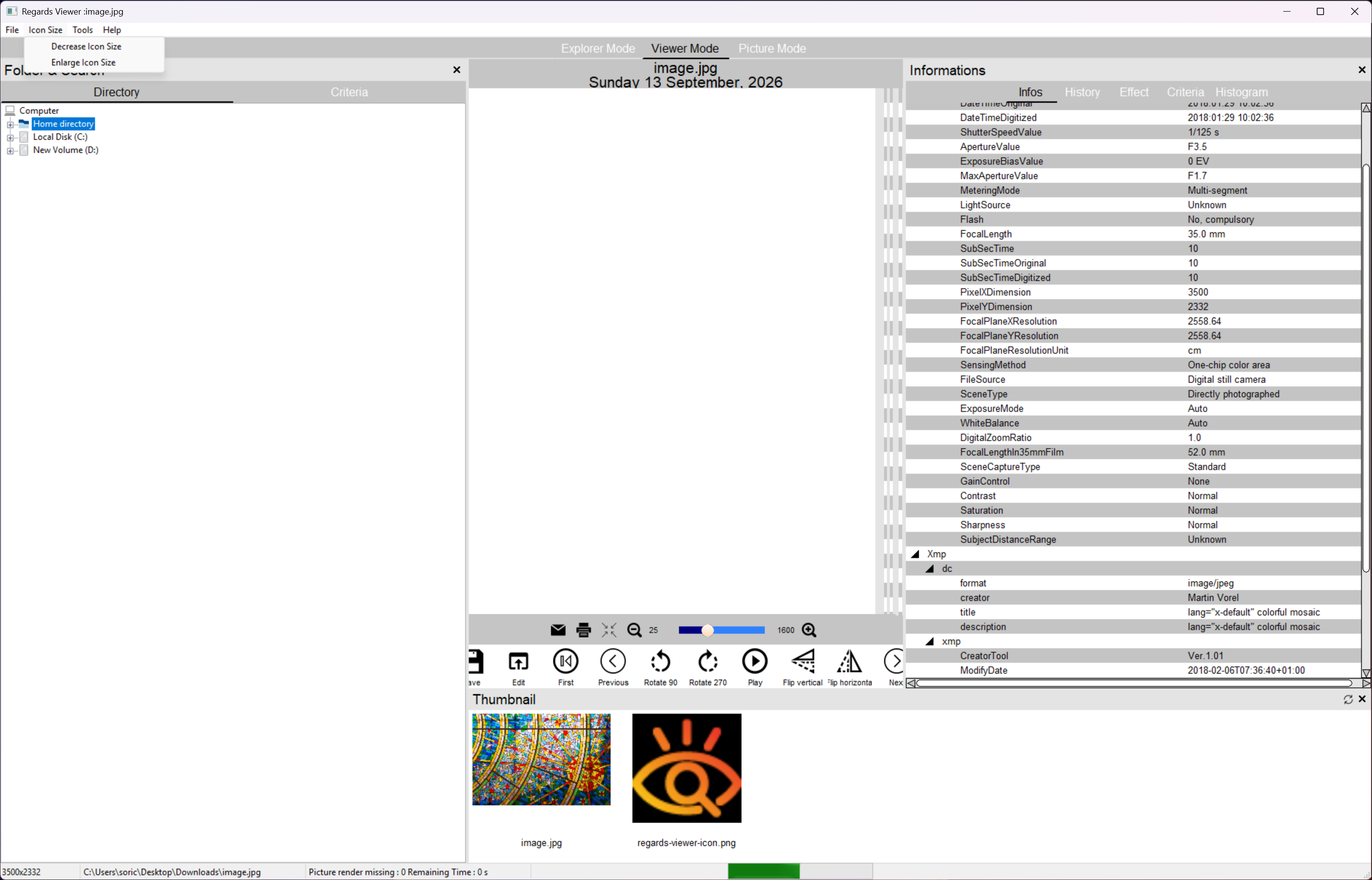
The main window is an Explorer mode with a folder tree on the left, the current picture in the centre and a thumbnail strip of the folder on the right. Viewer mode drops the tree for a larger image and Picture mode fills the screen with the photo alone. Thumbnails are cached to disk, so a folder you have visited before opens without the usual wait, and the interface is drawn for high-resolution and wide displays.
Video files sit among the stills with a frame as their thumbnail and play inline, with hardware decoding through DXVA2 where the card supports it. Multi-frame files such as animated GIF, WebP, multi-page TIFF and PDF page through inside the viewer as well. Regards Viewer keeps a database of what it has scanned, so Exif fields and dates, and named faces, can be searched with criteria rather than by walking folders.
Faces and maps
Face detection in Regards Viewer runs over the folder you are viewing, gathers the faces it finds into a panel and lets you name them, after which the name is attached to every photo that face appears in and can be searched. It also uses detected faces to guess the correct orientation of a rotated picture. Detection is reasonable in good light and misses or merges people in crowds and profile shots, so treat the names as a rough index rather than a catalogue.
Pictures with GPS coordinates in their Exif are placed on a map view, and phone videos carrying location data are placed alongside them. Place names come from an online geocoding service with a rate limit of around 120 lookups a minute, so a large trip folder fills in over a couple of minutes rather than at once. Exif and XMP fields sit in a side panel.
Filters and effects on the graphics card
The effects menu applies colour balance, sepia, greyscale, a photo filter, plus cartoon and oil-painting looks, and a red-eye fix that finds the eyes itself rather than asking you to click them. Video gets stabilisation and contrast correction. All of it runs as OpenCL kernels, so an effect previews on a 24-megapixel file in a fraction of a second on a middling graphics card, and the same operations are slow or unavailable in CPU mode.
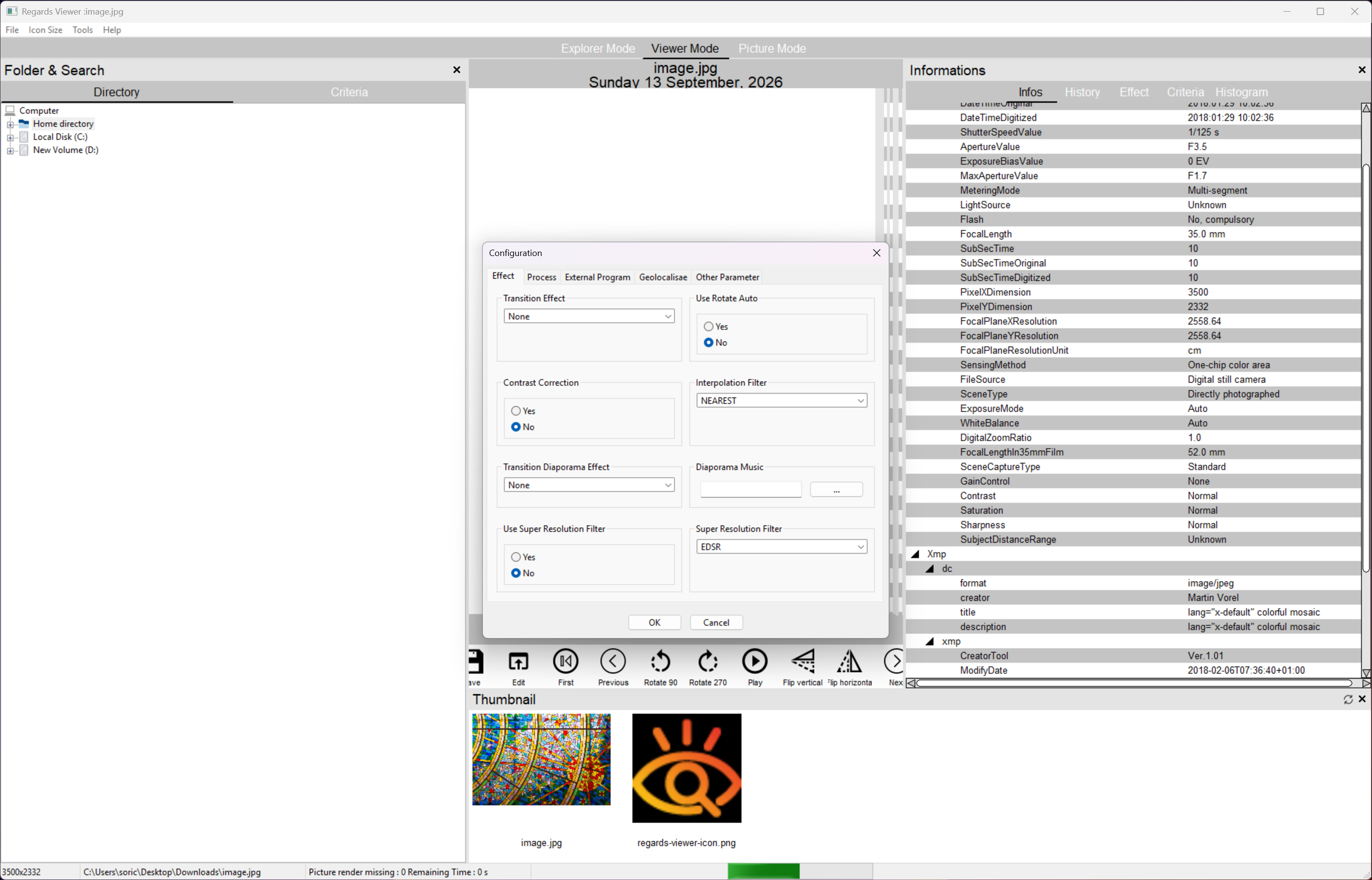
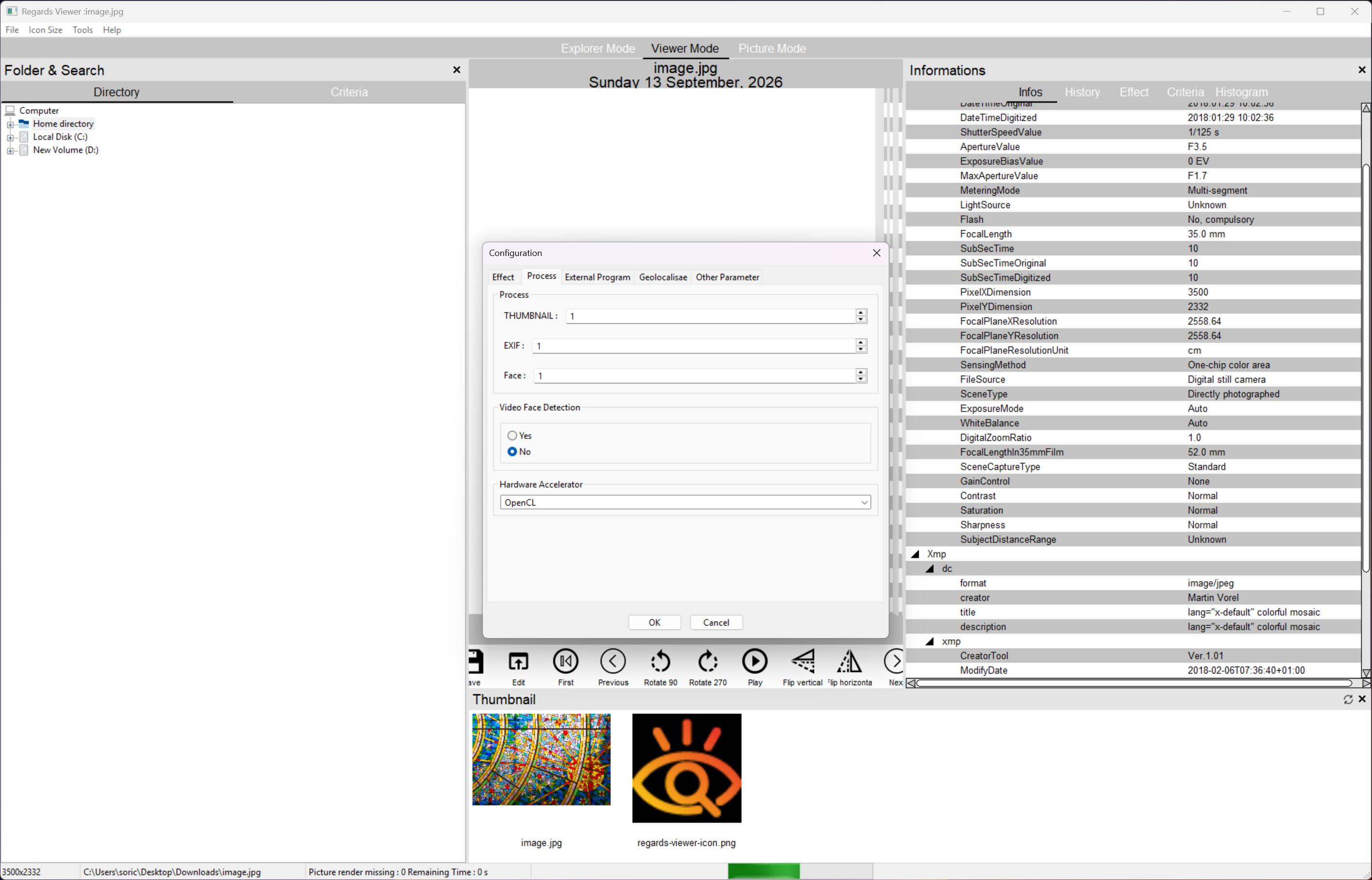
That is where the requirement bites. Regards Viewer wants an OpenCL 1.2 device and asks you to pick one at startup on machines with more than one adapter. Older integrated graphics or a machine with the display driver’s OpenCL runtime stripped out will either run it in a slow fallback or refuse to start. There is no editor beyond these effects, no crop or levels, and the intended fix is to configure an external editor in the settings and hand the file over. For RAW development that will be a dedicated RAW processor, and for quick crops something simpler.
Slideshows and PDF export
The Regards Viewer slideshow, called Diaporama in the menus, runs the selected pictures with transition effects and can be exported as an MP4 video, a quick way to turn a folder into something a relative can play on a television. Export Files writes the selection into a single PDF. Printing and scanning are built in as well.
Conclusion
Regards Viewer is for the person with a recent graphics card and a mixed folder of phone photos, RAW files and video clips who wants one window to browse it all and does not mind a viewer that behaves like a small library manager. The map and the face index are the reasons to pick it over a plain viewer.
Anyone on an old laptop, or anyone who mostly wants to open a JPEG and close it again, will find it heavy and occasionally stubborn, and a lighter viewer will serve them better.
Pros & Cons
- Opens HEIC, AVIF, RAW, PSD, EXR and dozens more alongside video files
- Face detection with naming and search across the library
- Geotagged photos and phone videos plotted on a map
- GPU-accelerated filters preview instantly on large files
- Slideshow export to MP4 and selection export to PDF
- Requires an OpenCL-capable graphics adapter and runs poorly without one
- No crop, levels or other real editing, only effects
- Face detection is loose in crowds and profile shots
- Interface is cramped on small or low-resolution screens
Frequently asked questions
It expects an OpenCL 1.2 device. Update the graphics driver so its OpenCL runtime is present, and on a machine with two adapters pick the discrete one in the startup selector. Without OpenCL it falls back to the processor and most effects crawl.
Only through its filter effects. For cropping, levels or retouching, set an external editor in the configuration and the Edit command opens the current file there.
Yes, including multi-frame HEIC and the Exif and location data inside them, and it plays the accompanying MOV clips in the same view.


