

MyPaint
About MyPaint
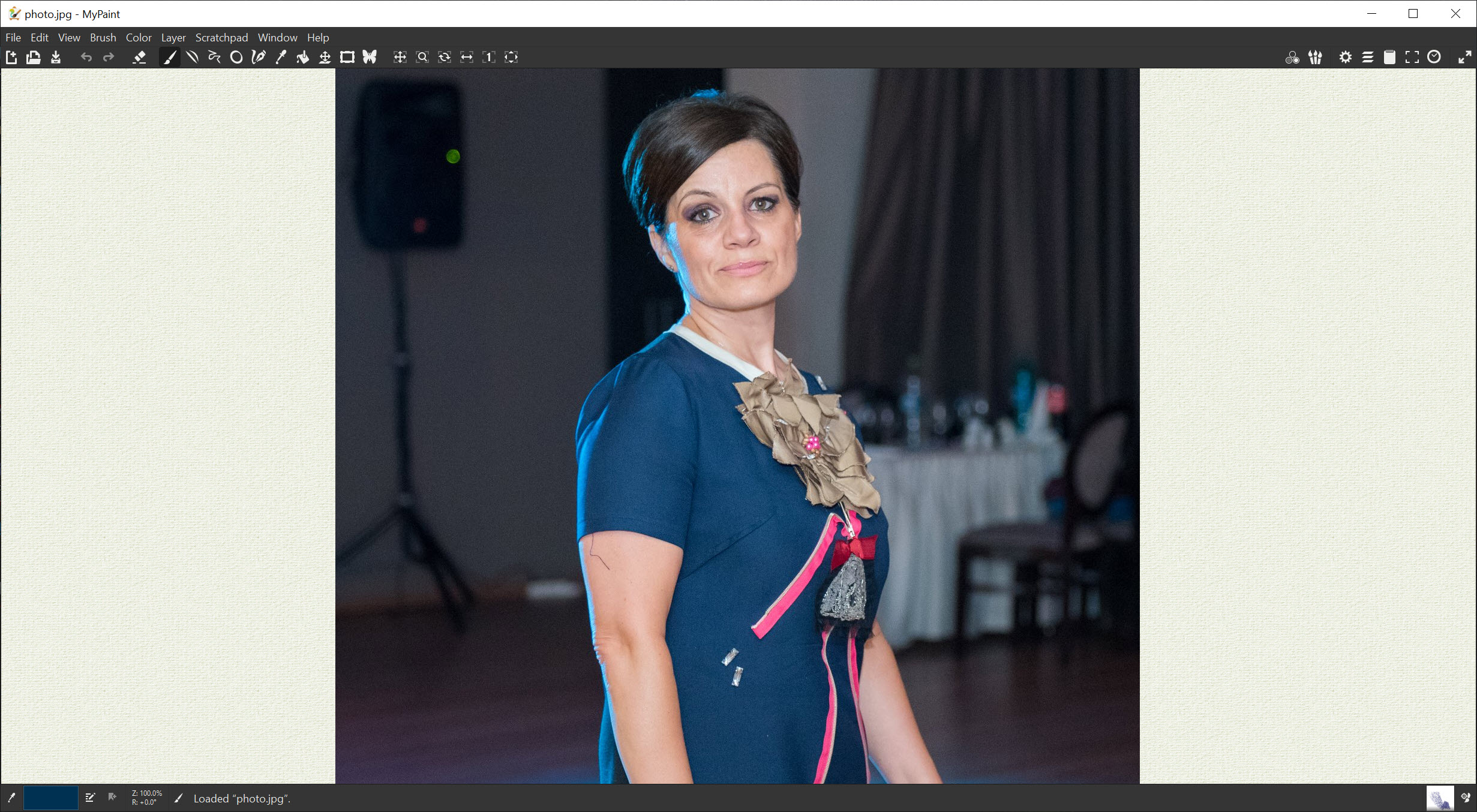
Are you looking for an app to help you edit your photos quickly? MyPaint is a simple application that allows you to easily create drawings and edit the photos you’ve stored on your computer.
Thanks to the cross-platform nature of MyPaint, you’ll be able to create drawings and edit images on almost any device you own. This application will serve you well if you want to create drawings from scratch.
The important thing when you’re creating drawings is that the app needs to be simple, and this one certainly is.
Also, you can edit your images and add special effects to images. While there are not as many editing options as in some other tools, consider this a lightweight application.
In contrast, it has a very clean and intuitive interface, allowing you to focus on your work and be more efficient.
Simple but Effective Tools
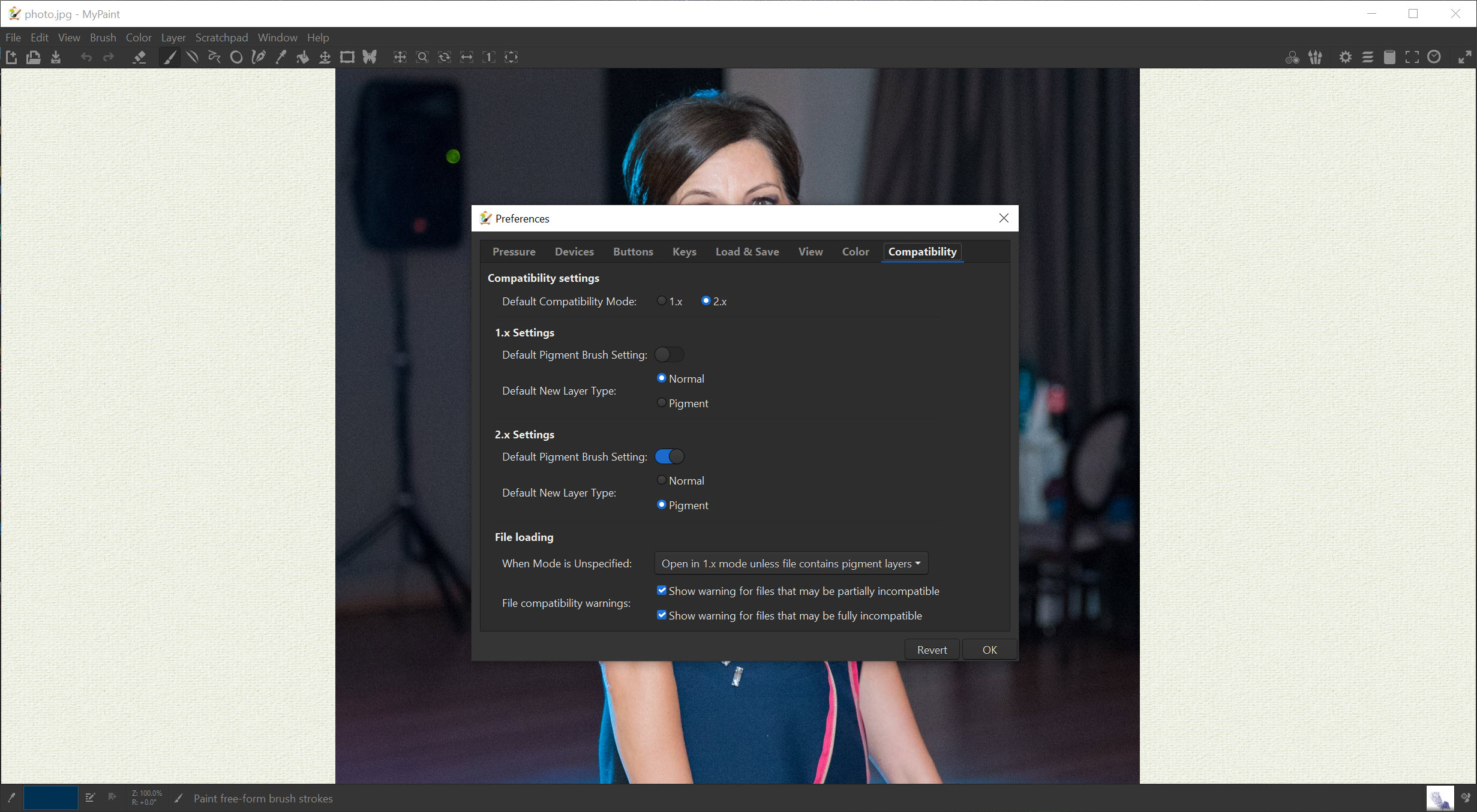
This editing and drawing app has all the tools you need to create appealing drawings and great editing. Firstly, you can add pictures of different formats onto the platform, export them, and edit them in the following formats: ORA, PNG, or JPEG.
It features some of the simplest but crucial tools for editing and drawing. Firstly, you will have several brushes and brush types at your disposal. You can also select the size of a brush and manage the brush’s color.
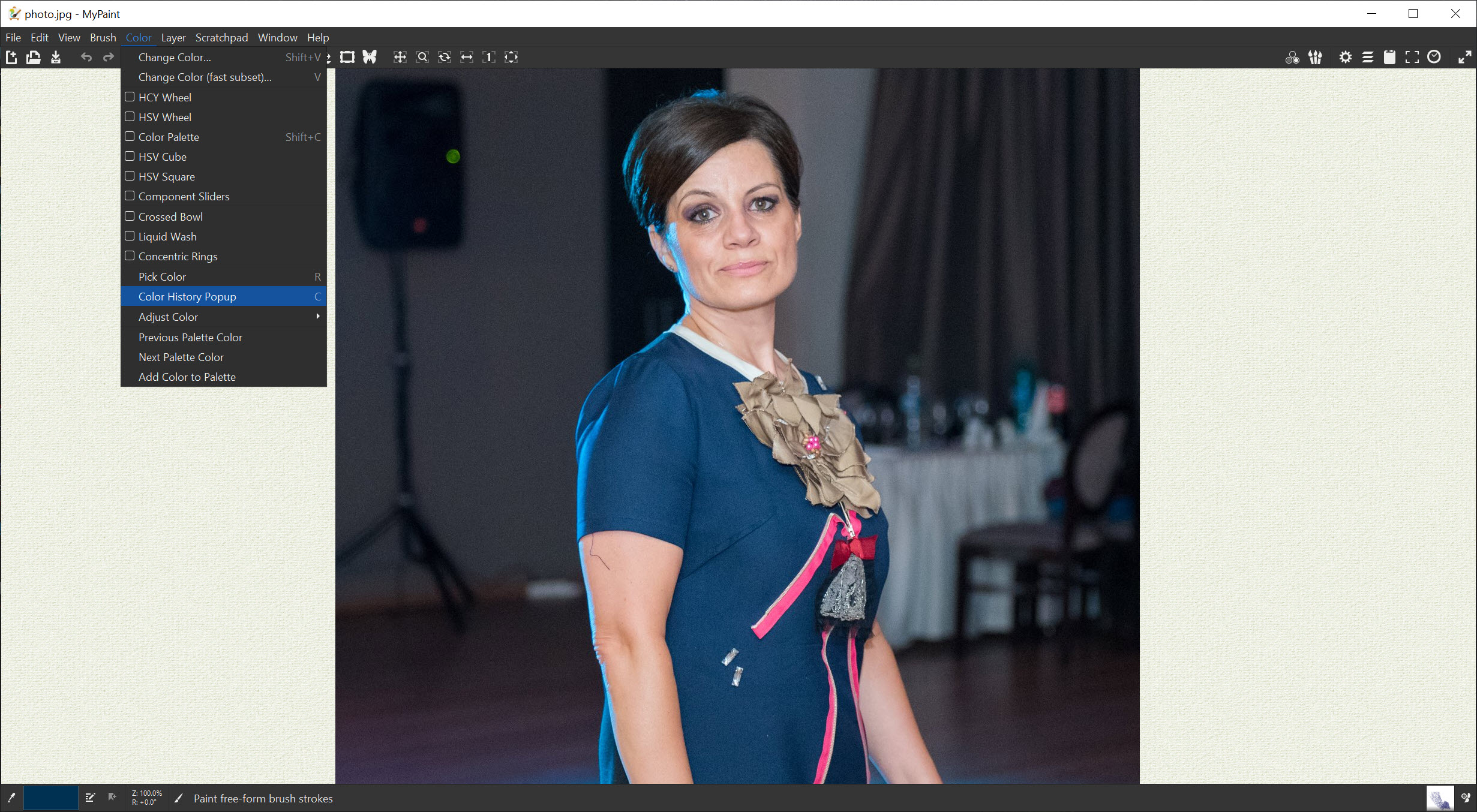
Also, you will have the option to change the hue, saturation, and value. Additional tools for your brush include opacity, color, and speed changes.
Complete Control Over Your Tools
As you work with such an app, it’s crucial that you have full control of what you do and that you also save time while you are doing it. A critical feature for this is the zoom feature. It allows you to zoom into the photos and rotate, flip, or crop them.
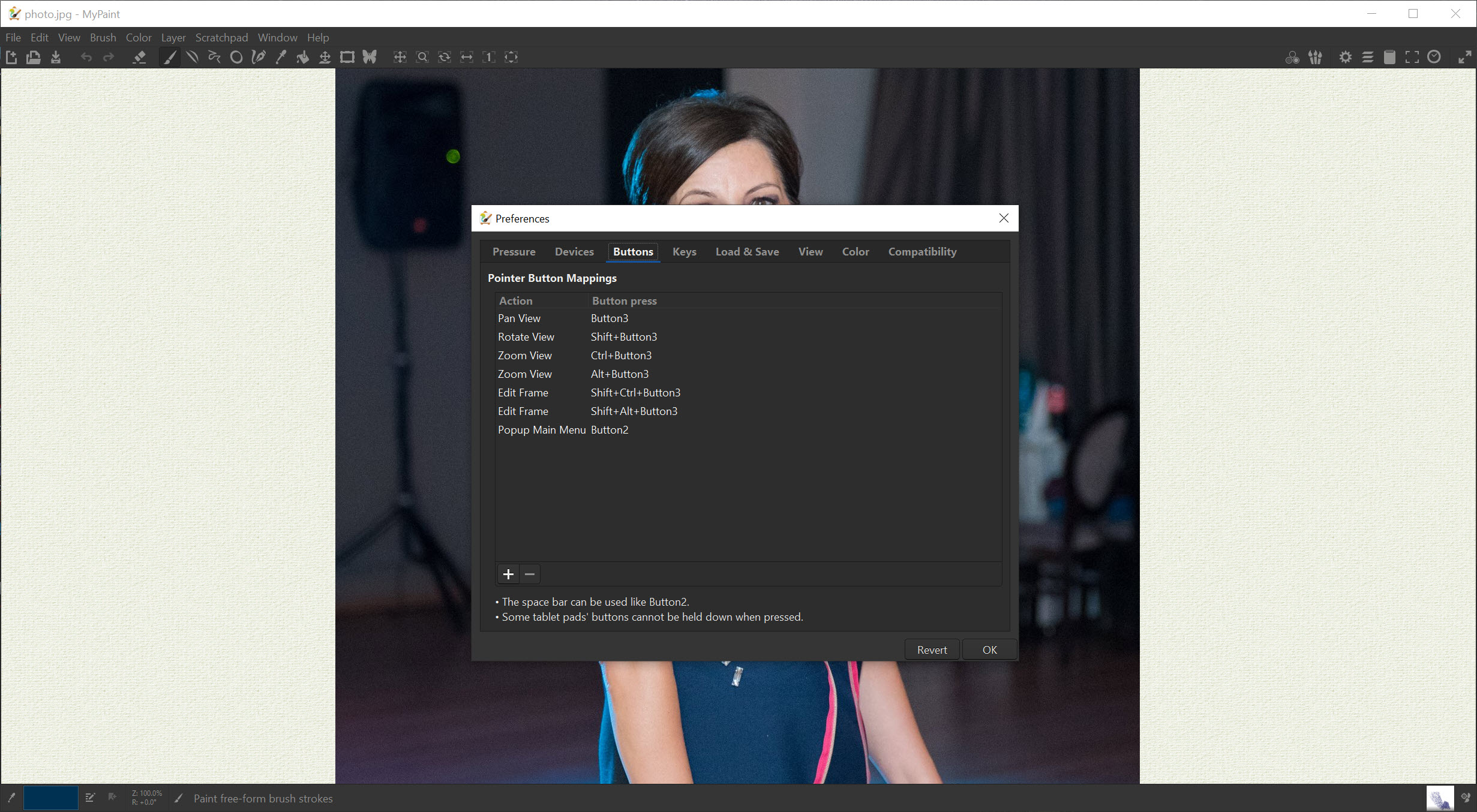
Furthermore, you can assign hotkeys for some actions you will do regularly.
Conclusion
MyPaint is a straightforward drawing and editing app with all the most important features for editing and drawing.


