

Clementine
About Clementine
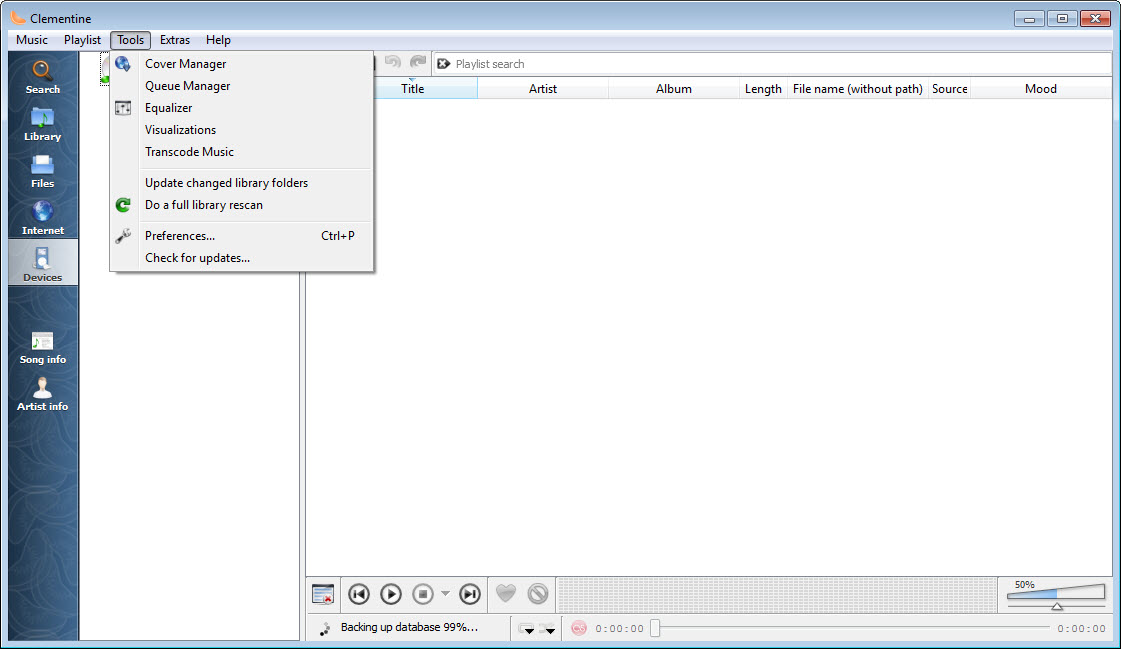
Clementine is a music player built for people whose collections outgrew their patience. Its answer to a ten-thousand-track library is a fast search box that filters everything as you type, smart playlists that assemble themselves from rules, and a sidebar that treats your music, your internet radio stations, your podcasts, and even files sitting in cloud storage as one continuous world.
Where most players make you choose between simple and capable, this one crams an almost absurd amount of capability behind an interface that still makes sense on day one.
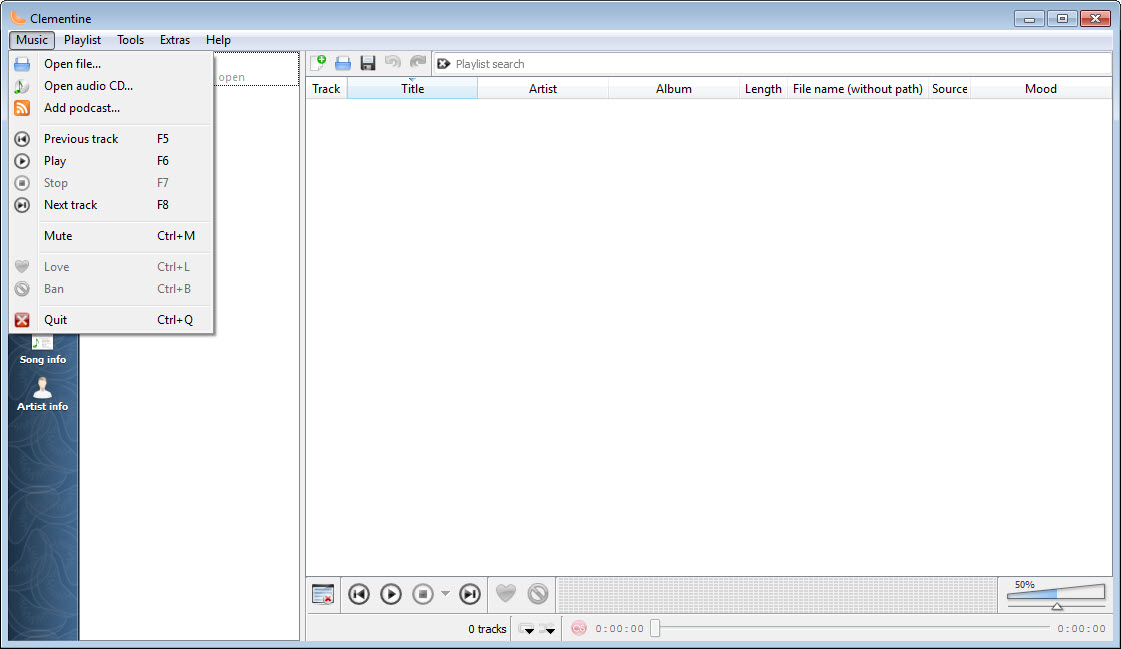
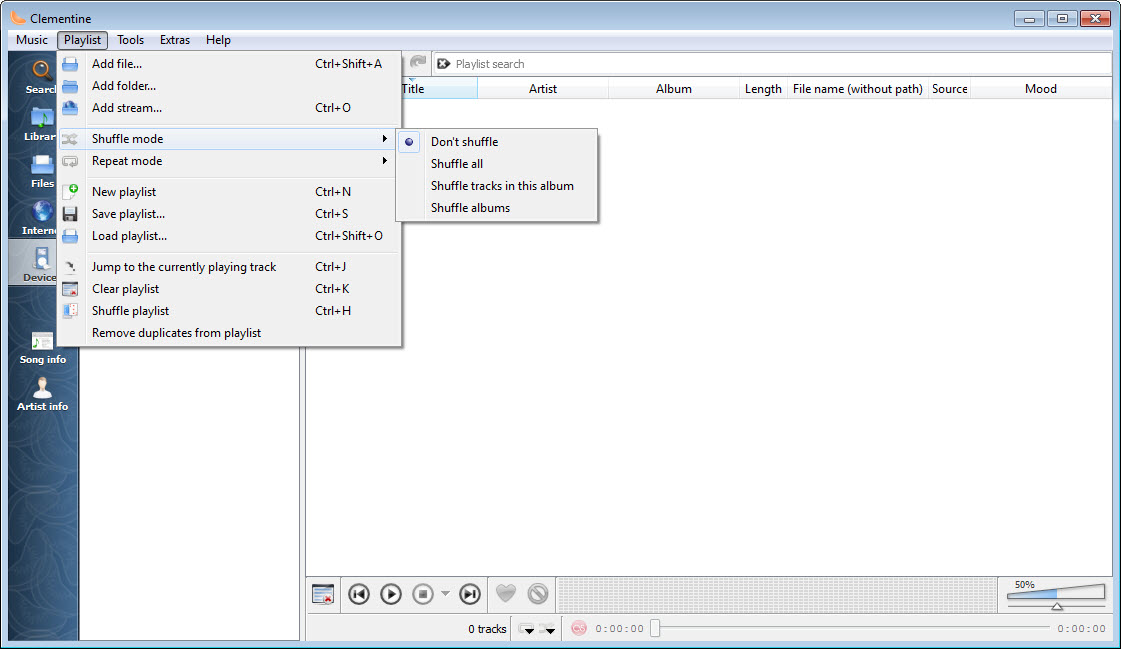
The library is the center of gravity. Point Clementine at your music folders and it indexes everything, then keeps up with changes on its own. From there the workflow is search, drag, play, with tabbed playlists so different moods and projects live side by side instead of overwriting each other.
A queue manager handles the “play this next” impulse properly, and dynamic playlists keep the music going by pulling in tracks that match rules you define, least played, highest rated, added this month, whatever logic fits your listening.
And then there’s the long tail of features that made its reputation. Streaming from cloud drives. A companion app that turns your phone into a remote control. Visualizations, tag editing, transcoding, lyrics fetching, a moodbar that paints the emotional shape of a song across the seek bar. Almost nobody uses all of it. Nearly everyone finds three or four pieces they can’t give up.
A library that keeps up with big collections
Large libraries expose lazy players, and this is where Clementine earns its following. The search is instant and forgiving, matching as you type across artists, albums, and titles, so finding one song in twenty thousand takes about three keystrokes and no scrolling.
The library view groups intelligently, and the player handles the awkward realities of real collections, the compilation albums, the inconsistent tags, the duplicates, with more grace than most.
Smart playlists are the power feature hiding in plain sight. Build one from rules and it maintains itself forever, a rotating set of forgotten favorites, everything five-star that isn’t a live version, the newest additions across all genres. Set one to dynamic mode and it keeps appending matching tracks as the playlist plays, which turns your own library into a radio station programmed by your own history.
Dedicated organizers like MusicBee push auto-tagging and collection management even further, but for the daily loop of find music, queue music, play music, this player’s speed is hard to beat.
Streams, podcasts, and music that lives elsewhere
The sidebar doesn’t stop at local files. Internet radio directories sit alongside your library, podcast subscriptions download and track episodes, and the cloud integrations are genuinely unusual, letting you browse and play music stored in services like Dropbox, Google Drive, and OneDrive as if those folders were local. For anyone whose collection is scattered across a laptop and a couple of cloud accounts, having one player see all of it is quietly transformative.
Fair warning on this front, though. These integrations depend on services and their interfaces, and since development has gone quiet, some connections that worked in the tool’s heyday have aged badly or fallen over entirely as the services changed underneath.
The local library, radio streams, and podcasts remain solid. The more exotic connections deserve a test before you build a workflow on them.
The remote control trick
One feature deserves special mention because so few players ever matched it. Install the companion app on your phone, and it becomes a full remote for Clementine running on your computer, browsing the library, building the queue, adjusting volume, all from the couch or the kitchen. The player can even push the current song’s details to the phone. For a machine wired into a stereo across the room, this is the feature that reorganizes how you listen.
It extends further into gadget territory, with support for controlling playback using a Wii remote, which tells you something about the spirit of the whole project. This was a player built by people who kept saying yes to ideas.
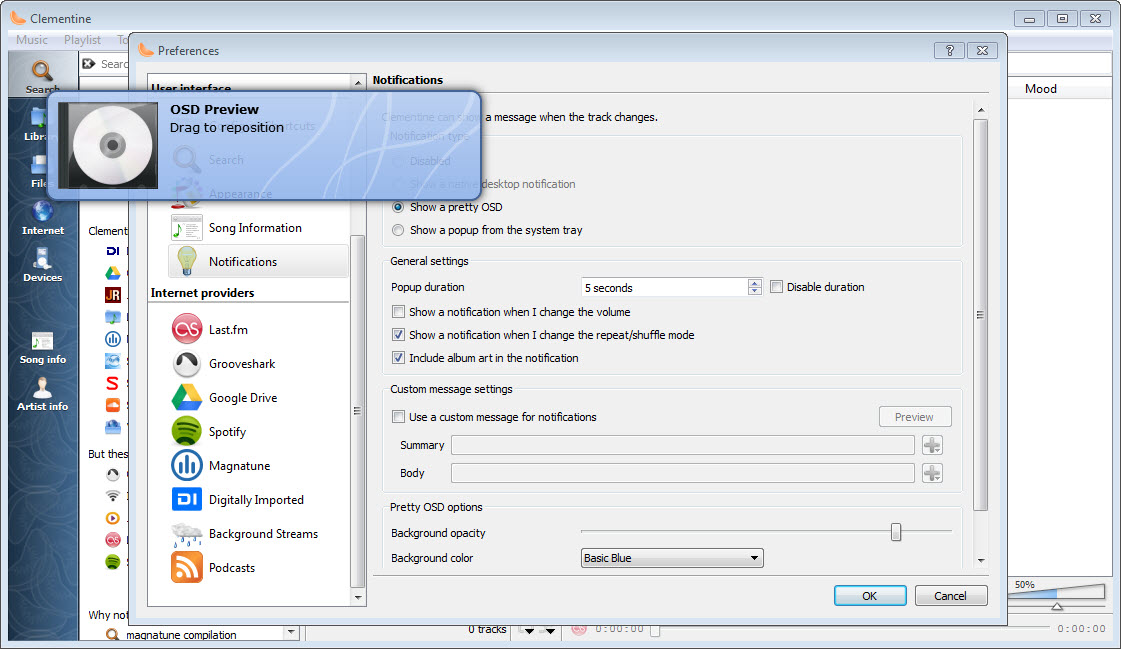
Global shortcuts, an equalizer, crossfading between tracks, cover art management, tag editing over your whole library, a built-in transcoder for converting files for a portable device. The pile of yes is the product.
Where the age shows
Honesty requires saying that the pile has dust on it. The interface, while friendly, looks like the era it came from, and no amount of affection changes that development slowed to a crawl long ago. Beyond the cloud integrations mentioned above, some metadata sources it once leaned on respond poorly now, and gaps that a maintained player would have patched simply remain.
Players with active development, like AIMP on the sound-quality front or foobar2000 for the endlessly configurable crowd, keep moving while this one stands still.
What it retains is the core experience, which was good enough to inspire genuine devotion. The library engine, the smart playlists, the tabbed workflow, the radio and podcast handling, all of it still works and still feels thought through.
Longtime users of classic players like Winamp looking for something more library-focused will recognize the appeal immediately. It’s a beloved house that stopped getting renovations, sitting in a neighborhood that kept building.
Conclusion
Clementine remains one of the most complete music players ever assembled, a librarian, radio tuner, podcast catcher, and remote-controlled jukebox in one window. The people it fits best are collectors with big local libraries who want powerful search and self-maintaining playlists, and couch listeners who’ll fall in love with the phone remote.
The honest caveat is its frozen state. Integrations tied to outside services have decayed, the look is dated, and nothing new is coming. If the core features cover your needs, and for a lot of listeners they absolutely do, it’s still a joy that costs nothing to try. If you need a player that evolves with the world around it, the actively maintained alternatives are the safer marriage.
Features & benefits
Pros & Cons
- Instant search and smart grouping keep even huge libraries manageable
- Smart and dynamic playlists build themselves from rules and keep playing
- Plays music from cloud storage, internet radio, and podcasts in one place
- Phone companion app works as a full remote control for couch listening
- Tag editing, transcoding, equalizer, and crossfading built in
- Development has gone quiet, so bugs and gaps no longer get fixed
- Some cloud and metadata integrations have aged badly as services changed
- The interface visibly belongs to an earlier era
- Feature sprawl means plenty of corners most people never need
Frequently asked questions
This is its strong suit. The search filters tens of thousands of tracks as you type, the library view groups sensibly, and smart playlists slice big collections into useful views without any manual sorting.
It was built to, with support for browsing services like Dropbox, Google Drive, and OneDrive directly from the sidebar. Because development has slowed while those services kept changing, test the specific connection you need before relying on it.
It's a playlist that keeps feeding itself. You define rules, say, highly rated tracks you haven't heard in months, and as the list plays, the player keeps appending more tracks that match, like a radio station built from your own collection.
Yes, through a companion remote app that connects to the player over your network. You can browse the library, manage the queue, and change volume from anywhere in the house, which suits a computer hooked to a stereo perfectly.
It includes a transcoder that converts between common audio formats, so you can shrink lossless files down for a device with limited space without leaving the player.


