

LoiLo Game Recorder
About LoiLo Game Recorder
Recording gameplay costs frames, and the amount it costs depends entirely on where the compression happens. LoiLo Game Recorder was built around that single problem, using the encoding hardware already present on a graphics card rather than asking the processor to compress video while the game is also asking it for everything else.
The LoiLo Game Recorder interface reflects a narrow purpose. Running games are detected and listed, you pick one, you press record. There is no scene composition, no overlay arrangement and no streaming, because none of that was the intention.
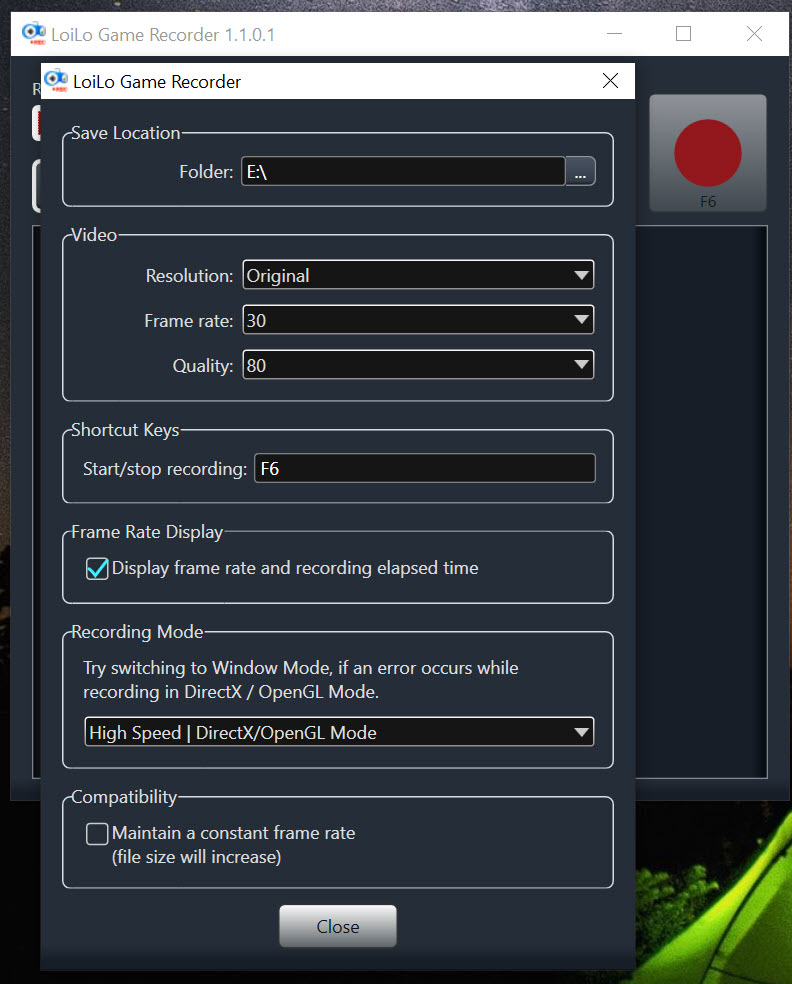
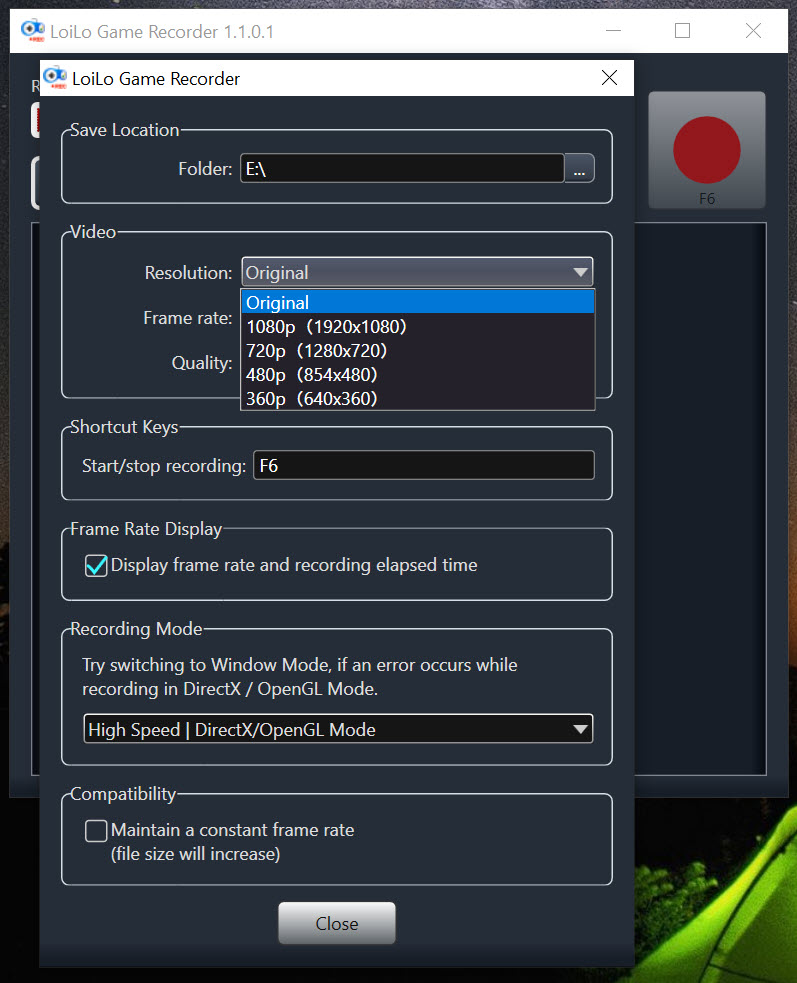
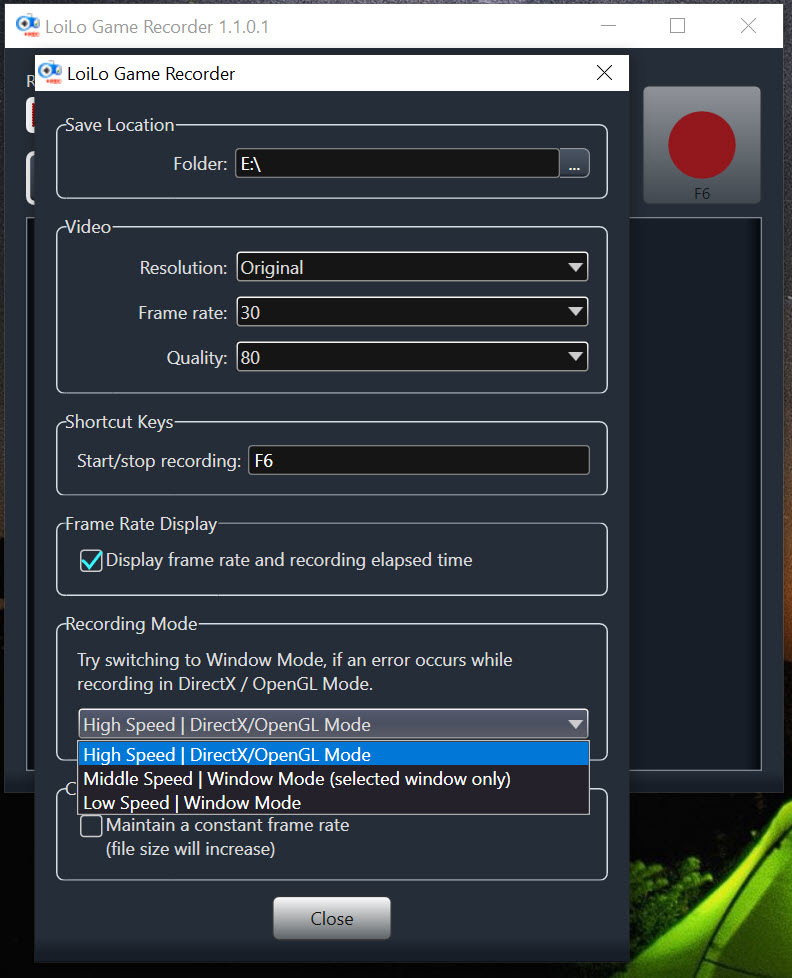
Frame rate and quality are adjustable, and beyond those two settings there is very little to decide.
The format choice explains everything
Here is the LoiLo Game Recorder decision that shapes the whole experience, and it is rarely explained.
The recording is written in a format where every frame is stored independently rather than as a difference from the frames around it. That makes compression cheap, which is why the performance cost stays low, and it makes the resulting file editable frame by frame without any decoding gymnastics.
It also makes the files enormous. An hour of recording at a sensible quality produces something measured in tens of gigabytes rather than the couple of gigabytes a modern streaming format would give you.
That is a deliberate trade rather than a flaw. Recording fast and editing easily was the priority, and shrinking the result afterwards was assumed to be a separate step.
Which means converting afterwards
The step LoiLo Game Recorder leaves to you is compression once you have finished, and skipping it fills a drive quickly.
HandBrake is the tool for that, taking the enormous intermediate file and producing something a fraction of the size for uploading, sharing or simply keeping. A recording that was thirty gigabytes becomes one or two with no visible difference at normal viewing.
The order matters. Edit first, then compress once, because compressing twice degrades the result and editing a compressed file is slower and less precise than editing the intermediate.
For trimming without re-encoding, which suits removing the dead time at either end of a session, AviDemux cuts at keyframes and writes the result out unchanged.
What it does not attempt
Being clear about the boundary saves anybody looking for a streaming tool from downloading the wrong thing.
There is no live streaming, no webcam overlay, no scene switching, no chat integration and no compositing of any kind. LoiLo Game Recorder captures a game window to a file and stops there.
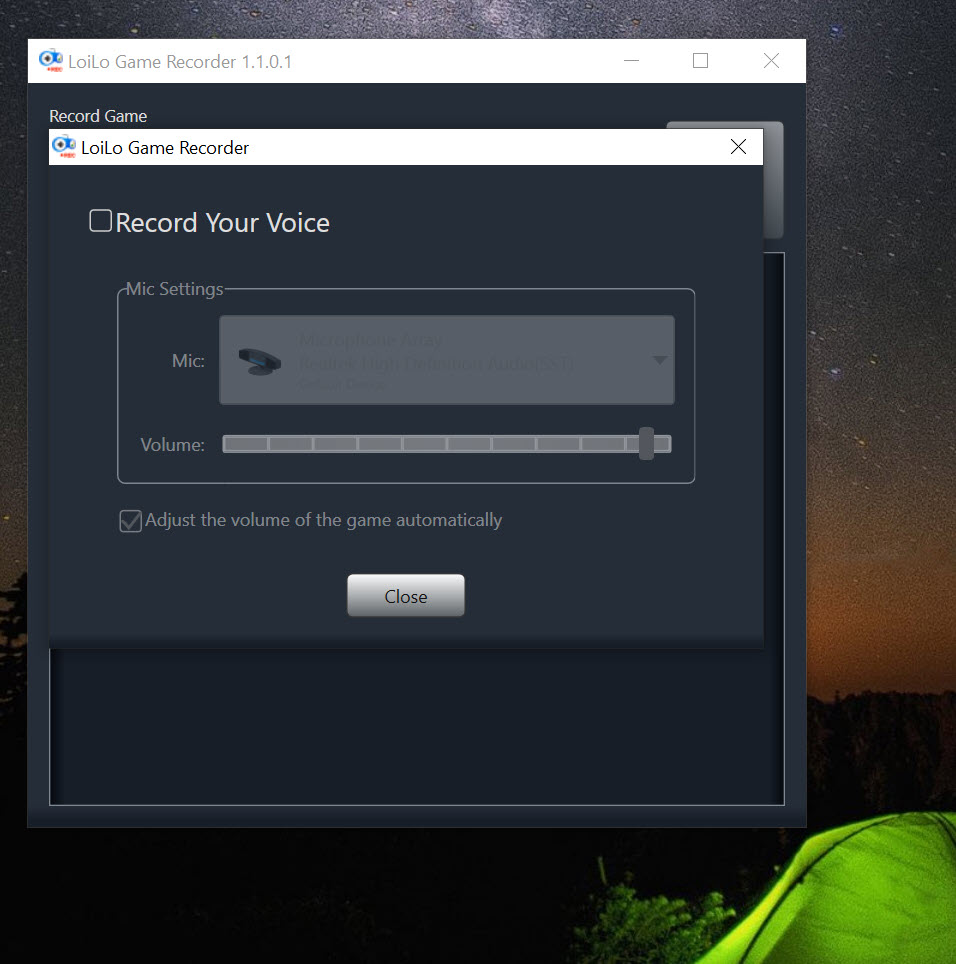
For recording with narration, annotation and a produced result rather than raw capture, iSpring Cam covers that ground instead.
The age question
Development has stopped, and for a tool depending on graphics hardware that matters more than it would elsewhere.
Hardware encoding support was written for the graphics generations available then. Newer cards may not be recognised for that purpose, in which case the recording falls back to a slower path and the low performance cost that justified the whole approach disappears.
Whether it works well on your particular card is therefore something to establish by trying rather than by reading, and a short test recording while watching the frame rate answers it in two minutes.
Conclusion
LoiLo Game Recorder made a sensible engineering choice and built a simple tool around it. Handing compression to the graphics card keeps the frame rate intact, and recording every frame independently produces footage that edits cleanly, which is exactly what somebody planning to cut a session down actually wants.
Accept the two consequences and it holds up. The files are very large and need compressing once you have finished editing, and the hardware encoding that justifies the whole design was written for older graphics generations, so test it on your own card before a session that matters. If the hardware path works, this remains one of the least intrusive ways to capture a game.
Pros & Cons
- Uses the graphics card's encoding hardware, keeping the performance cost low
- Detects running games and lists them, so setup is a single choice
- Frame-independent recording format is easy to edit precisely
- Very little to configure, with two settings that matter
- Free, small and quick to start
- Recordings are enormous and need compressing afterwards
- No streaming, overlays, webcam or scene composition of any kind
- Development stopped, so newer graphics hardware may not be recognised
- Falling back from hardware encoding removes the main advantage
- The intended workflow assumed a separate editing and conversion step
Frequently asked questions
Because every frame is stored independently rather than as a difference from its neighbours. That keeps compression cheap during recording, which is the point, and produces files measured in tens of gigabytes per hour.
In practice yes, unless you have a great deal of space. Compressing afterwards reduces a recording to a small fraction of its size with no visible difference, and doing it after editing rather than before keeps the quality.
No. It records a game window to a file, with no streaming, overlays or scene composition. A tool built for broadcasting is a different category entirely.
Possibly not for hardware encoding, since support was written for older generations. Without that the recording still works and costs considerably more performance, so a short test recording is worth doing before relying on it.


