

Serviio
About Serviio
Most people who want to stream their media library to a smart TV or game console reach for Plex Media Player or Jellyfin first, because those are the names that come up. But both of those built their reputation around their own client apps, web interfaces, and account ecosystems. If your TV already speaks DLNA, which most TVs from the last several model generations do, you do not need any of that machinery.
You need a server that broadcasts your library over the local network in the protocol the TV already understands, and then gets out of the way.
Serviio is that server. It is a DLNA and UPnP media server that exposes your video, audio, and image folders to any DLNA-capable device on the network, with on-the-fly transcoding when the device cannot play a file natively.
The server runs as a background service, the configuration happens through a separate console application, and once it is set up, the TV’s built-in media app finds it like it would find any other DLNA source. No client installation, no account, no cloud relay, just direct LAN streaming.
Why DLNA when newer protocols exist
This is the question that comes up first and it has a useful answer. DLNA is old, predictable, and supported by almost every TV, console, A/V receiver, and set-top box made in the last fifteen years. Your TV most likely already has a “Media” or “Server” source built into its launcher. Plug a Serviio install into the same network and that source populates with your library, browsable through the TV’s own remote and interface.
The advantages over the Plex or Jellyfin approach are concrete. No app to install on the TV, which matters on platforms where the official app is buggy or missing. No account signup, no opt-in telemetry. No web interface to expose to the internet by accident. The TV’s native UI is usually faster than any third-party app because the TV is rendering it natively rather than running a JavaScript app inside a wrapper.
The disadvantages are equally concrete. The browsing experience is whatever the TV’s media app provides, which is rarely good. Posters, fanart, and metadata may or may not show up depending on how the TV interprets the DLNA fields Serviio sends. Skipping, scrubbing, and resuming behave differently on every device.
If you want a polished cross-device library that looks the same on every screen, this is the wrong tool, you want Jellyfin or a Plex setup instead.
Transcoding profiles, the part most people do not realize matters
The actual hard problem in DLNA streaming is that not every device plays every format. Sony Bravia TVs handle most things but choke on certain audio codecs. Older Samsung sets refuse MKV containers. PS3s want very specific bitrates. Smart speakers want a strict audio subset.
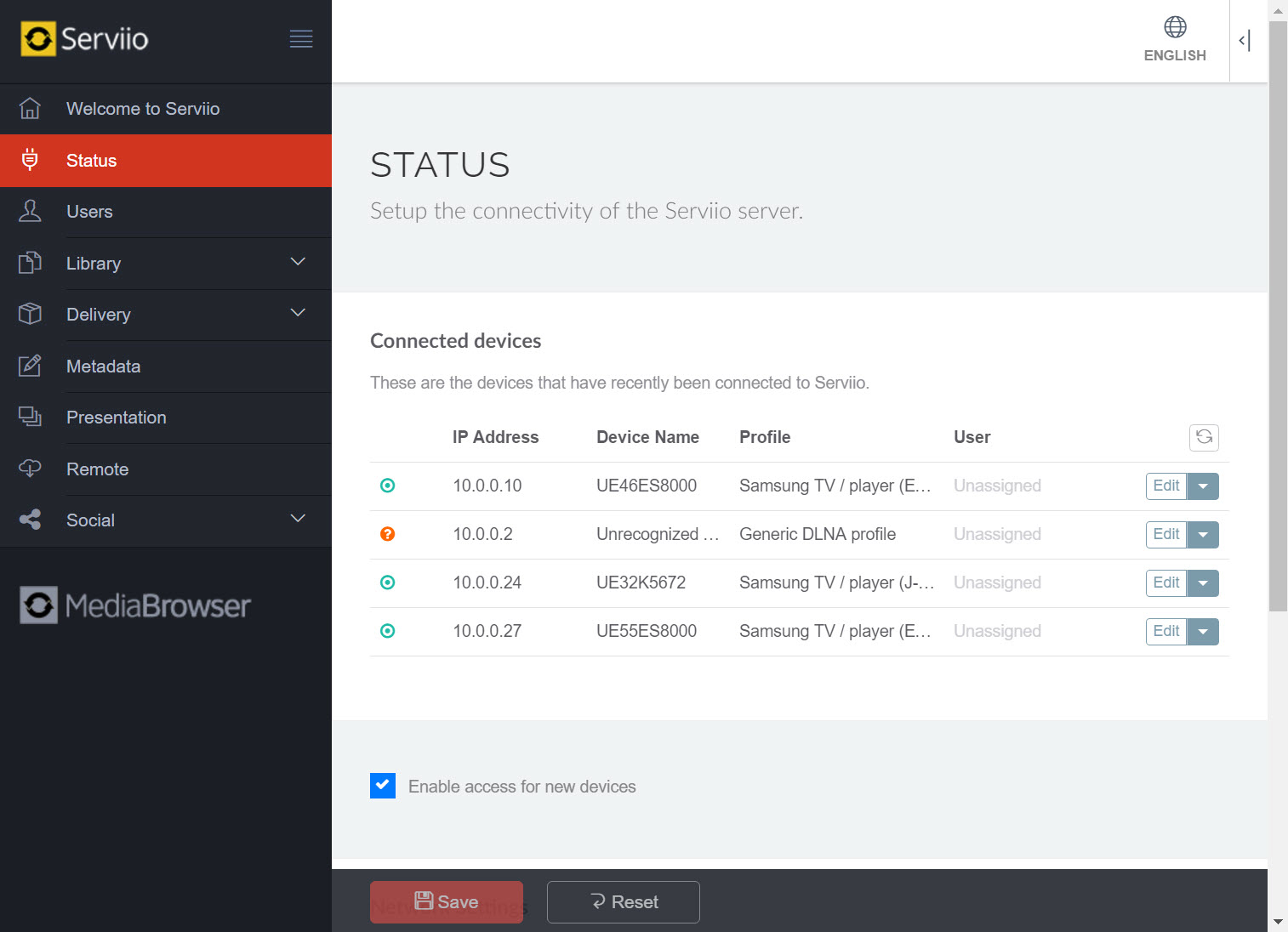
Serviio handles this through per-device profiles, XML files that describe what each renderer can play and what needs to be transcoded. The application ships with profiles for common devices (various Samsung lines, Sony Bravia, LG, PS3, PS4, Xbox, Chromecast, generic DLNA) and identifies devices automatically by their UPnP fingerprint.
When a TV requests a file it cannot play, the server transcodes it in real time using a bundled FFmpeg, producing a stream the device accepts. The result is that a single MKV in your folder plays on devices that would otherwise refuse it, without you having to convert files in advance with something like a separate transcoder.
Custom profiles are possible by editing the XML directly. The format is documented well enough that you can patch a profile to fix a quirky device, swap an audio codec from DTS to AC3 on the fly, or force a container change. Transcoding does require CPU, and a modest machine can struggle with two simultaneous 4K H.265 streams. For single-stream 1080p use the load is usually negligible.
What the Pro and Premium tiers actually unlock
The free edition is genuinely usable, this is not a crippled demo. It serves your video, audio, and image folders to DLNA renderers on the LAN, transcodes when needed, and runs forever. For a single household streaming to a TV and a console, free is enough.
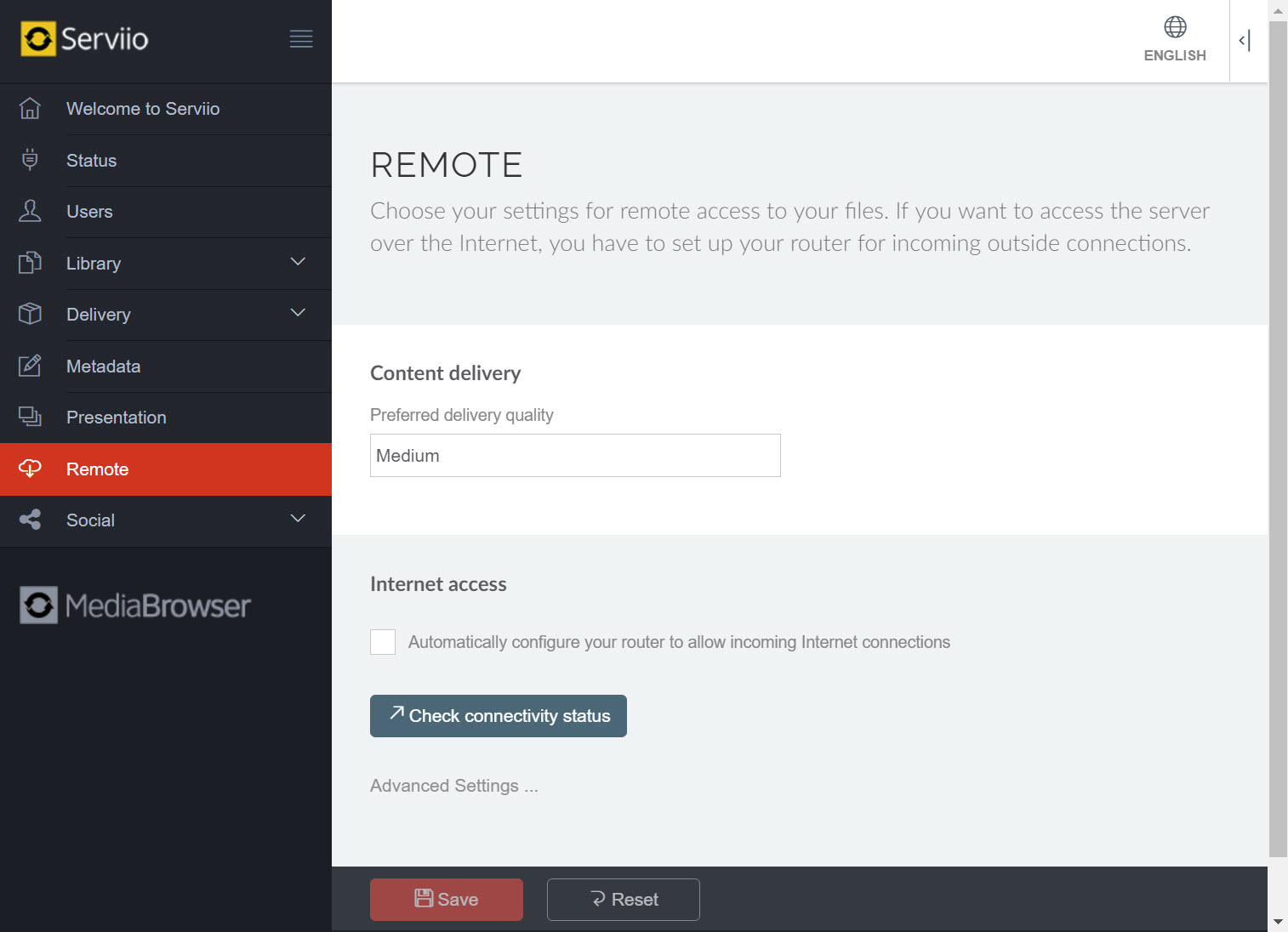
The paid tiers add things that matter only in specific scenarios. The Pro license enables remote access (streaming outside the LAN), the MediaBrowser web app for browsing the library in a browser, RTSP streaming for compatible devices, and online sources, the plugin system for pulling in RSS-based or web-scraped content like podcasts, news video feeds, and IPTV streams. Custom transcoding parameters are also Pro-only, which matters if a default profile is not getting the output you need.
Premium adds DSD audio support and a few other audiophile-grade additions that almost nobody needs. The honest framing is that free covers the home use case, Pro covers the user who wants remote access or online sources, and Premium covers a niche. The Pro license is a one-time purchase rather than a subscription, which is unusual in this category.
The console, the background service, and what setup looks like
The application runs as a background service. There is no main window. Configuration happens through a separate utility called the Serviio Console, which is what you open from the Start menu when you want to add a folder, change a profile, or check a transcoding log. The console can be running or not, the service streams either way.
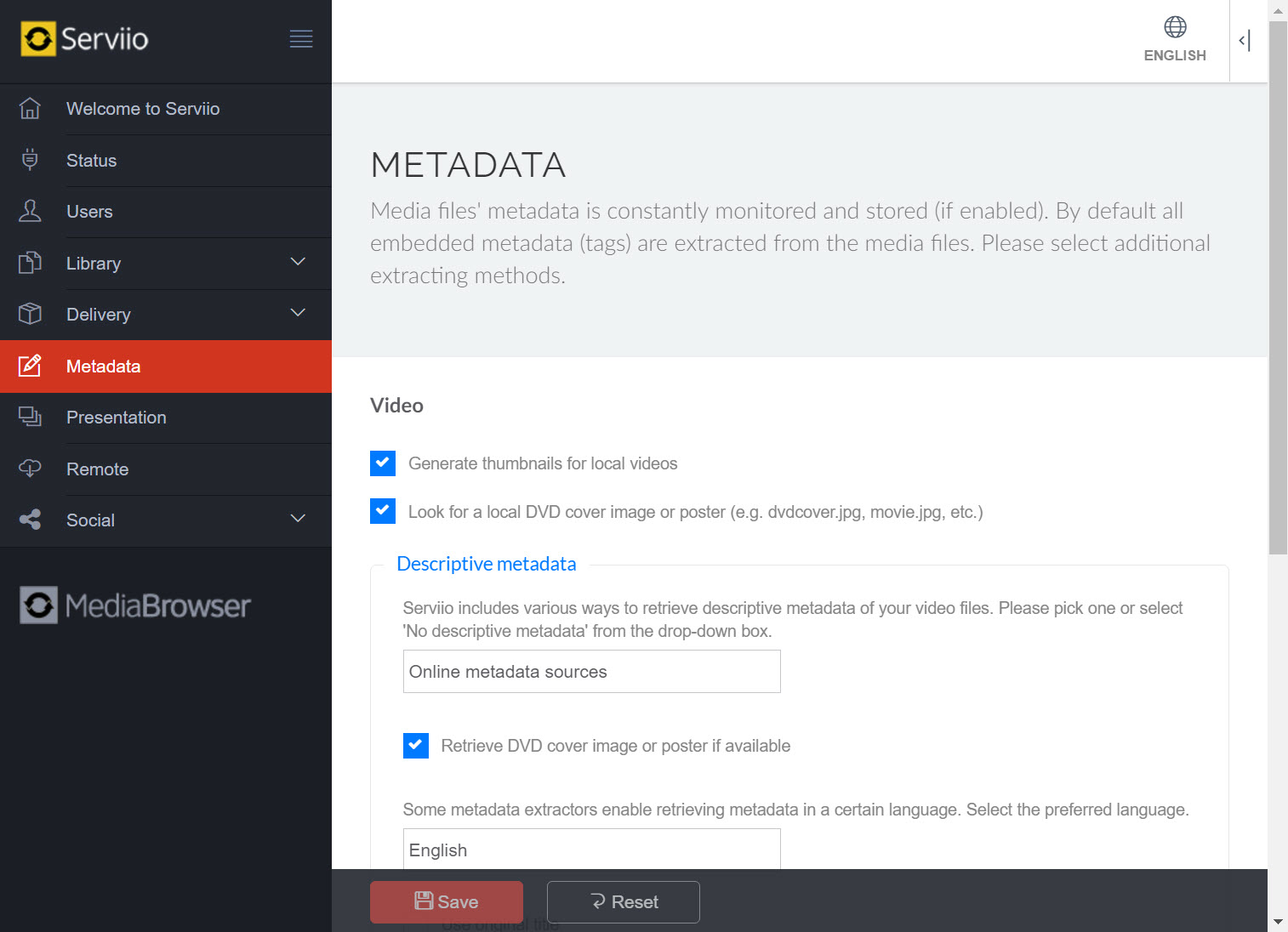
Library configuration is folder-based. You point the application at one or more directories for video, audio, and images, and it scans them on a schedule (or on demand). Metadata fetching pulls posters and descriptions from online sources for items it can match, which depends on how your filenames are structured, the usual “Movie Name (Year).ext” convention works best. For files that are wrongly tagged or do not match, the metadata stays empty and the TV shows the raw filename.
ServiiGo, the companion Android app, exists for users who want to watch their library on a phone or tablet over the LAN, since Android does not have native DLNA browsing in most cases. It is a basic app, not the polished experience of the major media server clients, but it does the job for casual mobile playback.
Where it fits next to a media center
This is worth being explicit about because it confuses people. Kodi and MediaPortal are media centers, applications you run on the device that is connected to the TV (an HTPC, a Raspberry Pi, an Android box). They play files locally with a custom UI. Serviio is a server, it runs on a different machine and feeds files to the TV’s native player or a console’s media app over the network. You can run both. Serviio on a PC in another room serving the library, Kodi on an HTPC pulling from it. Different layers of the same chain.
For users who only have a smart TV and no media box, Serviio alone is enough. For users who have an HTPC, the question is whether you want the TV to do the work (server model) or the HTPC to do the work (media center model). Both are valid, the trade-offs are real.
Conclusion
Serviio is the right tool for one specific household setup, you have a media library on a PC, you have a smart TV or console with a DLNA media source, and you want the TV’s own remote and interface to browse and play the library without installing apps or signing into accounts. That is a common situation, and the application solves it cleanly.
The free tier covers the use case completely, the Pro license is there if you want remote access or online sources, and the application sits quietly in the background between sessions.
It is not the right tool for someone who wants a polished cross-device library with a consistent UI on every screen, that is what Plex and Jellyfin are built for, and competing on that ground was never the point. Serviio stays in the layer below those products, doing the protocol work that smart TVs already understand, and trusting the TV to handle the rest.
For the right setup that division of labor is faster and simpler than the alternatives. For the wrong setup it feels primitive. Knowing which one you have is most of the decision.
Features & benefits
Pros & Cons
- Direct DLNA streaming to TVs and consoles without any client app installation
- Per-device transcoding profiles handle format incompatibilities automatically
- Free tier is fully functional for LAN streaming, not a stripped demo
- Background service runs unattended, no main window cluttering the desktop
- Profiles are editable XML, custom devices can be added or fixed
- ServiiGo companion app available for Android playback over the LAN
- Pro license is one-time purchase, not subscription
- The browsing experience depends entirely on the TV or console's native media app, which varies wildly
- Metadata matching is filename-dependent and misses for poorly named files
- Transcoding 4K H.265 in real time taxes modest hardware
- The Serviio Console UI is utilitarian and not polished
- Remote access, online sources, and custom transcoding parameters are paywalled in the free tier
- Plugin-based online sources rely on community maintenance and break when sites change
Frequently asked questions
The Windows feature only shares files that match the renderer's native format support. This application transcodes on the fly when the format does not match, so an MKV with a DTS track plays on a TV that would otherwise refuse it, and the library is presented with metadata, posters, and structured navigation rather than raw file listings.
Each renderer is identified by its UPnP fingerprint and matched against a profile that lists supported containers, codecs, and bitrates. When the TV requests a file, the server checks the profile and either streams the file directly or transcodes to the closest supported format. Profiles for common TVs, consoles, and players ship with the application.
No. The free edition runs without expiry and without artificial limits on file count or stream count. The paid Pro tier adds remote access outside the LAN, the web-based MediaBrowser, online source plugins, custom transcoding parameters, and a few other extras. The free tier is fully usable for home LAN streaming.
For a single 1080p stream on a modest CPU, the load is light. Real-time transcoding of 4K H.265 is heavy and can saturate a low-power machine, especially without GPU acceleration. Several simultaneous transcoded streams scale linearly with CPU demand. Direct play (no transcoding) uses almost no resources at all.
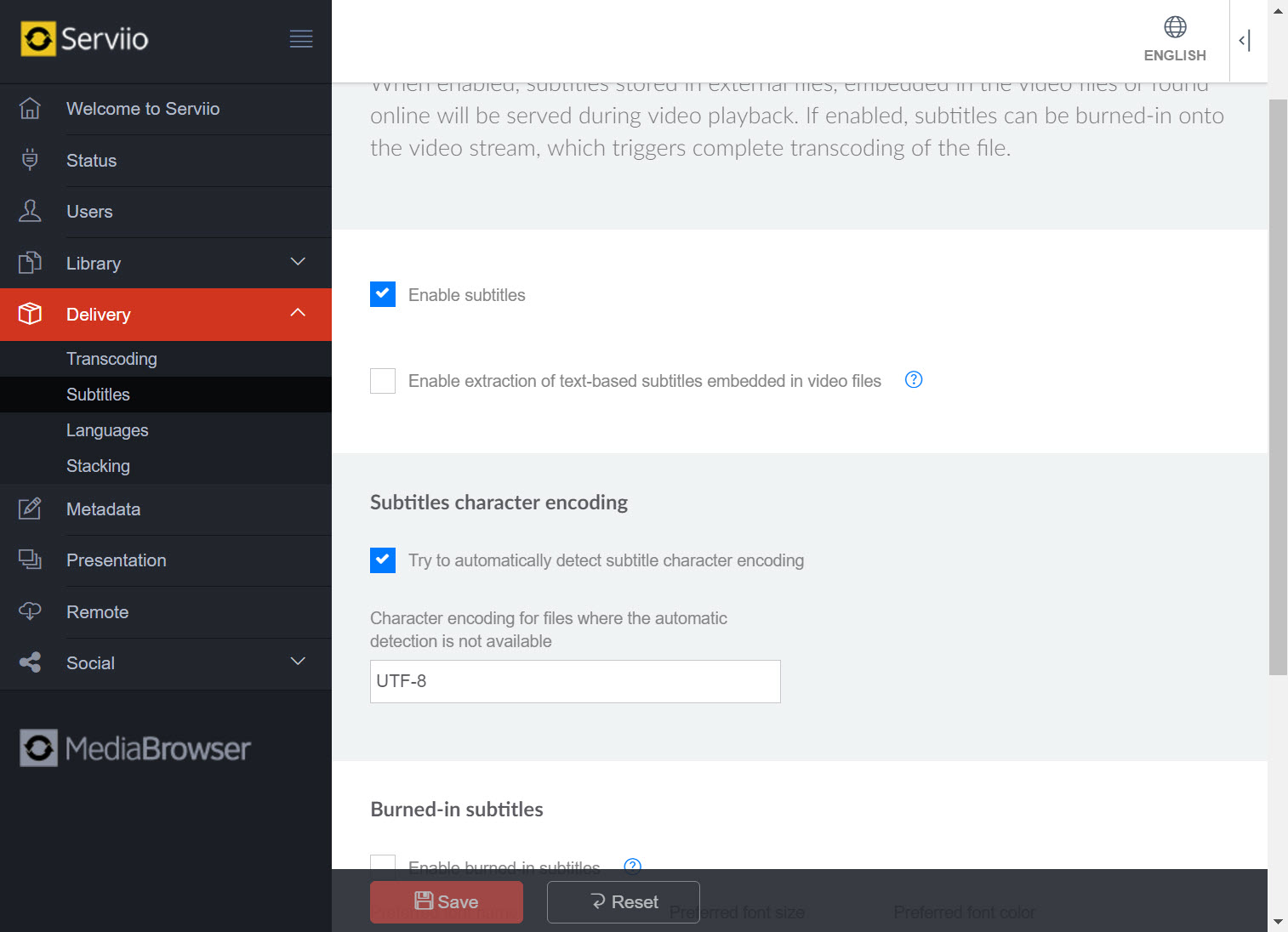
Yes, but how depends on the TV. Some renderers accept external subtitle files alongside the video, others require subtitles to be hardcoded into the video stream during transcoding. The profile system handles this automatically based on what the renderer reports it can do.
You can copy an existing profile, rename it, and adjust the renderer-matching attributes (manufacturer, model name, or User-Agent string) until your device matches. The XML format is documented and changes apply when the service restarts. The community wiki has user-contributed profiles for less common devices.
ServiiGo is the companion Android app for browsing and playing the library from a phone or tablet over the LAN. You need it only if you want mobile playback and your phone does not have a DLNA-capable player you already prefer. Native Android does not ship with DLNA browsing built in, so a dedicated client is usually required.


