

ACG Player
About ACG Player
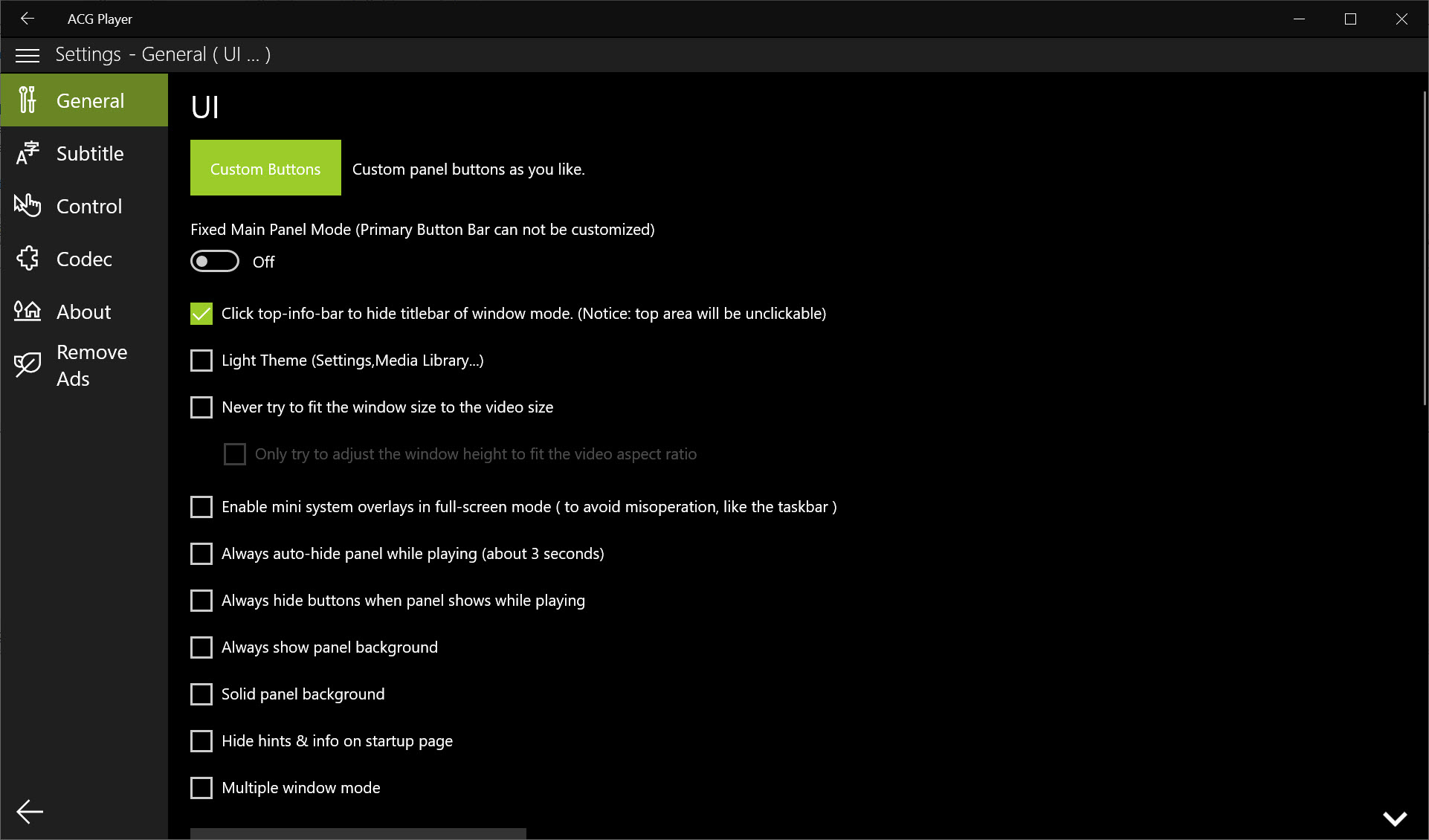
Most media players are a decoder wearing an interface. ACG Player inverts that. The decoding work is handed to established media engines rather than written from scratch, and the effort goes into everything around it, which is why this one has properly styled subtitles, a floating window and gesture control while a lot of its competitors still look like a control panel from another decade.
It also runs sandboxed and updates itself, which sounds like packaging trivia and turns out to shape what the player can and cannot do.
Decoding is handed off, and that shapes everything
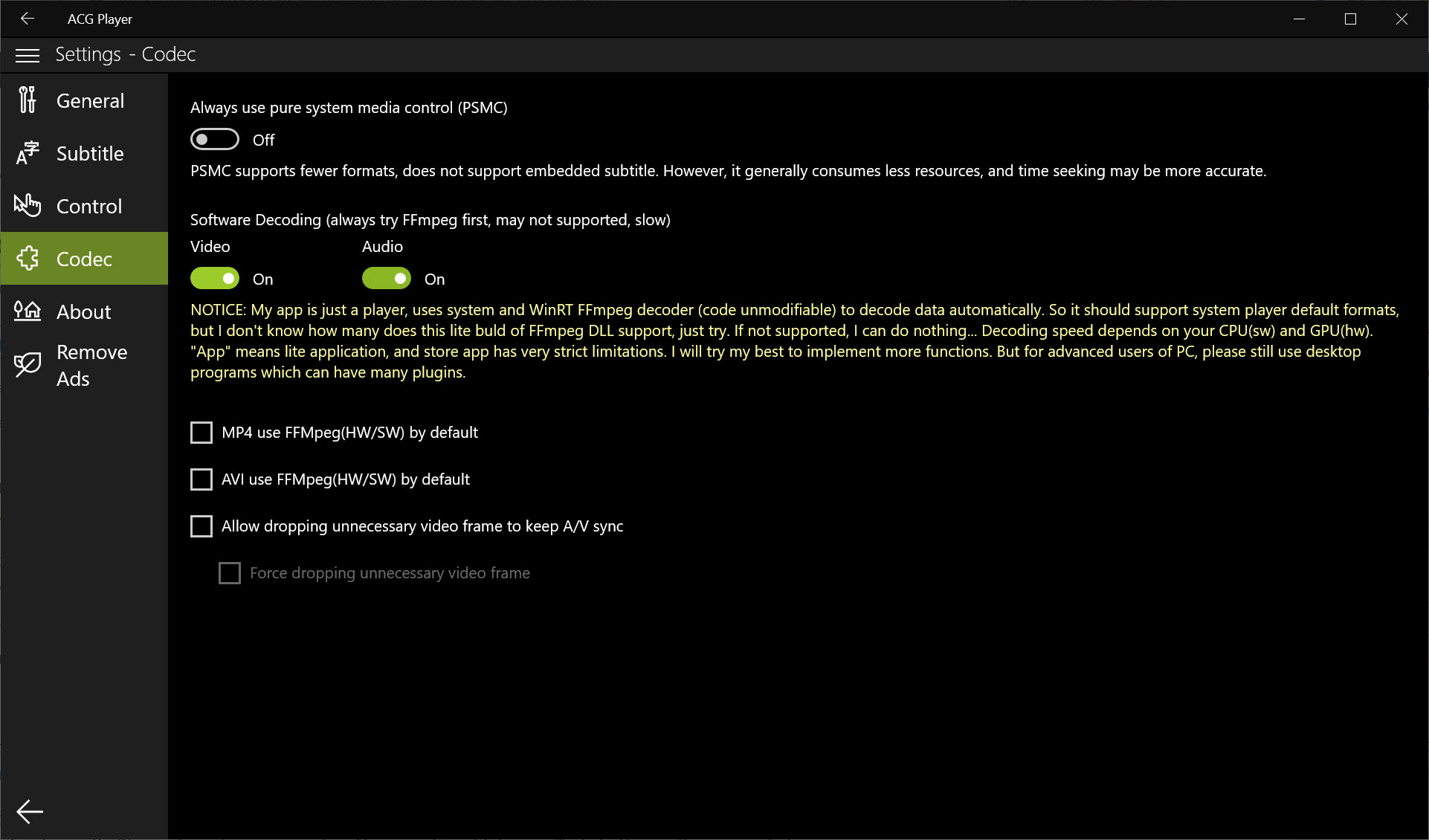
Hardware-accelerated decoding covers the codecs that matter, H.264, HEVC and VP9 among them, keeping processor load low enough that a laptop plays a film without the fan spinning up. Container coverage runs through MP4, MKV, MOV, AVI, WMV, FLV, WebM and TS, with MP3, FLAC, M4A, AAC, WAV and OGG on the audio side. Lossless files play without re-encoding, and embedded tags and cover art appear during playback rather than being ignored.
The gap is that coverage is broad without being universal, and the sandboxing makes that harder to patch. On a conventional player you install a codec pack when something refuses to open. Here you cannot, because nothing outside the application is allowed to reach into it. When a file will not play, VLC Media Player remains the thing you try next.
Protected discs are out for a related reason, since playing them needs licensing consumer applications do not carry. Video ripped from a disc plays normally. The disc itself will not.
If output quality tuning matters to you, renderer choice and scaling algorithms are absent, and a player that exposes its rendering pipeline goes considerably deeper.
Subtitles get more attention than almost anywhere else
This is where ACG Player earns its reputation. A subtitle file sitting beside the video with a matching name loads by itself, and anything that does not match can be pointed at manually from the subtitle menu during playback. Files with several embedded tracks, most MKV material, let you switch language mid-scene without reloading.
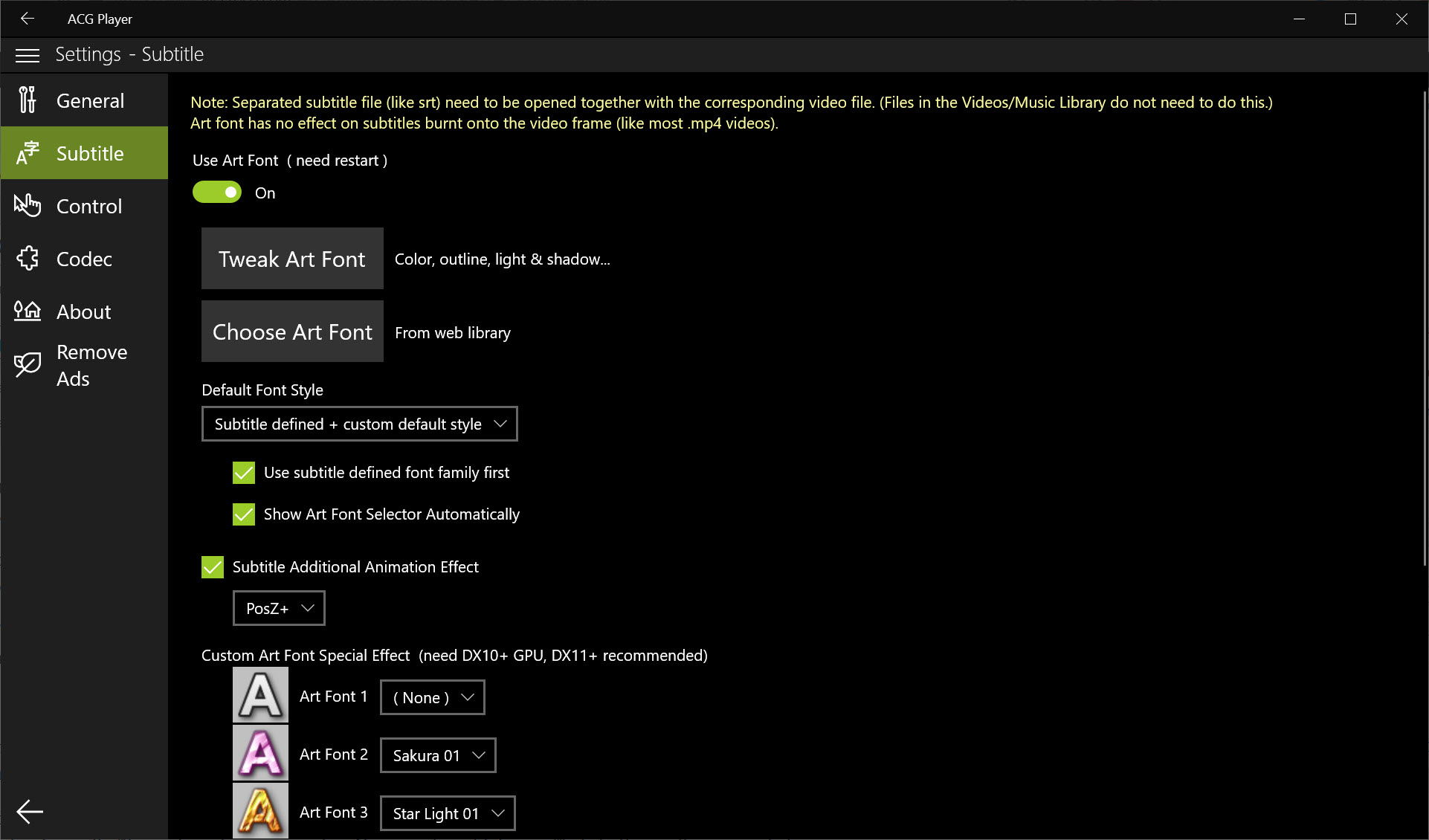
The styling controls go far past the usual three font sizes. Typeface, colour, outline, size and position are all adjustable, and rendering runs on the graphics hardware rather than the processor, so heavy styling does not affect smoothness. There is also a timing offset with fine enough granularity to fix the millisecond drift that shows up as subtitles landing slightly after the mouth stops moving.
Crucially, the styled subtitle formats render as their authors intended. Positioning, colour changes inside a single line and typeset signs placed over on-screen text all survive rather than being flattened into plain captions, which is the difference between watching fan-translated material properly and watching a stripped approximation of it.
What none of that fixes is a subtitle file that is simply wrong. Progressive drift needs the file itself corrected, and Subtitle Edit handles that half of the problem.
The floating window
Picture-in-picture puts the video in a small window that stays above whatever else you are doing, and the main window can be minimised or closed while it keeps playing. Resizing and repositioning are unrestricted, and the controls appear on hover rather than cluttering a small window.
The detail that makes it usable daily is memory. The floating window comes back at the size and position you left it, rather than resetting to a default corner every time, and it follows you across virtual desktops instead of stranding the video on the one you switched away from.
Casting, and what happens when formats do not match
ACG Player sends video and audio to receivers on your local network, with the playback controls staying on the computer. Most modern televisions and network media players are discovered automatically, though a few need their media reception setting switched on before they appear in the list.
What matters is what happens when the receiver cannot handle the source format. Rather than refusing, the application transcodes on the fly, which works and puts sustained load on your processor for as long as the session lasts. Casting something the target supports natively is a noticeably calmer experience than casting something it does not.
Per-file casting also is not library sharing. If the goal is making a whole collection reachable from every device in the house, Universal Media Server is built for that and this is not.
The extras, from visualisers to trimming
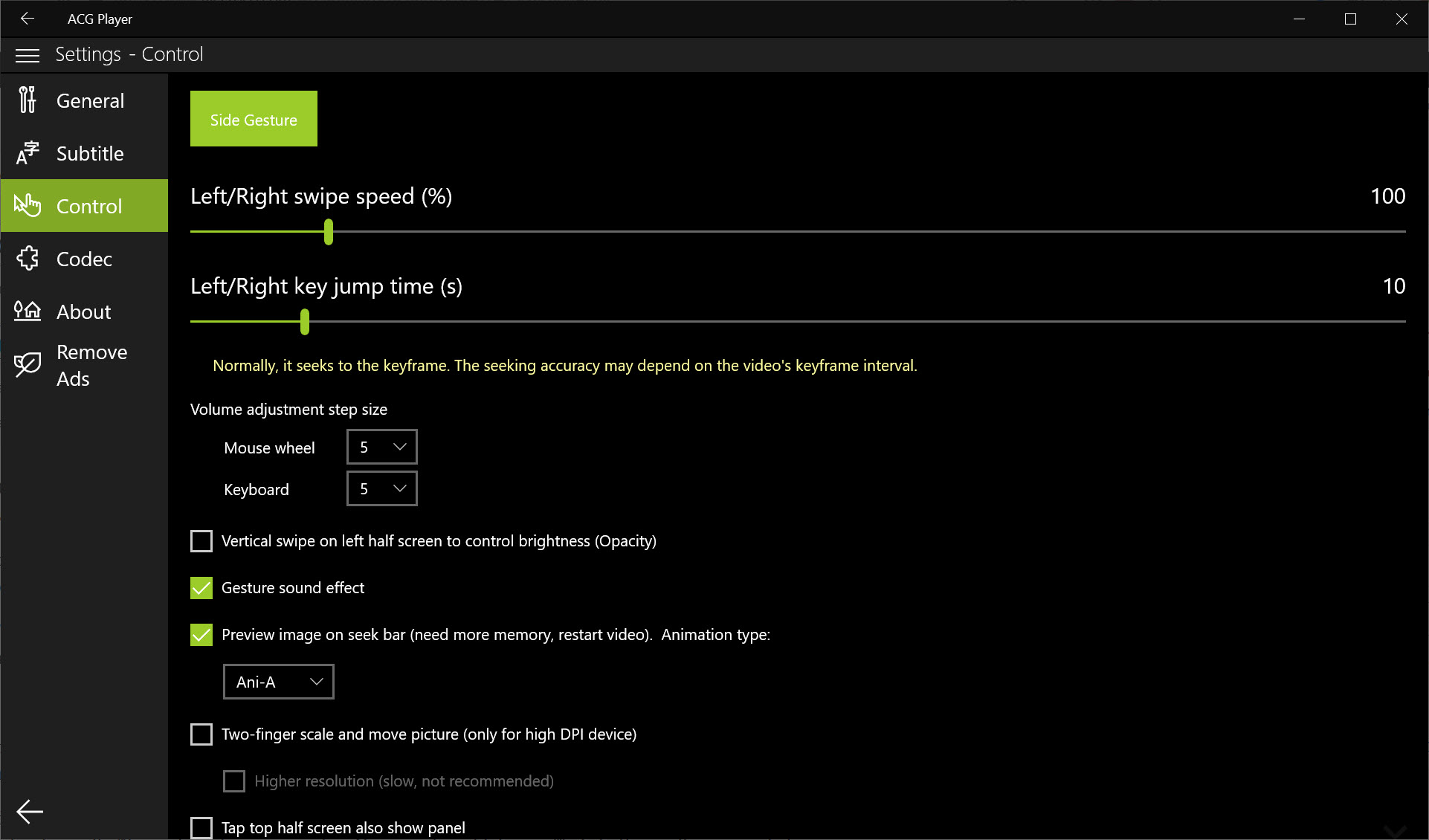
Audio playback in ACG Player comes with animated visualisers and particle effects, which are either a pleasant thing to leave on screen or entirely beside the point depending on your taste. The video adjustments are more practical, covering brightness, contrast, saturation, hue, flipping, speed and aspect ratio overrides, plus playback of 360-degree footage. Snapshots save a frame mid-playback, and thumbnail previews appear on the seek bar as you scrub.
Trimming and format conversion round it out. Setting start and end points produces a new file containing just that span, leaving the original untouched, and conversion between the supported containers runs through the same hardware-accelerated engines used for playback.
Both are deliberately basic. There is no multi-clip work, no transitions, no audio mixing and no colour grading, so anything past extracting a clip or changing a container belongs in an editor with a real timeline.
Conclusion
ACG Player suits somebody who watches a lot of subtitled video and wants the presentation to look deliberate rather than default. The subtitle handling is the strongest argument by a distance, the floating window and network playback cover the practical everyday cases, and the whole thing installs and updates without leaving anything behind.
It is not the player for edge cases. A file it cannot open stays unopened, discs are off the table, renderer tuning does not exist, and a complicated storage layout means granting permissions more often than you would like.
Take it as a modern player with unusually good text on screen, keep something more stubborn installed for the awkward files, and let the fireworks run or switch them off as the mood takes you.
Pros & Cons
- Hardware-accelerated decoding for the mainstream codecs keeps processor load and fan noise down
- Styled subtitle formats render with positioning, inline colour and typeset signs intact
- Subtitle timing offset is fine enough to correct perceptible lip-sync drift
- Floating window remembers its size and position and follows you across virtual desktops
- Lossless audio plays without re-encoding, with tags and cover art displayed
- Trimming writes a new file and leaves the original untouched
- Sandboxed operation with automatic updates and nothing scattered across the system
- Format coverage is broad but not complete, and no codec pack can extend it
- Protected discs cannot be played at all
- Casting to a device that lacks the format transcodes, loading the processor throughout
- File access to network paths and external storage needs permission steps
- No renderer selection or scaling controls for anyone tuning output quality
- Advertising appears in the interface outside playback
- Editing stops at trimming and container conversion
Frequently asked questions
Press F11 to switch in and out, or double-click the video, which does the same thing. Escape also returns you to the window. The picture scales to fill the display while keeping its aspect ratio regardless of the window size beforehand.
Most common ones, with hardware acceleration for the mainstream codecs, but not everything. Because the application is sandboxed, external codecs cannot be added, so a file it refuses needs a different player rather than a fix.
Both devices need to be on the same network and the television needs its media reception setting enabled, which most have on by default. Pick the device from the cast list during playback and it takes over while the controls stay on your computer.
Yes, when the subtitle file sits in the same folder as the video and shares its name. Anything else loads manually from the subtitle menu, and tracks embedded inside the video file appear there too for switching during playback.
No. Setting a start and end point and exporting writes a new file containing only that section, and the source stays exactly as it was.


