

VoxCut
About VoxCut
Every hour of raw podcast tape hides ten to fifteen minutes of nothing. Pauses before answers, thinking gaps, the dead air while someone checks their notes. Cutting all of that by hand means zooming into a waveform and ripple-deleting hundreds of tiny gaps, which is the least creative work in audio production.
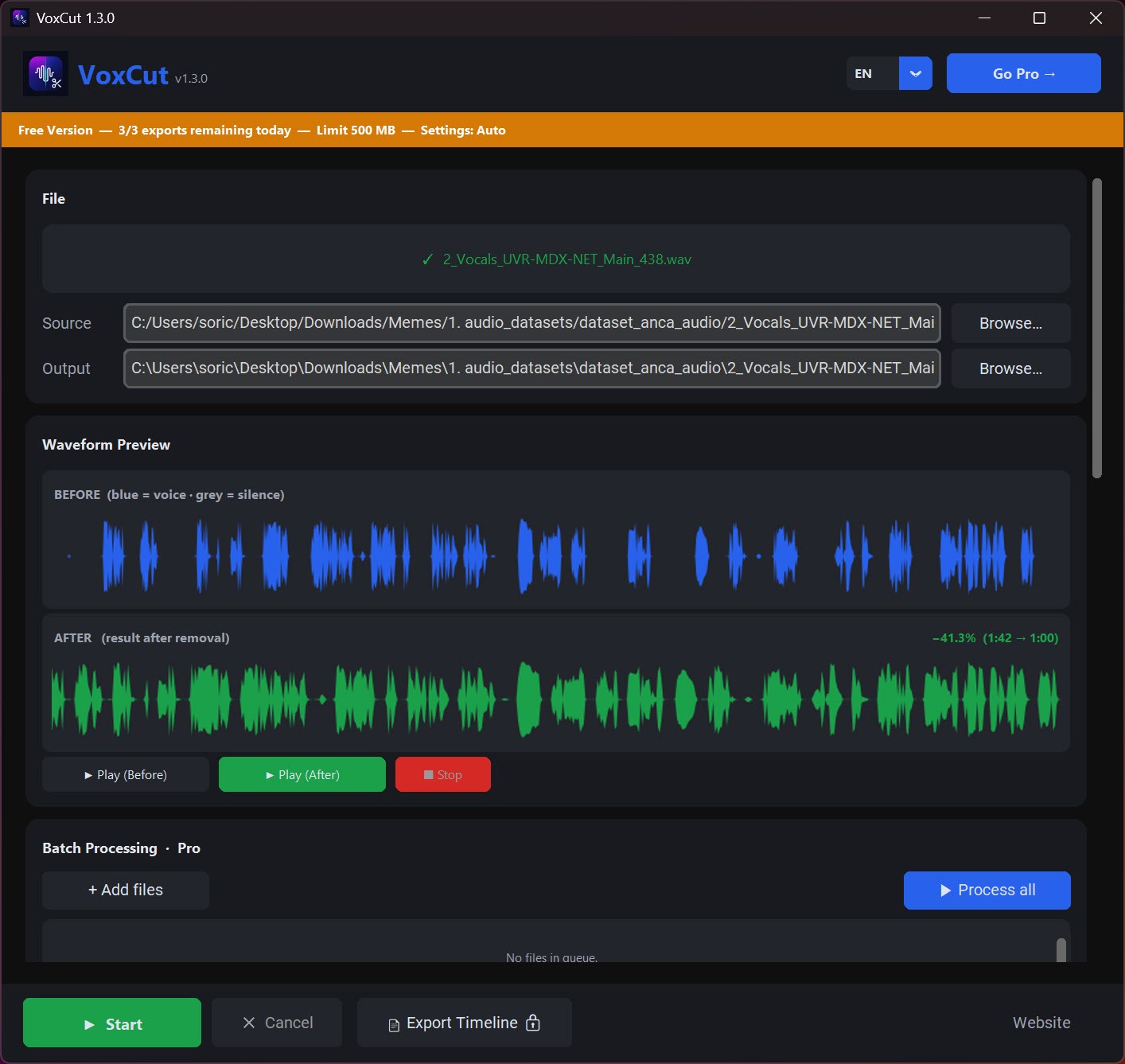
VoxCut automates exactly that job. Drop in a recording, let it detect the silent stretches, and get back a tightened file with only the spoken parts left.
The tool does one thing, and the thing it doesn’t do matters just as much. Nothing gets uploaded anywhere. Detection and cutting happen entirely on your own machine, so a confidential interview or an internal training recording never touches a server.
For journalists and anyone editing material under an NDA, that’s the difference between usable and off the table.
Two settings decide what counts as silence
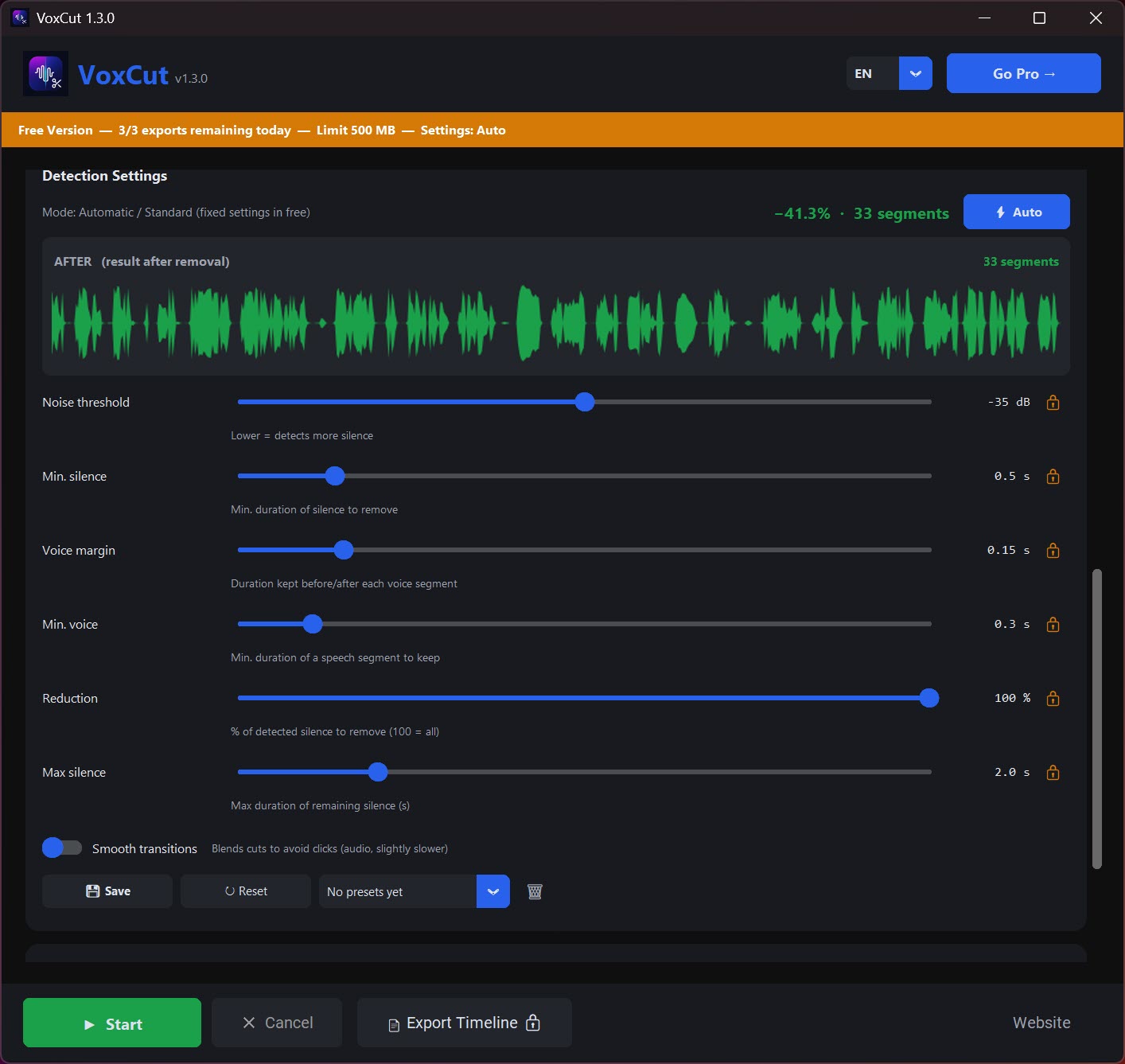
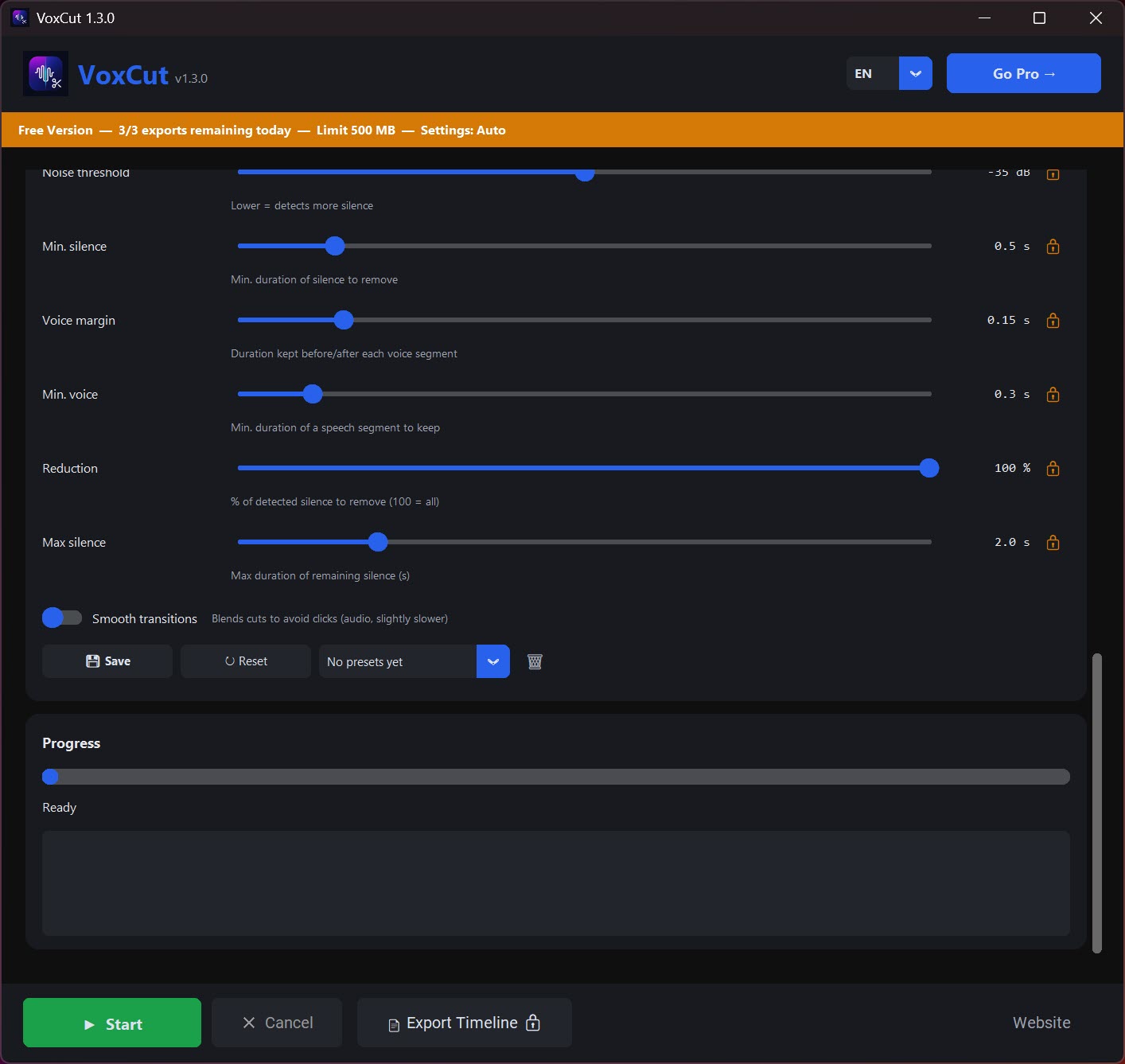
There’s no timeline to learn and no track view to manage. You feed the application a file (MP3, WAV, M4A, AAC, FLAC, OGG, Opus, and WMA all go in) and adjust two things. The silence threshold sets how quiet a passage must be before it’s treated as a gap, and the minimum duration sets how long that quiet has to last before it gets cut.
Those two controls deserve a few test runs, because they carry all the weight. Set the threshold too aggressive and VoxCut will start eating breaths and soft word endings, which makes speech sound choppy and robotic. Set the minimum duration too short and natural pauses between sentences disappear, so a relaxed conversation suddenly sounds like an auctioneer.
Run a short sample first, listen, adjust, then commit the full file. Two or three passes usually land on settings you can reuse for every episode recorded with the same mic setup.
Why local processing changes the math
Speed is where this tool separates itself from the browser-based silence cutters. An hour of audio gets analyzed and cut in roughly five seconds. A 72-hour recording weighing 5 GB went through in under six minutes in testing. Web tools can’t compete with that even in principle, because you’d spend longer uploading the file than VoxCut spends processing it.
The architecture explains the other headline number, the file size. Instead of loading an entire recording into memory, the application streams it from disk in chunks. Audacity will happily choke on a multi-gigabyte file because it wants the whole thing in RAM before you can touch it. Here, free disk space is the practical ceiling, and 5 GB files are the tested territory rather than the limit.
Decoding is handled by a bundled copy of FFmpeg, so there’s nothing extra to install and no codec hunting when a client sends you some odd container format.
From cleaned file to editor timeline
The obvious output is a finished audio file with the gaps removed. The more interesting one, unlocked in the full version, is an XML or EDL cut list you can import into DaVinci Resolve or Premiere Pro. That turns the tool into a rough-cut assistant for video work.
It reads the audio, marks every silent stretch, and your editor opens with the cuts already placed, ready for you to fine-tune instead of starting from a wall of raw footage.
This matters because destructive one-click cutting is fine for a podcast but risky for video, where a removed pause might also remove a visual beat you wanted. The cut-list route keeps everything reversible inside your normal editing environment.
What the entry version holds back
The no-cost tier processes files up to 500 MB and allows three exports per day with the basic settings. For a weekly podcaster that’s genuinely enough, since a typical hour-long episode in MP3 sits far below the size cap. Batch processing, the advanced detection settings, the timeline exports, and unlimited file sizes sit in the paid version, which uses a one-time license rather than a subscription.
Know what you’re not getting at any tier. VoxCut is not an editor. There’s no fade tool, no EQ, no noise reduction, no way to rearrange segments. Once the silences are gone you’ll still want something like ocenaudio for polish work. And the cuts are hard cuts.
If a gap removal lands badly, your options are re-running with gentler settings or fixing that spot manually elsewhere. Treat it as the first pass of your workflow, not the whole workflow.
Conclusion
VoxCut earns its spot in any workflow where dead air is the biggest time thief. Podcasters, interviewers, lecture recordists, and anyone turning hours of raw talk into something listenable will feel the difference on the first file. The combination of local processing, streaming file handling, and honest speed numbers puts it ahead of the browser tools it competes with, and the cut-list export gives video editors a reason to look too.
Just don’t expect a full audio suite. It removes silence, does it very fast, and hands you off to your real editor for everything else. If that’s the gap in your toolchain, this fills it neatly.
Pros & Cons
- Cuts an hour of audio in about five seconds, entirely offline
- Streams files from disk, so multi-gigabyte recordings don't exhaust RAM
- Two-control setup that non-editors can learn in one session
- XML/EDL export drops a ready-made rough cut into Premiere Pro or DaVinci Resolve
- Wide input support, from MP3 and WAV to FLAC, Opus, and WMA
- No editing features beyond silence removal, so a second tool is still needed for polish
- Aggressive threshold settings can clip breaths and soft word endings
- Free tier limits you to 500 MB files and three exports per day
- Batch processing and timeline exports require the paid version
Frequently asked questions
It compares the audio against a loudness threshold you set, and only removes quiet stretches longer than your minimum duration. Both values are adjustable, so you control how tight the result sounds.
It can, if the threshold is set too aggressively. Run a short sample first and back off the sensitivity until soft speech survives. Settings that work for one mic setup usually transfer to every recording made with it.
Yes, that's its strong suit. Because files are streamed from disk instead of loaded into memory, recordings of several gigabytes and dozens of hours go through without crashing, at roughly five seconds per hour of audio.
No. Detection and cutting run locally, and nothing is uploaded. That also makes it suitable for confidential material that isn't allowed to leave your machine.
The full version exports XML and EDL cut lists that import into Premiere Pro and DaVinci Resolve, so the silence cuts appear on your timeline as editable edits rather than baked-in changes.


