

ocenaudio
 (1 votes, average: 5.00 out of 5)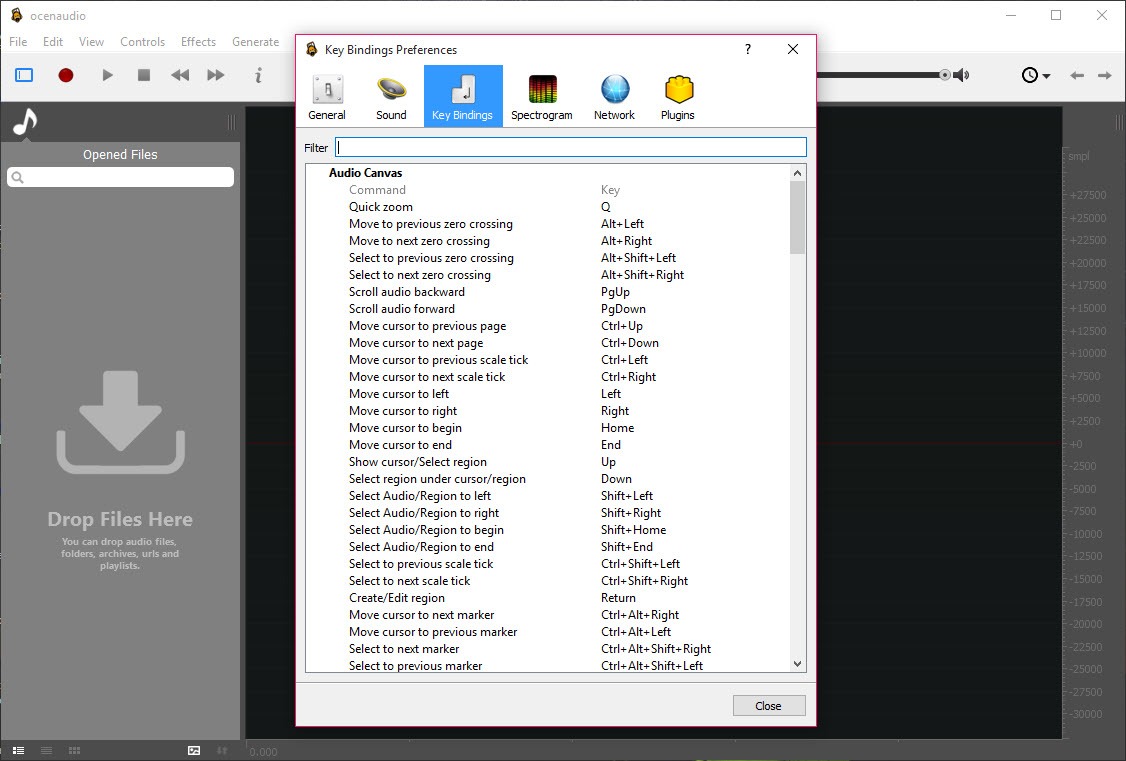
About ocenaudio
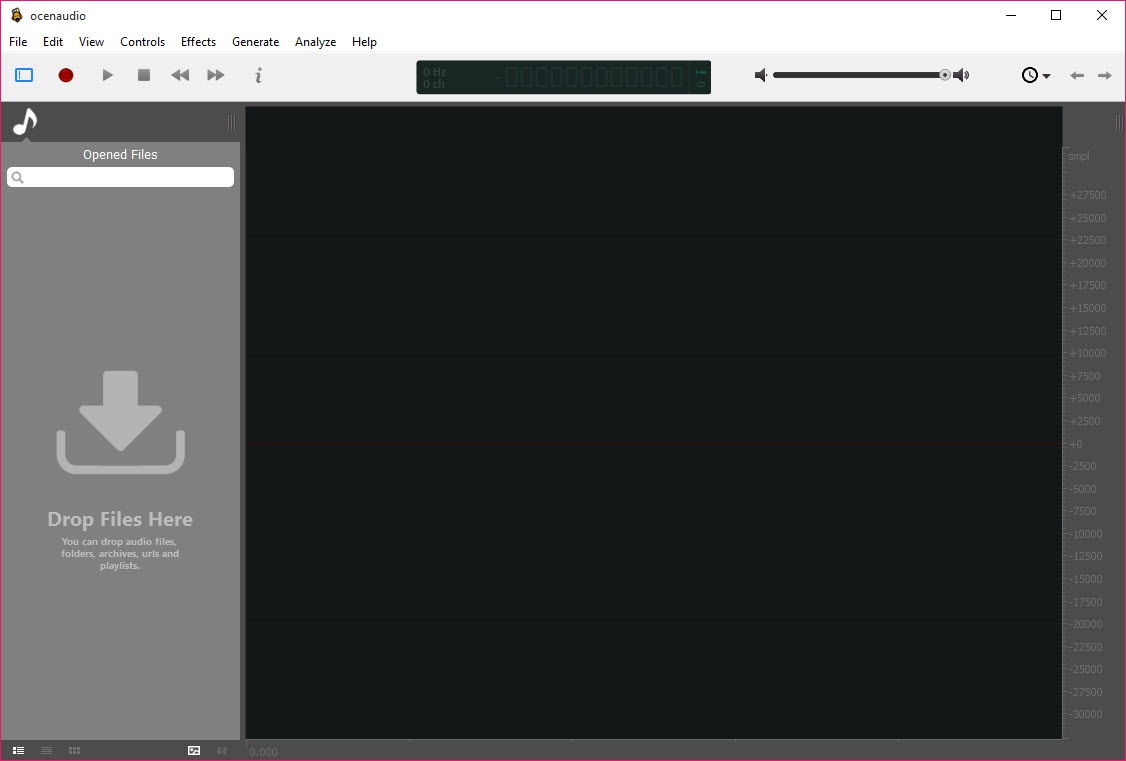
ocenaudio is a free audio editor built for one thing above all. It edits a sound file quickly without making you fight the software to do it. You open a clip, see its waveform, select the part you want, and cut, trim, fade, or run an effect over it. Within fifteen minutes of first launch most people are already productive, which is a rare claim in audio software.
What makes it stand out is real-time effect preview. When you reach for EQ, gain, or a filter, you hear the change as you turn the knobs, before you commit to anything. That sounds small until you’ve lived with the alternative, where you apply an effect, listen, decide it’s wrong, undo, tweak, and apply again. ocenaudio collapses that whole loop. You adjust and listen at the same moment, and the right setting tends to reveal itself in seconds rather than minutes.
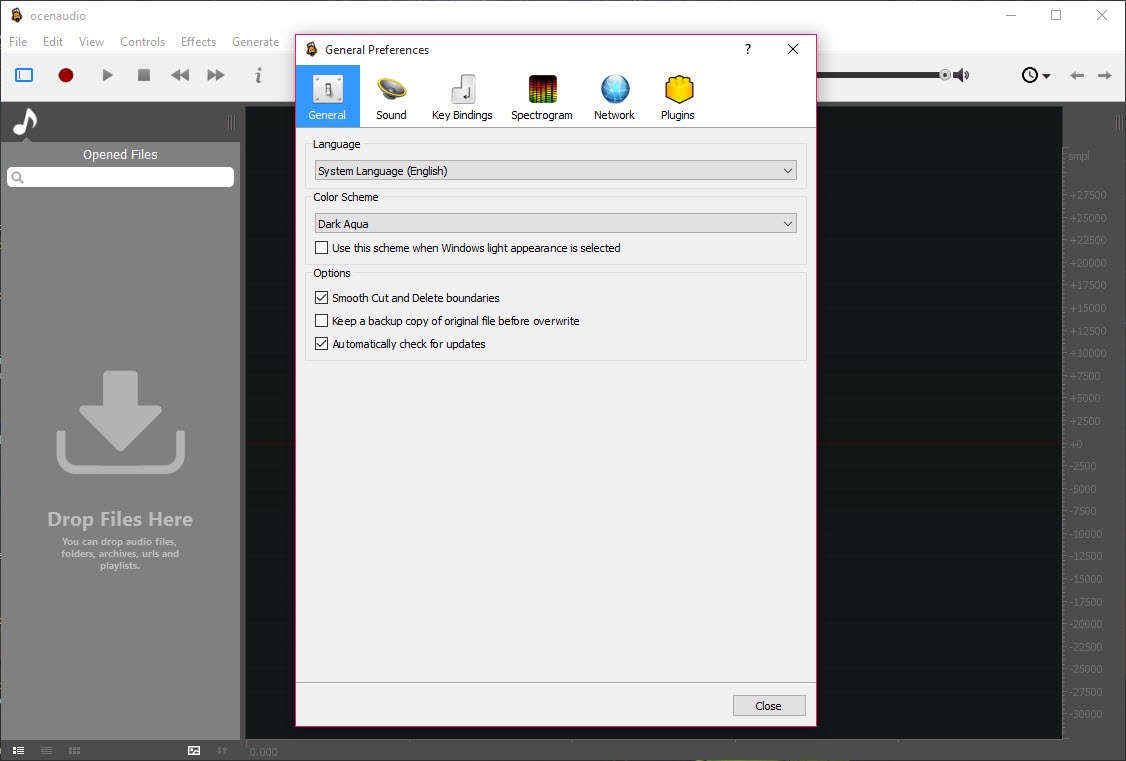
It sits in a useful middle ground. Heavier than a bare trimmer, lighter than a full studio. If your work is single-file editing, voiceover cleanup, podcast trimming, or quick fixes to a recording, this is the tool that gets out of your way. We’ll be honest about where it stops short too, because it isn’t trying to be everything.
Why does real-time preview change the workflow?
Getting an effect right by adjusting controls blind is hard. EQ especially. You’re guessing at frequencies and hoping the result sounds the way you pictured. The preview feature removes the guessing. As you drag a slider, the processed audio plays back with the change already applied, so your ears guide the decision instead of trial and error.
The effect window even includes a small view of your selected audio that you can navigate the same way you move around the main waveform. Pick a tricky section, loop it, and dial in your settings against the exact moment that matters. For anyone who’s spent years on the apply-listen-undo treadmill, this alone is reason enough to keep the application installed.
The spectrogram is more than a pretty picture
Alongside the standard waveform view, you get a fully featured spectrogram that shows the frequency content of your audio rather than just its volume shape. This is where you spot problems your eyes would otherwise miss. A persistent hum sits as a bright horizontal line. A click or pop shows up as a vertical streak. Background hiss spreads across the top of the display.
What’s clever is that the spectrogram settings update live. Change the number of frequency bands, the window size, or the dynamic range, and the view redraws immediately.
You’re not committing to a setting and waiting to see the result. You tune the display until the thing you’re hunting for jumps out, then go fix it. For noise work and forensic-style listening, that responsiveness matters.
How well does it handle big files?
This is one of its quiet strengths. The application is built to deal with very large audio files smoothly, and it doesn’t bog down the way some editors do when you load something long. People have opened hundreds of individual samples at once without it falling over, and scrolling through a lengthy recording stays quick rather than stuttering.
There’s also no artificial cap on how long or how many files you can edit. If you’re working through a marathon recording, a full interview, or a stack of clips, the editor keeps pace. Saving is fast too, which sounds trivial until you’ve used a competitor that makes you wait every time you write a file. Speed across the whole loop is a big part of why people who try it tend to keep it around for quick jobs.
Effects, plugins, and batch work
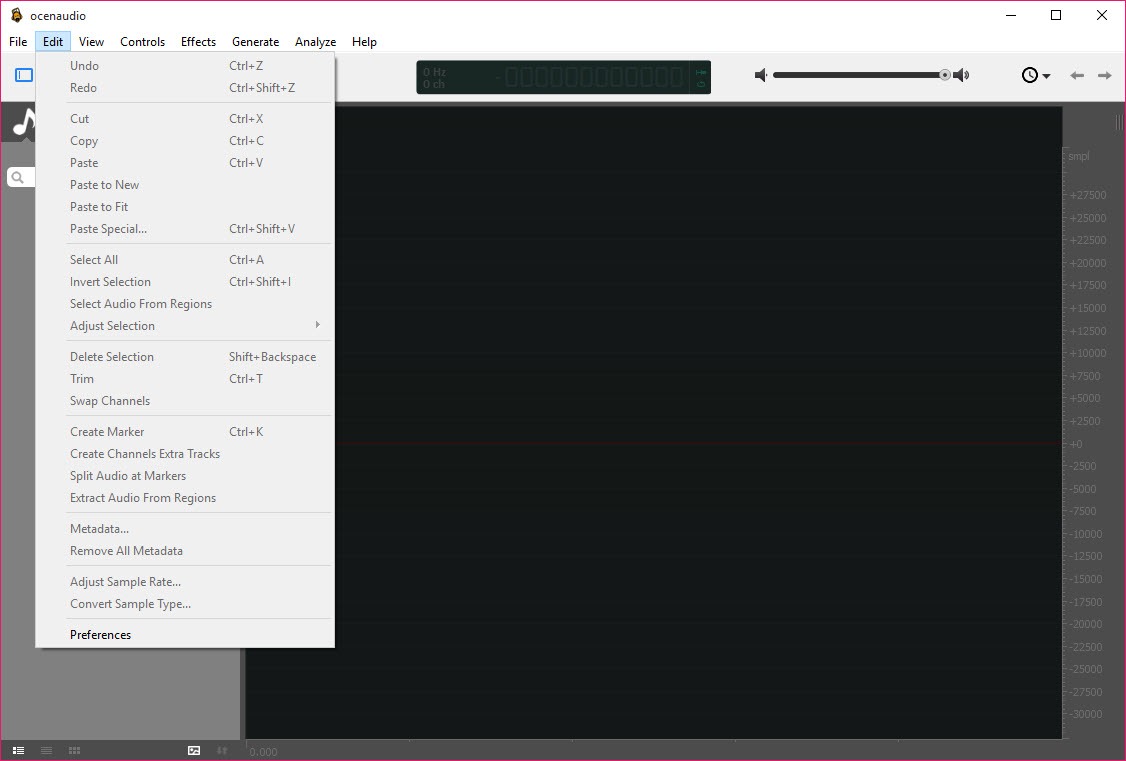
Out of the box you get the effects most editing actually needs. A multi-band equalizer, gain, filtering, noise reduction, compression, delay, and more, all of them previewable in real time. For cleaning up a voice recording or shaping a piece of music, the built-in set covers a lot of ground without sending you hunting for add-ons.
When you do need more, the application supports VST plugins, and those plug into the same real-time preview system as the native effects. So a third-party reverb or de-esser behaves just like the built-in tools, audible as you adjust it.
There’s a catch worth flagging. It supports VST and not the wider range of plugin formats some editors accept, so a few specialized effects simply won’t load. For most people that’s a non-issue, but power users with a specific plugin habit should know going in.
Batch processing rounds things out. If you need to apply the same change, a fade, a format conversion, a normalization, across a folder of files, you set it once and let it run rather than repeating yourself by hand. For podcasters processing a back catalog or anyone with repetitive cleanup, it’s a real time-saver. Tools like MP3DirectCut handle quick MP3 trims, but for batch effects this is the smoother route.
Where it fits next to the alternatives
The obvious comparison is Audacity, and the two split along a clear line. Audacity gives you multitrack editing, a broader plugin range, and deep recording features, at the cost of a steeper learning curve and that apply-then-listen rhythm. ocenaudio gives you speed, a friendlier interface, and live preview, at the cost of serious multitrack work.
So the honest advice most users land on is to reach for this first for single-track jobs and switch to something heavier only when you actually need to layer many tracks. If your day is voice cleanup, trimming, effect tweaking, and quick exports, you may never hit its ceiling.
If you’re producing a multi-instrument mix from scratch, you’ll want a proper WavePad or a full digital audio workstation instead. And for pure frequency analysis, Sonic Visualiser goes deeper than any general editor.
Conclusion
ocenaudio is one of the easiest ways to do real audio editing without a steep climb. The real-time preview, the live spectrogram, and the smooth handling of huge files make it pleasant for the work most people actually do, whether that’s cleaning up a recording, trimming a clip, or shaping a sound until it’s right. You’re productive almost immediately, and the speed across the whole workflow keeps you there.
Just match it to the job. This is a single-track editor at heart, not a multitrack studio, and its plugin support stops at VST. For voice work, podcast edits, and quick fixes, those limits rarely bite, and the friendly, responsive feel more than makes up for them.
If your projects grow into layered, multi-instrument productions, you’ll eventually want something bigger. For everything short of that, the application earns its place as a fast, no-fuss editor you’ll keep coming back to.
Pros & Cons
- Real-time effect preview lets you hear EQ, gain, and filters as you adjust them
- Fully featured spectrogram with settings that update live for spotting noise and clicks
- Handles very large files smoothly, with no cap on file length or quantity
- Fast across the whole loop, including saving, which many editors are slow at
- Clean, beginner-friendly interface that's productive within minutes
- Solid built-in effects including a multi-band EQ, noise reduction, and compression
- Batch processing applies the same changes across many files at once
- VST plugin support that works inside the real-time preview system
- Multitrack editing is limited, so it's a poor fit for layered, multi-instrument projects
- Plugin support covers VST only, leaving out other common formats
- Recording features are thinner than dedicated recording-focused editors
- The effects library, while solid, is smaller than what plugin-heavy tools offer
- Power users may outgrow it once projects get complex
Frequently asked questions
It's best for single-file audio editing done quickly. Think trimming clips, cleaning up voice recordings, podcast edits, and tweaking effects. The real-time preview makes those everyday jobs faster than in editors that force an apply-then-listen cycle.
Yes, and it's one of its strengths. The editor is built to load and scroll through very large files smoothly, with no limit on how long or how many files you can work with at once.
It supports VST plugins, and they work inside the same real-time preview used for the built-in effects. Note that it doesn't accept some other plugin formats, so a few specialized effects won't load.
The built-in set covers a multi-band equalizer, gain, filtering, noise reduction, compression, delay, and more. All of them can be previewed in real time as you adjust the controls.
Not really. Its multitrack capability is limited, so it's better suited to single-track work. For layering many tracks into a full mix, a dedicated multitrack editor is the better choice.
ocenaudio is faster and friendlier with live effect preview, while Audacity offers multitrack editing and broader plugin support. Many people use this for quick single-track jobs and turn to Audacity when they need to layer tracks.


