

Calibre
About Calibre
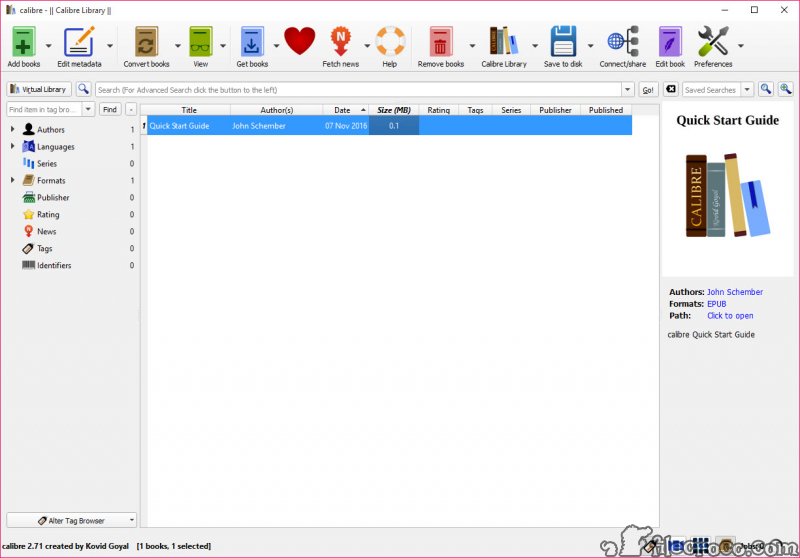
Calibre is the program that takes a chaotic pile of ebook files scattered across your computer and turns it into an actual library. It organizes your books, converts them between formats so they work on whatever device you read on, fetches covers and details from the internet, reads them in its own viewer, and sends them to your e-reader. If you own more than a handful of ebooks, this is the tool that brings order to them.
The heart of it is a managed library. When you add a book, Calibre copies it into its own folder structure, neatly arranged by author and title, and records the details in a database. Your original files are left untouched, which is reassuring.
From there you sort, search, and filter by author, series, publisher, tags, or custom fields you invent yourself. Even a collection running into the thousands stays findable, because the search is fast and specific enough to pin down a single title in seconds.
But organizing is only half the appeal. The other half, the feature most people actually come for, is conversion.
The conversion engine is the real workhorse
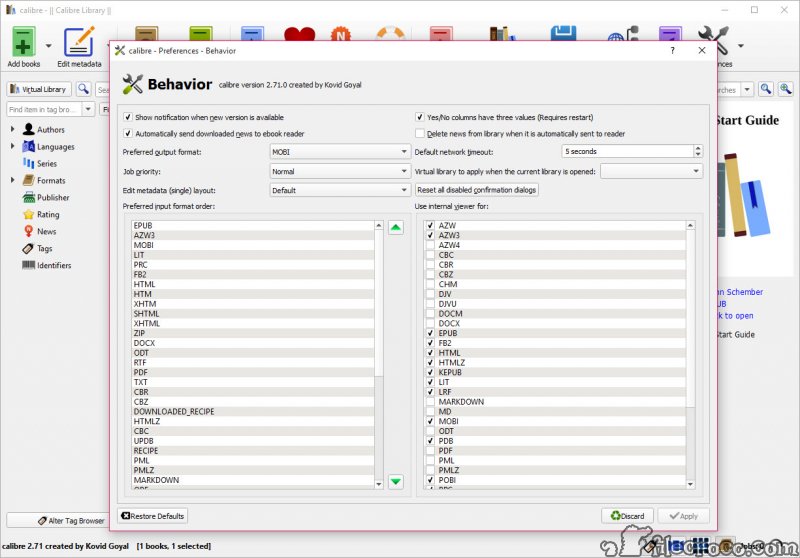
This is where Calibre earns its reputation. The application reads a long list of input formats and writes out to most of the common ones, which in practice means it bridges the gap between the open EPUB standard and the formats e-readers demand. The classic case is turning an EPUB into a MOBI or AZW3 file for a Kindle, since Kindles do not read EPUB directly. Drop the book in, click convert, pick your output format, and a minute later you have a file your device understands.
For most books the default settings just work. But the conversion dialog hides serious depth for anyone who wants it. You can set output profiles tuned to a specific device’s screen, fine-tune how the table of contents is generated, adjust fonts and spacing, and run heuristic processing that tries to clean up badly formatted source files. Batch conversion handles whole stacks of books at once.
One honest caveat. Converting from PDF is rough. PDF is built around fixed page layouts, not flowing text, so the result often needs cleanup. That is not a flaw in the tool so much as the nature of the format, but it is worth knowing before you expect a messy PDF to come out as a pristine ebook.
For PDFs built for paper sizes, running them through a tool like k2pdfopt to reflow the text first can improve the result.
Metadata, covers, and keeping a tidy shelf
A library is only as good as its labeling, and this is where the metadata tools shine. Select a book, click to download metadata, and Calibre searches online databases to fill in the author, title, publisher, series position, description, and cover art. For a collection assembled from many sources with inconsistent or missing details, this single feature can rescue hours of manual tidying.
You can also edit everything by hand, drag a new cover image straight onto a book, and apply bulk changes across many titles at once. Series management deserves a mention too, because for anyone reading a long series it keeps the books in correct order rather than scattered alphabetically.
A reader and an editor built in
You do not need a separate app to actually read your books. The Calibre viewer handles the major formats with bookmarks, highlighting, a clickable table of contents, adjustable themes and fonts, and even text-to-speech. It is a capable reader in its own right, comfortable for sitting down with a book on your computer.
There is also a genuine ebook editor tucked inside, the Edit book feature, aimed at EPUB and AZW3 files. This is not just metadata tweaking. It lets you get into the structure and styling of a book to fix formatting errors, adjust page breaks, or polish a file you are preparing yourself.
For deeper bookmaking work, a dedicated tool like Sigil goes further as a pure EPUB editor, but having a real editor built into a library manager at all is unusual and welcome.
Sending books to your device
Connecting an e-reader makes the workflow click into place. Plug in a Kindle, Kobo, Nook, or similar device, and Calibre recognizes it and lets you send books across with a click. The clever part is that it converts on the fly if needed, so you can keep everything as EPUB in your library and let it hand the Kindle a compatible file automatically. From there you can read it on the device itself or in an app like Kindle for PC. Wireless transfer is possible too, depending on the device.
For reading on a phone or tablet, the built-in content server turns your whole library into something you can browse from any web browser on your network, or through compatible reader apps. Your collection effectively becomes a personal, private cloud you control, without handing anything to an outside service.
News, plugins, and the deep end
Two more features round out the picture. Calibre can fetch news and magazines from hundreds of sources and convert them automatically into ebooks for offline reading, which is a quietly brilliant way to get your morning reading onto an e-ink screen. And a large plugin ecosystem extends Calibre in countless directions, from extra metadata sources to interface tweaks to specialized device tools.
The plugins are powerful, but a word of caution. Major updates to the underlying framework occasionally break older plugins until their authors catch up, so leaning heavily on a niche plugin carries a small risk.
For the core features, that is never a concern. It is only the deep customization layer where things can wobble.
The honest downsides
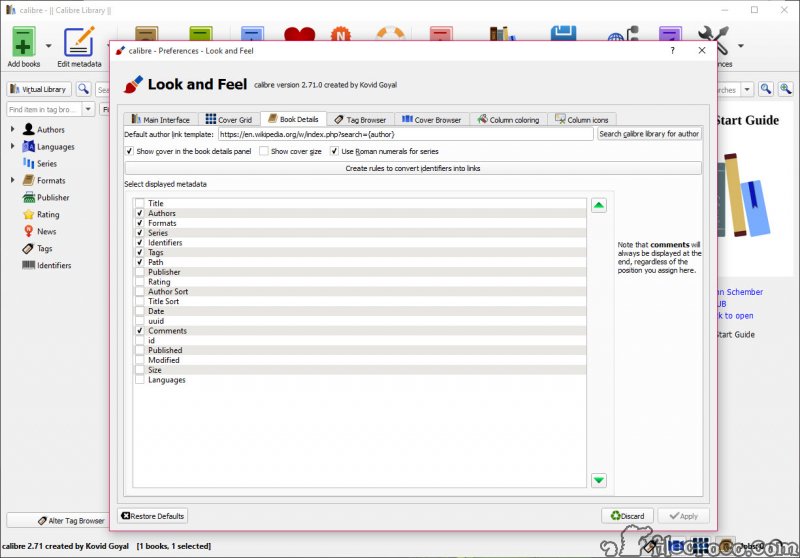
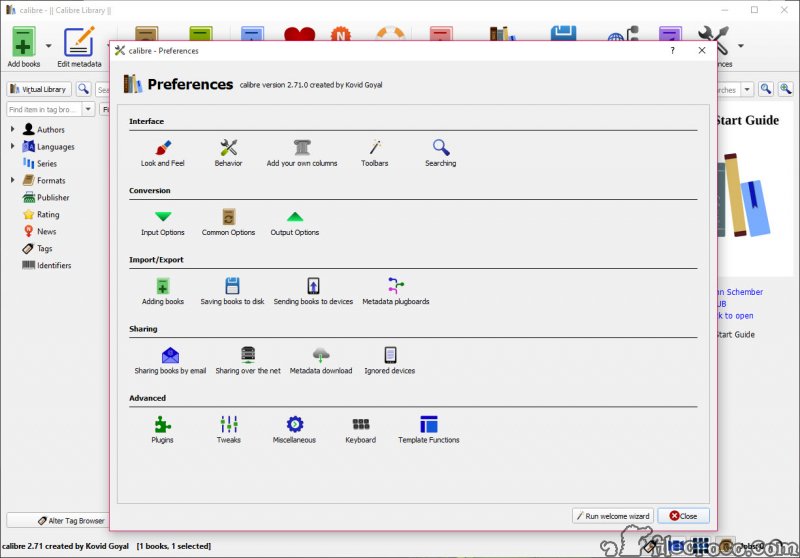
It is not the prettiest software you will ever run. The interface is dense, packed with buttons and panels, and it can feel overwhelming the first time you open it. There is a real learning curve, and the design has a utilitarian, function-over-form character that some people never warm to.
That density is the flip side of how much it does, though. Tools that look simpler usually do far less. Once you learn where the half-dozen buttons you actually use live, the clutter fades into the background. But anyone hoping for a sleek, minimal experience should know going in that this is a workshop, not a showroom.
Conclusion
Calibre is for anyone whose ebook collection has outgrown a folder of loose files. The heavy reader juggling books across multiple devices, the person switching between an EPUB world and a Kindle, the collector who wants every cover and detail in its right place. It does more than any rival in its category, and it does the central jobs, organizing and converting, exceptionally well.
The trade for all that capability is a steep first impression and an interface that prioritizes function over polish. If you want something you can open and understand in thirty seconds, this is not it.
But if you are willing to spend an afternoon learning where things are, you get a tool that can manage a library of ten books or ten thousand with equal ease, and keep your reading on your own terms across every device you own. For serious ebook readers, it remains the obvious choice.
Pros & Cons
- Organizes huge ebook collections with fast search, tags, series, and custom fields
- A deep conversion engine that bridges EPUB and Kindle formats and many others
- Downloads metadata and cover art automatically to clean up a messy library
- Built-in viewer with bookmarks, highlighting, themes, and text-to-speech
- A real ebook editor for EPUB and AZW3 files, not just metadata tweaks
- Sends books to Kindle, Kobo, Nook, and more, converting on the fly
- Fetches news and magazines and turns them into ebooks for offline reading
- Content server shares your whole library to any browser on your network
- The dense, dated interface has a real learning curve
- Converting from PDF often produces results that need cleanup
- Major updates can temporarily break older third-party plugins
- Function-over-form design will not appeal to everyone
Frequently asked questions
It organizes your ebook collection into a searchable library, converts books between formats, fetches metadata and covers, reads books in a built-in viewer, and sends them to e-readers.
Yes. Converting EPUB to MOBI or AZW3 for a Kindle is one of its most common uses. You add the book, click convert, and choose the output format you need.
No. When you add a book, the application copies it into its own managed library and leaves your original file untouched, so your source files stay safe.
Yes. It includes a built-in viewer with bookmarks, highlighting, a table of contents, adjustable themes and fonts, and text-to-speech, so no separate reader is required.
PDF uses fixed page layouts rather than flowing text, which does not translate cleanly into the reflowable structure ebooks use. Expect to do some cleanup on PDF conversions.
Yes. Connect the device and the application sends books to it, automatically converting to a compatible format when needed. Wireless transfer is available for some devices.
Yes. The built-in content server lets you browse and read your collection from any web browser on your network, or through compatible reader apps.


