

Sigil
About Sigil
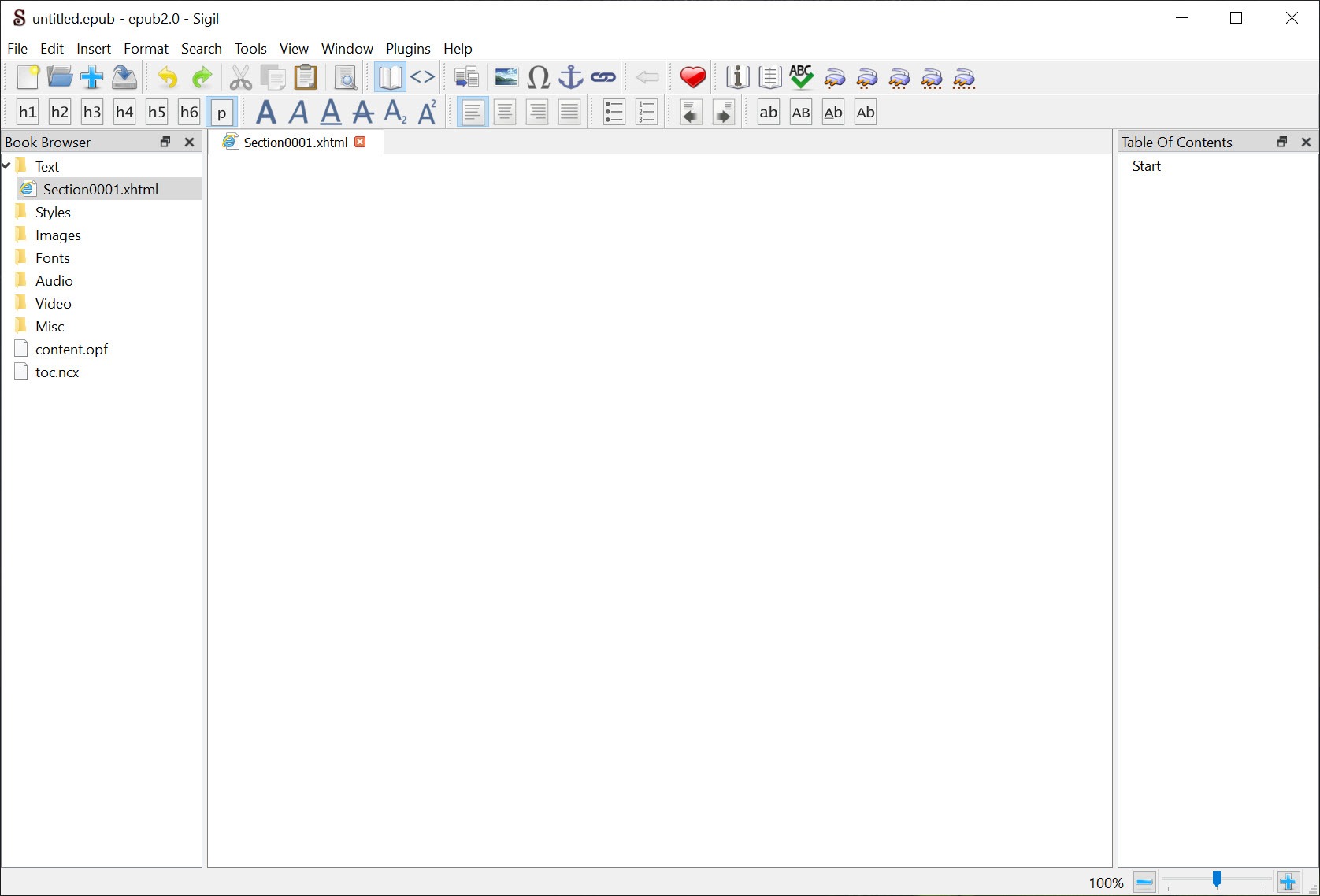
An EPUB is a zip file full of XHTML, CSS and a couple of XML manifests, and sooner or later anyone who publishes ebooks needs to open one up and fix it by hand. A chapter break in the wrong place, a stylesheet that forces white text on a dark reader, a table of contents that stops at chapter nine. Sigil is the editor built for that job. It unpacks the EPUB into a Book Browser tree on the left, shows the raw code of whichever file you click in the centre, and renders a live Preview on the right that follows your cursor through the markup.
That three-pane layout is the whole philosophy. Where a word processor hides the structure, Sigil puts it in front of you and assumes you can read an HTML tag. In exchange you get PCRE regular expressions across every file in the book, a validator that catches what a reader will choke on, a Python plugin system, and a checkpoint feature that keeps snapshots of the book in a local Git repository.
It sits alongside the editor built into Calibre as one of the two serious free choices, and it is the more focused of the pair. What it is not is a place to write.
There is no visual editing mode in the main window, and drafting chapters here would feel like writing a novel in a code editor, because that is what you would be doing.
Code View and the Preview that follows it
The centre pane is a syntax-highlighted XHTML editor with line numbers, a status bar that names the Unicode codepoint under the cursor, and a right-click menu where most of the daily tools live. Mend and Prettify runs the current file through a parser that closes stray tags and reindents, and Mend on Open and Mend on Save can do it automatically. Turn the latter on and the application refuses to save a file that is not well formed, which is strict, and exactly the behaviour you want the night before an upload.
The Preview pane renders the file asynchronously, syncs its scroll position to the cursor, opens internal links in the right tab when you click them, and can cycle through two custom stylesheets so you can see the book as a reader with large type would. MathML renders through MathJax.
Our one caution is that the Preview is a desktop browser engine, so what a dedicated e-ink reader does with the same CSS can still differ, and we keep a reader-side previewer open for that second opinion.
Find and Replace across the whole book
This is the feature that justifies learning Sigil. The Find and Replace bar searches the current file, all HTML files, selected files, the CSS, the OPF or the NCX, in plain text or PCRE regex mode, with wrap on or off. Shift-click Count All and you get a dry run that shows what a replace would touch before it touches anything. Saved Searches stores expressions you use repeatedly, and the built-in examples (strip empty paragraphs, remove trailing spaces, convert dashes to entities) are a decent regex tutorial on their own. Searches can be grouped and a Counts report tallies hits per group across the book.
It is a power tool with a power tool’s edge. A greedy regex across sixty chapter files replaces in a second and there is no multi-file undo, which is the single best argument for the checkpoint feature a few paragraphs down.
Splitting, merging, TOC and index
Place the cursor and choose Split at Cursor, and the chapter becomes two files with the manifest and spine updated behind you. Split markers let you mark several break points and split them all at once, and merging selected files works in reverse.
The Table of Contents generator builds a nested TOC from h1 through h4 headings, filtered by level, and the TOC editor lets you rename or reorder entries. Only one at a time, though, which on a 40-chapter anthology turns into a slow afternoon.
The Index editor is rarer. Mark phrases in the text or import a tab-separated list of terms, and Sigil builds a back-of-book index with locale-aware sorting, regenerable whenever the text changes. Almost nothing else in the free space does this.
The metadata editor covers both EPUB 2 and EPUB 3 fields, including series and title sort, so a book that came out of a library manager keeps its ordering.
Reports, validation and plugins
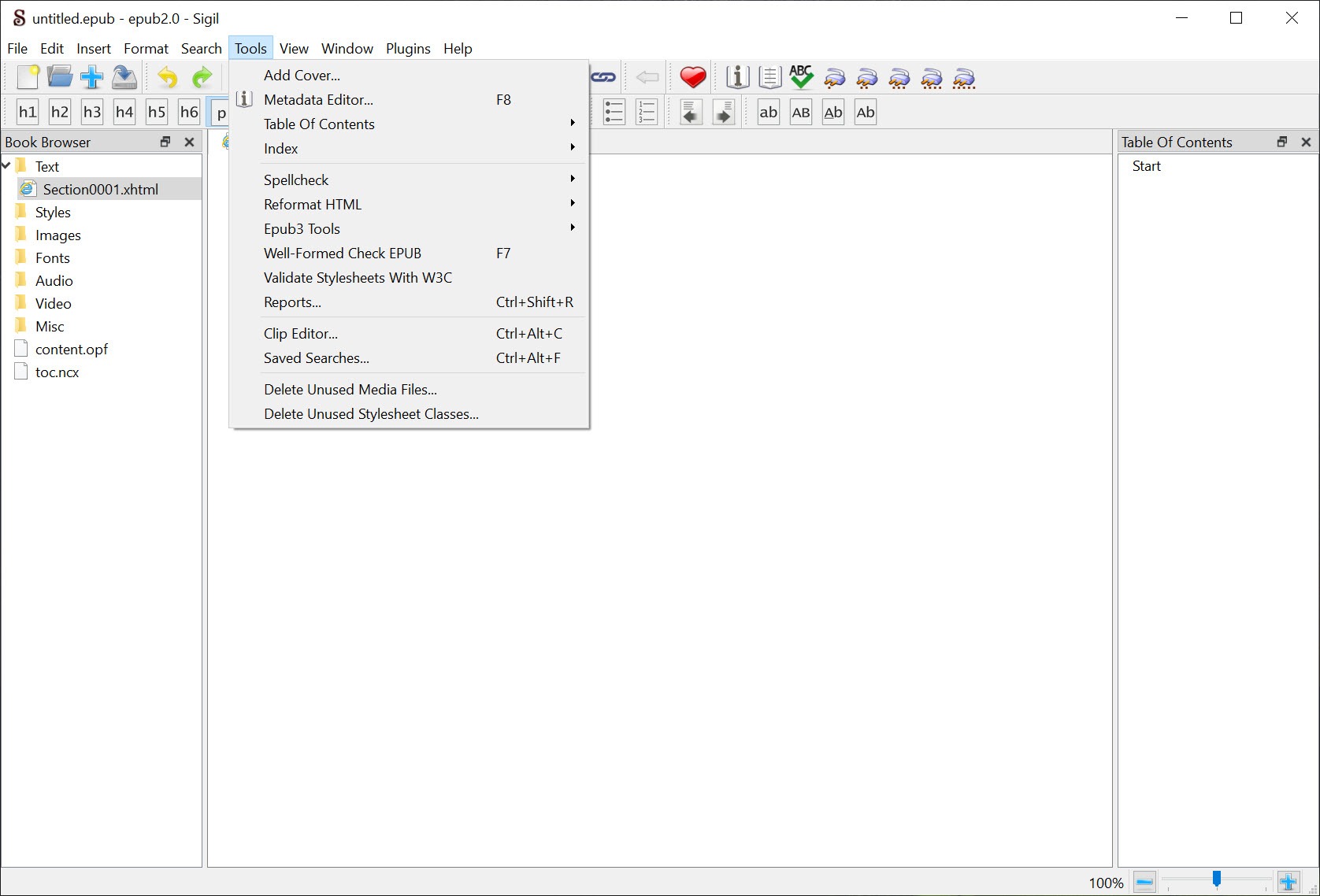
The Reports tool in Sigil lists every file with its size, every CSS class and whether it is used, every image and where it is referenced, every link and footnote, and every character in the book, which is how you discover the one Cyrillic letter a font cannot render. Delete Unused Media clears the orphaned images that bloat so many converted files. Well-Formed Check EPUB flags the XML errors, but full EPUB 3 validation needs the EPUBCheck plugin, so install that first.
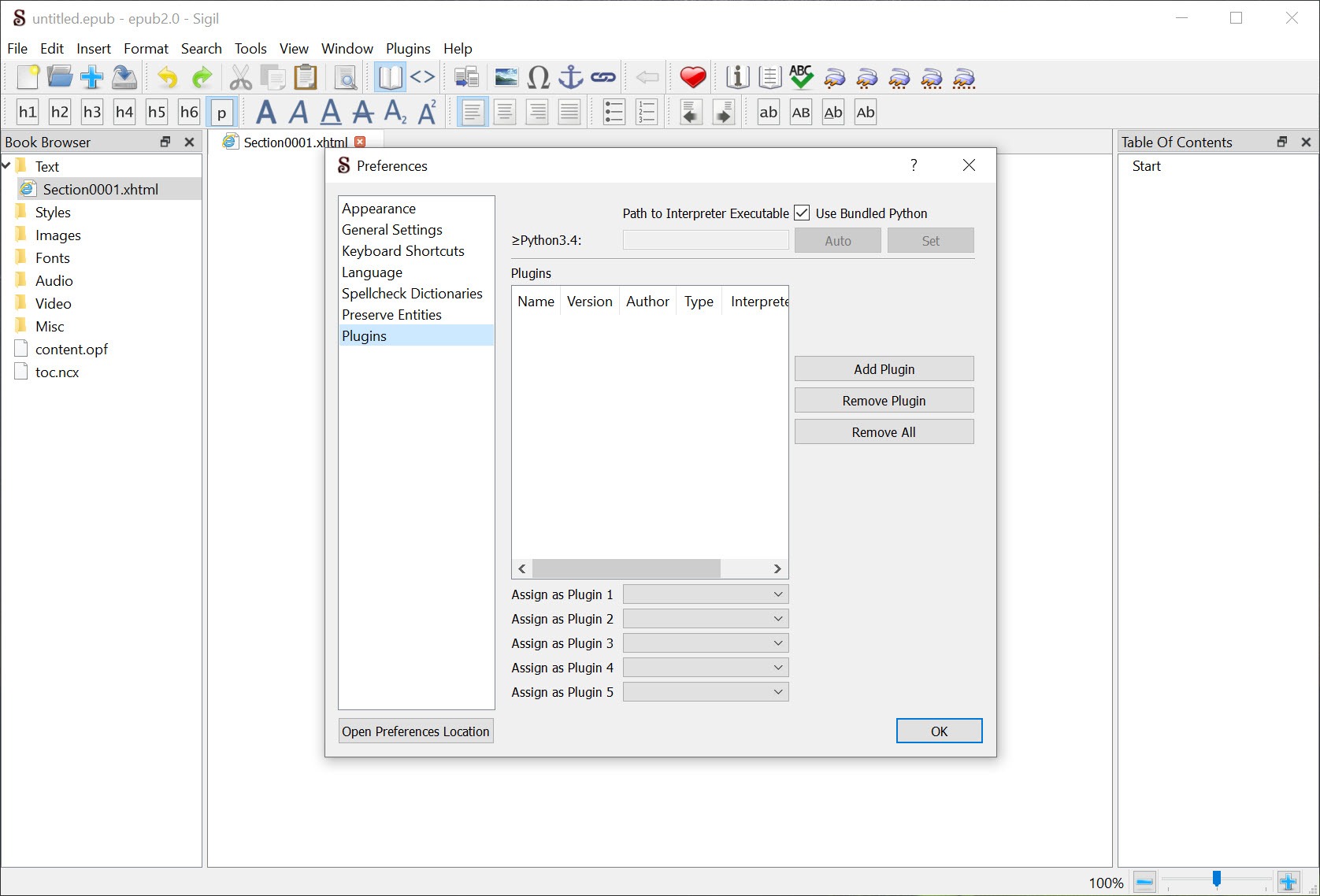
Plugins are Python, managed from a dialog, and can sit on the toolbar with a keyboard shortcut. DOCX import, EPUBCheck, accessibility fixes and a Kindle export all exist, and three Automate lists chain plugins and built-in tools into one click, so “mend everything, delete unused media, run EPUBCheck” becomes a single menu entry.
Clips are the smaller cousin, snippets of markup you wrap around a selection from a toolbar or a shortcut.
Checkpoints are your safety net
Every checkpoint in Sigil is a commit in a Git repository stored beside the book. You can diff the current state against any earlier one, see added, changed and deleted files, and read the change log. Restoring is all or nothing, which overwrites the current state, so save a copy before you roll back. For a tool where one bad regex can touch every file, this is not a luxury.
Conclusion
Sigil is for the self-publisher who formats their own files, the small press fixing a converter’s mess, and anyone who has ever needed to change one CSS rule in 200 books and knows that a regex is the answer. The Find and Replace, Reports and checkpoint features make it the safest place to do destructive things to an EPUB.
Writers looking for a comfortable place to draft, or anyone who flinches at an angle bracket, should start with a word processor and come here only for the final cleanup. Everyone else will find that once the three panes make sense, nothing free does this job better.
Pros & Cons
- Regex Find and Replace across all HTML, CSS and OPF files with a dry-run preview
- Index editor and multi-level TOC generator that most free tools lack
- Checkpoints stored in Git let you diff and roll back the whole book
- Python plugins and Automate chains for EPUBCheck, DOCX import and cleanup
- Mend on Save refuses to write malformed XHTML
- No visual editing in the main window, so you must read HTML
- TOC editor changes one entry at a time
- No multi-file undo after a replace all
- Full EPUB 3 validation requires a separate plugin
- Preview uses a desktop browser engine, not a reader's
Frequently asked questions
You can, but you will be typing XHTML. The companion editor PageEdit handles visual drafting, and most authors write elsewhere and import the result for cleanup.
The built-in check covers XML well-formedness only. Install the EPUBCheck plugin from Manage Plugins and its results load straight into the Validation panel.
Not unless Mend on Open is enabled. With it off, the files are shown exactly as they were in the zip, and nothing is written until you save.
There is no undo across files. Create a checkpoint before any book-wide replace, and if the result is bad, revert to it from the Checkpoints menu.
Both edit the raw EPUB. This tool adds the index editor, Git-based checkpoints and the Automate chains, while the Calibre editor is handier if your books already live in its library.


