

Samsung Easy Printer Manager
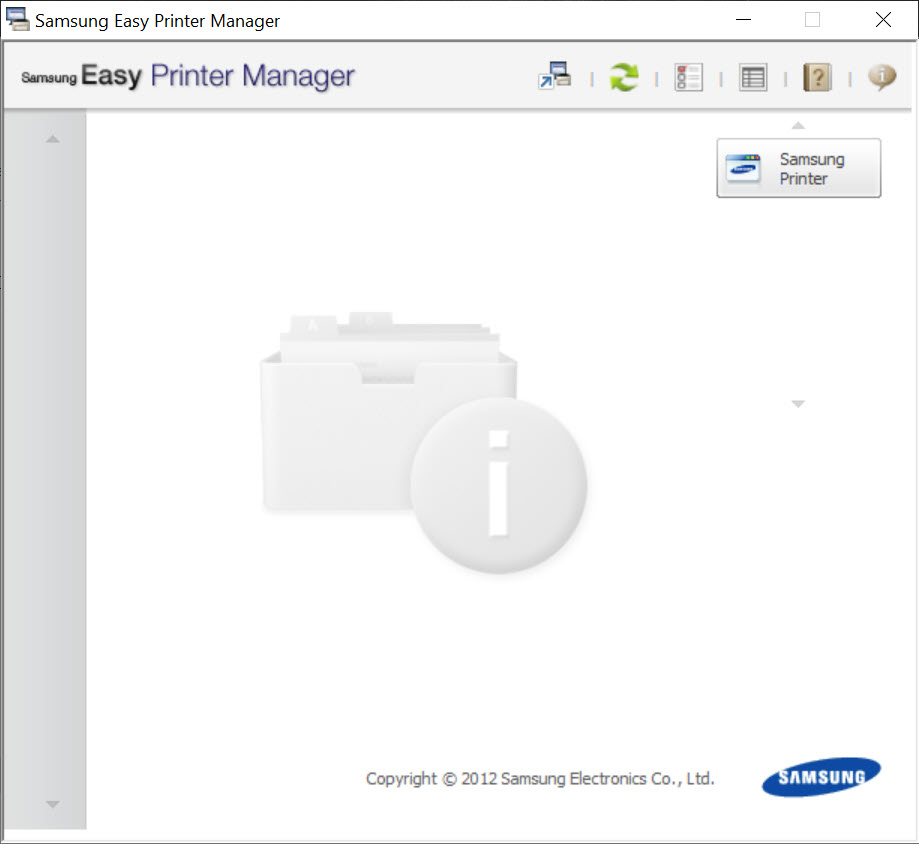
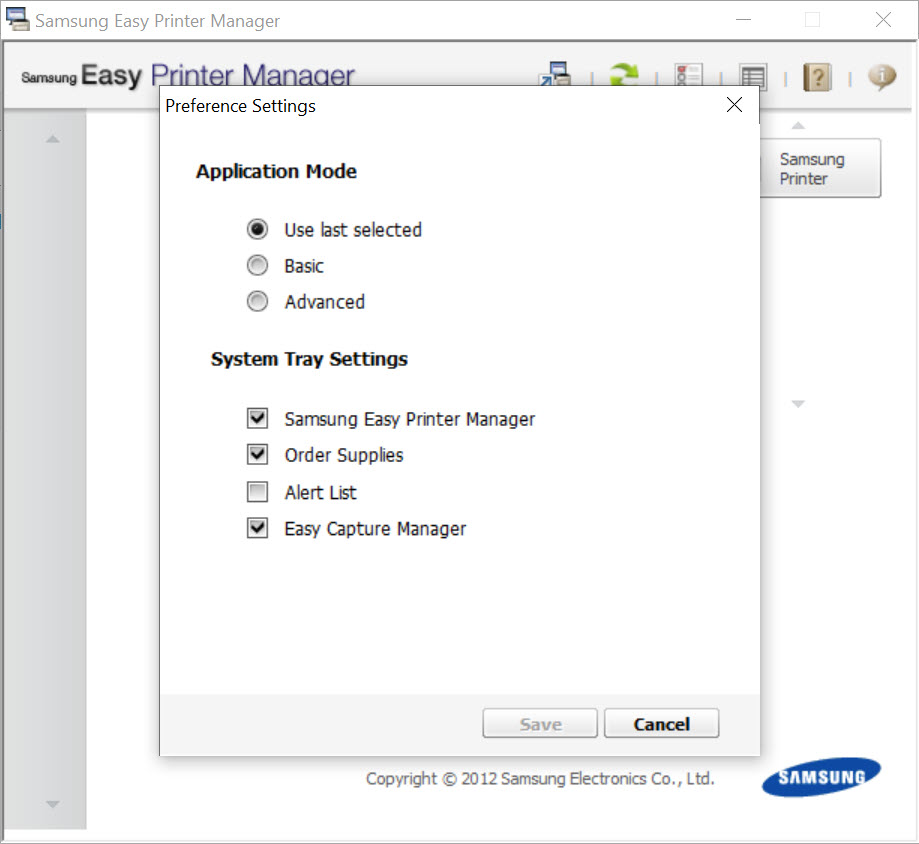
About Samsung Easy Printer Manager
Samsung Easy Printer Manager is the desktop control center that ties together every function of a Samsung-brand printer or multifunction device on a single PC. Status monitoring, supplies tracking, scan routing, network configuration, and the Scan to PC pipeline all live in one interface instead of being scattered across half a dozen utilities. If you own an SCX, M-series, CLX, ML or Xpress printer, this is the application that turns the hardware into something you can actually manage.
What makes Samsung Easy Printer Manager different from a generic printer utility is how tightly it integrates with the specific feature set of these MFPs. You get device discovery over USB and network, real-time toner and drum levels, a dedicated Scan to PC routing engine, fax forwarding settings, and an Advanced mode that exposes deep configuration the basic driver dialog never shows. It is purpose-built for one brand’s hardware, and that focus shows.
Device discovery and the unified printer dashboard
When you launch the application, it scans the local USB ports and the LAN segment for compatible devices. Each discovered printer gets a tile showing its model, connection method, supply levels, and current status. You can register a printer manually by IP if auto-discovery misses it, which is common when the device sits on a different subnet or behind a managed switch with mDNS disabled.
The dashboard view is genuinely useful in offices with two or three Samsung MFPs because you can see which one has low toner or a jammed paper feed without walking across the room. Clicking a tile drops you into device-specific options.
Single-device homes mostly ignore this part and head straight for scan or settings.
Scan to PC and why this utility is mandatory for many models
Here is where the application earns its place on your system tray. A large number of Samsung MFPs, particularly the SCX-3405, M2070, M2020W, M2675F and similar mid-range models, cannot send a scan job to your computer unless Samsung Easy Printer Manager is running and the Scan to PC feature is enabled inside it. The button on the front of the printer literally does nothing until the utility registers your PC as a destination.
You open Scan Settings, toggle Scan from Device Panel to On, then pick which folder receives the files, what format (PDF, JPG, TIFF, BMP, PNG) and what resolution. After that, hitting Scan on the printer pushes the document straight to that folder.
If you need richer post-processing, lightweight options like NAPS2 handle batch OCR and PDF assembly better than the built-in routing, but they cannot replace this utility for the actual device-to-PC link. The two complement each other well.
The catch is that the Scan to PC service can quietly stop working after a Windows update, a printer firmware refresh, or a network change. You end up reopening the application, disabling Scan from Device Panel, re-enabling it, and sometimes restarting the Easy Printer Manager Service before the front panel button responds again. Annoying, but at least the fix is consistent.
Advanced mode and the settings most people never touch
Most users stick with Quick Settings. The application also has an Advanced toggle that unlocks a separate window with categories for Device Settings, Alert Settings, Job Accounting, and Fax to PC. Device Settings is where you change the default paper size, eco mode toggles, sleep timer in minutes, and the energy-saving thresholds that the printer panel either hides or buries three menus deep.
Alert Settings deserves a callout. You can set the utility to send an email whenever toner drops below a threshold, when a paper jam occurs, or when the device goes offline. The SMTP fields support authenticated relay, so you can route through Gmail or Outlook if you want a quiet inbox notification instead of a pop-up. Small offices use this to know when supplies need ordering without checking each printer manually.
Job Accounting tracks page counts per user or department on multi-user installations. It is rudimentary compared to dedicated print accounting platforms, but for an SMB with one or two Samsung MFPs it gives you enough data to spot the person printing 4,000 color pages a month.
Driver management and the supplies ordering panel
Inside the device-specific view there is a Supplies tab that shows estimated remaining percentage for toner, imaging drum, and waste cartridge where applicable. The estimates drift from reality on high-coverage printing, sometimes by 15 to 20 percent, so do not order replacements purely based on the bar dropping below a hard threshold.
The application also includes shortcuts to the printing preferences dialog, the same one Windows exposes through the printer properties, and to a maintenance section that triggers the cleaning page, alignment, and toner redistribution routines. Nothing revolutionary, just convenient to have it under one roof instead of clicking through three different shells.
If you only need a print queue manager that talks to multiple brands, a free utility like PDFCreator covers the print-to-PDF angle and works with any installed driver. Samsung Easy Printer Manager stays useful precisely because it does the Samsung-specific stuff PDFCreator and other generic tools cannot touch.
PC Settings Switcher and roaming profiles
Bundled with the main interface is a smaller component called PC Settings Switcher. It saves your preferred Scan to PC destinations, default file formats, and alert routing into a profile you can move between machines. If you reinstall the application or set up a second computer for the same printer, you can import the profile instead of redoing every toggle.
This is the kind of feature that sounds like an afterthought until you actually need it. Office migrations, PC replacements, and dual-boot setups all become a 30-second job instead of a half-hour menu hunt.
Network printing and Wi-Fi Direct configuration
For wireless models the application includes the Network Settings panel where you can change the printer’s IP from DHCP to a static address, set the SSID it joins, and toggle Wi-Fi Direct. Wi-Fi Direct is the one many users want to disable because it broadcasts a discoverable SSID even when nobody is using it, eating airtime on a crowded 2.4 GHz band. You can turn it off from this panel without using the printer’s own LCD.
For pure network discovery and IP scanning on a busy LAN, a tool like Advanced IP Scanner is faster to find the printer’s address. Once you have it, this utility lets you reconfigure the device itself.
Real limitations
The application is built around legacy Samsung printer architecture and has not received meaningful feature additions in a long time. The UI looks dated, with small unscaled icons on high-DPI displays and dialog windows that do not always remember their last size. On 4K monitors you will squint.
It also occasionally fights with antivirus software. The Easy Printer Manager Service runs in the background and is sometimes flagged or throttled by aggressive endpoint protection, which breaks the Scan to PC pipeline silently. The fix is to whitelist the service executable, but the application gives you no warning that this is happening.
And while the supply-level monitoring works for original cartridges, it gets confused with refilled or third-party toner, often showing 100 percent until the cartridge is nearly empty. The chip-based estimation logic has no way to handle aftermarket consumables, which matters if you run a budget print operation.
Conclusion
Samsung Easy Printer Manager is the right choice for one specific group of users, anyone who owns a Samsung-branded printer or MFP and wants to actually use the scanning, alerting, and configuration features the hardware advertises on the box. Without this application, half of what a Samsung MFP can do is locked behind the front-panel LCD or just unavailable from the desk.
The application shows its age in places. The interface needs a high-DPI refresh, the background service deserves better resilience against antivirus interference, and supply estimation could be smarter with non-original toner. None of that changes the fact that for a Samsung printer owner, removing this utility means losing Scan to PC and the supply dashboard at the same time. It is one of those pieces of software you do not love but cannot replace.
Pros & Cons
- Centralizes device status, supplies, scanning, and alerts for Samsung MFPs in one window
- Required and well-implemented for the Scan to PC workflow on most SCX and M-series models
- Advanced mode exposes settings the printer panel hides three menus deep
- Email-based alerts for toner low, jams, and offline events work over authenticated SMTP
- PC Settings Switcher lets you transfer Scan to PC profiles between machines easily
- Network panel handles static IP, Wi-Fi Direct toggle, and SSID changes without using the printer LCD
- Interface is dated and scales poorly on high-DPI displays
- The background service can be silently blocked by aggressive antivirus, breaking scanning
- Supply level estimates drift significantly with third-party or refilled toner
- Scan to PC sometimes needs to be toggled off and on after Windows or firmware updates
- Limited usefulness for anyone whose printer is not a Samsung-brand device
- Job Accounting is basic compared to dedicated print management platforms
Frequently asked questions
It centralizes device monitoring, supplies tracking, scan routing, alerts, and advanced configuration for Samsung-brand printers and MFPs into one desktop interface.
No. Basic printing works through the standard driver. You need this software for Scan to PC, the supply dashboard, advanced device settings, and email alerts.
On many Samsung models the Scan to PC feature is handled entirely by this application. The printer routes the scan job to the registered PC through the Easy Printer Manager Service, so closing the utility or stopping the service breaks the front-panel scan button.
Yes, but you lose Scan to PC, the supplies dashboard, and the alert system. If you only use the printer for printing and never scan from the device panel, the application can be removed without affecting the print queue.
Open the device-specific view, go to Network Settings, find the Wi-Fi Direct section, and switch it off. The change is pushed to the printer immediately without needing to use the LCD menu.
Both rely on chip-based estimation that becomes inaccurate with refilled or third-party cartridges. The two readings can drift apart because they sample at different intervals.
No. It is built specifically for Samsung-branded laser printers and MFPs and will not detect or manage hardware from any other brand.


