

Adminsoft Accounts
About Adminsoft Accounts
Adminsoft Accounts is a full double-entry accounting system for small businesses, a package that handles an entire firm’s books rather than just tracking a checkbook. It runs the whole ledger, sales, purchases, nominal accounts, stock, invoicing, and payroll in the regions it supports, with proper double-entry bookkeeping underneath rather than the simplified single-entry approximations that lighter tools lean on. For a small firm that has outgrown a spreadsheet and needs accounts that truly reconcile, that depth is unusual enough to deserve a serious look.
The honesty that belongs up front is about shape, not quality. This is real accounting software, which means it assumes you understand debits, credits, and the structure of a ledger, or are willing to learn. It is not the friendly, hand-holding interface the modern online services polished to a shine, and anyone expecting that will find it dense.
What it offers in exchange is depth that those simplified tools quietly lack.
A real double-entry ledger, not a simplified one
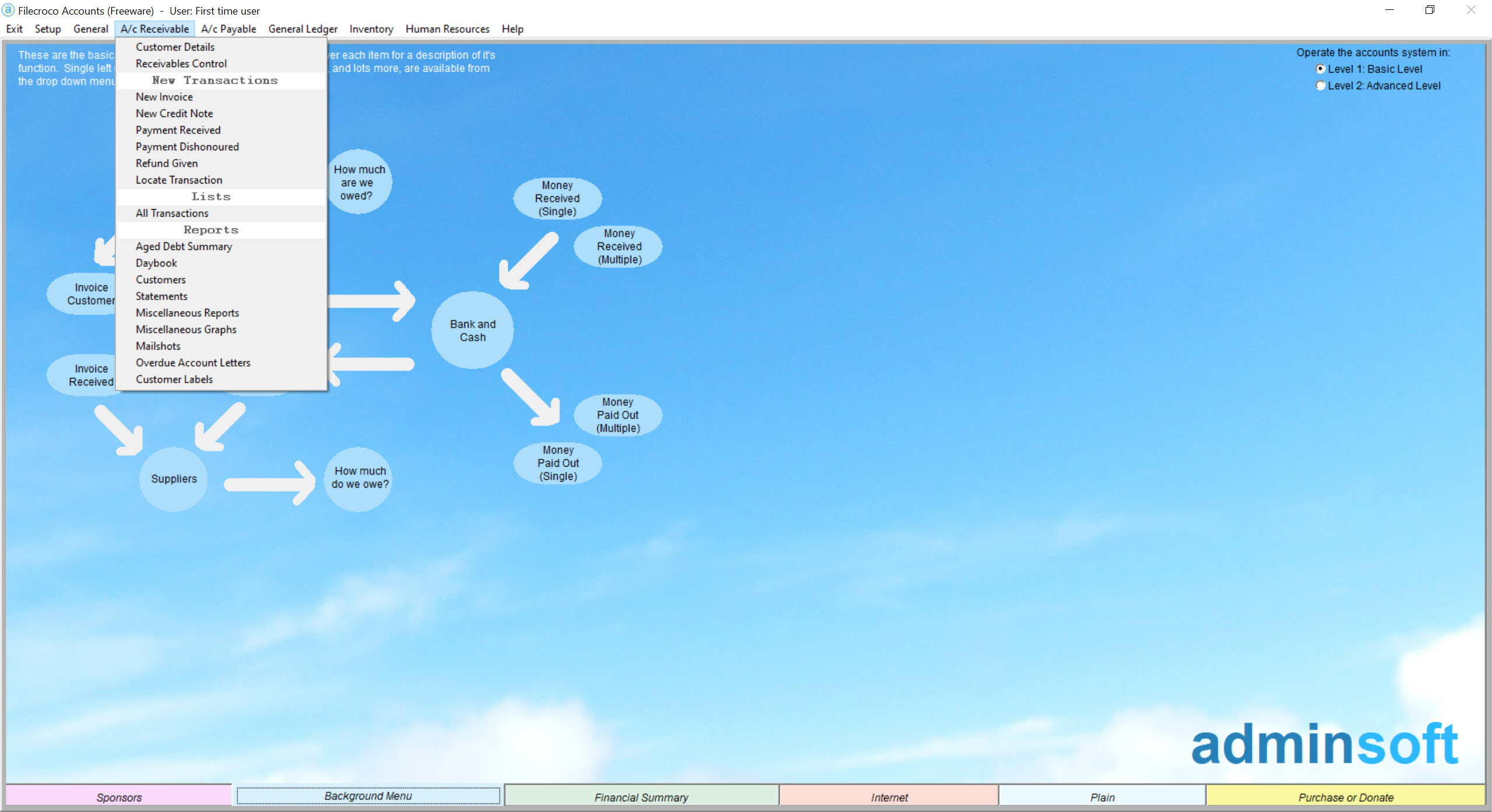
The heart of Adminsoft Accounts is a genuine nominal ledger where every transaction posts as balanced debits and credits, the foundation that makes the accounts actually reconcile and the reports actually mean something. Sales and purchase ledgers track what customers owe and what you owe suppliers, with statements, aged debtor and creditor analysis, and the credit-control tools a business chasing payment needs. This is the machinery an accountant expects to find, and finding it in a no-cost package is the surprise.
On top of the ledger sit the operational modules. Invoicing produces and tracks customer invoices, stock control manages inventory with costing, and the reporting generates the profit-and-loss, balance sheet, and trial balance that a business, its accountant, or the tax authority will ask for.
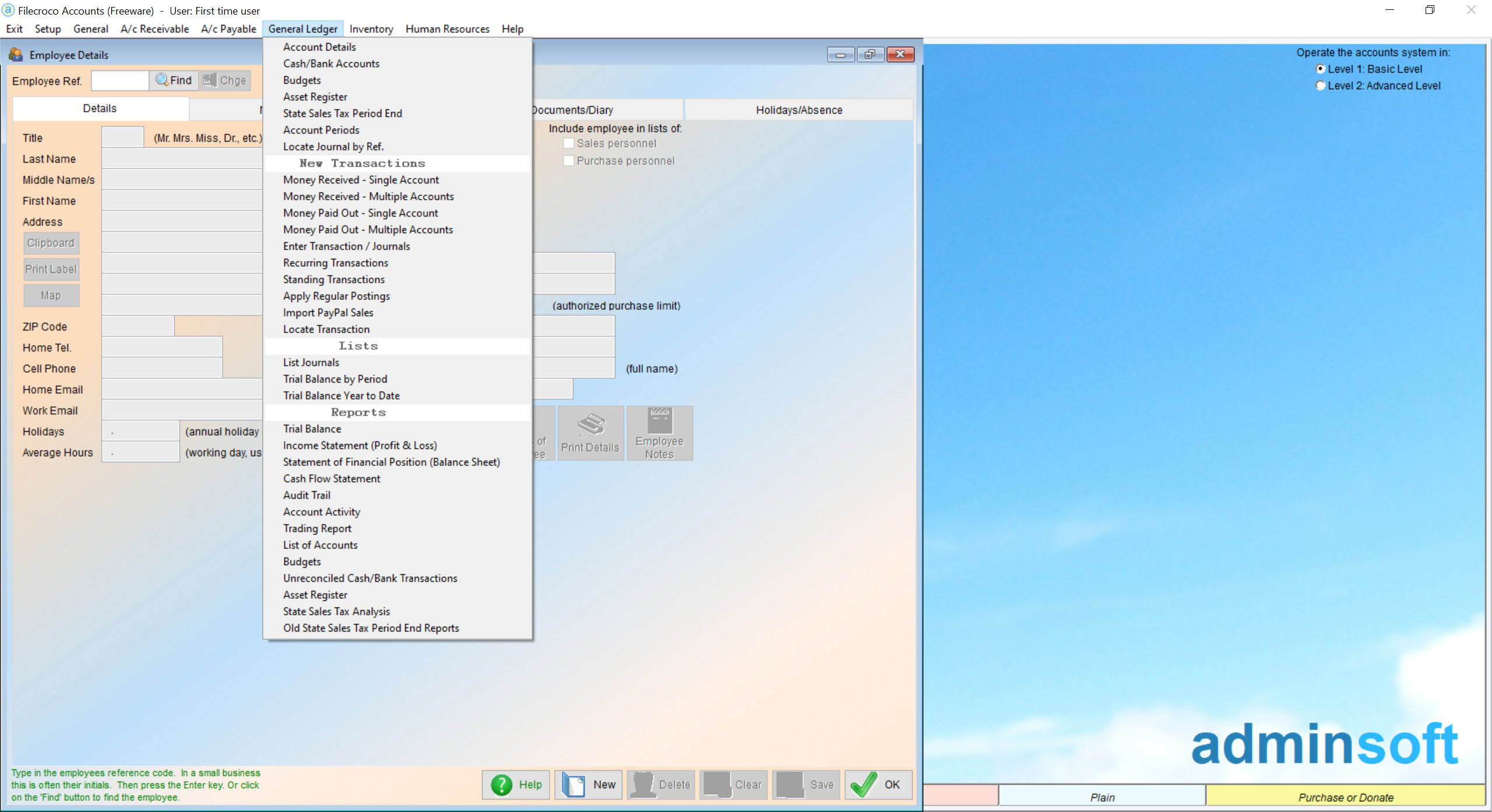
The reports are the payoff of the double-entry rigor, since accounts built on a proper ledger produce statements you can trust, where spreadsheet bookkeeping produces numbers you have to double-check by hand.
Payroll, multi-company, and the depth underneath
The payroll module handles employee pay, deductions, and the associated reporting for the regions it’s built for, a feature many packages treat as a premium add-on and this one folds into the core. Payroll rules are intensely local, so its usefulness depends entirely on your jurisdiction matching what the software supports, a point worth checking before relying on it.
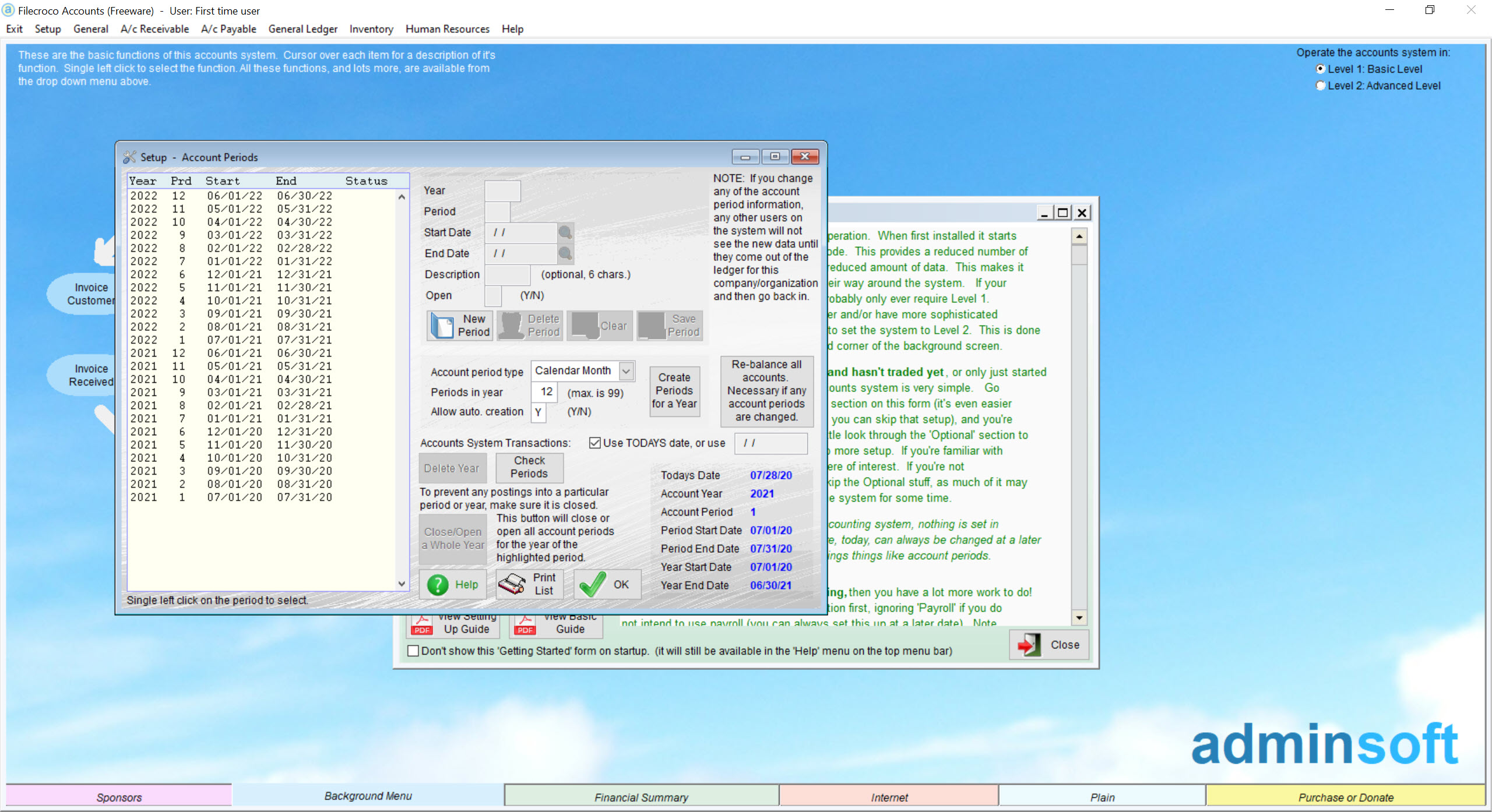
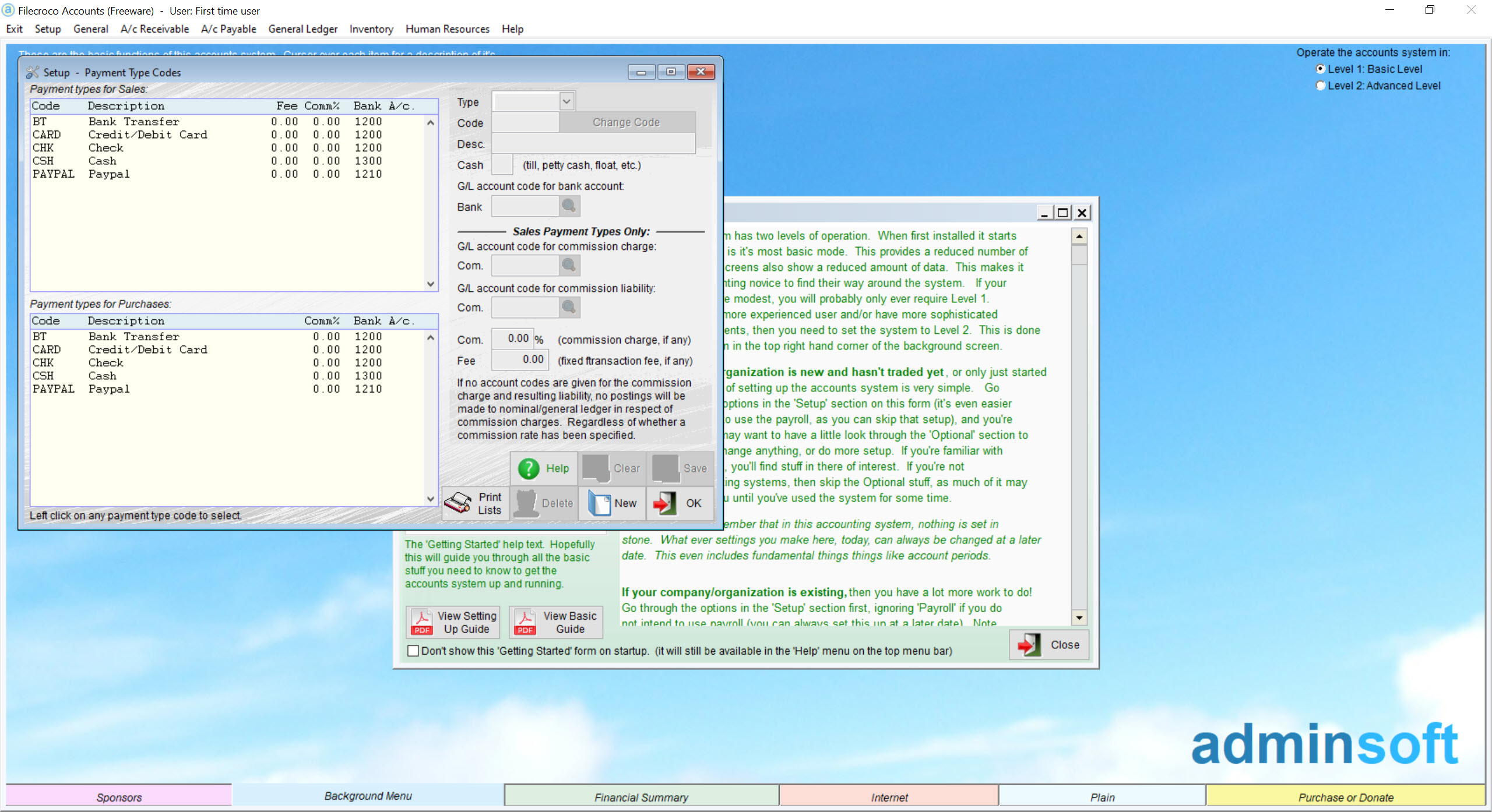
Beyond the basics, the depth keeps going, multiple companies from one installation, multi-currency handling, budgeting, foreign-currency accounts, and a stack of configuration options that let the system bend to how a particular business actually works.
That configurability is a double-edged thing. It means the software can fit a strikingly wide range of businesses, and it means the setup is more involved than a simplified tool’s, since real flexibility always costs some initial effort.
The learning curve, and who should climb it
There is no pretending the interface is modern. It is functional, information-dense, and organized the way accounting software was before design became a selling point, which experienced bookkeepers often find perfectly navigable and newcomers find steep. Built-in help and an active support presence soften the climb, but the climb is real, and the right expectation is a serious tool that rewards study rather than an app you grasp in an afternoon.
The comparison that frames it fairly is the spreadsheet on one side and the polished online service on the other. A business currently running its books in LibreOffice Calc or a similar spreadsheet gains true double-entry integrity and real reports by moving up to this, a real step forward in rigor.
A business used to a slick online service moving to this trades polish and convenience for local control of its own data, which suits those who prefer their financial records on their own machine rather than a provider’s cloud.
For the occasional export or document exchange with an accountant, an office suite like WPS Office handles the spreadsheets that pass back and forth.
Conclusion
Adminsoft Accounts fits small business owners and bookkeepers who need proper double-entry accounting, including invoicing, stock, and payroll, and who are willing to learn a serious tool to get it. The depth on offer rivals far heavier packages, and keeping the data local rather than in a provider’s cloud appeals to those who want control of their own books.
Owners wanting a polished, learn-it-in-an-hour experience will find the interface and learning curve off-putting, and simplified tools serve them better. For the business ready to do its accounting properly on its own terms, this is a remarkably complete package to get for nothing.
Pros & Cons
- Genuine double-entry accounting with a proper nominal ledger
- Sales, purchase, stock, invoicing, and payroll modules included
- Multi-company and multi-currency support in a single installation
- Full financial reports that an accountant or tax authority will accept
- Local control of financial data rather than cloud-only storage
- Steep learning curve that assumes real accounting knowledge
- Dense, dated interface far from modern online services
- Payroll usefulness depends entirely on regional support matching yours
- Involved initial setup, the cost of its deep configurability
Frequently asked questions
Yes, it runs a genuine nominal ledger where transactions post as balanced debits and credits, which is what makes its reports reconcile properly, unlike simplified single-entry tools.
It does, for the regions it supports. Payroll rules are highly local, so confirm your jurisdiction is covered before depending on that module.
For someone new to bookkeeping, yes, since it assumes familiarity with debits, credits, and ledgers. Experienced bookkeepers usually find their way around it comfortably, and built-in help eases the start.
Yes, a single installation manages multiple companies and multiple currencies, which suits owners running several businesses or an accountant handling several clients.
Small businesses that have outgrown spreadsheets and want real accounting they run themselves, especially those comfortable with bookkeeping concepts and preferring to keep their data locally.


