

Shotcut
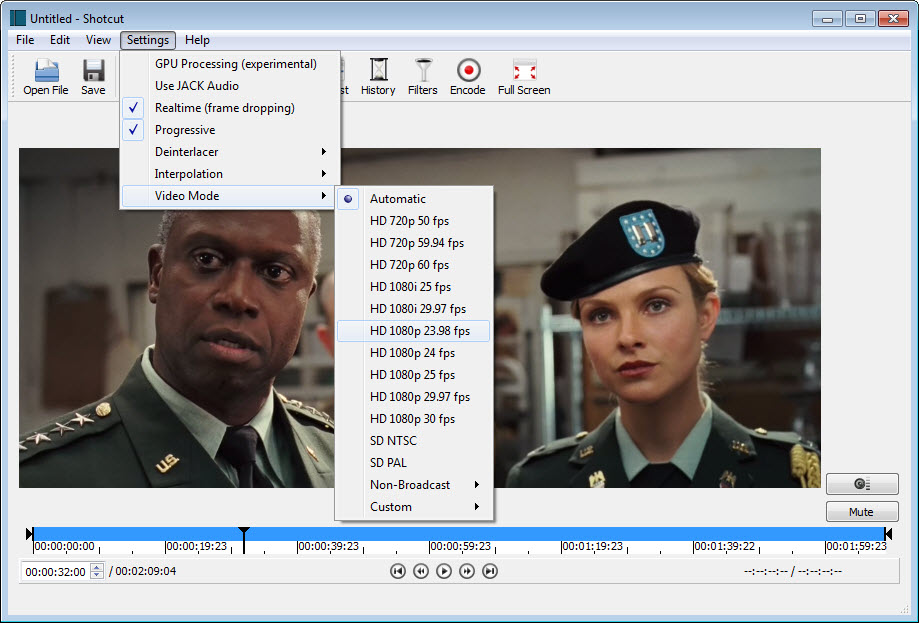
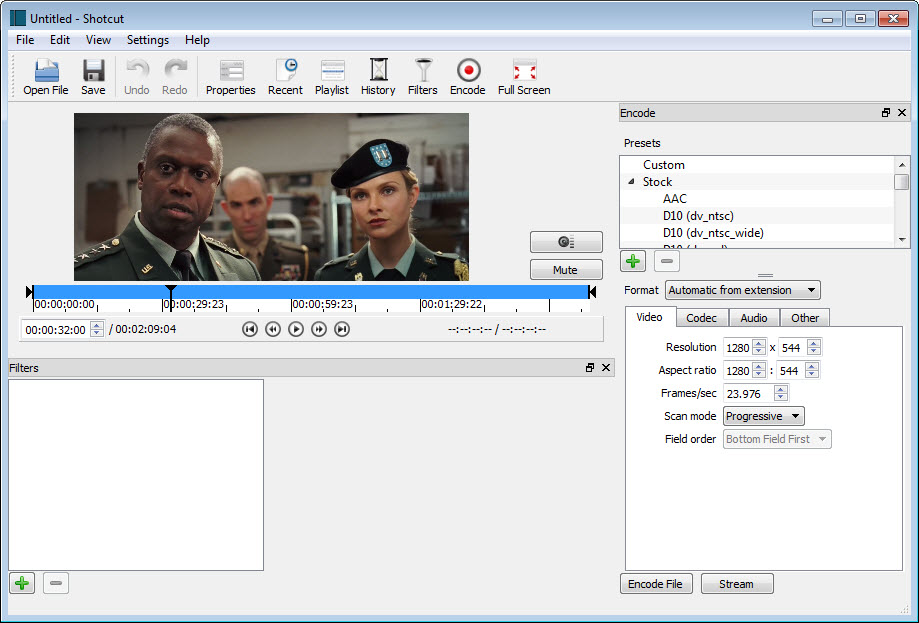
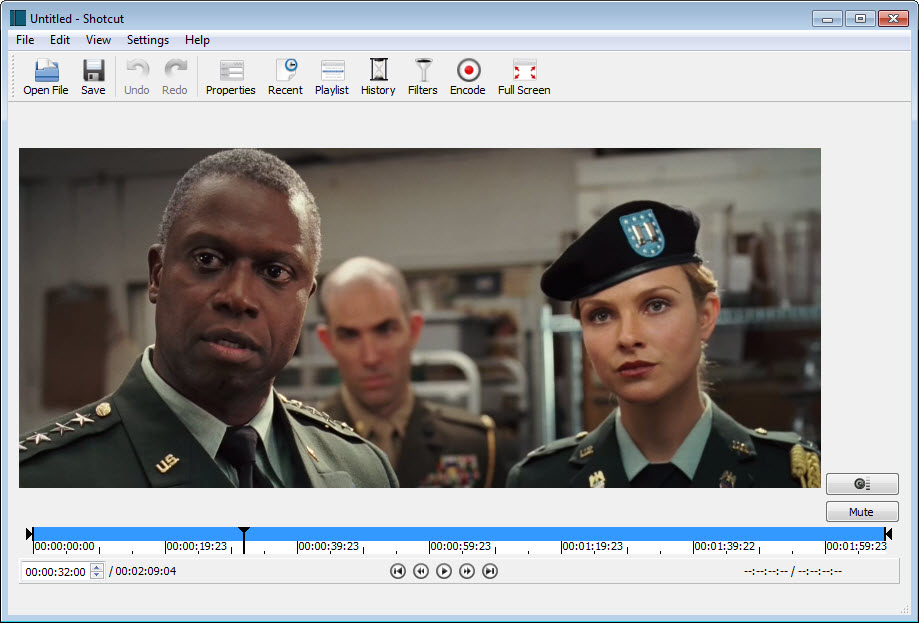
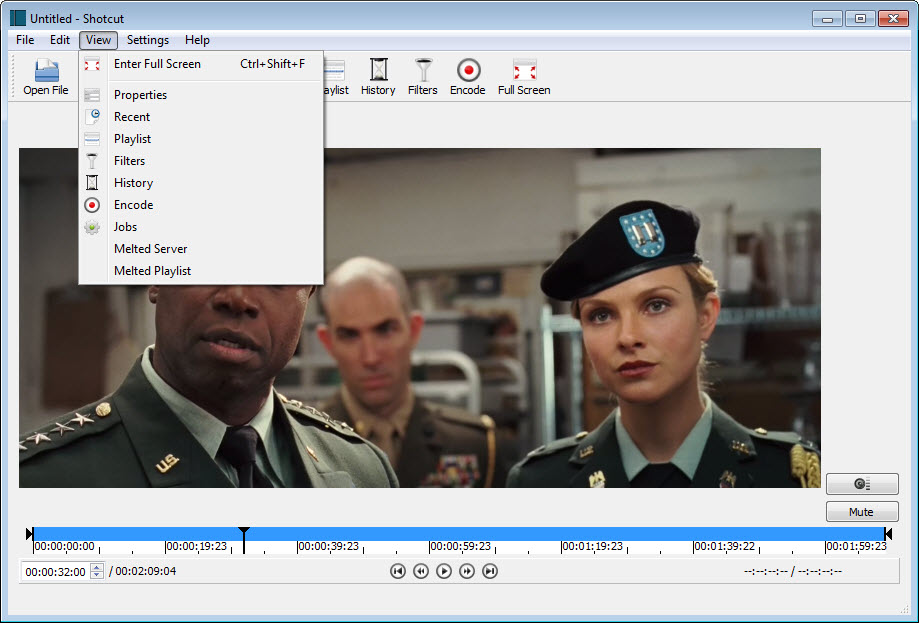
About Shotcut
Free video editors usually hide a catch, a watermark, a trial clock, an export cap, or a feature list that ends where editing begins. Shotcut is the one that simply doesn’t. It’s a fully open-source editor with a multitrack timeline, hundreds of filters, real color grading, green screen, 4K support, and hardware-accelerated exports, with no watermark, no locked tier, and no catch waiting at export. For the enormous population between “trim a clip” and “grade a feature film”, it has become one of the default answers.
Its technical foundation explains its most distinctive habit. Built on the FFmpeg engine that underlies half of digital video, the editor opens virtually any format directly, phone footage, screen recordings, ancient AVIs, modern HEVC, and edits them natively on the timeline with no import step, no transcoding wait, and no “unsupported file” gatekeeping. Drop the file in, start cutting.
A timeline that takes everything
Editing in Shotcut lives on a multitrack timeline, video layered over video, audio tracks beneath, with the standard grammar, trim, ripple, split, snap, and detach, executed with keyboard-friendly speed. Keyframes animate nearly any parameter over time, a filter’s strength, a picture-in-picture position, an audio level riding under narration, which is the mechanism separating real editors from clip stitchers.
Mixed footage is where the native-format engine pays daily dividends. A project can hold phone video, a screen capture, and a downloaded clip in three different formats on the same timeline without ceremony, the exact situation every tutorial maker and family archivist actually faces.
For pure trim jobs that need no timeline at all, a keyframe cutter like LosslessCut finishes faster, and knowing which job is which saves everyone time.
Filters, from color wheels to green screens
The filter library is the feature depth lives in. Color grading runs through proper wheels, curves, and scopes, enough to rescue underexposed footage and match shots like an adult.
Chroma key handles green-screen composites cleanly, stabilization calms handheld shake, speed controls stretch and compress time with pitch-corrected audio, and text arrives in both simple and rich flavors. Even 360-degree video gets its own filter set, a rarity in this class.
Audio is treated as half the craft rather than an afterthought, with a mixer, per-track filters, loudness and peak meters, and capture tools for narration. Serious audio surgery still belongs in Audacity, round-tripping the soundtrack when a project demands it, and the meters here keep honest levels in the meantime.
Proxies, previews, and surviving a weak machine
The performance story deserves plain telling because it decides many verdicts. Full-quality preview of heavy modern footage taxes any editor, and this one’s answer is the proxy workflow, low-resolution editing copies generated automatically, edited fluidly, and swapped for the originals at export, plus preview scaling that trades monitor sharpness for timeline smoothness.
Enable both on a modest machine and editing stays civilized. Ignore them and the preview stutters, generating the single most common first-day complaint the editor receives.
Export closes the loop with presets for the common destinations, the codecs that matter, and hardware encoding that shortens renders dramatically on supported graphics cards. Final size-tuning for delivery sometimes gets a second pass through HandBrake, a pairing so common it’s practically tradition.
The honest asterisks
Two criticisms follow this editor everywhere, and both are fair. The interface, dockable, functional, dark, thinks in the logic of its engine rather than the metaphors consumer editors teach, so the first hours involve real orientation, made easier by the large community of tutorials filling the gap.
And stability is good rather than great, long sessions occasionally end in a crash, the cure being the oldest one, save constantly and let the autosave do its quiet work. Neither flaw outweighs what the editor gives back, but pretending they don’t exist would insult anyone’s first weekend with it.
The comparison landscape frames the choice. Below it sit the simple trimmers and story-mode apps, above it the professional suites with their gravity and hardware appetites, and this editor holds the middle with unusual grace, more capable than the consumer tier has any right to expect, lighter and simpler than the professional tier demands.
Conclusion
Shotcut is the sensible center of free video editing. YouTubers and tutorial makers mixing formats daily, students learning the real grammar of the timeline, and families cutting years of footage all fit inside it comfortably. The native format engine, honest filter depth, and proxy workflow add up to far more editor than its class suggests.
Accept the orientation period and the save-often habit, and the middle of the market quietly becomes yours. Those needing polish beyond it know who they are, and everyone else may never need another editor.
Features & benefits
Pros & Cons
- Completely free and open source with no watermark, cap, or catch
- Edits virtually any format natively with no import or transcoding
- Multitrack timeline with keyframes on nearly every parameter
- Real color grading, chroma key, stabilization, and 360 filters
- Proxy editing keeps weak machines productive on heavy footage
- Hardware-accelerated exports with practical presets
- Interface logic takes real orientation for newcomers
- Occasional crashes make frequent saving a necessary habit
- Preview stutters on heavy footage until proxies are enabled
- Fewer polished effects than professional suites
Frequently asked questions
No. It's open-source software with every feature included, no watermark, no trial clock, and no export restrictions of any kind.
Heavy footage taxes real-time preview. Enable proxy editing and preview scaling in the settings, and the timeline smooths out even on modest machines, with full quality restored at export.
Yes, the chroma key filter handles green-screen compositing, layered over any background on the multitrack timeline, with keyframes available to animate the result.
Practically everything, thanks to its FFmpeg foundation. Files edit natively without conversion, and mixed formats coexist on the same timeline without complaint.
Occasionally, on long sessions, and the community's honest advice is to save frequently and keep autosave on. It's the editor's most cited weakness alongside the learning curve.


