

gpg4win
About gpg4win
Gpg4win brings public key encryption to the desktop as a set of tools rather than one program. At the centre is GnuPG, the engine that implements OpenPGP and S/MIME. Around it sit Kleopatra, a certificate manager where keys are created and imported, then certified and used, GpgEX, a context menu extension that adds encryption and signing, decryption and verification to the right-click menu of any file or folder, and GpgOL, an add-in that does the same inside Outlook. A manual, the Compendium, explains the cryptography for people who have never generated a key.
The point of public key encryption is that you never share a secret. Publish your public key, keep the private one, and anyone can encrypt a file only you can open, while anything you sign can be verified as yours by anyone with the public half.
Gpg4win is the standard way to do that on a desktop, and it is the tool behind most instructions that begin with “verify the signature on this download”. It is also demanding of the user in a way that password-based tools are not, and a review that pretends otherwise would be lying.
Kleopatra, the certificate manager
Kleopatra is where you spend your time in Gpg4win. Its main view lists your own keys and everyone else’s you have imported, with fingerprints, expiry dates and trust levels. Creating a key takes a short dialog asking for a name, an email address and a passphrase, with algorithm and expiry choices tucked behind an advanced button and sensible defaults if you leave them alone. Keys can be published to key servers, looked up by email address through the directory protocol many providers now run, and exported for a website or a signature block.
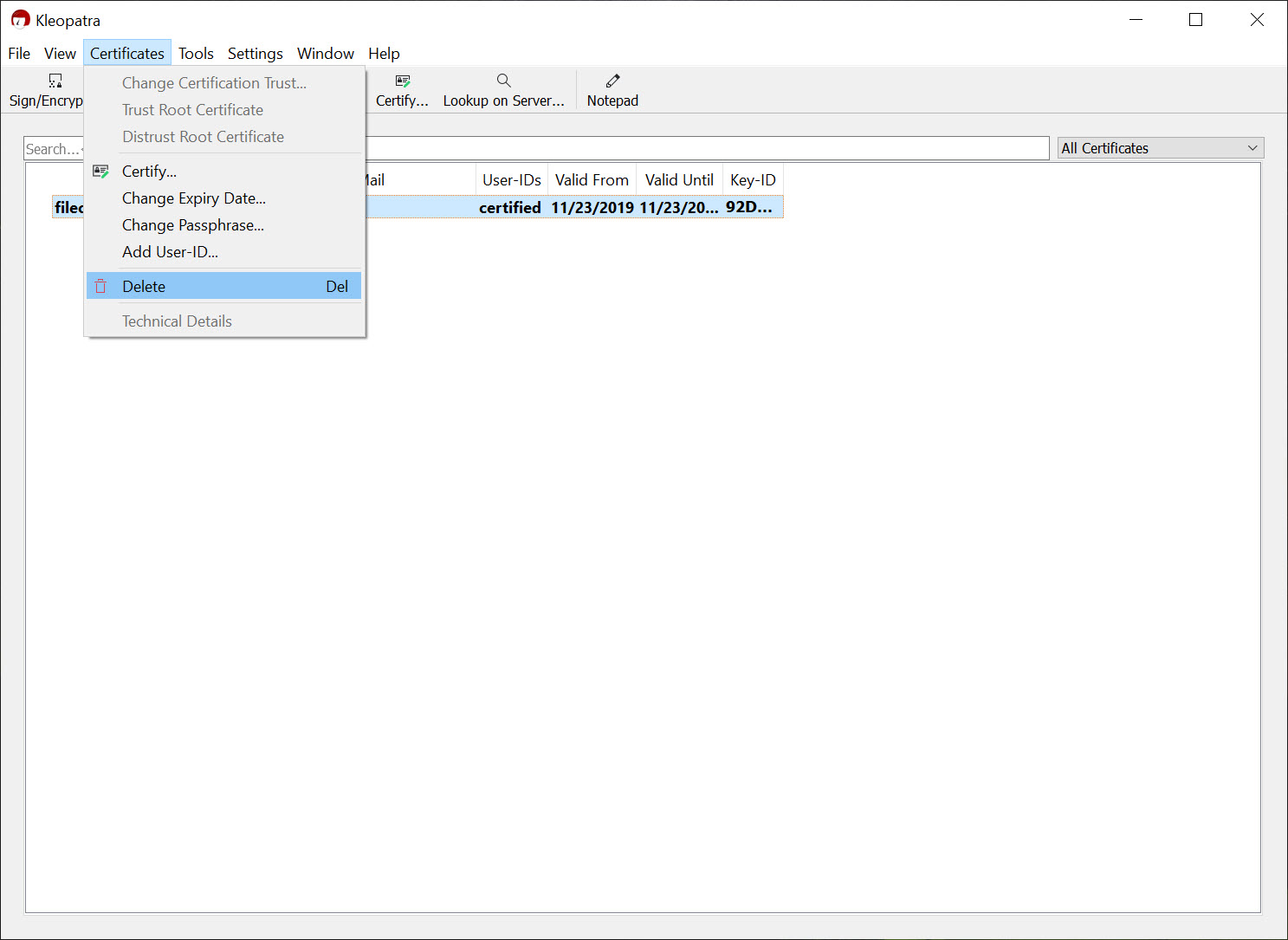
Certifying another person’s key, which is how you record that you checked it really belongs to them, is a right-click. Groups collect several recipients so that encrypting for a whole team is one selection.
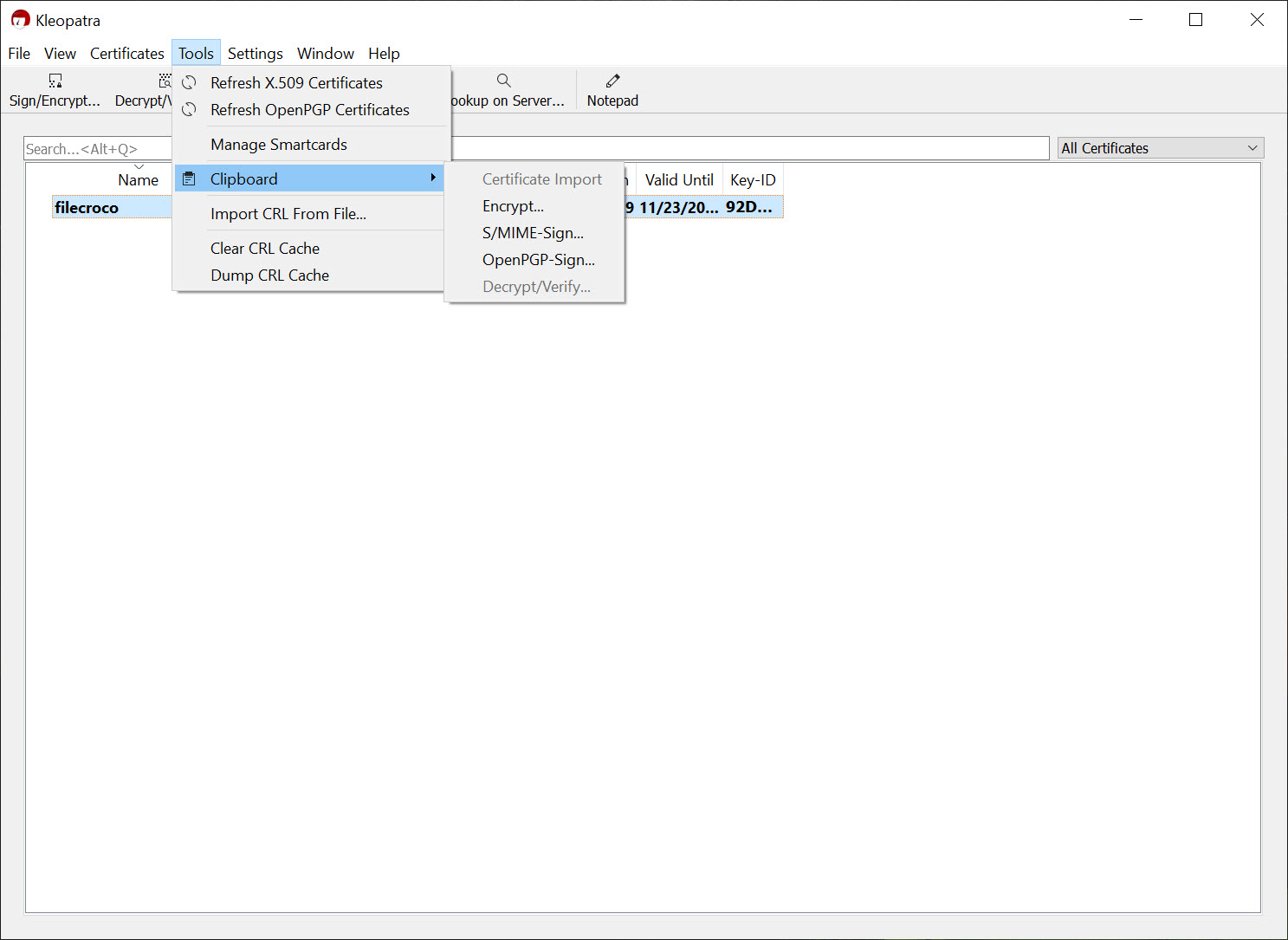
And a notepad view lets you type or paste text, encrypt or sign it, and copy the result out, which is the fastest way to send an encrypted message through a chat client or a web form that knows nothing about encryption.
Files and folders from the right-click menu
GpgEX puts the everyday Gpg4win operations in the file manager. Select a file or several, right-click, and the menu offers signing and encrypting, separately or together, plus decryption, verification and checksum creation. Encrypting a folder packs it into a signed archive that recipients decrypt and unpack in one step. Kleopatra opens for the recipient choice and the passphrase prompt, and afterwards the encrypted file sits next to the original.
Symmetric encryption, a passphrase with no keys involved, is on the same dialog and can be combined with public key encryption, so a file can be opened either by the recipient’s key or by anyone who knows the password. For a single file locked with a password and nothing more, an archiver with AES encryption is quicker and asks nothing of the recipient. Verification of a downloaded file and its signature is the other daily use.
Drop the signature file on Kleopatra, and it reports whose key made it and whether the file matches, importing the missing public key from a server if you let it. Checksums in SHA-256 and other algorithms cover the case where only a hash was published.
Email through Outlook, and the alternatives
GpgOL, the Gpg4win add-in, adds a button bar to Outlook for signing and encrypting messages, with attachments included in the same operation, and it works with ordinary IMAP accounts and with Exchange. Incoming encrypted mail decrypts in place with a status indicator showing whether the signature checked out. It handles both OpenPGP and S/MIME, which matters in organisations that issue X.509 certificates to staff, and Kleopatra suggests the right certificate for a recipient based on the address.
The add-in has always been the fussiest part of the package. Previews, search indexing and cached copies have all at times exposed decrypted text on the server, and the project has been candid about each. Anyone using a different mail client will find that Thunderbird has OpenPGP built in without any of this, and it can import keys exported from Kleopatra directly.
Smartcards and hardware keys
With Gpg4win the private key can live on a smartcard or a hardware token rather than on the disk, and Kleopatra manages the card directly, generating keys on it, changing PINs and viewing what it holds. Every signing or decryption then needs the card present and the PIN entered, which is the strongest arrangement available for a personal key and the only sensible one for a key that certifies others. Both OpenPGP cards and X.509 tokens are supported. Setting one up is well documented and still the most involved thing most people will do with the suite.
The learning curve, honestly
None of this is difficult once the model behind Gpg4win is understood, and the model takes an hour to understand. Public and private halves, fingerprints, trust, expiry, revocation certificates and the difference between signing a file and signing a key are all concepts the Compendium explains in order, and skipping it is the usual cause of trouble. People lose access to their own files by forgetting a passphrase, publish keys they cannot revoke because they never generated a revocation certificate, and encrypt to an old key after the recipient moved on.
For encrypting your own disk rather than exchanging files with others, VeraCrypt is a different tool for a different problem. This suite exists for the case where two parties need to trust each other without a shared secret, and for verifying that software came from who it claims.
Conclusion
Gpg4win suits anyone who needs to exchange encrypted files or mail with people they cannot share a password with, and anyone who wants to verify that software really came from its author. Journalists and administrators, along with researchers and the security-minded, will find the whole toolchain here, from key creation to hardware tokens, with documentation that respects the reader.
It is not for someone who wants to lock a file quickly and move on. The learning is front-loaded and the mistakes are permanent. Read the Compendium first, generate the revocation certificate before you need it, and the suite will serve for years.
Pros & Cons
- OpenPGP and S/MIME in one certificate manager with key servers and directory lookup
- Encryption and signing, plus decryption and verification, from the right-click menu
- Notepad view encrypts text for pasting into any messenger or form
- Smartcard and hardware token management built into Kleopatra
- Outlook add-in handles attachments and works with Exchange
- Compendium documents the cryptography in plain language
- Public key encryption takes real learning before it is safe to rely on
- Outlook add-in has a history of leaking decrypted text into caches
- Losing a passphrase or a revocation certificate is unrecoverable
- Recipients need their own keys and some understanding of the process
Frequently asked questions
GnuPG as the engine, Kleopatra for managing keys, GpgEX for the file manager context menu, GpgOL for Outlook, and the Compendium manual.
Yes. Choose symmetric encryption and agree a passphrase with them. It can be combined with key-based encryption for recipients who do have one.
Drop the signature file onto Kleopatra or right-click it and choose verify. It reports whose key signed it and whether the file matches, importing the public key if needed.
Yes. Kleopatra generates keys on OpenPGP smartcards and tokens, and every use then requires the card and its PIN.


