

Thunderbird
About Thunderbird
Webmail won by being everywhere, and it collected its toll in ads scanned into your sidebar, accounts scattered across browser tabs, and an archive that lives on someone else’s servers under someone else’s terms.
Thunderbird is the standing alternative, a free, open-source desktop email client that gathers every account you own, work, personal, the old address that still gets the important newsletters, into one unified inbox, stores your mail locally where it’s yours, and folds a full calendar, task list, and address book into the same window. Email as an application you control, not a website you visit.
The project shares its lineage with Firefox and its temperament too, community-governed, privacy-serious, and recently reenergized, with a modernized interface that retired a decade of complaints about its looks in one sweep.
The result is the most complete free email client in existence, and the honest review is mostly about whether its kind of completeness matches your kind of mail.
Every account, one inbox, your rules
Account setup covers the standard protocols, and the unified inbox is where multi-account life changes. All mail flows into one stream, separable per account when needed, and answered from the right identity automatically.
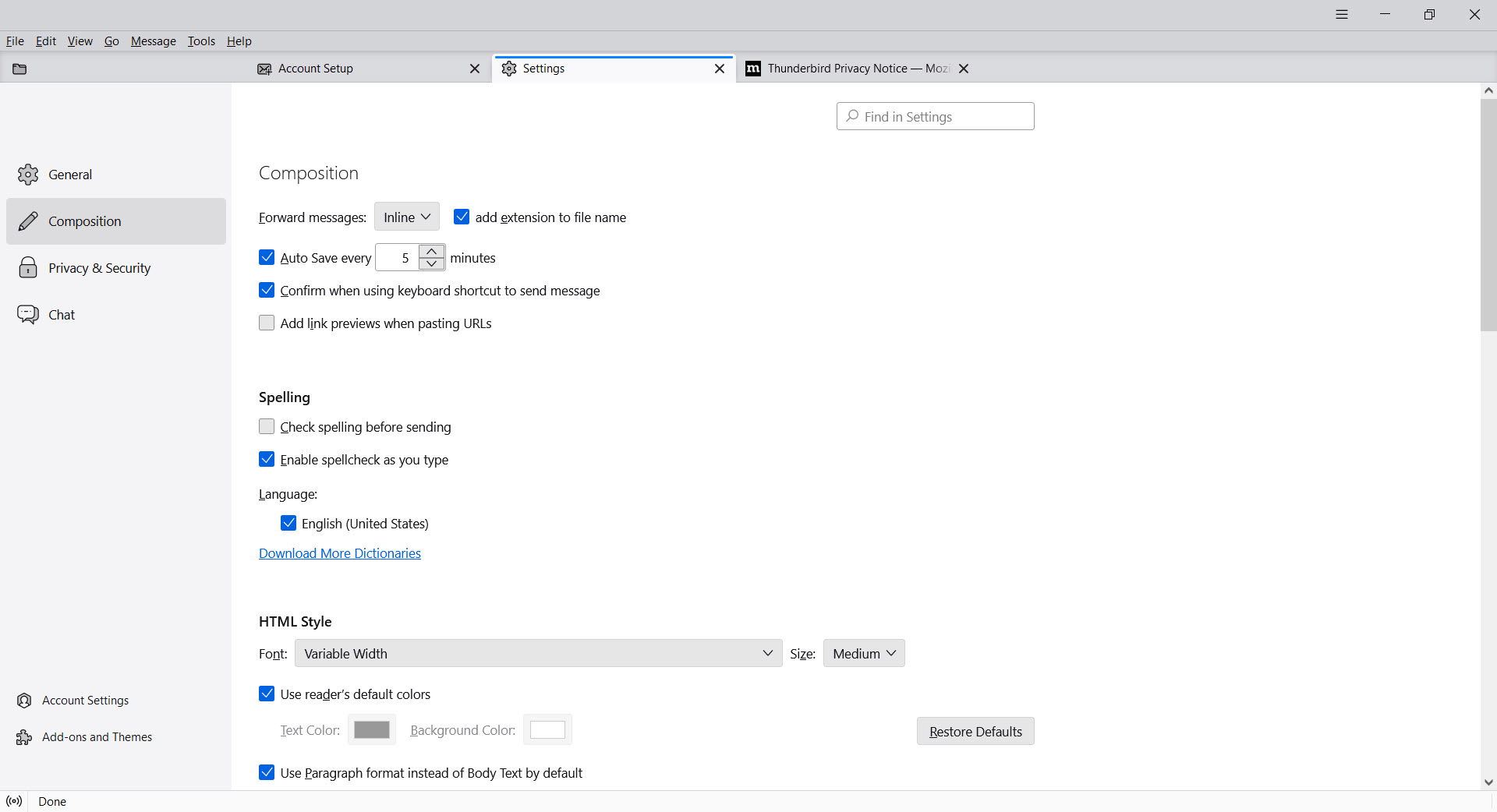
Threading gathers conversations, the quick filter bar cuts any folder down to the unread, the starred, or the search phrase in a keystroke, and full-text search digs through years of archive locally, fast, and offline.
Filters are the power tool. Rules file, tag, forward, and clean incoming mail automatically, and combined with tags and saved searches they turn a chaotic inbox into a system, the sort of machinery webmail offers in fragments and this client offers in full. Heavy correspondents, list wranglers, and anyone processing serious daily volume are the audience these features were built by and for.
Calendar, tasks, and the rest of the office
The calendar is native, not bolted on, with events, invitations, and reminders beside the mail they arrive in, subscribing to shared and online calendars in the standard formats. Tasks live alongside, the address book holds proper contact records, and the same window quietly reads RSS feeds and newsgroups for the constituencies that still cherish them, which is a larger crowd than the modern web admits.
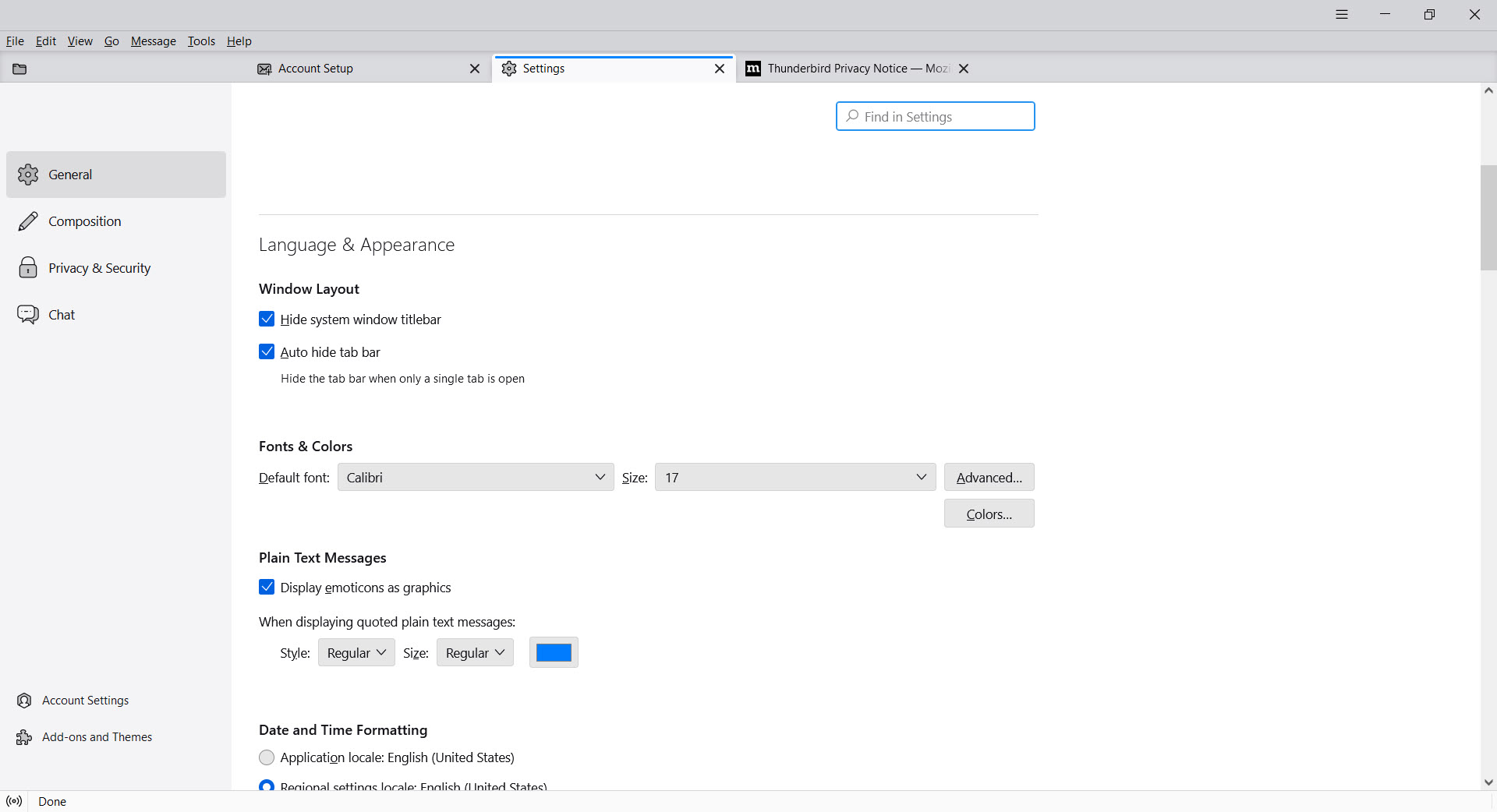
The add-on ecosystem extends everything, themes, integrations, workflow tools, in the Firefox tradition, and the interface’s density controls, compact for the volume processors, relaxed and card-based for everyone else, let the same client serve both temperaments.
Encryption and ownership, the quiet arguments
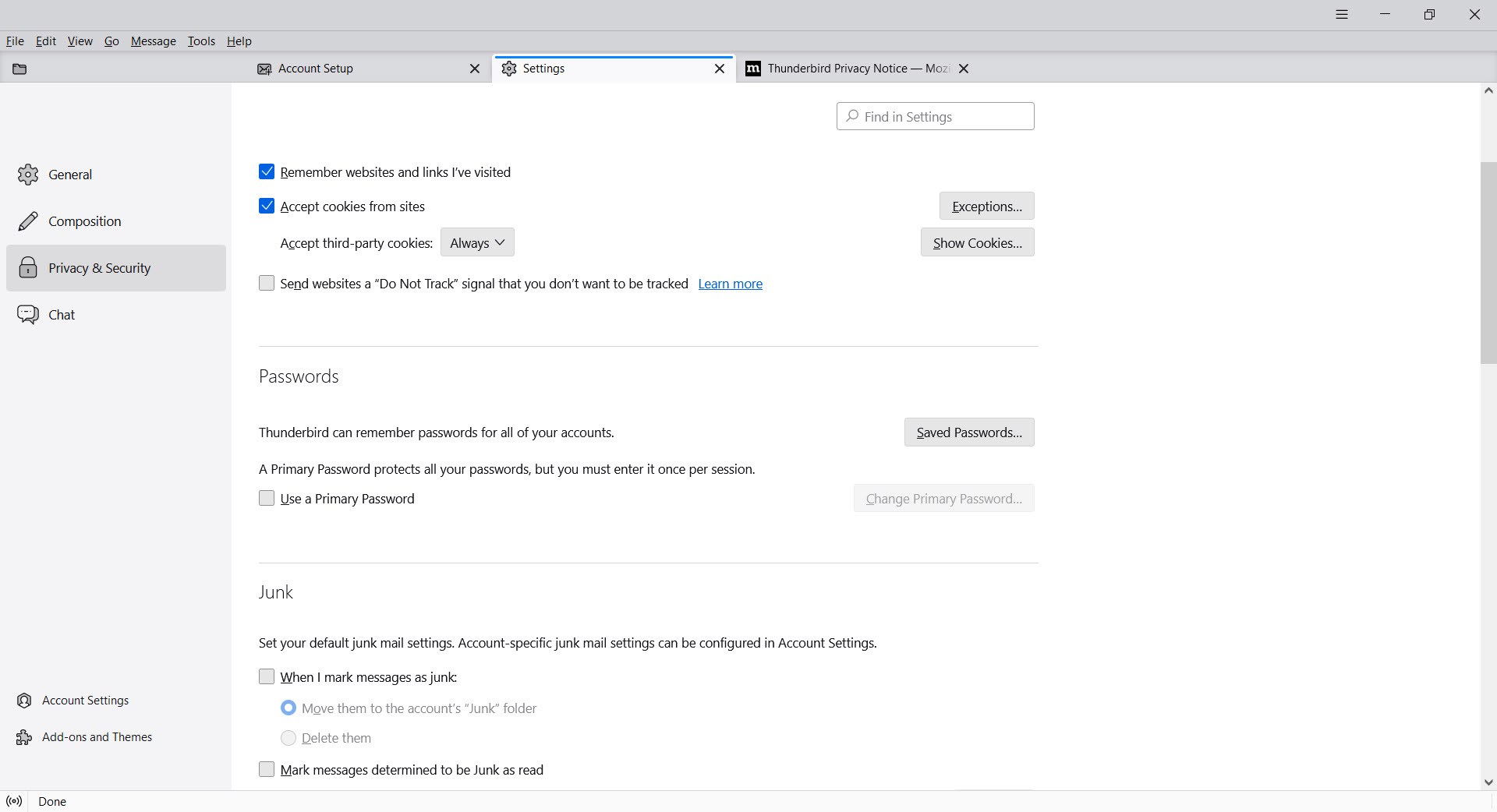
Two features carry more weight than their settings pages suggest. End-to-end encryption via OpenPGP is built in, key generation and management included, no plugin required, making encrypted correspondence a checkbox rather than a project, rare in mainstream clients and the deciding factor for a whole profession or two.
Ownership is the broader argument. Mail stores locally, archives export and back up like the files they are, and profiles move between machines whole. Your decade of correspondence answers to your backup discipline instead of a provider’s account decisions, and switching providers someday means changing an address, not abandoning an archive.
It’s the difference between renting and owning your mail, and it becomes vivid exactly once, the day something goes wrong.
The honest frictions
Fairness requires the other column. Very large mailboxes, the hundred-thousand-message kind, can make the client work visibly, corporate Exchange environments have historically needed add-on help while native support matures, and the first hour with a dense feature surface asks more orientation than a webmail tab ever will. Setup with some providers involves the modern authentication dance, done once and forgotten.
The commercial rivals sell polish against this. eM Client delivers the slickest all-in-one experience in the category, calendar and chat integration included.
Mailbird courts the design-conscious with app integrations, and neither matches the open-source client’s combination of no lock-in and add-on breadth. That’s the trade in one sentence, their polish against its principles, and plenty of desks host that argument for about a week before this one wins.
Conclusion
Thunderbird is for the person whose email is infrastructure. The multi-account juggler, the privacy-conscious correspondent, the archivist with a lifetime of mail worth owning, and the volume processor who needs filters that actually filter are all served in one window. It remains the most complete free answer in the category, newly presentable and as principled as ever.
Casual single-account users are honestly fine in a webmail tab, and the polish-first crowd has paid options. Everyone in between should remember that email clients used to be this capable, because this one never stopped.
Pros & Cons
- Unified inbox across unlimited accounts with per-identity replies
- Native calendar, tasks, contacts, RSS, and newsgroups in one window
- Built-in OpenPGP encryption with key management
- Local storage keeps the archive owned, searchable, and portable
- Filters, tags, and saved searches for serious mail volume
- Open source, free, with a deep add-on ecosystem
- Dense surface that asks real orientation at first
- Enormous mailboxes can make it visibly work
- Exchange environments have leaned on add-ons
- Commercial rivals offer slicker out-of-box polish
Frequently asked questions
Yes, that's its core use. Accounts unify into one inbox, remain separable per account, and replies go out from the matching identity automatically.
Yes, natively, with events, invitations, reminders, and subscriptions to shared calendars in standard formats, plus tasks and a full address book beside it.
Yes, OpenPGP end-to-end encryption is built in, including key generation and management, so encrypted correspondence needs no plugins or external tools.
Locally, in your profile, which makes the archive searchable offline, backupable like any files, and portable between machines and providers.
Six-figure message counts tax any local client. Archiving old folders, compacting regularly, and splitting giant folders restores most of the speed.


