

The Bat! Home Edition
About The Bat! Home Edition
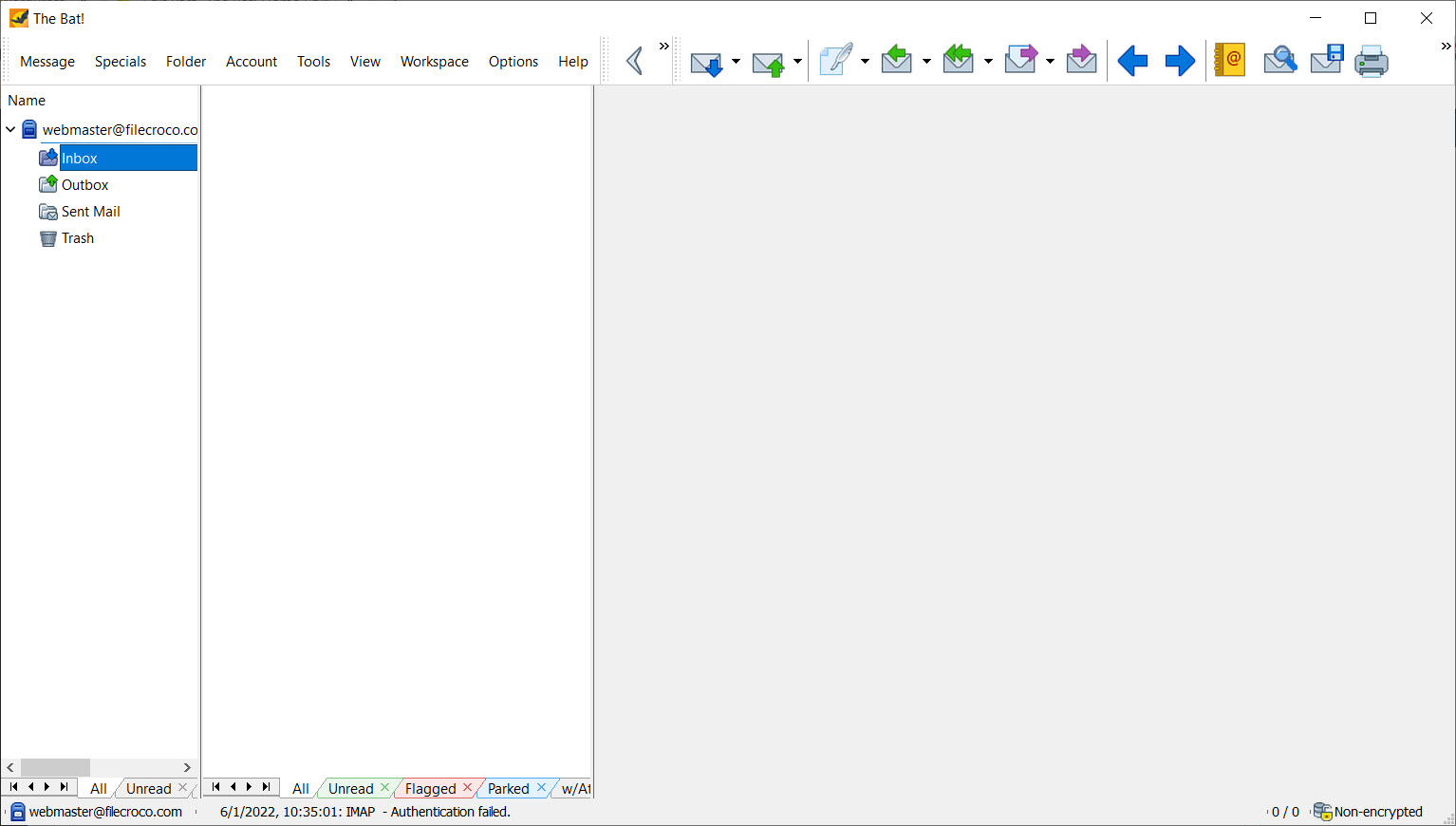
Most email clients now assume your mail lives in somebody’s cloud and the client is just a window onto it. The Bat! Home Edition takes the older view. Messages come down to your disk, into its own storage files rather than a system mail store, and everything after that happens locally with no web interface anywhere in the chain.
That premise shapes the whole application. There is a filtering engine capable of running an external program when a message arrives, a template system with its own macro language, and encryption implemented inside the client rather than delegated to something else. It is also, unmistakably, software built for people who enjoy configuring things.
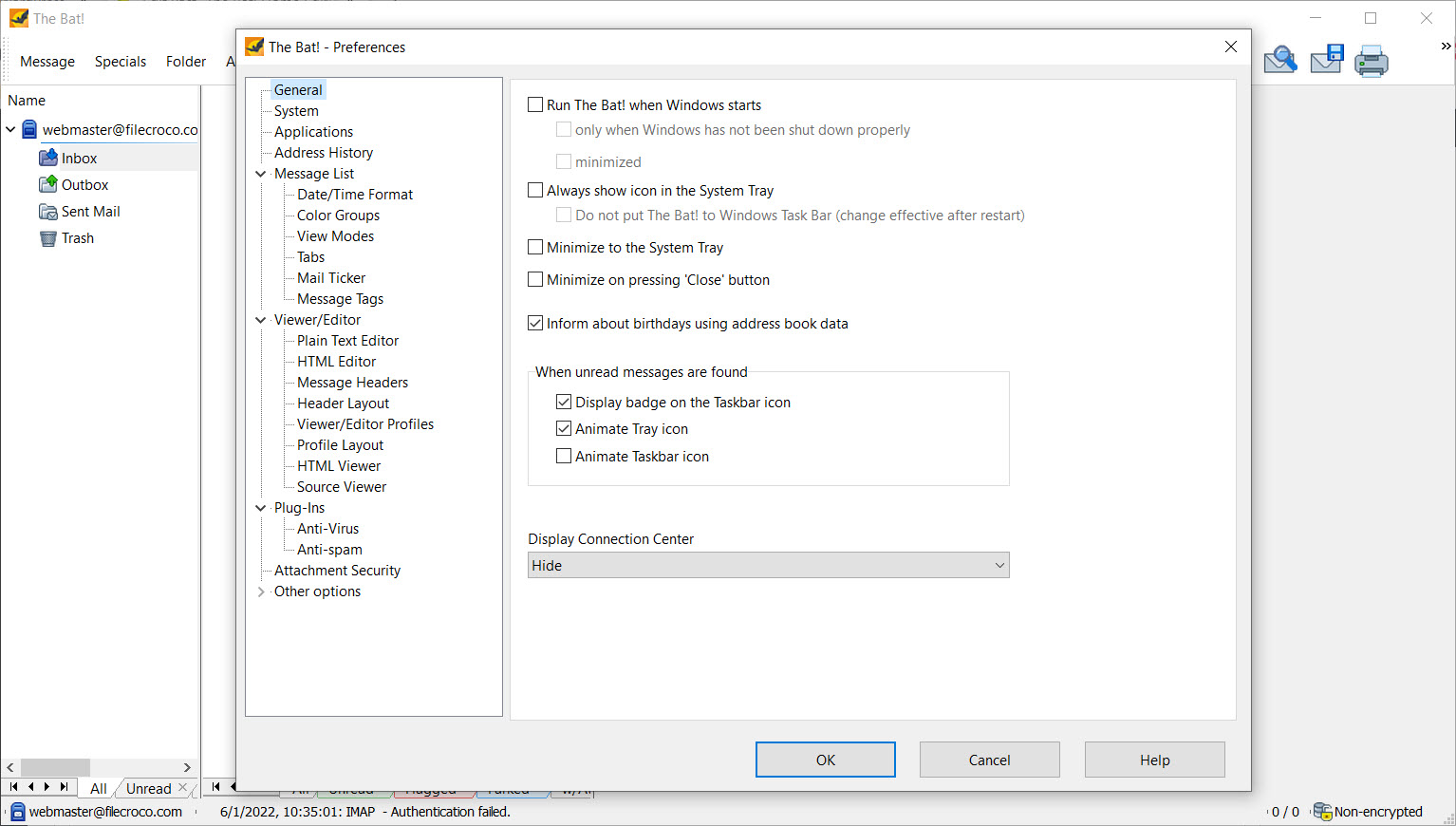
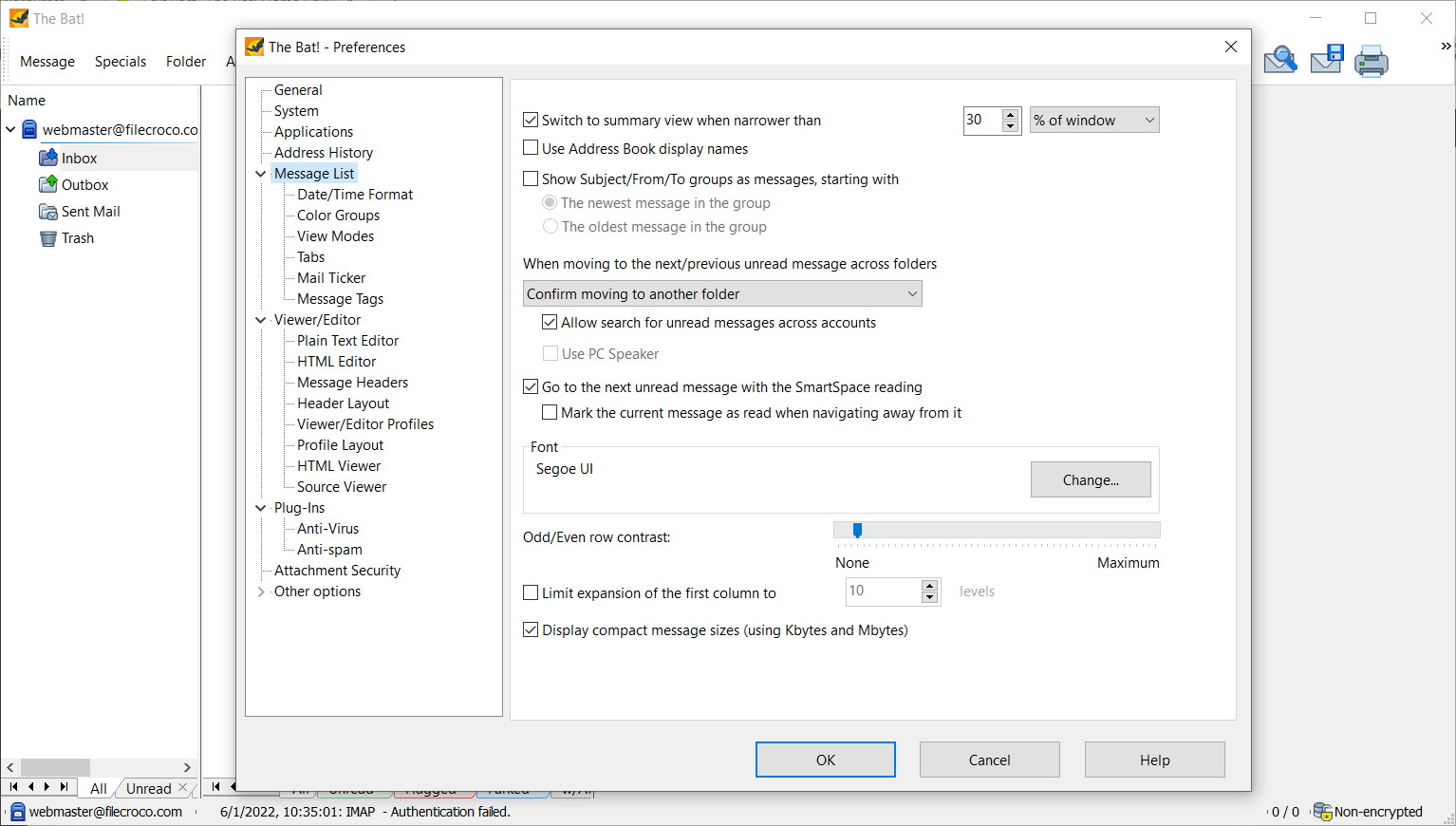
Set against Thunderbird, which is where most people looking for a desktop client end up, this one trades approachability for depth. Where Thunderbird gives you sensible defaults and add-ons, The Bat! Home Edition gives you an options tree and expects you to have opinions.
The Sorting Office does more than move mail
The filtering system is the reason people stay with this client for decades, and calling it a filter undersells it. Rules apply to incoming, outgoing, read and replied messages, which already covers more ground than most clients bother with.
What the rules can do is the interesting part. Beyond moving a message to a folder, an action can auto-respond, reply using a specific template, forward or redirect it, print it, export it, send a read confirmation, or launch an external program.
That last one turns the client into a trigger for anything else on the machine, which you will either never use or immediately build three workflows around.
Spam gets a Bayesian filter in the default installation, and it needs training before it earns its place. If you would rather deal with junk before it reaches the client at all, a filter that screens mail on the server first works upstream instead.
Templates, quick templates and macros
Template handling in The Bat! Home Edition goes further than a signature. Separate template sets can be attached to a mailbox, to an individual folder, or to a specific address book entry, and each of those can define what a new message, a reply and a forward look like. Reply in one folder and you get one form of words, reply in another and you get a different one.
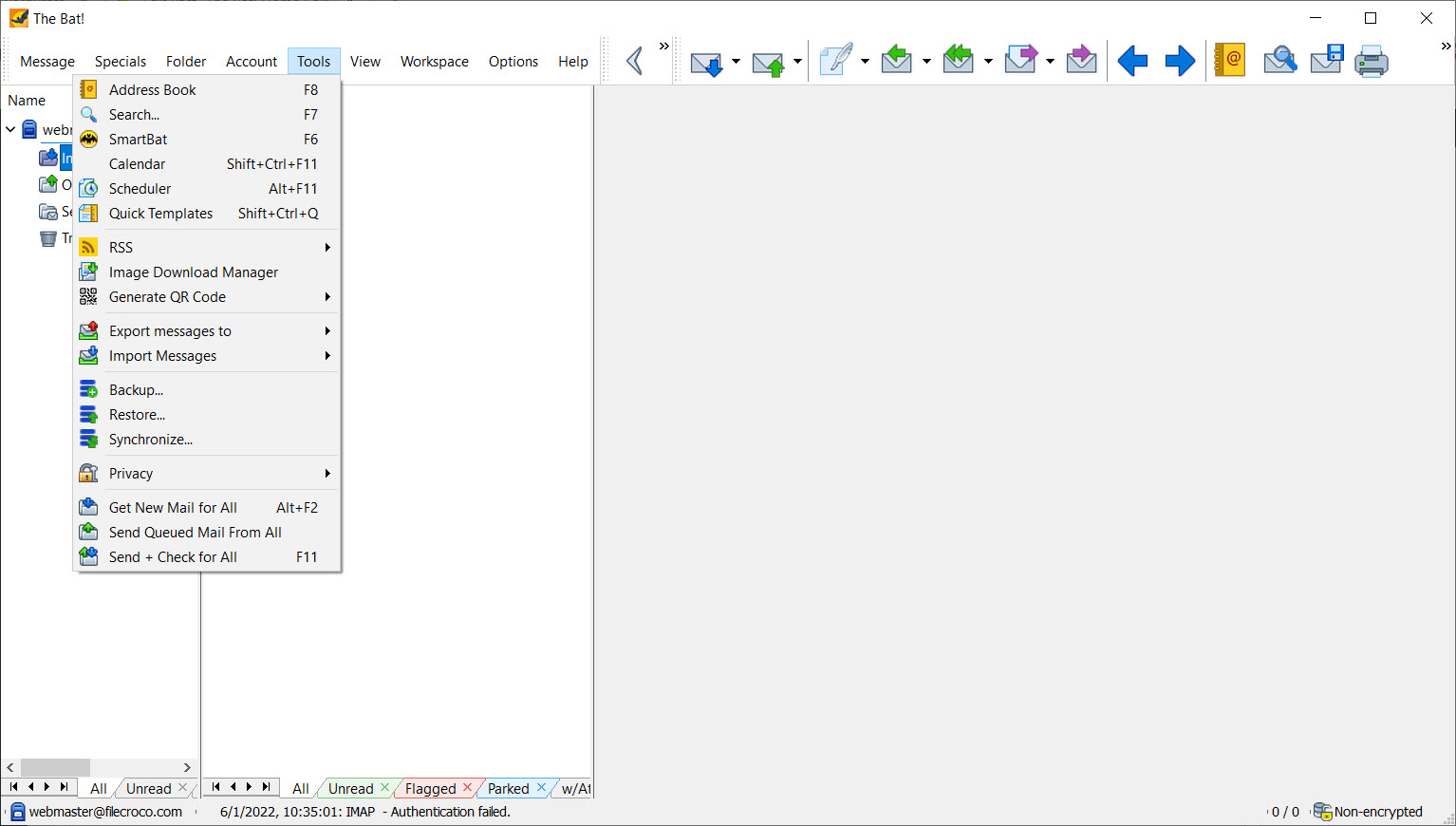
Quick Templates cover the other case, inserting prepared text into a message you are already writing. Macros work inside both, and they go beyond text substitution into sequences of actions.
The catch is that the macro language is its own dialect, documented on the assumption that you will persevere. Setting up a clever template arrangement is an afternoon’s work, and not everybody wants that afternoon.
Encryption built in rather than bolted on
The Bat! Home Edition carries its own OpenPGP implementation with a key manager, alongside support for GnuPG and S/MIME, and transport runs over SSL or TLS. Signing and encrypting are ordinary parts of composing rather than something a plugin adds.
Two boundaries matter here. If you already maintain a key setup with gpg4win and its key manager, the client will work with those keys rather than insisting on its own arrangement.
And on-disk encryption of the message base, biometric unlocking and hardware token support all sit in the other edition, so what you get here protects messages in transit and at the point of sending rather than the local store itself.
How it handles messages it does not trust
Mail arrives with active content, and The Bat! Home Edition keeps that content away from anything important. An internal viewer renders HTML rather than handing the job to the system’s browser engine, remote images stay unloaded until you allow them, and attachments are handled through a path designed to stop a double-click doing something you did not intend.
Selective download belongs in the same category. Headers come down first, you look at what is waiting, and you decide what to fetch, useful on a metered connection and when something suspicious is sitting on the server.
The isolated viewer has a downside, though. Heavily designed newsletters built on nested tables and modern styling render imperfectly next to what a full browser engine produces. For mail that matters that is irrelevant.
For a marketing email you wanted to see, it shows.
Accounts, the message base and the obvious gap
POP3, IMAP and SMTP are supported with a broad set of authentication methods, and there is no ceiling on accounts or messages. Exchange access runs over MAPI, but only if the connectivity components that ship with Outlook are already installed. Check that before planning around it.
The message base divides opinion. Mail lives in the application’s own files in a location you choose, so backing up your whole history is a folder copy and moving it to another machine is the same operation. It also means trusting one program’s format with years of correspondence.
The gap is calendaring. There is an address book with contact photos and import options, and nothing resembling a calendar or task list, because this application does mail only.
If you want appointments and contacts in the same window, eM Client is built for that and this one never will be.
Conclusion
The Bat! Home Edition is for the person who treats email as a working system rather than a stream to scroll. If you handle a lot of correspondence, want it filed automatically by rules you wrote, sign or encrypt messages as a matter of habit, and prefer your mail history sitting in a folder you control, very little else offers this much machinery in one window.
Everyone else should probably walk away, and the reasons are not subtle. There is no calendar, the settings will take an evening before the client feels like yours, and elaborate HTML mail looks second-rate by design. Approach it as a specialist tool for people who read a manual voluntarily, and it repays that patience for years.
Approach it expecting a modern all-in-one and you will bounce off it inside a week.
Pros & Cons
- Rules apply to outgoing and replied mail as well as to arrivals
- Filter actions extend to running an external program, turning mail into a trigger
- Template sets can differ per mailbox, per folder and per contact
- OpenPGP is implemented inside the client, with GnuPG and S/MIME also supported
- The HTML viewer is isolated from the system browser engine and blocks remote images by default
- Selective download lets you read headers and choose what to fetch
- Mail lives in its own files, so backup and migration are a folder copy
- No calendar or task management of any kind
- The macro language is a private dialect with documentation that assumes commitment
- On-disk encryption of the message base belongs to the other edition
- Complex HTML mail renders imperfectly because the viewer is not a full browser engine
- Exchange support depends on components from another mail suite being installed
- The volume of settings makes the first evening a configuration exercise rather than mail
Frequently asked questions
No. It handles mail and contacts and nothing else, deliberately. Anyone needing appointments in the same application should look at a client built as an all-in-one rather than expecting this to grow one.
Yes. OpenPGP is implemented inside the client with its own key manager, and S/MIME is supported too. Existing keys from an external toolchain can be used rather than starting over.
In its own message base files, in a directory you nominate, rather than in a system mail store. Backing up that folder captures everything, and copying it to another machine moves your whole history.
Over MAPI, yes, but it borrows the connectivity components installed by Outlook to do so. Without those present on the machine, IMAP is the practical route to an Exchange mailbox.
Because HTML is rendered by an internal viewer kept separate from the system browser engine. That isolation is the security argument, and the trade is that elaborately designed messages do not always come out looking as intended.


