

Simplenote
About Simplenote
Simplenote is a plain text notebook that lives on every device you own at once. Type a note on the desktop and it is on the phone before you reach for it. Tag it, pin it, search it by any word it contains, and the same note with the same tags appears everywhere, kept in step by a sync service that asks for nothing but an account. There is no formatting toolbar, no attachments and no folders. What you type is text, and that restraint is the entire point.
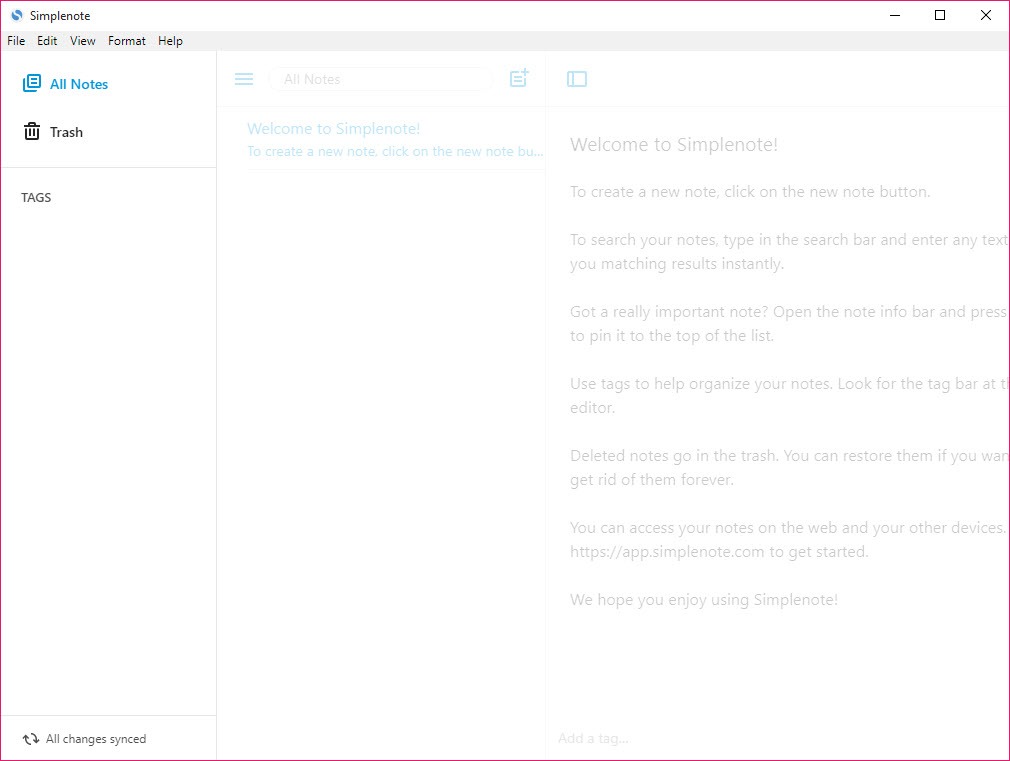
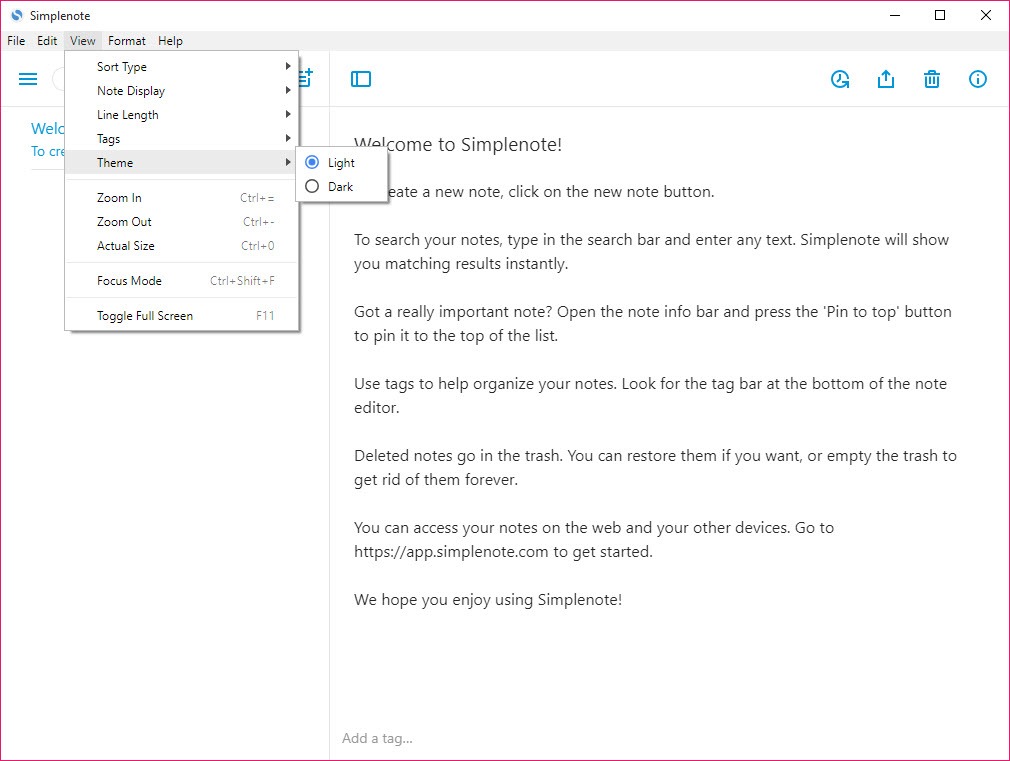
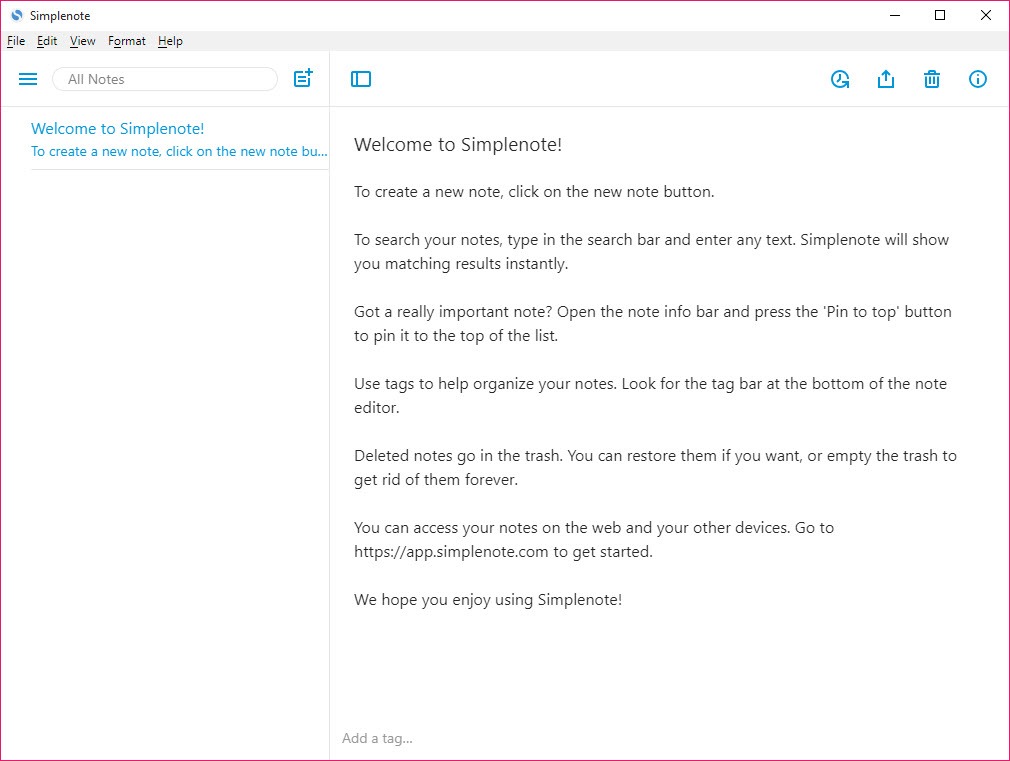
The desktop application is a window with a note list on the left and the current note on the right, plus a search box and a tag list. Markdown gives the only formatting, switched on per note, with a preview pane that renders the formatting. Every edit is kept, so a slider walks back through the history of a note to any earlier state. Notes can be shared with another account holder for editing together, or published to a public web page with a link. Simplenote does a short list of things and does them without fuss, and the people who stay with it are the ones who wanted exactly that list.
Writing and finding notes
A new note starts with a click or a shortcut and its first line becomes its title in the list. Organisation is tags, nothing else. A note can carry several, the tag list down the side filters by one, and tags can be renamed and reordered. Pinning keeps a few notes at the top. Search is instant and covers every word in every note, with tag filters stacking on top, so a large collection stays findable without a folder tree.
The absence of folders is deliberate and divides people. Anyone who thinks in hierarchies will miss them within a day. Anyone who has lost notes inside nested folders will find tags and search quicker. For notes kept as local files with the same keyboard-first speed, nvPY follows a similar idea without the cloud.
Markdown and publishing
Tick the Markdown box on a note and the editor treats its text as Markdown, with a preview toggle that renders the result. Headings and emphasis, lists, links and code blocks all work. It is a restrained implementation with no extensions and no toolbar, so formatting means typing the symbols, which suits people who already write that way and frustrates those who expect buttons.
Publish turns a note into a view-only web page with a link anyone can open, which is a quick way to share a draft or a list without an account on the other end. Notes export as plain text files with their tags, individually or the whole collection in one archive, so nothing is locked in.
For a desktop editor that takes Markdown further, with live rendering and export to several formats, a dedicated Markdown editor covers that ground and leaves sync to you.
History and shared editing
Every change in Simplenote is recorded, and a history slider at the bottom of a note scrubs back through its earlier states to restore one. It is a plain mechanism with no diff view, and it has saved many an accidentally deleted paragraph. Sync is the quiet strength, fast and dependable from desktop to phone to browser, with conflicts rare enough that most users never see one.
Collaboration is basic. Add another account holder’s email to a note and both can edit it, with changes appearing on each side. There are no comments, permissions or team spaces, so it suits two people keeping a shared list rather than a team working on documents.
What it will not do
There are no attachments, no images inside notes, no rich text, no checklists beyond Markdown list syntax, and no folders. Notes are stored on the service’s servers without end-to-end encryption, so it is the wrong place for passwords or anything confidential, and anyone who wants an encrypted notebook should look at Secure Edit or a tool built around encryption.
The desktop application wraps the web version in a window, which keeps it consistent across platforms and makes it heavier than a native text editor.
Conclusion
Simplenote suits anyone who wants their notes to be text on every device instantly, and who has grown tired of notebooks that try to be databases. Writers drafting in Markdown, people keeping running lists across a phone and a desk, and anyone who has lost notes to a complicated app will find the speed and the sync are the whole appeal.
It is the wrong choice for structured knowledge, attachments, team work or anything confidential. Turn on Markdown for the notes that need it, lean on tags and search instead of folders, and it will quietly hold years of notes without ever asking for attention.
Pros & Cons
- Instant, dependable sync from desktop to phone to browser
- Tags and pinning, with whole-text search, instead of folders
- Per-note Markdown with a preview pane
- Version history slider restores any earlier state of a note
- Publishing to a public web page and plain text export with tags
- No attachments, images, rich text or folders
- Notes are not end-to-end encrypted
- Collaboration stops at shared editing between account holders
- Desktop application is a wrapped web app and feels heavier than a native editor
Frequently asked questions
Only through Markdown, enabled per note, with a preview pane. There is no formatting toolbar or rich text.
No. Notes are organised with tags and pinning, plus search, and a note can carry several tags.
Yes. Drag the history slider at the bottom of the note back to any earlier state and restore it.
No. Notes sync through the service's servers without end-to-end encryption, so keep passwords and confidential material elsewhere.


