

Chatty
About Chatty
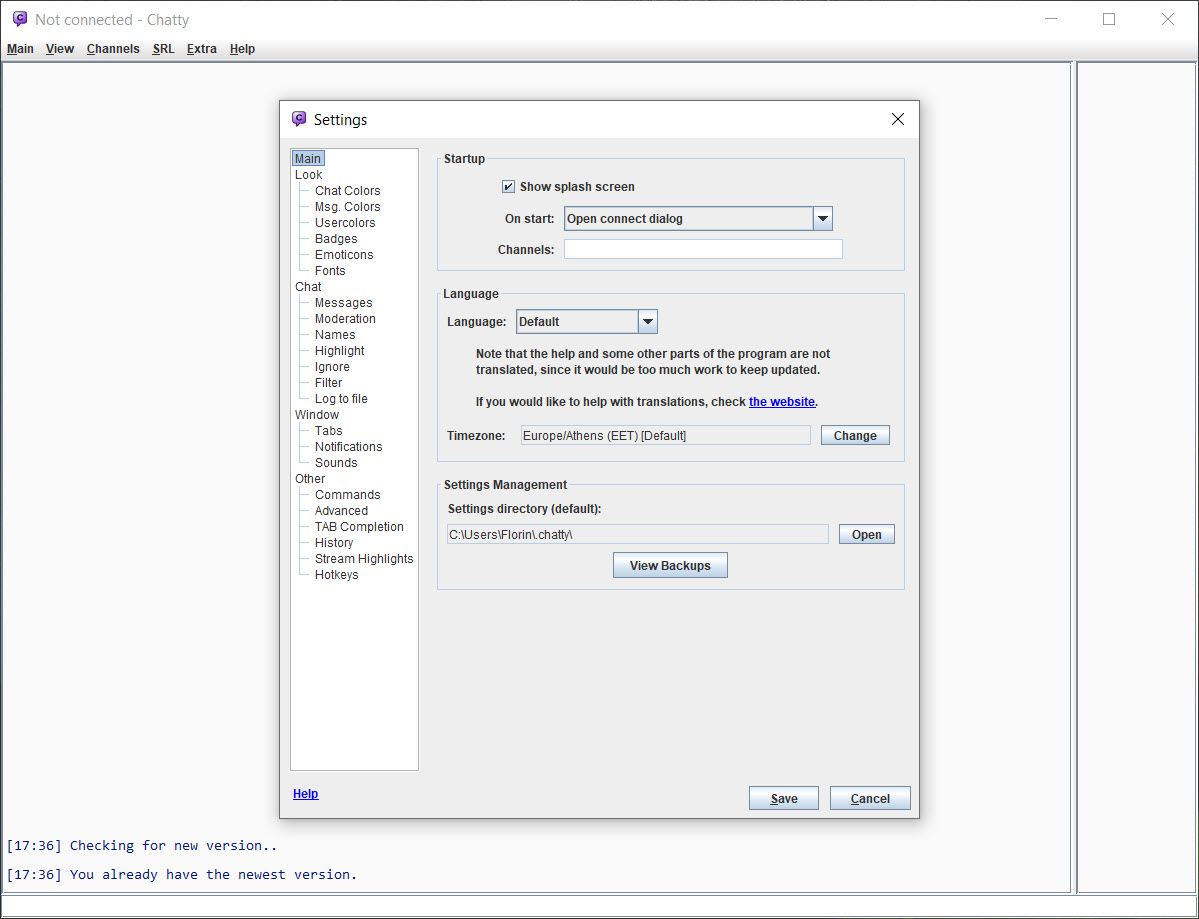
Chatty is a Twitch chat client in the mould of the old IRC programs. Channels open in tabs or in separate windows, and the chat scrolls as plain lines with timestamps and badges. The whole thing runs in a small window that can sit beside a stream or on a second screen for an evening.
Underneath the plain look is a long list of Twitch-specific tools. Notifications when a followed channel goes live. A dialog for setting your own stream’s title and category, and running an advert from a hotkey. Logging of every channel to a text file. Highlights and ignore rules with their own matching language, and custom commands that build messages from live stream information.
It is written in Java, which is why it runs anywhere the runtime does and why the window looks the way it does. Chatty is open source and still released regularly. Recent versions added custom tabs that route matching messages into their own panes, text-to-speech for chat and notifications, and the beginnings of support for shared chat between channels.
It is the client moderators and streamers reach for when they want logs and commands and their stream’s settings in one place, and the one viewers reach for when they want something lighter than the website. The sections below take each part in turn and end with where it sits beside its main rival.
Chat in tabs and windows
Each channel in Chatty is a tab, and tabs can be dragged into separate windows for a second screen. Favourites and a history list open regular channels in a click. The chat shows the standard emotes along with the third-party sets from BetterTTV, FrankerFaceZ and 7TV, with animated emotes on or off, and an emote dialog lists everything available for completion. Fonts and colours are adjustable, as is the display of timestamps and badges, with a dark theme.
Tab completion fills in user names and emotes, and an input history recalls earlier messages. A user list shows who is in the channel, and clicking a name opens a dialog with the user’s messages and badges, and the moderation actions you have permission for.
Logging writes each channel to its own text file, with options for which message types to keep, so a channel’s whole evening is on disk for searching later.
Highlights and custom tabs
Chatty highlights mark the messages that matter, by your name, by keywords, by user, or by prefixes that match a channel, a badge or whether the stream is live. Each highlight can carry a colour, a sound and a notification, and notifications can be grouped into categories so a sound fires only for the highlights you choose. Ignore rules use the same matching language to hide messages, with separate ignore lists for chat and whispers.
Custom tabs are the newer idea. A rule routes matching messages into a pane of their own, so every command typed in chat, every message from moderators or every mention across all channels collects in one place without leaving the main view.
The same panes show the channel logo and name of the source channel, and a context menu jumps back to the original message. For a rival built around splits and a faster rendering engine, Chatterino takes a different route to the same multi-channel problem.
Tools for the streamer
A streamer signed into their own account manages the stream from Chatty. The admin dialog sets the title and category, with tags and presets for the games you play, and a hotkey runs an advert. Lists of recent followers and subscribers sit in their own dialogs, and a viewer graph shows how the count moved over the session. Stream markers for later editing are set from a global hotkey, so a moment is marked without leaving the game.
Custom commands build messages from identifiers filled in at run time, the stream’s uptime, its title, the channel name capitalised as the streamer wrote it, and more. They can call outside web addresses with custom headers for anyone who runs their own tools.
Stream Highlights let moderators mark moments in a shared file for the streamer to review afterwards.
Moderation
Moderators get one-click timeouts and bans in Chatty, with configurable durations, a user dialog that gathers a person’s history, and support for the automatic moderation queue, so held messages are approved or rejected from the client. Bans and timeouts can be applied in the Stream Chat window as well as the main chat. Custom commands turn a moderation action with a reason into a single keyword.
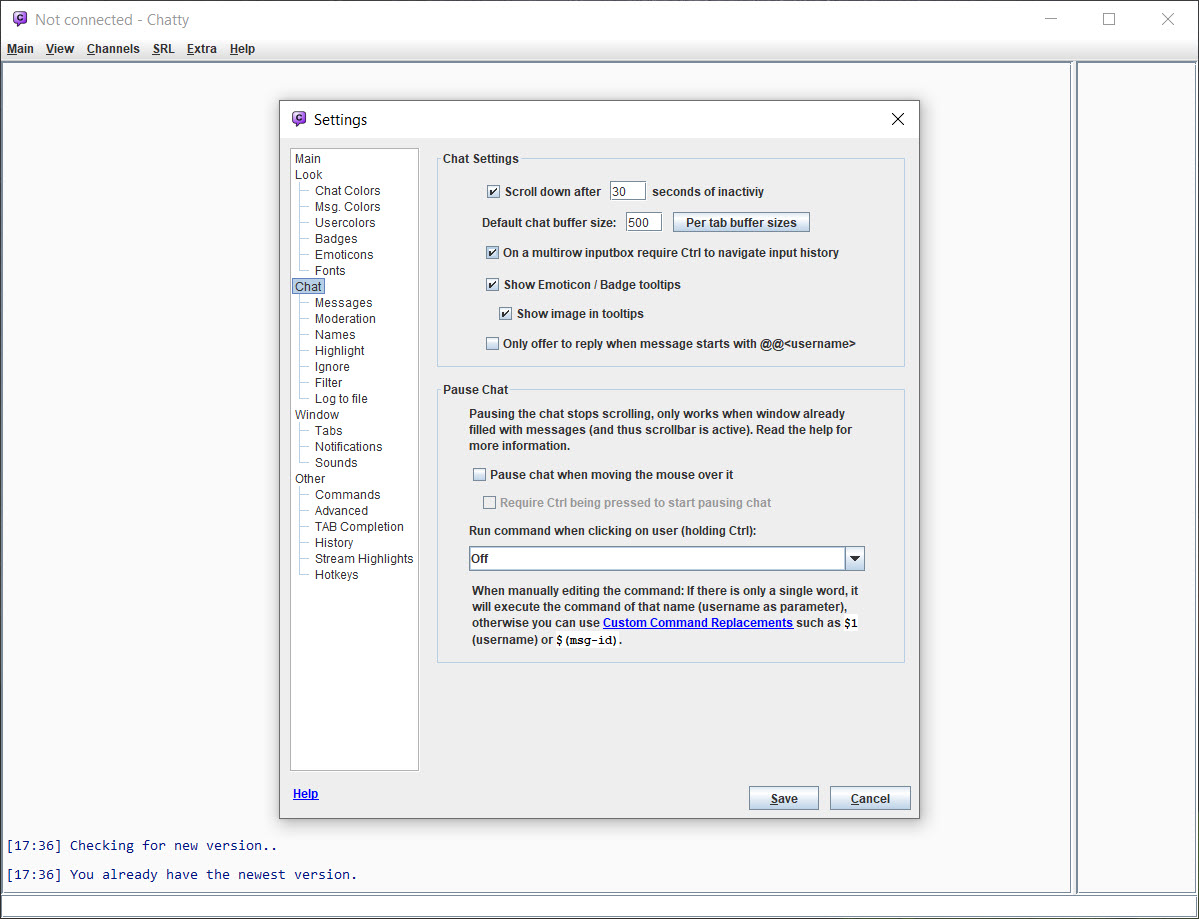
A pause-on-hover setting stops the chat scrolling while the mouse is over it, which is the small feature that makes fast chats moderable at all. For the voice side of a stream team, a self-hosted voice chat server and client runs alongside without touching the chat.
Watching the stream
Chatty does not play video, but it knows where the video is. A followed channel going live triggers a notification, and the live streams dialog lists which channels are on with their titles and uptime. A stream opens in the browser from the context menu, or through a command-line streaming tool that hands the video to a desktop player. That is how many users watch, with the chat in this window and the picture in a minimal desktop video player beside it.
A Stream Chat window shows a single channel’s chat in a stripped-down pane for capturing in a broadcast, and it can be docked into the main window. Text-to-speech reads chat messages or the notifications you choose aloud, for a streamer whose eyes are on the game.
Where it sits beside its rival
Chatty is a Java program, and that shows. It needs the Java runtime installed, its window follows the toolkit’s conventions rather than the system’s, and it uses more memory than a native program for the same channels.
Its rival renders chat faster and handles dozens of busy channels more smoothly. In return, this one has the deeper streamer tools, the logging, the custom commands with live stream data and the custom tabs, and a help system that documents every setting.
Many moderators keep both installed and pick by the night’s job. For watching the stream itself, Twitch Desktop App is the viewing side that neither client tries to be.
Conclusion
Chatty suits streamers who want their stream’s settings, their moderators’ tools and a log of every channel in one window, and viewers who want a compact chat beside a player rather than the website’s panel. The highlights and custom tabs, the streamer dialogs and the custom commands with live data are what it offers that the website does not.
It is a Java program, with the runtime, the look and the memory that come with that, and it plays no video. Install the runtime, set a highlight for your name and a tab for the commands, and the chat window becomes the place the stream is run from.
Pros & Cons
- Channels in tabs or separate windows, with favourites, logging to text files and a user list
- Third-party emotes from BetterTTV, FrankerFaceZ and 7TV, with completion and an emote dialog
- Highlights and ignores with a matching language, plus categories and notifications
- Custom tabs that route matching messages into their own panes
- Streamer tools for the stream's settings, adverts, markers and viewer graphs
- Custom commands with live stream data, text-to-speech and one-click moderation
- Needs the Java runtime and looks like a Java program
- Uses more memory than a native client
- Renders fast chats less smoothly than its rival
- Does not play video itself
Frequently asked questions
Yes, the Java runtime. The client is written in Java and runs anywhere the runtime does.
Yes. Each channel can be logged to its own text file, with settings for which message types to include.
Yes. The admin dialog sets the title and category, with tags and presets, and a hotkey runs an advert.
No. It opens the stream in a browser or hands it to a desktop player through a streaming tool, with the chat staying in the client.


