

WinZenith
About WinZenith
WinZenith bundles eleven maintenance tools into one portable window. A junk cleaner with twenty-one categories, a driver updater with backups and rollback, and a software updater that runs on the winget package manager. An uninstaller that chases leftovers, a startup manager that also covers scheduled tasks and services, and disk tools with a defragmenter and a shredder.
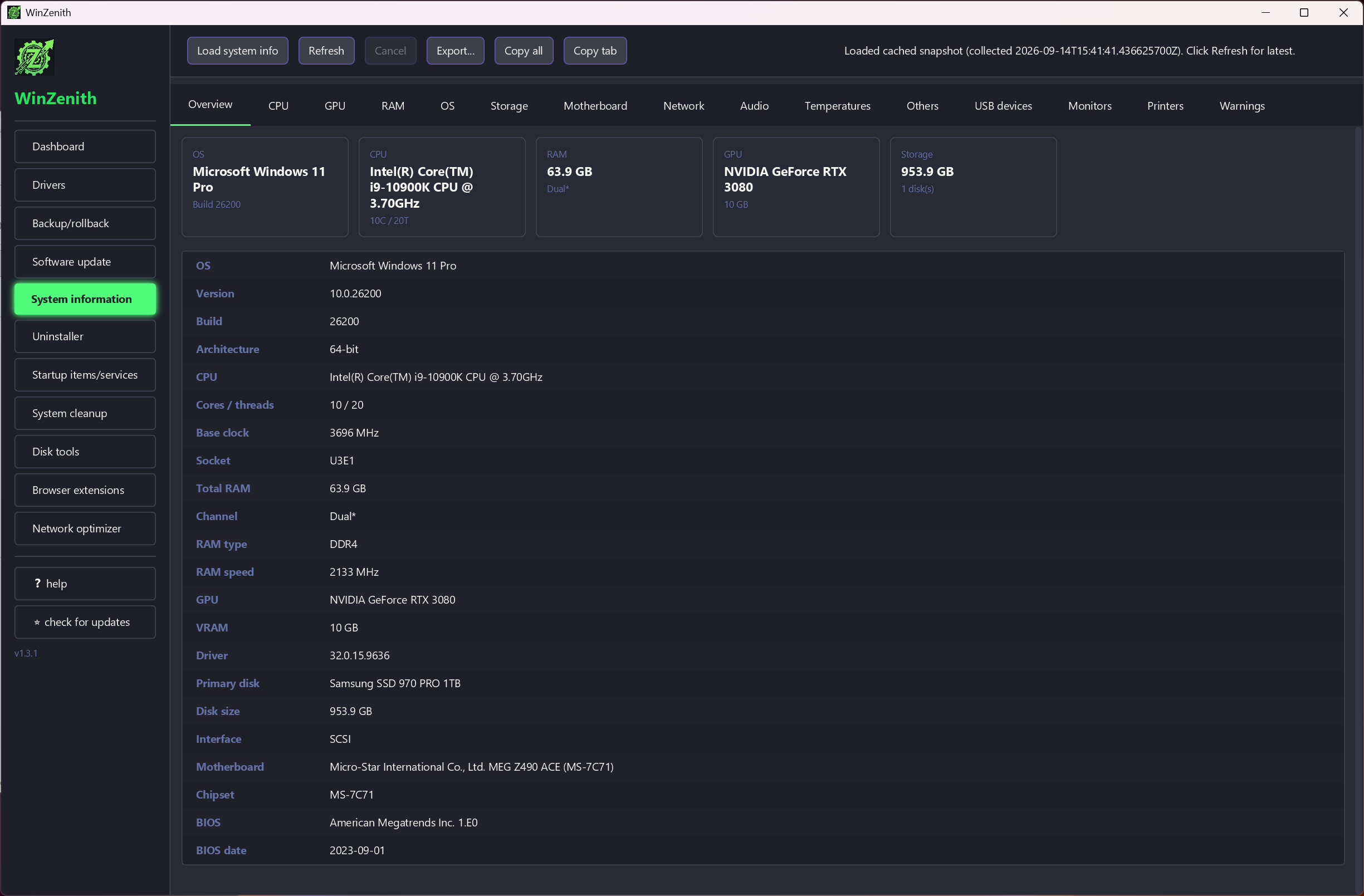
A duplicate finder, a browser extension manager, a network tuner and a system information report. Extract the zip, run the executable as administrator, and a dashboard scan tells you what it thinks needs doing.
That is the pitch the commercial suites have made for twenty years, and CCleaner and Advanced SystemCare still make it with advertising and upsells attached. WinZenith makes it with open source code and no ads, and it is new enough that the question is not whether it is honest but whether it is finished.
Some of the eleven tools are already solid. Some are a few releases from it. This article tries to say which is which.
The dashboard and the cleaner
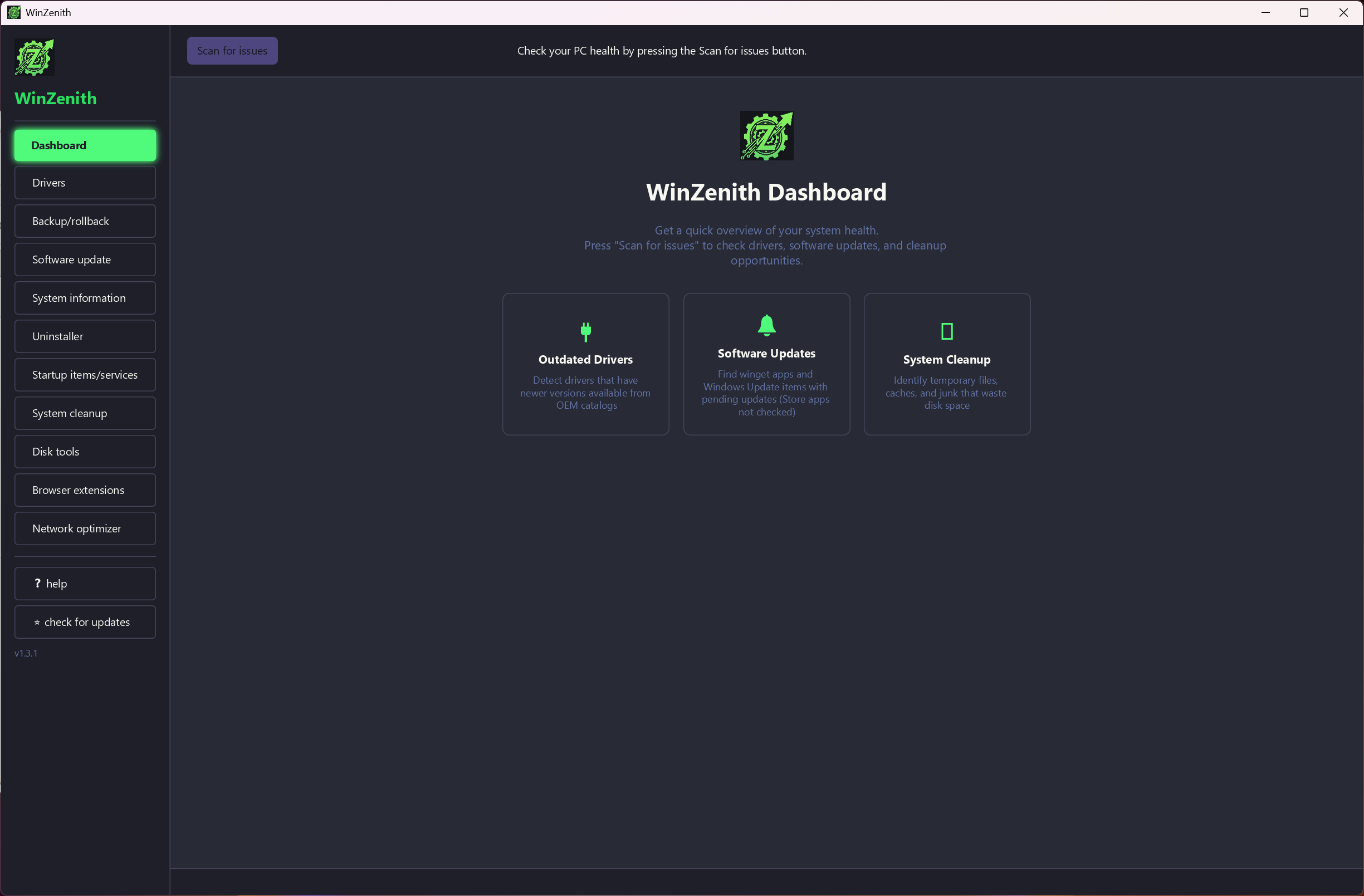
The WinZenith dashboard runs a combined scan across drivers, software, startup items and junk, and reports counts you can click into. The cleaner beneath it covers the expected temporary folders, browser caches for the six major browsers, update leftovers and the recycle bin, plus categories the older cleaners miss.
Shader caches for graphics drivers, workspace storage from a popular code editor, Delivery Optimization files and a common runtime’s temporary cache are all on the list. Each category can be ticked or left alone.
There is also a registry cleaner, and the usual advice applies. Registry cleaning has never made a machine faster and occasionally breaks something, so leave it unticked unless you have a specific reason. The file categories are the useful part, and on a machine that has never been cleaned they recover several gigabytes without touching anything a program needs.
Driver updates with a safety net
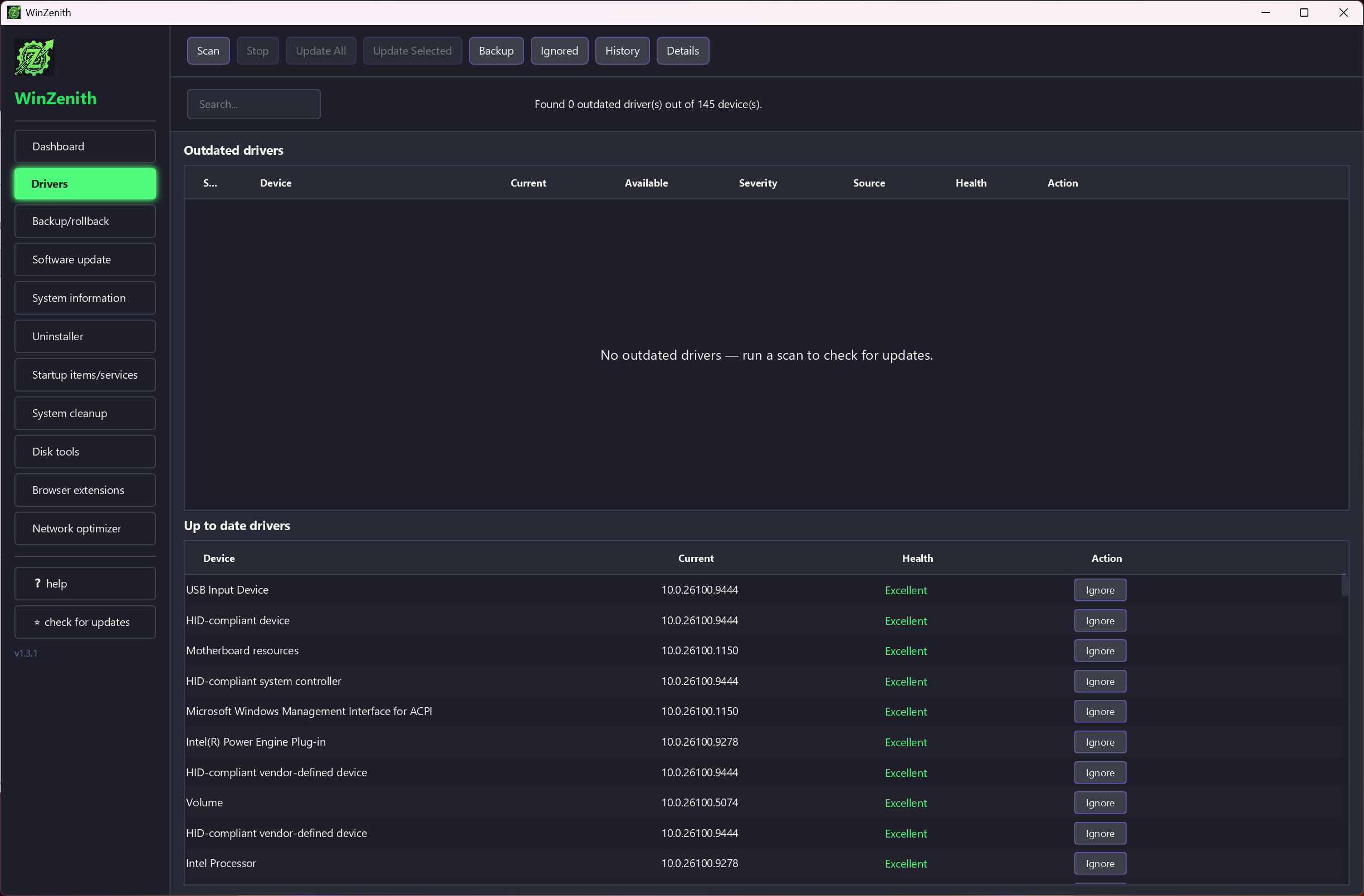
The WinZenith driver updater checks installed drivers against a dozen hardware makers’ catalogues, including the graphics, chipset and audio makers most machines depend on, and lists what is newer. Before it installs anything it can back up the current driver and create a system restore point, and a rollback tab restores the backup if the new driver misbehaves. Recent releases added validation and locking around that restore, which suggests early users needed it.
Driver updaters as a class are where optimisation suites earn their bad name, since a wrong match can take out a display or a network adapter. This one at least puts the safety net in front of you rather than behind a paywall.
Even so, a machine that works is a machine whose drivers do not need updating, and a driver tool that works from an offline pack remains the better choice when rebuilding a system from scratch. Use this one for a single stubborn device, with the backup ticked.
Software updates through winget
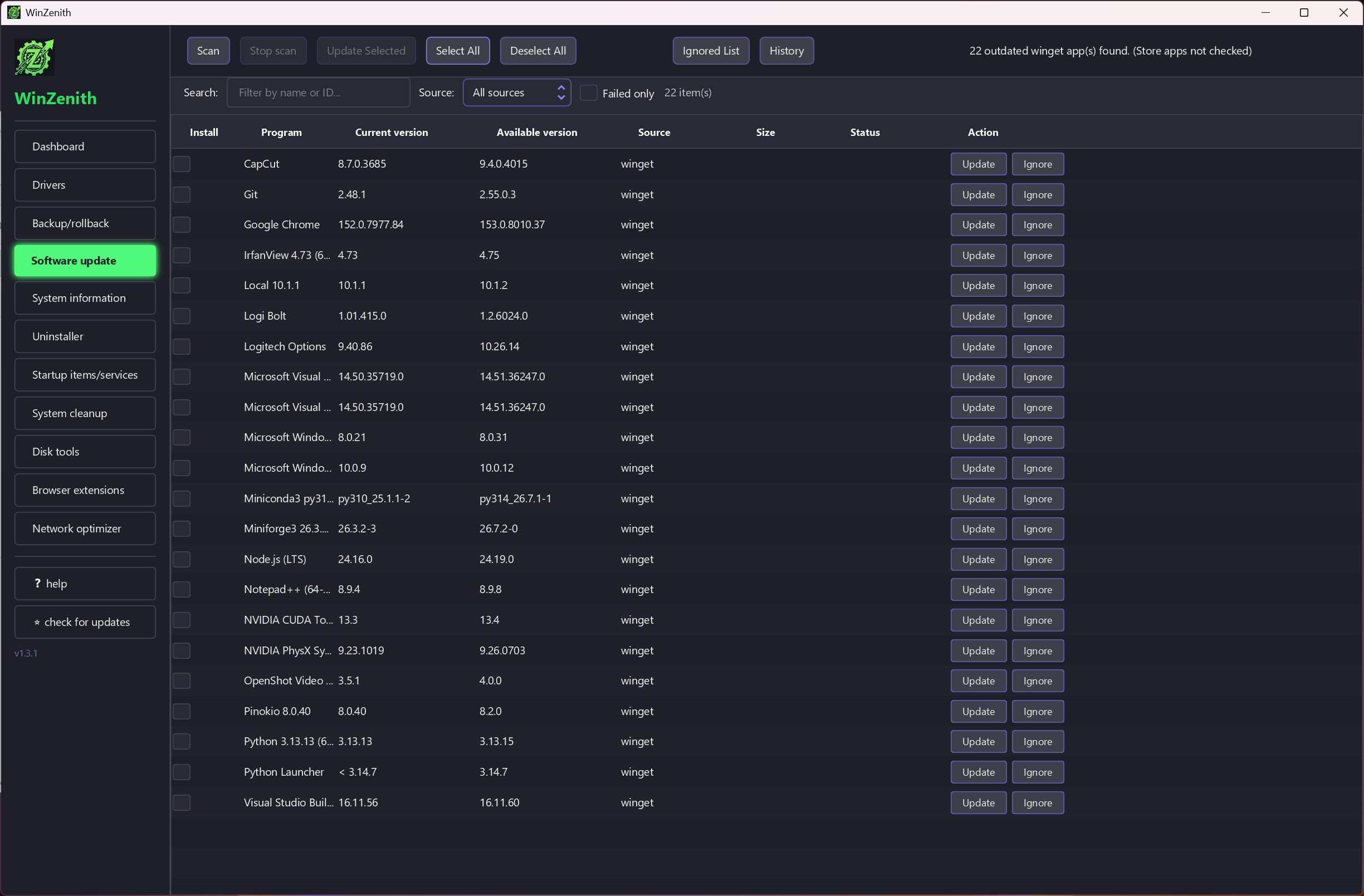
The WinZenith software updater does not maintain its own catalogue. It queries winget, the package manager built into the system, lists installed programs that have newer versions in that repository, and updates them in a batch with a progress bar and a history log. Search and filters narrow a long list, and pre-install checks stop an update that would replace a program installed from somewhere winget does not know about.
Because it leans on winget, the coverage is winget’s coverage, which is wide for mainstream software and patchy for niche tools, and any program installed outside the package system’s knowledge is invisible to it. The advantage is that nothing here downloads an installer from a third party.
The disadvantage is a list that is never quite complete.
Uninstaller, startup manager, disk tools
The uninstaller handles ordinary programs and store apps alike, runs the program’s own uninstaller and then sweeps for leftover files and folders and registry keys, keeping a history of what it removed. That is the same model as a dedicated uninstaller with leftover scanning, and the leftover pass here is competent if less thorough.
The startup manager lists autostart entries, scheduled tasks and services in one view, shows the last boot time, logs changes and can back up and restore the whole configuration.
Disk tools include a defragmenter with the classic coloured grid, useful only on spinning drives and rightly disabled for solid state, a 4K random read benchmark, a secure file shredder and a free space wipe.
The duplicate finder scans folders by content and lets you choose a rule for which copy to keep, newest, oldest or by location, before deleting the rest.
Browser extensions and the network tuner
Two WinZenith tools are unusual in a suite like this. The browser extension manager lists installed extensions across Chrome, Edge, Firefox, Brave, Opera and Vivaldi, and lets you disable or remove them from one place. It is a quick audit of what has crept into six browsers. The network optimiser adjusts adapter properties and DNS settings, takes snapshots of TCP tuning so changes can be reverted, and surveys nearby Wi-Fi networks for channel congestion.
These two are also the youngest parts of the program, and it shows. Labels changed between recent releases, Wi-Fi adapter detection needed a fix, and the network tweaks are the sort that rarely produce a measurable gain on a modern connection.
Treat them as a convenient view of settings rather than a performance tool. The whole program runs as administrator.
Because the executable is unsigned, the first launch produces a warning that has to be clicked through, normal for a small open source project and off-putting all the same.
Conclusion
WinZenith is for the person who wants the cleaner, the uninstaller, the startup manager and the update checks in one place without the advertising and the scare tactics of the commercial suites. It also assumes they are comfortable leaving the registry cleaner and the network tweaks alone. The winget-based updater and the leftover sweep are its two best ideas.
It is not yet a replacement for the specialist tools in each category, and the newest modules need a few more releases. Anyone who keeps a small kit of single-purpose utilities will lose nothing by keeping it. Anyone who wants one window and no upsells has a real option for the first time in a while.
Pros & Cons
- Eleven tools in one portable window with no ads and public source code
- Driver updates with backup and restore point before anything installs
- Software updates through the built-in package manager, not third-party installers
- Uninstaller sweeps leftovers for both desktop and store apps
- Startup manager covers scheduled tasks and services with backup
- New project, with the network and extension tools still settling
- Registry cleaner is present and should be left off
- Software updates cover only what winget knows about
- Unsigned executable triggers a warning on first run
- Driver updating carries the risks of the whole category
Frequently asked questions
The executable is not signed with a commercial certificate, so the system flags it as unrecognised. Choose the option to see more details and run anyway. The source code is public if you want to inspect it.
From winget, the system's own package manager. Programs that exist in that repository are updated through it. Programs installed from elsewhere are not listed.
Yes, if the backup option was on when you installed it. The Rollback tab restores the saved driver, and a restore point created at the same time offers a second route back.
No. Extract the archive to any folder and run the executable as administrator. Delete the folder to remove it.


