

Streamlabs Desktop


 (6 votes, average: 2.83 out of 5)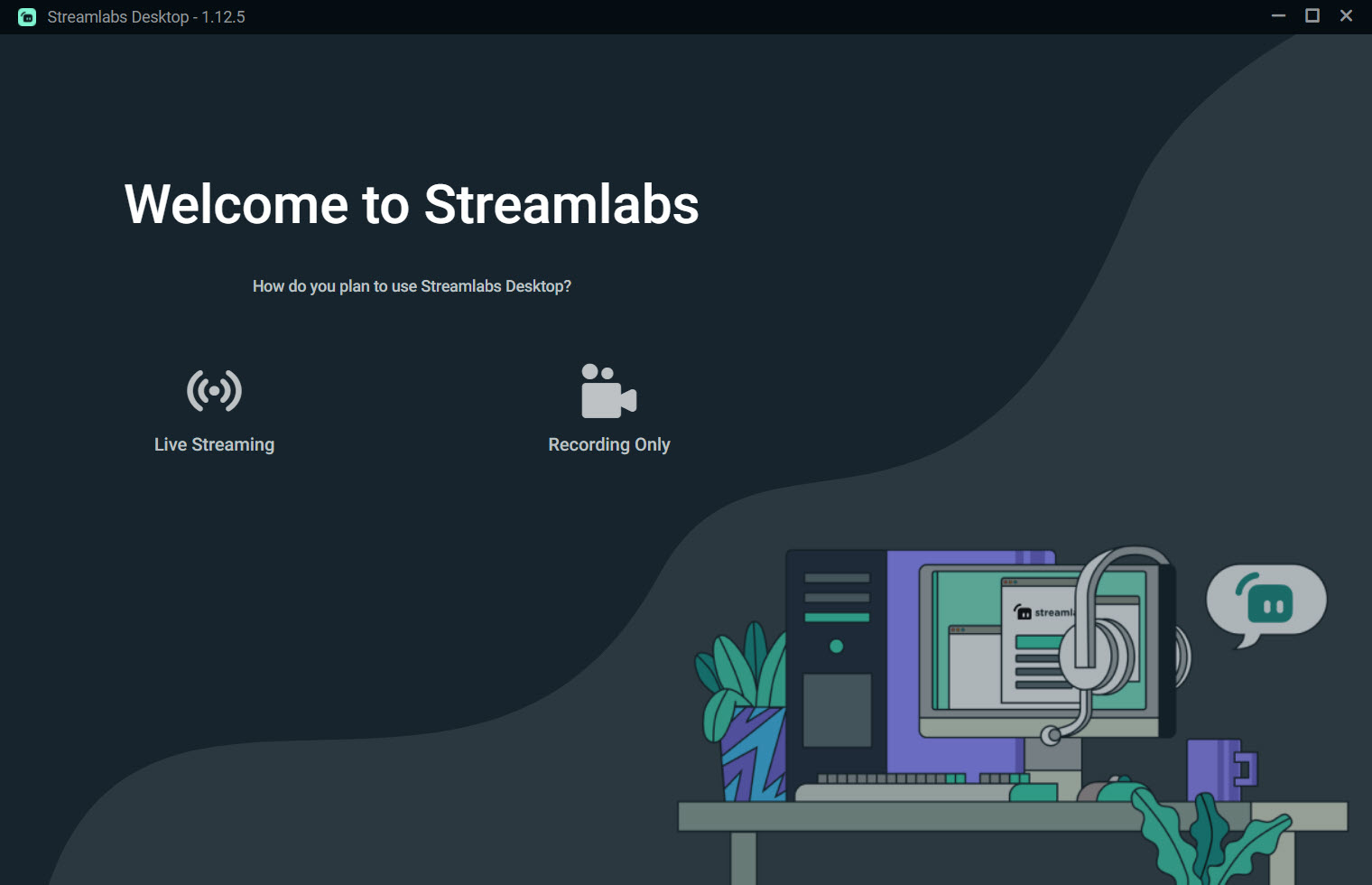
About Streamlabs Desktop
Streamlabs Desktop is a robust, user-friendly platform designed for live streaming and recording. Popular among gamers, podcasters, and professional broadcasters, it simplifies the process of going live and managing multi-source content for a professional, engaging presentation.
Fast Setup and Intuitive Interface
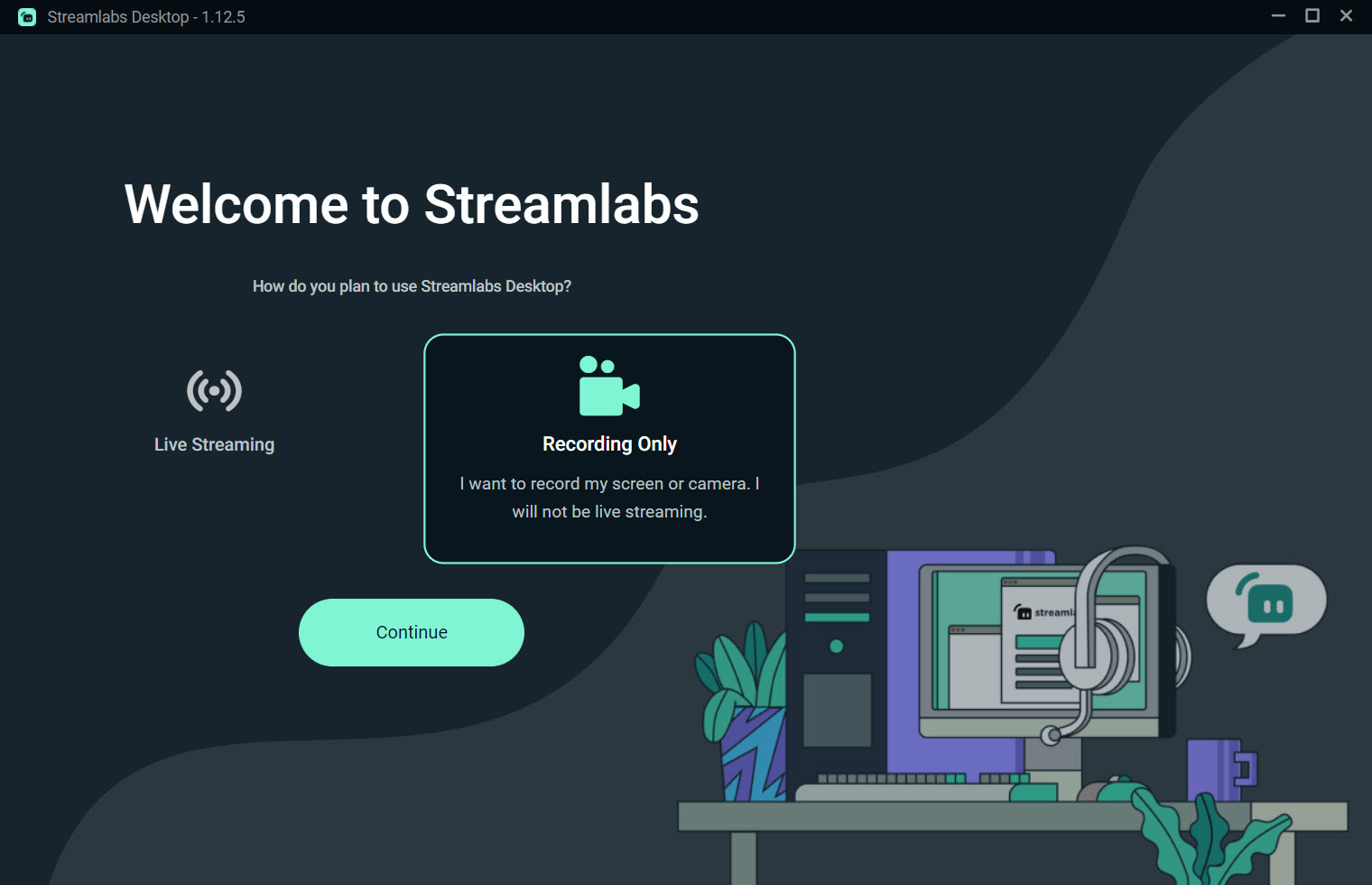
Getting started with Streamlabs Desktop is quick and straightforward. The software guides users through an automatic setup wizard, which detects hardware, optimizes settings, and lets you connect your streaming accounts within minutes.
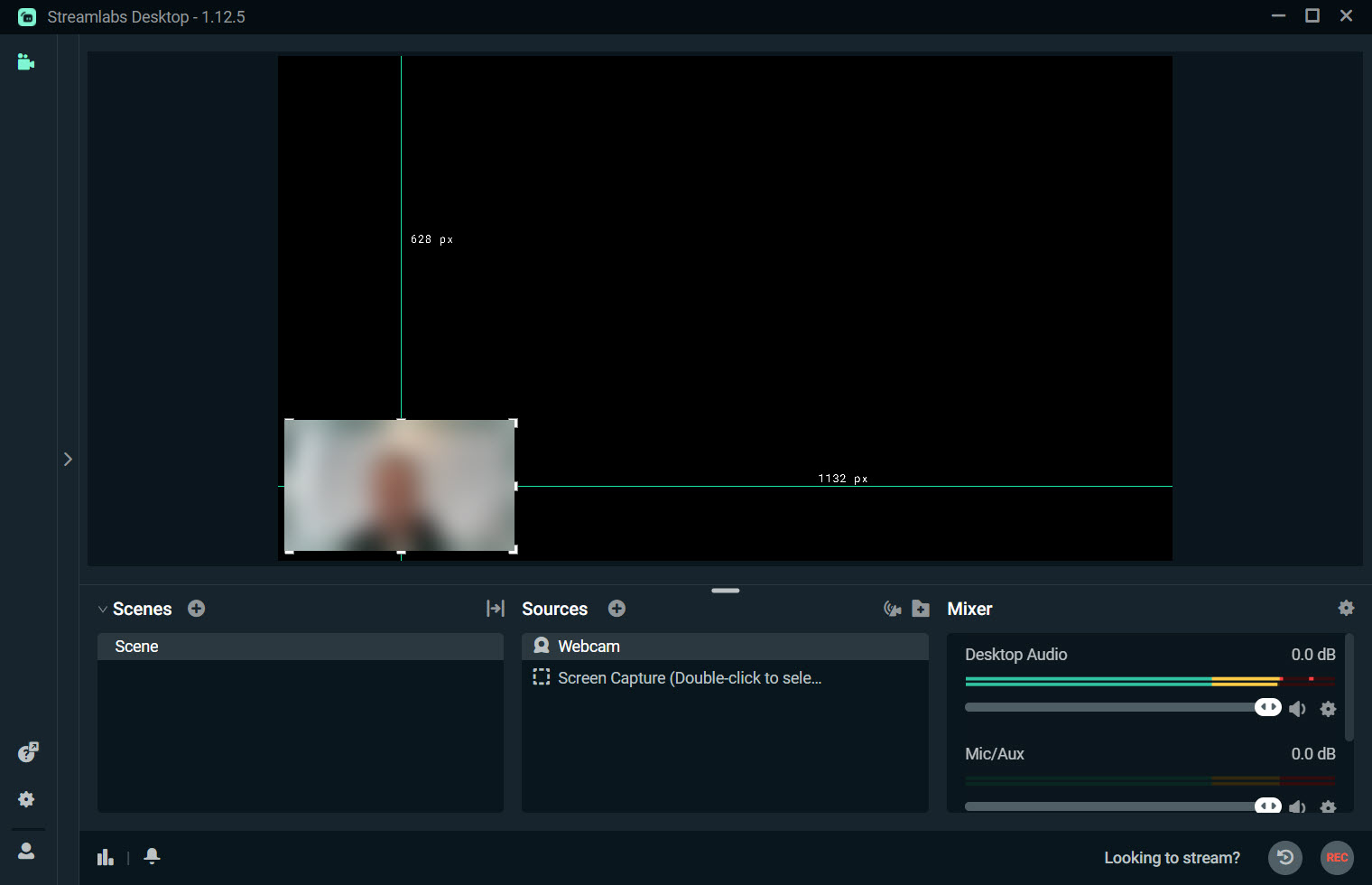
The interface is clean and modern, presenting your scenes, sources, and audio controls in an organized way.
You can easily drag and drop media, layer sources, and switch scenes. Real-time previews help ensure your content looks exactly how you want before your stream goes live.
Powerful Customization and Widget Integration
Streamlabs Desktop stands out for its deep customization options. You can personalize your broadcast with animated alerts, custom overlays, and a wide range of widgets.
These include chat boxes, donation notifications, follower and subscriber alerts, event lists, and more. Each widget is easy to configure and update, making your streams interactive and visually appealing.
Scene transitions, stinger animations, and filters help create smooth, professional broadcasts. The integrated layout editor lets you arrange all visual elements to suit your unique style and brand.
Advanced Features for Stream Management
This platform provides built-in tools for stream management, including performance monitoring, bitrate control, and resource usage tracking. With multi-streaming, you can broadcast to multiple platforms simultaneously, reaching a broader audience with a single click.
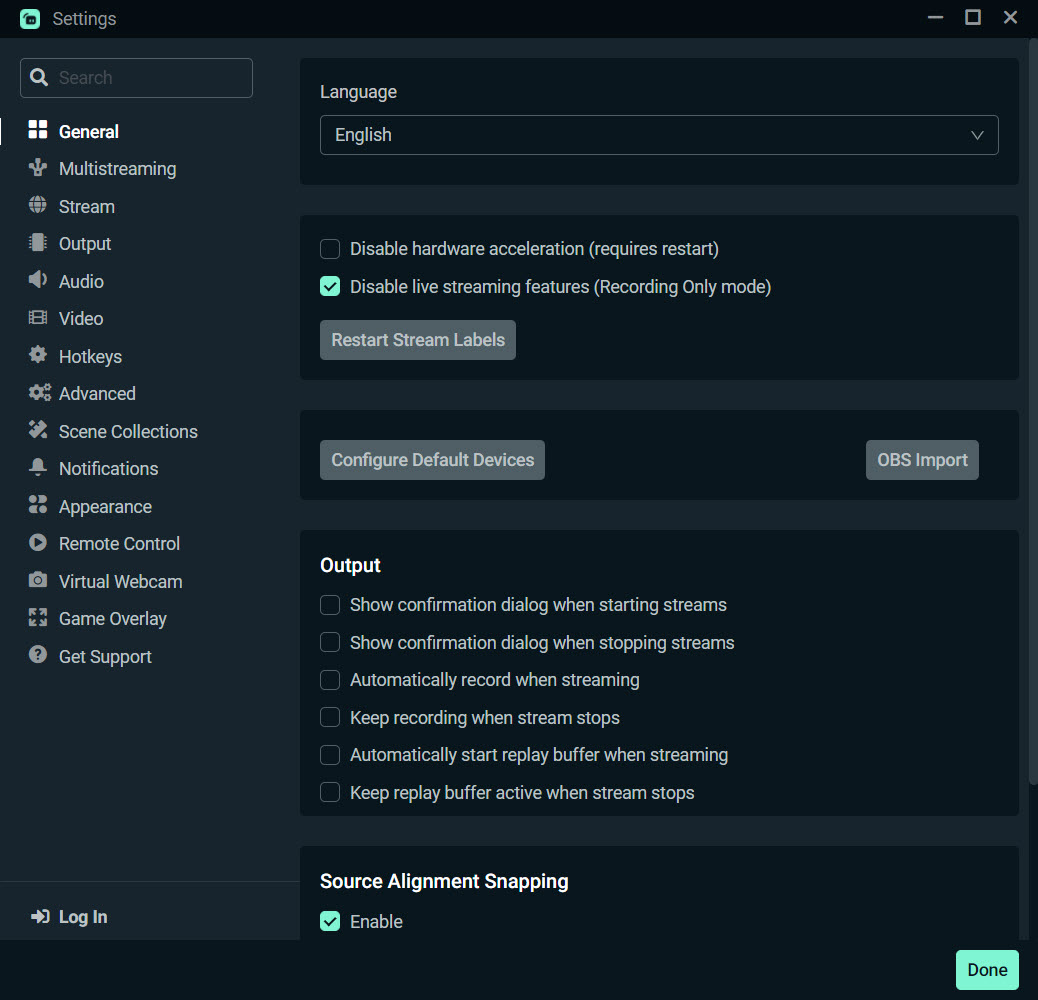
Integrated chat aggregation combines messages from all your streaming platforms in one place, so you never miss an interaction. The built-in recording function allows you to save your streams locally in high quality for later editing or upload.
Monetization and Community Engagement
Streamlabs Desktop is designed to help creators monetize their content and grow their audience. The app integrates with popular donation and tipping services, and includes tools for creating merchandise, tracking analytics, and rewarding loyal viewers.
Custom loyalty programs and built-in chatbot features help keep your audience engaged and coming back for more.
Conclusion
Streamlabs Desktop delivers a comprehensive, feature-rich solution for anyone looking to create high-quality live streams and recordings. With easy setup, powerful customization, and integrated monetization tools, it empowers content creators to build engaging broadcasts and connect with audiences across platforms.
For gamers, podcasters, and streamers alike, Streamlabs Desktop is a trusted choice for taking your content to the next level.
Pros & Cons
- All-in-one platform for live streaming and recording, suitable for all experience levels.
- Easy setup wizard and organized interface speed up getting started.
- Extensive widget library for overlays, alerts, and real-time audience interaction.
- Supports multi-streaming to multiple platforms at once.
- Built-in chat aggregator, performance monitoring, and resource tracking.
- Monetization tools, loyalty systems, and merchandise integration.
- Regular updates and a supportive creator community.
- Resource usage can be high on lower-end computers, especially with advanced overlays.
- Some advanced themes and features require a paid Prime subscription.
- Customization can be overwhelming for absolute beginners.
- Occasional compatibility issues with certain hardware or streaming services.
- Requires stable, high-speed internet for best results.
Frequently asked questions
Yes, multi-streaming support allows you to broadcast to different services simultaneously.
You can personalize your stream with a wide variety of widgets and animated overlays.
An integrated chat aggregator brings all audience messages into one view.
You have access to donation, tipping, merchandise, and loyalty program features.
High-quality local recording is included alongside live streaming.


